
For decades, the primary reason many households clung to their cable subscriptions was the news. The ability to flip on the TV and see breaking events unfold in real-time, or to settle in for your favorite nightly commentary, felt exclusive to traditional pay-TV. That exclusivity is gone. Today, the most robust news coverage is found online, often with better features and lower prices than your old cable box ever offered.
If you are a news addict looking to cut the cord, you have more options than ever. However, navigating the landscape of live TV streaming services—platforms that broadcast real-time television over the internet—can be confusing. Each service packages news networks differently. Some prioritize national commentary channels like CNN, Fox News, and MSNBC, while others focus on local broadcasting or international perspectives.
This guide will help you identify the perfect streaming setup to keep you informed without overpaying. We will analyze channel lineups, compare costs, and examine features like DVR capabilities to ensure you never miss a headline.
Understanding the News Streaming Landscape
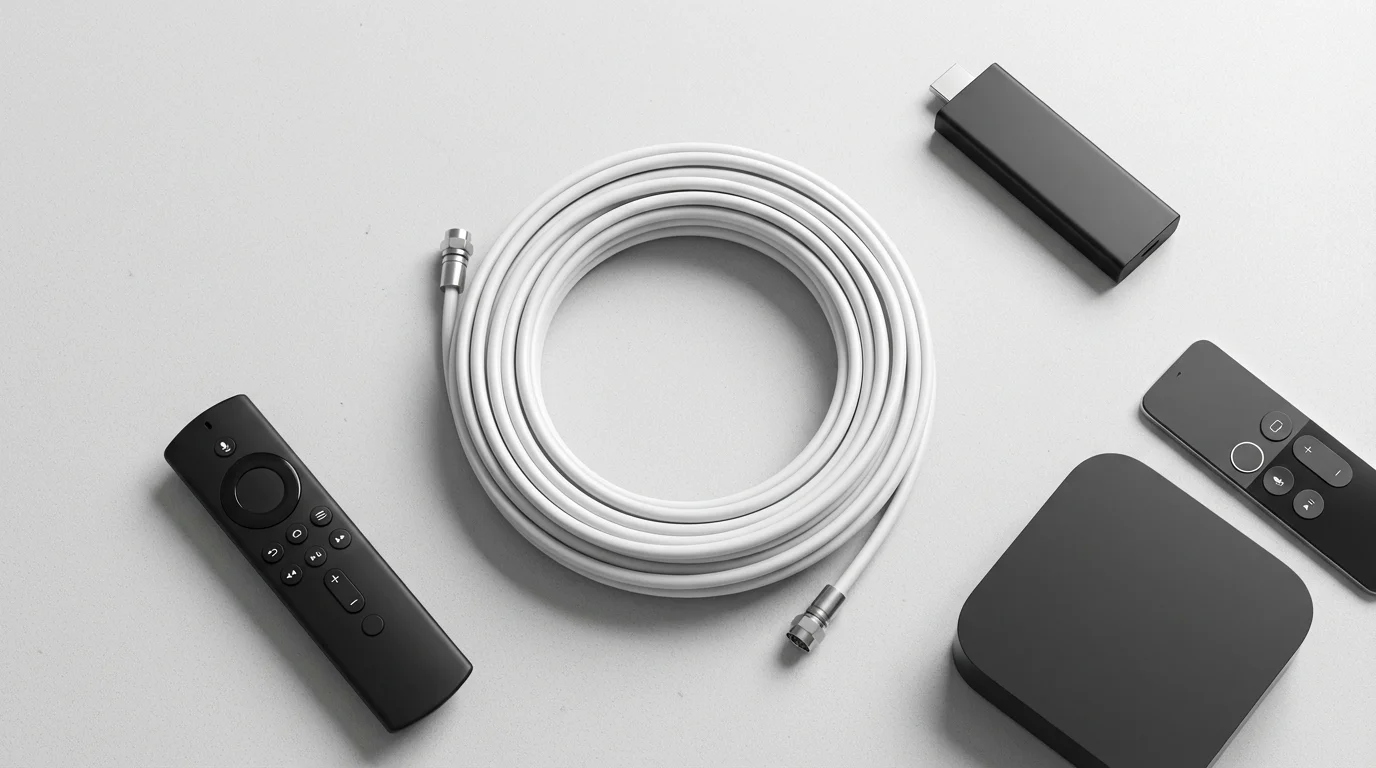
Before you subscribe, it helps to understand a few key terms. Cord-cutting refers to canceling traditional cable or satellite service in favor of internet-based alternatives. To do this, you usually need a smart TV (a television with internet apps built-in) or a streaming device (like a Roku, Amazon Fire TV Stick, or Apple TV) connected to your set.
When looking for news, you generally fall into one of two categories:
- The National Viewer: You primarily watch 24/7 cable news networks like CNN, Fox News, MSNBC, CNBC, or NewsNation.
- The Local Loyalist: You rely on your local ABC, CBS, NBC, or FOX affiliates for community weather, traffic, and regional politics.
Most premium live TV streaming services offer both, but availability varies by region. Unlike on-demand video (where you watch a library of movies whenever you want), live TV streaming services function just like a cable guide. You watch shows as they air.
According to Tom’s Guide, the top services have evolved to match cable nearly channel-for-channel, meaning you rarely have to sacrifice your preferred news sources to save money. However, the way these channels are bundled can significantly affect your monthly bill.
Comparison: Which Services Carry the Major Networks?
Not all services carry every news channel. The “Big Three” (CNN, Fox News, MSNBC) are widely available, but financial news, international news, and smaller independent networks often require specific packages or add-ons.
Here is a quick breakdown of news network availability across the major providers:
| Network | YouTube TV | Hulu + Live TV | Sling TV (Blue) | DirecTV Stream | Fubo |
|---|---|---|---|---|---|
| CNN | Yes | Yes | Yes | Yes | Yes (w/ Add-on) |
| Fox News | Yes | Yes | Yes | Yes | Yes |
| MSNBC | Yes | Yes | Yes | Yes | Yes |
| CNBC | Yes | Yes | No (Add-on needed) | Yes | Yes |
| BBC World News | Yes | No | No (Add-on needed) | Yes (Higher Tier) | No |
| NewsNation | Yes | Yes | Yes | Yes | Yes |
| Bloomberg | No (Add-on) | Yes | Yes | Yes (Higher Tier) | Yes |

YouTube TV: The Comprehensive Choice for News Junkies
If you want a singular solution that feels the most robust, YouTube TV is currently the market leader for news enthusiasts. It offers a single base plan that includes all major local networks (ABC, CBS, NBC, FOX) in almost every market in the US, alongside the major cable news heavyweights.
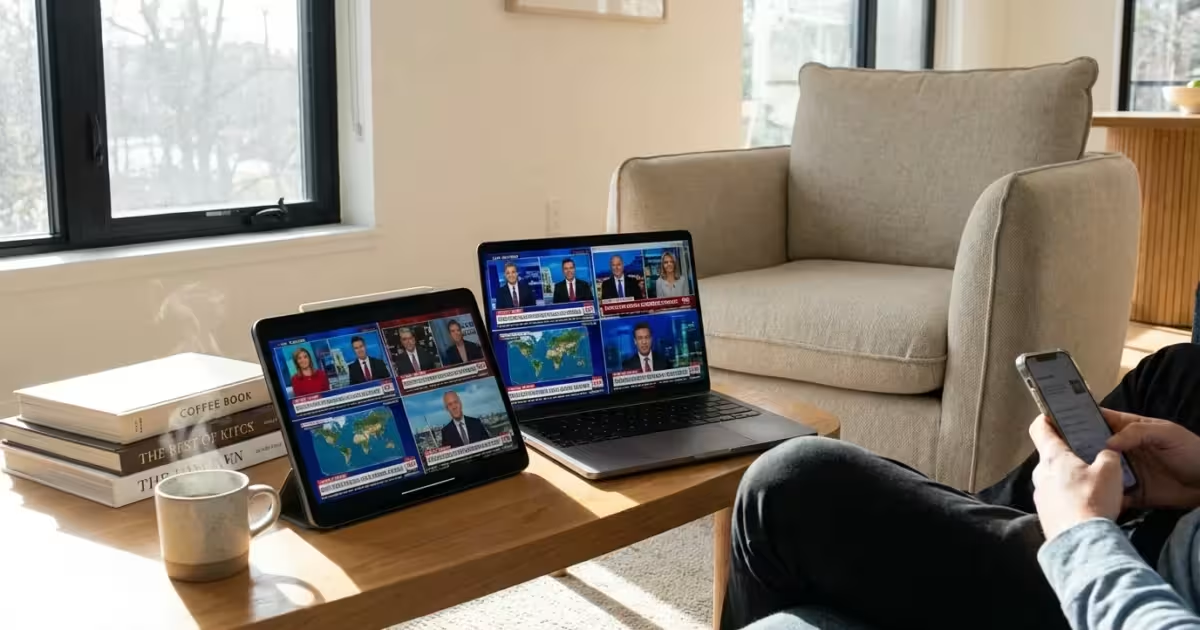
One feature that sets YouTube TV apart for news watchers is “Multiview.” Initially designed for sports, this feature allows you to watch up to four pre-selected streams simultaneously on your screen. During major political events, such as elections or breaking global news, YouTube TV often curates a Multiview with different news angles (e.g., watching the same event on CNN, Fox News, and MSNBC simultaneously).
Pros for News:
- Includes CNN, Fox News, MSNBC, CNBC, and BBC World News in the base price.
- Best-in-class local channel coverage.
- Unlimited Cloud DVR: You can record every nightly news broadcast and keep them for nine months.
Cons:
- The price has crept up over the years, making it one of the more expensive options (similar to Hulu + Live TV).

Sling TV: The Budget-Friendly Approach
Sling TV is the best option if you want to save money and are willing to be strategic about your channel choices. Sling splits its service into “Sling Orange” and “Sling Blue.”
For news addicts, Sling Blue is the correct choice. Sling Blue carries CNN, MSNBC, and Fox News. Sling Orange carries CNN but excludes the NBC and Fox-owned cable networks. If you subscribe to both (Orange + Blue), you get everything, but the price increases.
To get the most out of Sling, you will likely want the “News Extra” add-on. For a small additional monthly fee, this unlocks channels like BBC World News, NewsNation, and CNBC (which is surprisingly absent from the base Blue package). Even with the add-on, your total monthly cost is usually significantly lower than YouTube TV or Hulu.
“Sling TV offers a compelling value proposition, but its split-package model requires users to pay close attention to the channel lineup before signing up.” — Tech Streaming Analyst
Caution on Locals: Sling TV has limited coverage for local channels (ABC, NBC, Fox). In many areas, you may not get local channels at all through the app. Sling encourages users to pair their service with an HD Antenna for locals.
Hulu + Live TV: Bundling News with Entertainment
Hulu + Live TV is a powerhouse because of the bundle. When you subscribe, you don’t just get live news; you get the massive on-demand libraries of Hulu, Disney+, and ESPN+. If your household wants to watch the morning news but also keep the kids entertained with Disney cartoons, this is a strong value proposition.
For news specifically, Hulu + Live TV carries the essentials: CNN, Fox News, MSNBC, CNBC, and Fox Business. It also has excellent coverage of local affiliates. However, it lacks some international perspectives like BBC World News in its base package.
The interface can be a bit more cluttered than YouTube TV, focusing heavily on recommending on-demand content rather than just showing you a simple grid guide, though you can access a guide with a few clicks.

DirecTV Stream: The Familiar Cable Experience
If you are trying to convince a reluctant family member to cut the cord, DirecTV Stream is the path of least resistance. It offers a user interface that looks and feels exactly like traditional cable. You can even buy a proprietary remote control from them that has channel numbers, which is rare in the streaming world.
DirecTV Stream includes C-SPAN, which is often missing from other streaming services. For political junkies who want unfiltered access to congressional hearings, this is a major selling point. As CNET highlights, DirecTV Stream is a top pick for those who want a high volume of channels and regional sports networks, but you pay a premium price for that convenience.

How to Watch Local News Channels
National cable news is great for the big picture, but it won’t tell you about the school closures or traffic jams in your town. Accessing local channels (ABC, CBS, NBC, FOX, PBS) is a critical part of the cord-cutting equation.
1. Direct Subscription (YouTube TV, Hulu + Live TV, Fubo)
These services verify your location via your IP address and serve you the correct local affiliate. If you travel, the service will often detect your new location and switch you to the local news for that city temporarily.
2. The HD Antenna (Best for Budget)
If you choose Sling TV or decide not to subscribe to a live TV bundle at all, an HD antenna is your best friend. In most US cities, you can pull in major networks over the air for free in high definition. This signal is often uncompressed, meaning the picture quality is superior to what you get through cable or streaming.
3. NewsON and Local Now
Apps like NewsON and Local Now aggregate local news broadcasts from around the country. You can download these apps for free on your streaming device. They allow you to watch live newscasts or replays from hundreds of local stations. This is a fantastic option if you want to watch news from your hometown while living in a different state.

Free Streaming News: Saving Money with FAST Channels
If your budget is tight ($0), you can still watch 24/7 live news. This is made possible by FAST (Free Ad-Supported Streaming TV) services. Platforms like Pluto TV, The Roku Channel, Tubi, and Xumo Play offer robust news sections.
However, there is a catch. You usually cannot watch the primary “cable” feed of CNN or Fox News for free. Instead, you get their digital counterparts:
- NBC News Now: A dedicated 24/7 streaming news network from NBC. It features top anchors and live breaking news coverage.
- ABC News Live: Similar to NBC’s offering, providing continuous coverage and documentaries.
- CBS News 24/7: The streaming iteration of CBS news.
- LiveNow from FOX: A raw feed of breaking news events without the opinion commentary found on the main Fox News channel.
- Sky News: Excellent for international perspectives, often available for free on these platforms.
These channels are professional, high-quality, and completely free. For many viewers, combining an antenna for local news with these free apps is enough to stay fully informed without paying a monthly bill.

DVR and Features for the News Cycle
News is perishable—yesterday’s weather report isn’t very useful today. However, a DVR (Digital Video Recorder) is still vital for news addicts. You might want to record 60 Minutes, a prime-time town hall, or a daily commentary show that airs while you are commuting.
- YouTube TV: Offers unlimited cloud DVR. Your recordings are saved for 9 months. This is ideal if you want to “bank” episodes of a nightly show to binge over the weekend.
- Hulu + Live TV: Also offers unlimited DVR with your subscription.
- Sling TV: Comes with 50 hours of storage in the base plan. You can upgrade to 200 hours for a monthly fee. For news, 50 hours is usually sufficient since you likely delete episodes after watching.
- Audio-Only Mode: Some mobile apps (like YouTube TV) allow for background audio. This is a hidden gem for news junkies. You can listen to the live audio of the news while driving or walking the dog, essentially turning your TV subscription into a live radio feed.
Frequently Asked Questions
Is there a delay when streaming live news?
Yes. Streaming live TV over the internet generally has a delay of 20 to 60 seconds compared to cable or over-the-air broadcasts. For general viewing, this doesn’t matter. However, if you are watching a live event like a countdown or following real-time election returns alongside Twitter/X, you might notice the internet stream is slightly behind social media.
Can I watch CNN or Fox News without a subscription?
Generally, no. The main live feeds of CNN, Fox News, and MSNBC are “pay TV” channels. You need a subscription to a service like Sling, YouTube TV, or Hulu + Live TV to watch them legally. However, most of these networks offer free audio simulcasts on radio apps like TuneIn, and they offer separate “digital” channels (like LiveNow from FOX) for free.
Do these services include access to the network apps?
Yes. This is a feature called “TV Everywhere.” If you subscribe to YouTube TV or Hulu + Live TV, you can usually download the CNN app or Fox News app on your phone and log in using your streaming provider credentials. This allows you to watch content directly through the network’s own app.
What internet speed do I need for live news?
Live TV requires a stable connection. Consumer Reports suggests a speed of at least 25 Mbps for 4K streaming, though 5-10 Mbps is usually sufficient for a single HD stream of a news broadcast. If multiple people in your house are streaming simultaneously, you will want a faster connection (50+ Mbps).
Disclaimer: Live TV streaming prices and channel lineups change frequently. Local channel availability varies by location. Always use the free trial to verify your local channels are included before committing. Sports blackout rules may affect some live events.




Leave a Reply