

In today’s entertainment landscape, you face an overwhelming array of choices. Millions of households have embraced “cord-cutting,” canceling traditional cable or satellite TV in favor of streaming services. “Streaming” means watching video content over the internet, giving you on-demand access to a vast library of movies and shows. While this shift offers flexibility, the monthly bills for multiple subscriptions quickly add up, leading to “subscription creep”—the gradual accumulation of services you might not fully utilize. You can take control of your entertainment budget and maximize your viewing by adopting a smart “streaming rotation” strategy.
Learning how to manage multiple streaming subscriptions without going crazy is the first step toward reclaiming your budget.

What is Streaming Rotation and Why Does it Matter?
Streaming rotation involves subscribing to a few services at a time, watching the content you want, and then canceling those services to subscribe to others. You “cycle subscriptions” based on your current viewing interests, rather than keeping every service active year-round. This method directly addresses rising streaming costs and the common problem of paying for services you barely use.
Consider the average household. Many keep Netflix, Hulu, Disney+, and Max active simultaneously. At typical prices, this easily exceeds $40-$50 per month, totaling $480-$600 annually. A “streaming subscription rotation strategy” allows you to enjoy the specific content each service offers without the continuous financial drain. You might subscribe to Max for a month to binge a new series, then cancel and switch to Paramount+ the following month for its exclusives. This approach transforms a fixed expense into a flexible, on-demand cost, significantly helping you “save money streaming.”
The core benefit of streaming rotation is financial. Instead of paying for 12 months of a service to watch 3 months of content, you pay only for the months you actively use it. This strategy also encourages mindful consumption, preventing endless scrolling and encouraging you to focus on specific shows or movies you genuinely want to watch.

Your Blueprint for a Successful Streaming Rotation Strategy
Implementing a successful streaming rotation requires planning. Follow these steps to maximize your savings and enjoyment:
Timing is everything, so it helps to understand the best time to subscribe (and cancel) each streaming service based on release windows.
- Audit Your Current Subscriptions: List every streaming service you currently pay for. Identify which ones you use regularly and which sit idle.
- Identify Your “Must-Watch” Content: Make a list of shows, movies, or live events you absolutely want to see. Note which service hosts them and when new seasons or releases are scheduled. Use websites like Reelgood or JustWatch to track where content is available.
- Create a Viewing Calendar: Based on your must-watch list and content release schedules, map out which services you need for which months. For example, if a new season of a favorite show drops on Netflix in October, you activate Netflix for October. If Disney+ releases a new Marvel series in November, you switch to Disney+ for November.
- Prioritize Services: Decide which services you might keep year-round if they offer essential live TV (like Hulu + Live TV or YouTube TV) or if a specific bundle (like the Disney Bundle) provides continuous value. For most entertainment services, rotation works best.
- Set Reminders for Activation and Cancellation: This is crucial. Use calendar alerts or a dedicated app to remind you when to sign up for a service and, more importantly, when to cancel it before the next billing cycle.
Here’s a practical example of how you could “how to rotate streaming services save money” over a year, assuming an average monthly cost of $15 per service:
INFOGRAPHIC: Annual Streaming Savings Through Rotation
Scenario 1: Subscribing to 4 Services Year-Round (e.g., Netflix, Hulu, Max, Paramount+)
Average Monthly Cost per Service: $15
Total Monthly Cost: 4 services x $15 = $60
Total Annual Cost: $60 x 12 months = $720
Scenario 2: Rotating 4 Services, Using Each for 3 Months Annually (e.g., Netflix Q1, Hulu Q2, Max Q3, Paramount+ Q4)
Cost per Service (3 months): 3 x $15 = $45
Total Annual Cost: $45 x 4 services = $180
Total Annual Savings: $720 – $180 = $540
This infographic demonstrates significant potential savings when you cycle subscriptions instead of maintaining continuous access to all services.

Leveraging Free Trials and Annual Plans Strategically
Free trials offer an excellent way to sample new content or catch up on specific shows without commitment. Most services provide 7-day or 30-day trials. Use them wisely: sign up when you have dedicated viewing time and immediately set a calendar reminder to cancel before the trial period ends. Many people forget to cancel, resulting in an unexpected charge and defeating the purpose of a trial. You can often cancel immediately after signing up for a trial and still retain access for the full trial duration.
Annual plans present a different value proposition. Services often offer a discount if you pay for a full year upfront, essentially giving you one or two months free. For example, if a service costs $10 monthly ($120 annually), an annual plan might cost $100, saving you $20. This makes sense for services you use consistently throughout the year, like a comprehensive live TV streaming service or a platform that your entire household genuinely cannot live without. If you only plan to use a service for a few months out of the year, the monthly option remains more economical.
Consider this comparison:
| Service | Monthly Cost (Example) | Annual Cost (Example) | Monthly Equivalent of Annual Plan | Potential Annual Savings (vs. Month-to-Month) |
|---|---|---|---|---|
| Netflix (Premium) | $22.99 | N/A (no annual plan) | $22.99 | $0 |
| Hulu (Ad-Supported) | $7.99 | $79.99 | $6.67 | $15.89 |
| Disney+ (Premium) | $13.99 | $139.99 | $11.67 | $27.89 |
| Max (Ad-Free) | $16.99 | $169.99 | $14.17 | $33.89 |
| Paramount+ (Showtime) | $11.99 | $119.99 | $9.99 | $23.89 |
Note: These are example prices and may vary. Always check current pricing.
As you see, the annual savings can be substantial for services offering yearly plans. However, you only realize these savings if you intend to use the service for the entire year. If your goal is to “cycle subscriptions” and only use a service for a couple of months, stick to the monthly option.

Unlocking Savings: Bundles, Discounts, and Ad-Supported Tiers
Beyond rotation, several other strategies help you reduce your monthly streaming bill.
Bundle Deals
Streaming providers increasingly offer bundles. The most prominent example is the Disney Bundle, which combines Disney+, Hulu, and ESPN+ for a discounted monthly price compared to subscribing to each individually. For a household that wants access to all three, this bundle often provides significant savings. Other services also form partnerships, such as Paramount+ with Walmart+, which gives Walmart+ members access to the ad-supported tier of Paramount+. Always evaluate if you genuinely use all components of a bundle; an unused service, even if discounted, still costs money.
Student, Military, and Senior Discounts
Many streaming services offer special discounts for eligible groups. Students, military personnel, and sometimes seniors qualify for reduced monthly rates. Verification through services like ID.me or SheerID often applies. For instance, Hulu has offered a student discount, and services like Max and Paramount+ sometimes feature promotional rates for military families. Actively search for these discounts on the service’s website or through a quick online search to see if you qualify.
Ad-Supported Tiers
Most major streaming services now offer “ad-supported” tiers. These are free or cheaper plans that include commercials during playback, similar to traditional television. “Ad-free” plans cost more but eliminate commercials. For example, a service might cost $7.99 with ads and $14.99 without ads. Opting for the ad-supported tier can save you $7 per month on a single service. Over a year, this means $84 in savings. While commercials interrupt your viewing, many viewers find the cost savings outweigh the inconvenience. This is an excellent option for budget-conscious viewers who prioritize cost over uninterrupted viewing.
“Embracing ad-supported tiers can feel like a step back for those used to commercial-free streaming, but the monthly savings are tangible. For many, a few minutes of ads per hour is a small price to pay to keep entertainment costs down.”
Legal Account Sharing and Household Management
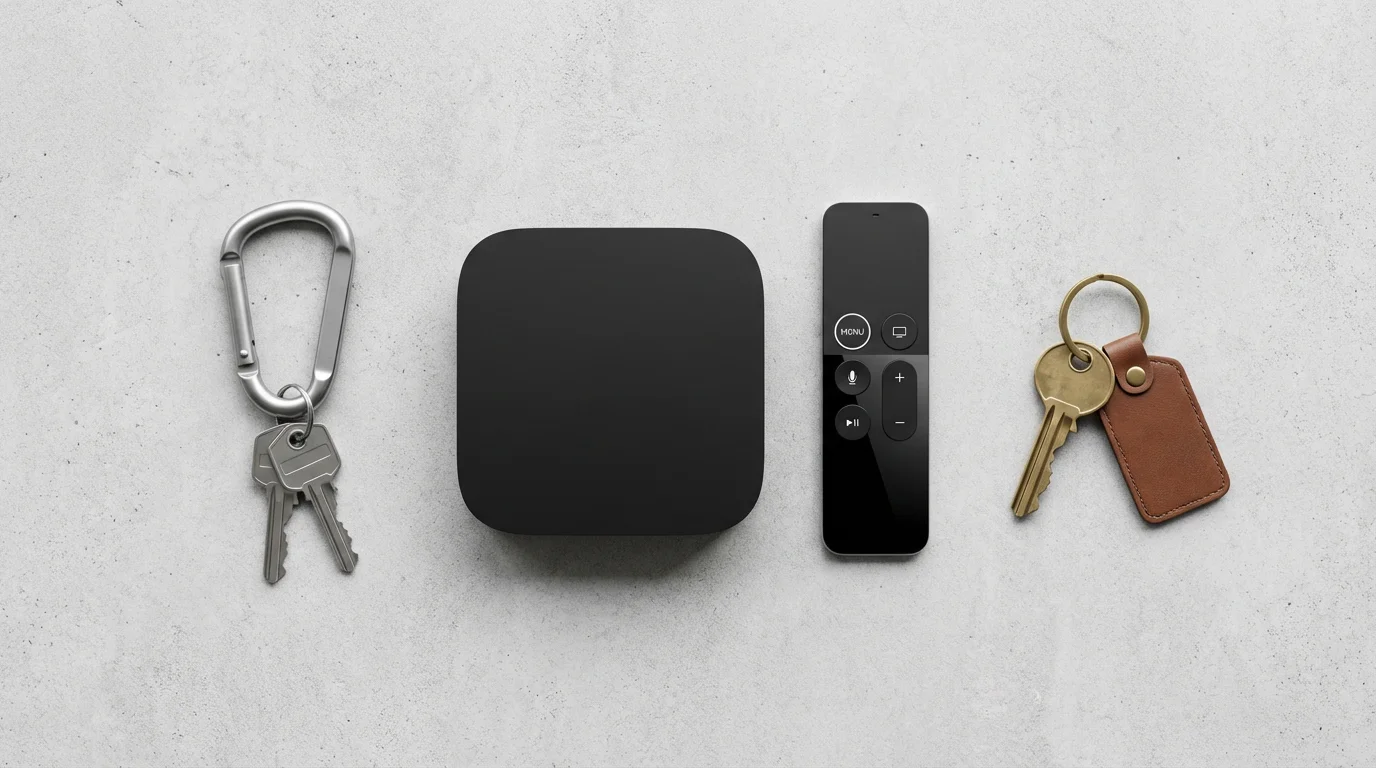
Sharing your streaming accounts can save money, but understanding the rules is crucial to avoid violating terms of service. Most streaming platforms define a “household” as a group of people living at the same primary residence. “Smart TV” is a television with built-in internet connection and apps, while a “streaming device” is a small box or stick (like Roku or Fire TV) that adds streaming capabilities to any TV. Services generally permit sharing within this household across multiple devices.
Netflix famously cracked down on password sharing outside the primary household, implementing measures that require devices to connect to the primary Wi-Fi network periodically. Other services, while perhaps not as strict, also enforce similar policies. Sharing with friends or family who live elsewhere usually violates these terms, leading to potential account suspension or requests for additional fees.
Within your legal household, maximize your account by:
- Creating Individual Profiles: Most services allow multiple user profiles. This keeps watch histories, recommendations, and parental controls separate for each family member.
- Utilizing Simultaneous Streams: Check your subscription tier. Premium plans often allow more simultaneous streams, meaning multiple family members can watch different content at the same time on different devices.
- Setting Up Parental Controls: For younger viewers, create kid-friendly profiles and set content restrictions. This brings us to our next point.

Optimizing Your Streaming Experience: Quality and Controls
Even with a budget-friendly approach, you want a smooth, high-quality streaming experience. Several factors influence this, from your internet speed to specific device settings.
Internet Speed and WiFi Placement
Your internet connection forms the backbone of your streaming experience. For standard definition (SD), 3-5 Mbps (megabits per second) usually suffices. For high definition (HD), aim for 5-8 Mbps. If you stream in 4K Ultra HD, especially on multiple devices, you need significantly more bandwidth, often 25 Mbps or higher per stream. Consult your internet service provider (ISP) if you experience buffering or poor quality.
Your WiFi router’s placement also matters. Centralize it in your home and keep it away from obstructions or other electronics that might cause interference. A strong, stable WiFi signal directly impacts streaming quality on your “smart TV” or “streaming device.”
“A good internet connection isn’t a luxury for streaming, it’s a necessity. If your picture keeps pixelating or buffering, check your internet speed first. Aim for at least 25 Mbps for a reliable 4K experience, especially if multiple devices are streaming simultaneously.” — CNET’s Guide to Internet Speeds. CNET provides excellent guides on recommended internet speeds for various streaming activities.
Device Settings and Data Usage
Most streaming devices and apps allow you to adjust video quality settings. While “Auto” usually works well, manually selecting a lower resolution (e.g., 720p instead of 4K) can conserve data, which helps if you have a data cap on your internet plan or are streaming on a mobile device. You might not even notice the difference on smaller screens.
For live TV streaming services that offer “DVR” (digital video recorder) functionality, which lets you record and watch shows later, ensure your device has sufficient storage if you use local DVR features, or understand the cloud storage limits if it’s a cloud-based DVR. “On-demand” content, meaning watch whatever you want, whenever you want, consumes data but does not typically require local storage.
Parental Controls and Kid-Friendly Profiles
Protecting children from inappropriate content is a top priority for families. Most streaming services offer robust parental control features:
- PIN Protection: Set a PIN to prevent kids from accessing profiles with mature content.
- Content Ratings: Restrict viewing based on movie and TV show ratings (G, PG, PG-13, R, TV-G, TV-MA, etc.).
- Kid Profiles: Create specific profiles that automatically filter content to be age-appropriate. These profiles often have simpler interfaces, making them easier for children to navigate.
Regularly review these settings, especially after service updates, to ensure they align with your family’s preferences.

Avoiding Subscription Creep and Hidden Traps
“Subscription creep” is the silent killer of your entertainment budget. It happens when you sign up for a free trial or a new service for a specific show, then forget to cancel, resulting in continuous monthly charges. Combat this with diligent management:
- Track Your Subscriptions: Maintain a simple spreadsheet or use a subscription management app (like Truebill or Mint) to list all your active services, their monthly cost, and their next billing date.
- Set Calendar Reminders: For every free trial or new subscription you activate, immediately set a calendar reminder for 2-3 days before the renewal date. This gives you time to decide whether to keep or cancel.
- Review Bank Statements: Periodically check your bank or credit card statements for unfamiliar charges. This helps you catch subscriptions you might have forgotten about.
- Be Wary of Auto-Renewals: Understand that most services automatically renew unless you explicitly cancel. Always confirm cancellation and look for confirmation emails.
- Spot Streaming Scams: Be cautious of emails or pop-ups asking for your login credentials or payment information, even if they appear to be from a legitimate streaming service. These are often phishing attempts designed to steal your account. Always go directly to the service’s official website or app to manage your account. The Better Business Bureau (BBB.org) provides resources on identifying and avoiding common online scams, including those targeting streaming users.
By staying organized and proactive, you retain control over your spending and truly “save money streaming.”
Frequently Asked Questions
Can I really save a lot of money with streaming rotation?
Yes, you can achieve significant savings. By only paying for services when you actively use them, you avoid continuous charges for idle subscriptions. For example, if you pay $15/month for four services all year ($720 annually), but rotate them to use each for only three months, your annual cost drops to $180, saving you $540.
How do I remember to cancel subscriptions on time?
Set digital calendar reminders for a few days before each subscription’s renewal date. Many subscription management apps also offer this feature, helping you track billing cycles and send timely alerts.
Is sharing my streaming account with family legal?
Most streaming services permit sharing within the same household, meaning people living at the same primary residence. Sharing outside your household, even with family members in a different location, typically violates the terms of service and can lead to account restrictions or additional fees.
What if a show I want to watch isn’t available for rotation?
Sometimes highly anticipated content has staggered releases or remains exclusive to a service for an extended period. In such cases, you might choose to subscribe for the duration of that content’s release, then cancel. Flexibility is key to effective streaming rotation.
Do ad-supported plans really save money, or are they just annoying?
Ad-supported plans offer genuine cost savings, often reducing your monthly bill by 30-50% compared to ad-free versions. While they include commercials, many viewers find the financial benefit outweighs the interruption, especially for services they rotate in and out.
Disclaimer: Streaming service terms and pricing change frequently. Always review current terms of service before implementing any money-saving strategies. Some tips may not work with all services or in all regions.









Leave a Reply