
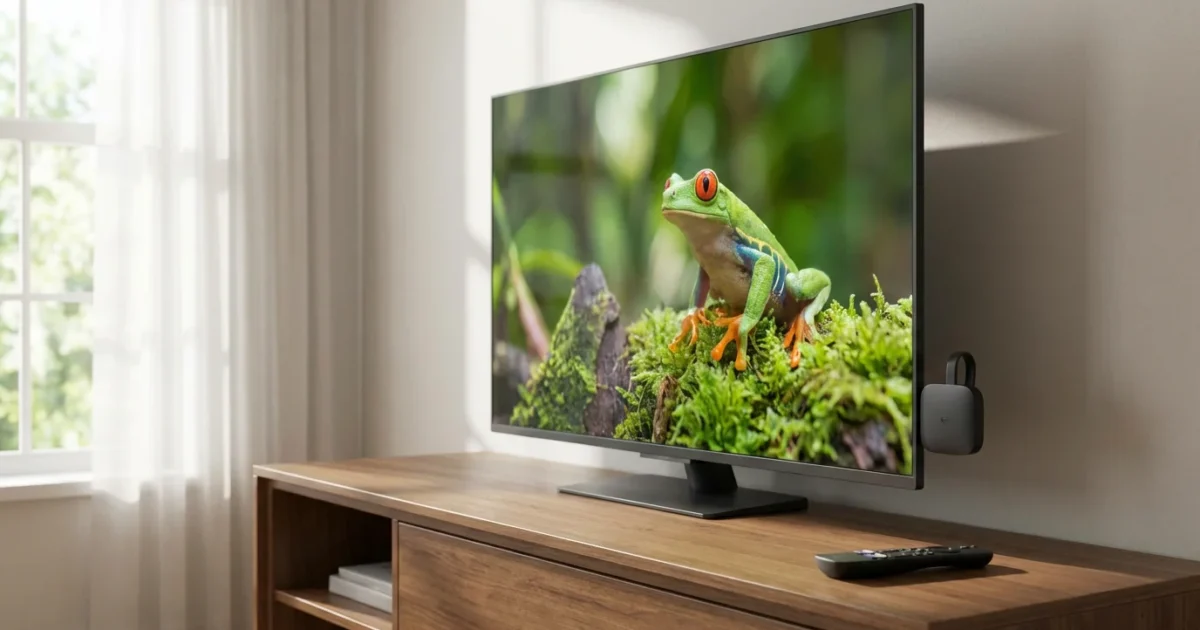
You want to cut the cord, save money on entertainment, and optimize your streaming setup. However, the sheer number of options often feels overwhelming. Do you really need an external streaming device if you already own a smart TV? This question plagues many cost-conscious viewers, and the answer, like many things in the world of streaming, depends on your specific needs, existing devices, and budget.
First, let’s clarify some key terms. When we talk about streaming, we mean watching video content over the internet instead of traditional cable or satellite TV. Cord-cutting refers to the act of canceling traditional cable or satellite TV in favor of these internet-based streaming services. A smart TV is a television with built-in internet connectivity and pre-installed or downloadable applications, allowing you to stream content directly. In contrast, an external streaming device, like a Roku or Fire TV Stick, is a small box or stick that plugs into your TV, adding streaming capabilities to any television, smart or not.
When Smart TV Apps Are Good Enough
Many people find their smart TV streaming experience perfectly acceptable. Modern smart TVs from brands like Samsung, LG, Sony, and Vizio come equipped with robust operating systems, often featuring popular streaming apps like Netflix, Hulu, Disney+, and YouTube pre-installed. For casual viewers who primarily use a few major services, your smart TV’s built-in apps might serve you well.
Here are situations where relying solely on your smart TV makes sense:
- You own a newer, high-end smart TV. Premium smart TVs released in the last few years often boast powerful processors, quick app loading times, and excellent picture quality technologies like 4K, HDR10, and Dolby Vision.
- You use only a few popular apps. If your entertainment diet consists of Netflix and Max, your smart TV likely handles these without a hitch. You avoid an additional remote and another device to power.
- You prioritize simplicity. Some users prefer the uncluttered setup of using only their TV’s native interface.
- You are not sensitive to minor performance lags. If slight delays in menu navigation or app loading do not bother you, your smart TV’s performance might suffice.
However, smart TV apps do have their drawbacks. Over time, manufacturers often stop updating older TV models, leading to app compatibility issues or slower performance. Less expensive smart TVs can also have sluggish processors, causing frustrating delays and crashes. According to Wirecutter’s streaming device guide, dedicated streaming devices generally offer a more consistent and up-to-date experience than smart TV apps.
Why an External Streaming Device Wins
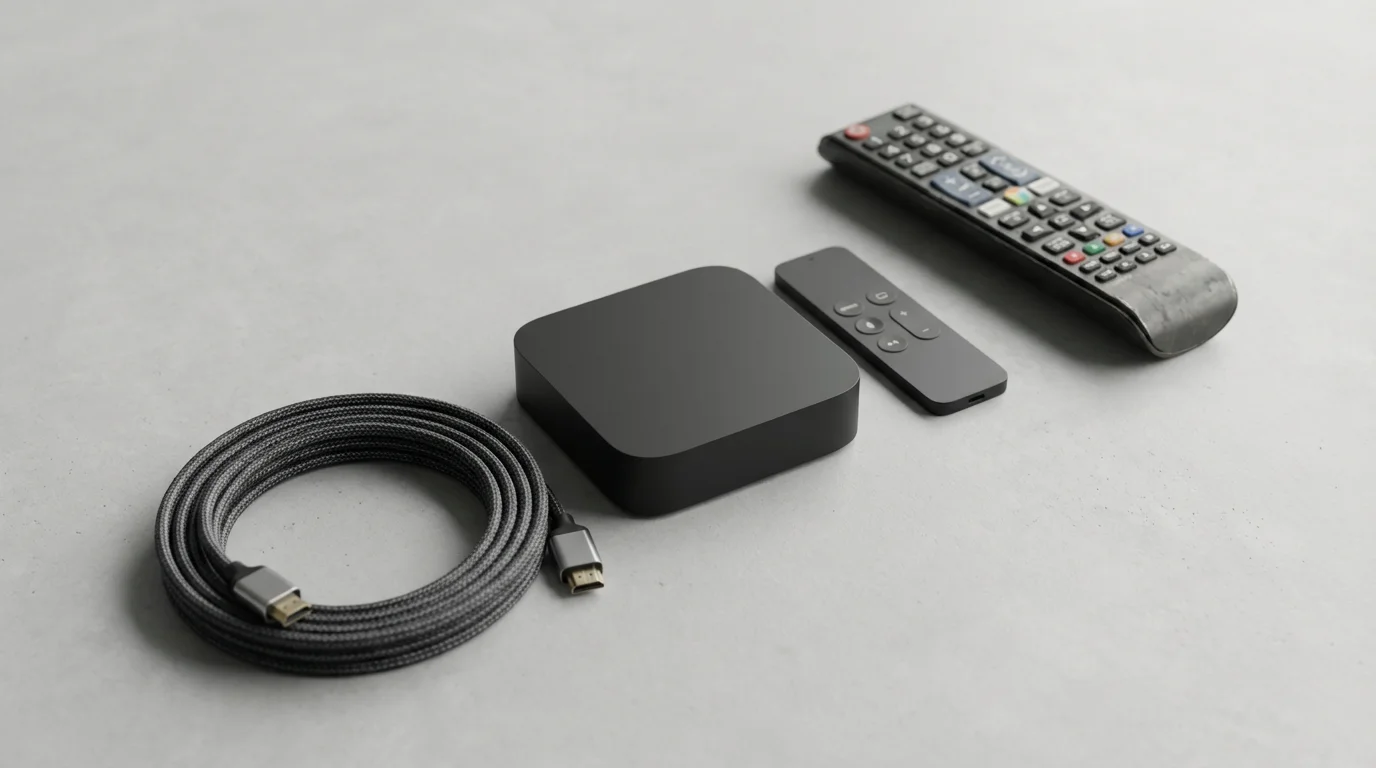
Despite the convenience of smart TV apps, an external streaming device offers significant advantages that often justify its purchase, even if you own a smart TV. These devices are purpose-built for streaming, prioritizing performance, feature sets, and long-term support.
If you decide to add one to your setup, our guide on how to set up your first streaming device will walk you through the entire process.
Here are compelling reasons to consider a dedicated device:
- Superior Performance: Streaming devices typically pack more powerful processors and more RAM than smart TVs, especially entry-level models. This translates to faster app loading, smoother navigation, and less buffering. You experience fewer crashes and a more responsive interface.
- Longer Lifespan for Updates: Manufacturers regularly update streaming devices with new features, app compatibility, and security patches. TV manufacturers, conversely, often abandon software updates for older smart TV models after just a few years. An external device ensures your streaming experience stays current, even if your TV ages.
- Broader App Selection: While smart TVs cover major apps, dedicated streaming platforms like Roku and Fire TV boast incredibly vast app libraries. You gain access to more niche services, local channels, and international content that your smart TV might not support.
- Advanced Features and Technologies: High-end streaming devices often lead the way in adopting new technologies. This includes support for the latest Wi-Fi standards like WiFi 6 for faster, more reliable connections, and advanced audio and video formats like Dolby Vision and Dolby Atmos. These superior devices ensure you get the best possible picture and sound from your content.
- User Interface and Ecosystem: Each streaming device brand offers a distinct user interface. Roku is known for its simplicity, Fire TV for its Amazon integration, and Apple TV for its seamless Apple ecosystem experience. You choose an interface that matches your preferences and existing tech.
- Privacy Control: Some streaming device platforms, like Apple TV, prioritize user privacy more than others. If you have concerns about data collection by TV manufacturers or certain platform providers, a specific streaming device can offer more peace of mind.
“A dedicated streaming device often acts as a future-proofing mechanism for your entertainment center, ensuring you always have access to the latest apps and performance, even if your smart TV’s internal system becomes outdated.”
Comparing the Top Streaming Devices
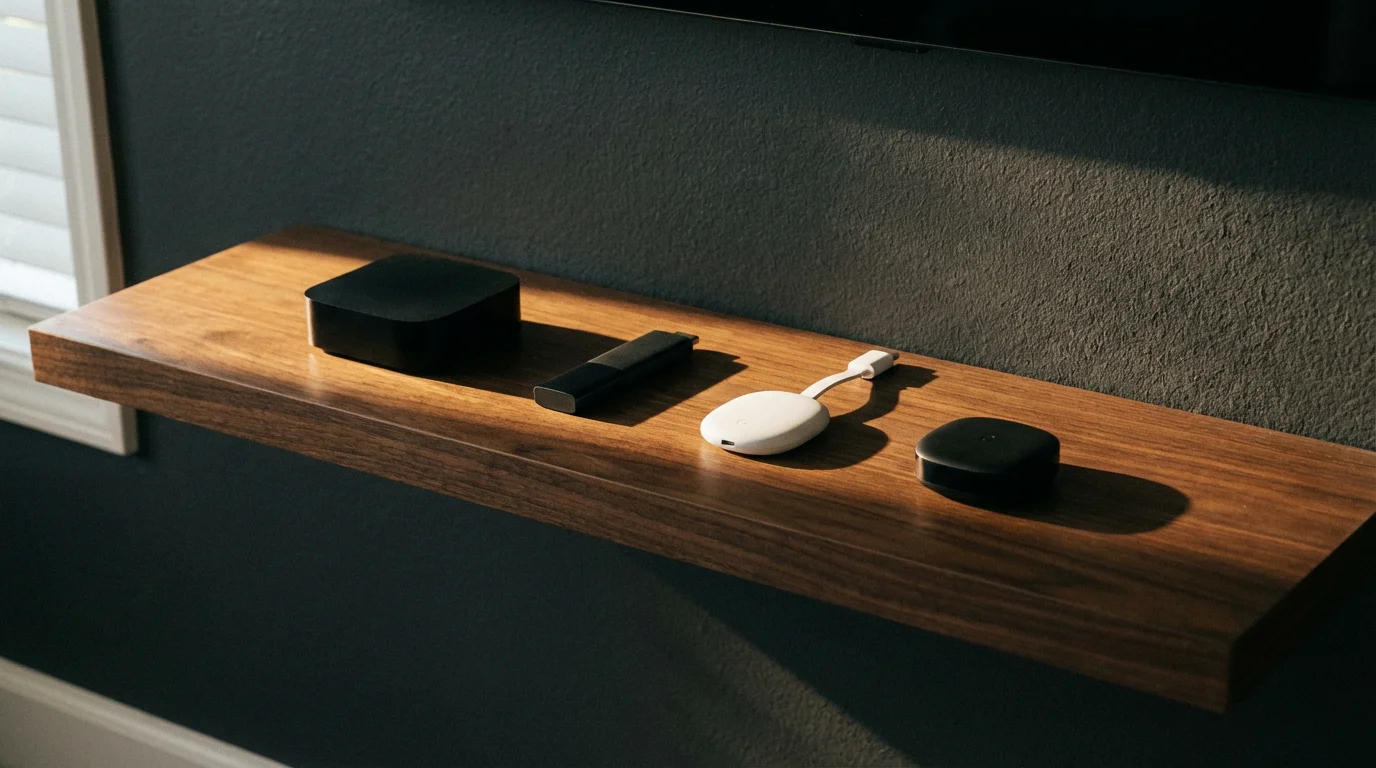
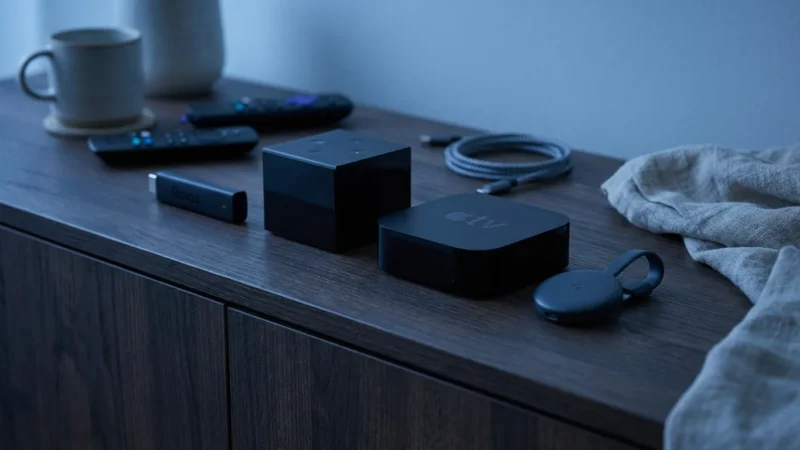
The market offers several excellent streaming devices, each with its strengths. We will focus on the most popular choices: Roku, Amazon Fire TV, Apple TV, and Chromecast with Google TV.
Roku Devices
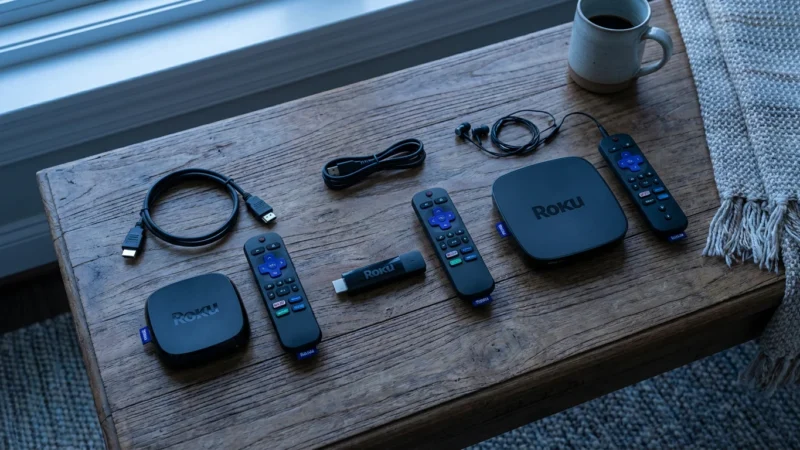
Roku offers a wide range of devices, from ultra-affordable sticks to powerful boxes. Its operating system is renowned for its simplicity and neutrality, giving you access to virtually every major streaming service without bias toward any content provider.
- Pros: User-friendly interface, extensive app library, excellent search functionality, diverse price points.
- Cons: Limited voice assistant capabilities compared to Amazon or Google, less integrated with other smart home ecosystems.
- Popular Models: Roku Express 4K+, Roku Streaming Stick 4K, Roku Ultra.
Amazon Fire TV Devices
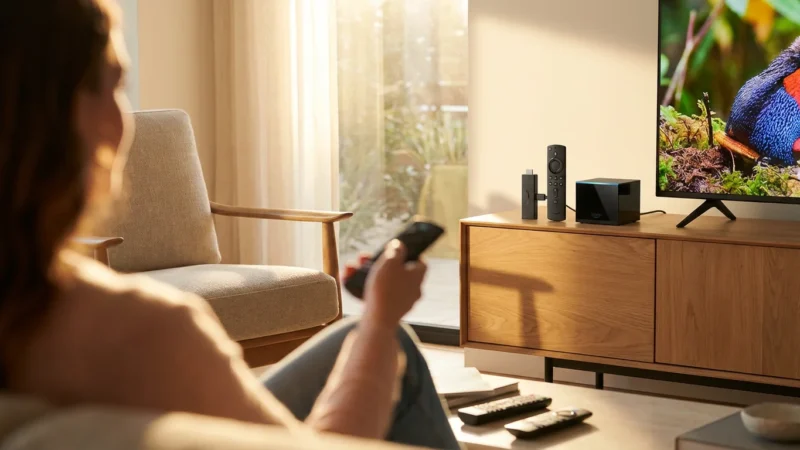
Amazon’s Fire TV devices are deeply integrated with the Amazon ecosystem, including Prime Video and Alexa voice control. They offer a content-forward interface that prioritizes Amazon’s offerings but still provides access to a wide array of other services.
- Pros: Powerful Alexa voice control, affordable options, strong Amazon Prime Video integration, gaming capabilities on higher-end models.
- Cons: Interface can feel crowded with Amazon content, some users find the amount of advertising intrusive.
- Popular Models: Fire TV Stick Lite, Fire TV Stick 4K Max, Fire TV Cube.
Apple TV
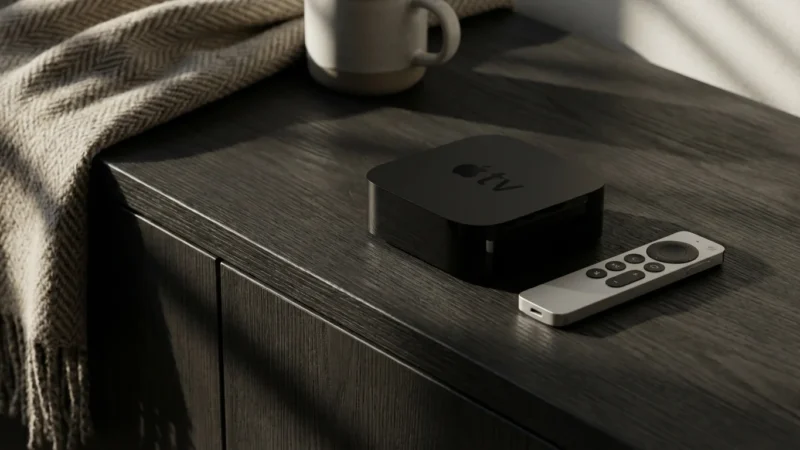
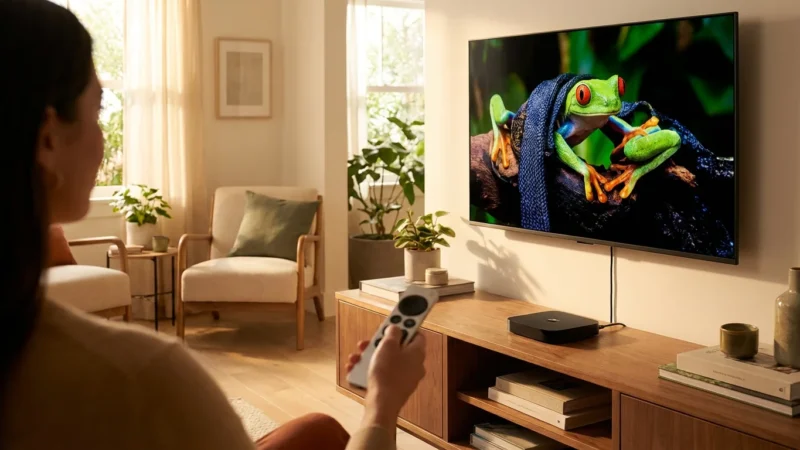
Apple TV devices are the premium choice for those invested in the Apple ecosystem. They offer unparalleled integration with Apple services, AirPlay, and HomeKit, alongside a sleek, responsive interface. The price point is generally higher than competitors.
- Pros: Superior performance, tight Apple ecosystem integration, excellent picture and sound quality, strong privacy features, great for Apple Arcade gaming.
- Cons: High price point, interface may feel less intuitive for non-Apple users, less focus on ad-supported free content.
- Popular Models: Apple TV 4K.
Chromecast with Google TV
Google’s latest Chromecast combines the casting functionality it’s famous for with a full operating system called Google TV. This brings a traditional remote and an app-centric interface, deeply integrated with Google Assistant and YouTube services.
- Pros: Excellent content aggregation from various services, powerful Google Assistant integration, supports casting from virtually any device, affordable 4K option.
- Cons: Interface can push Google/YouTube content, slightly less extensive app library than Roku in some niches.
- Popular Models: Chromecast with Google TV (4K), Chromecast with Google TV (HD).
Key Feature Comparison Table
Here is a comparison of crucial technical features. Understanding these terms helps you make an informed decision:
- 4K: Refers to a resolution of 3840 x 2160 pixels, offering four times the detail of 1080p Full HD. You need a 4K TV and 4K content to experience this.
- HDR10 (High Dynamic Range): Enhances picture quality by expanding the range of both color and contrast. HDR10 is an open standard.
- Dolby Vision: An advanced HDR format that optimizes picture quality scene-by-scene. It generally offers a superior visual experience compared to basic HDR10.
- Dolby Atmos: An immersive audio technology that creates a three-dimensional sound experience, allowing sounds to come from all directions, including overhead. This requires a compatible sound system.
- WiFi 6: The latest generation of Wi-Fi technology, offering faster speeds, lower latency, and better performance in congested network environments. This is particularly beneficial for high-bandwidth 4K streaming.
| Feature | Roku (e.g., Streaming Stick 4K) | Amazon Fire TV (e.g., Fire TV Stick 4K Max) | Apple TV (Apple TV 4K) | Chromecast with Google TV (4K) |
|---|---|---|---|---|
| Max Resolution | 4K UHD | 4K UHD | 4K UHD | 4K UHD |
| HDR Support | HDR10, HDR10+, Dolby Vision | HDR10, HDR10+, Dolby Vision | HDR10, Dolby Vision, HLG | HDR10, HDR10+, Dolby Vision |
| Audio Support | Dolby Atmos (passthrough), DTS Digital Surround | Dolby Atmos, 7.1 surround sound | Dolby Atmos, Dolby Digital 7.1/5.1 | Dolby Atmos, Dolby Digital Plus |
| Wi-Fi Support | Wi-Fi 5 (AC) | Wi-Fi 6 (AX) | Wi-Fi 6 (AX) | Wi-Fi 5 (AC) |
| Voice Assistant | Roku Voice | Alexa | Siri | Google Assistant |
| Average Price (Approx.) | $40-$50 | $40-$60 | $129-$149 | $50-$60 |

Feature Deep Dive: What Really Matters
Remote Controls and Voice Assistant Integration
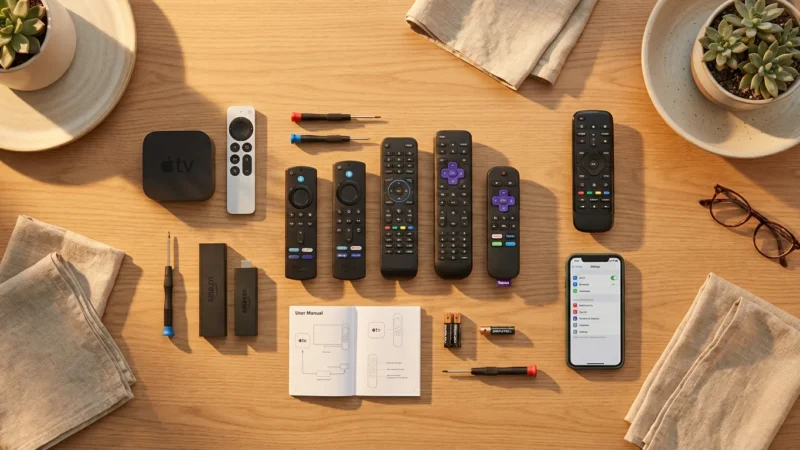
The remote control serves as your primary interface with the streaming world. Roku remotes are simple, intuitive, and often include dedicated buttons for popular services. Some Roku remotes also offer voice search through Roku Voice, which works well for finding content.
Amazon Fire TV remotes feature a prominent Alexa button. Alexa integrates deeply with the Fire TV experience, allowing you to launch apps, search for content, control smart home devices, and even check the weather using just your voice. This makes the Fire TV a strong contender for those who already use Alexa devices at home.
Apple TV’s Siri Remote is sleek and minimal, featuring a touch-enabled clickpad and a dedicated Siri button. Siri offers robust voice search and control, especially for content within the Apple ecosystem and HomeKit devices. For precise navigation, the touch surface is both a blessing and a curse for some users.
Chromecast with Google TV features a compact remote with a dedicated Google Assistant button. Google Assistant provides comprehensive voice control for searching across all your installed apps, playing specific content, and managing smart home devices, much like Alexa. The remote also includes dedicated YouTube and Netflix buttons, a convenience for many.
Streaming App Availability
For most mainstream services like Netflix, Hulu, Max, Disney+, and Prime Video, all major streaming devices offer full support. The differences become apparent with niche apps, local news services, or international content. Roku generally boasts the largest and most comprehensive app store, often being the first to adopt new streaming channels. Fire TV and Google TV also have extensive libraries, though they sometimes prioritize their own content. Apple TV’s app store is excellent, but occasionally a very specific, small-audience app might be absent, although this is rare for popular services.
Privacy Concerns
Data collection practices vary among manufacturers. Amazon and Google, whose ecosystems are tied to Fire TV and Chromecast with Google TV respectively, collect significant user data to personalize ads and improve services. While both offer privacy settings you can adjust, you remain within their data-driven ecosystems. Roku collects data to power its ad-supported streaming options and personalize recommendations. Apple, with its Apple TV, generally maintains a stronger stance on user privacy, collecting less data for targeted advertising. If data privacy is a top concern for you, Apple TV may offer the most peace of mind, though it comes at a higher price.

Price-to-Value Analysis: Your Budget, Your Best Pick
Your budget plays a significant role in choosing the right streaming device. You can find excellent options across various price points.
Under $30: Entry-Level Solutions
At this price point, you typically find basic HD streaming sticks or older generation models. These are ideal for secondary TVs, guest rooms, or if you only need access to a few basic streaming apps in standard definition or 1080p HD.
- Roku Express: Provides solid 1080p streaming with the intuitive Roku interface.
- Amazon Fire TV Stick Lite: Offers 1080p streaming with Alexa voice control.
Value here is high if your needs are minimal. However, these devices might feel slower, especially if your smart TV is already providing adequate performance.
$30-$50: The Sweet Spot for Most Users
This category represents the best value for most consumers, offering 4K HDR streaming, faster processors, and more advanced features. You get significant upgrades without breaking the bank.
- Roku Streaming Stick 4K/4K+: Excellent performance, full 4K HDR/Dolby Vision support, and a user-friendly experience. The 4K+ adds a rechargeable voice remote with a headphone jack.
- Amazon Fire TV Stick 4K Max: Delivers 4K HDR/Dolby Vision, Wi-Fi 6 support for faster connectivity, and robust Alexa integration. As CNET reports, it often competes favorably with more expensive options in terms of raw performance.
- Chromecast with Google TV (4K): Offers 4K HDR/Dolby Vision, Google TV interface, and powerful Google Assistant voice control.
For the average user seeking a substantial upgrade over basic smart TV apps, devices in this range offer the best price-to-performance ratio. You gain access to all the modern video and audio formats at an affordable cost.
$100-$150+: Premium Performance and Features
This tier offers the absolute best in streaming performance, often with additional features like Ethernet ports, faster storage, or gaming capabilities. These devices are for power users, Apple enthusiasts, or those who demand the fastest, most reliable experience.
- Apple TV 4K (latest generation): The ultimate choice for Apple users, offering unmatched speed, seamless integration with Apple services (AirPlay, HomeKit, Apple Arcade), and excellent picture/sound quality.
- Roku Ultra: Roku’s top-tier device, providing a wired Ethernet port, a lost remote finder, and a more robust remote with programmable buttons.
- Amazon Fire TV Cube: Combines a Fire TV streamer with an Echo Dot, offering hands-free Alexa control without a remote, plus an Ethernet port and advanced processing.
While more expensive, these premium devices deliver a buttery-smooth experience, making them ideal if you regularly stream 4K content, play games, or deeply integrate your streaming into a smart home ecosystem.
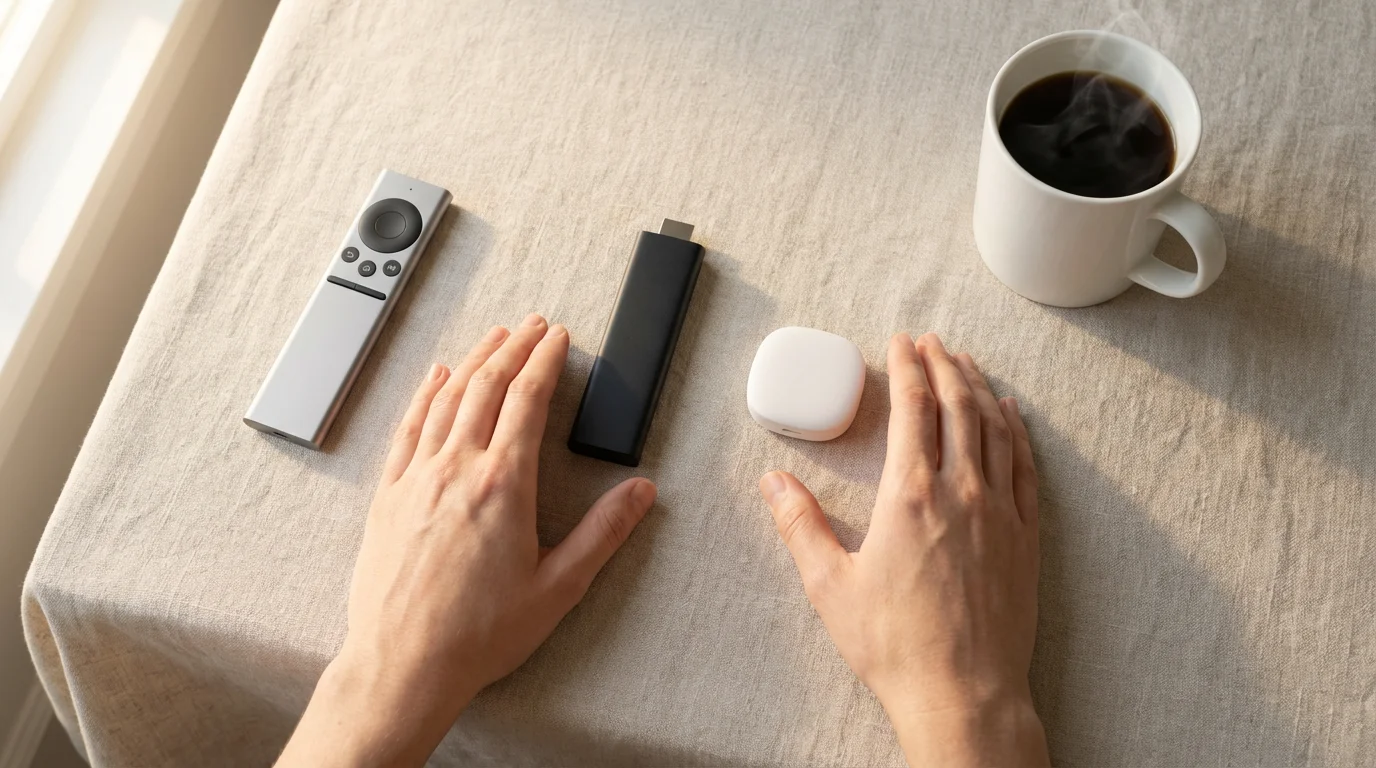
Choosing Your Champion: Best Devices for Specific Needs
The “best” device is subjective, depending on what you value most. Consider these recommendations based on common use cases:
Best for Budget Buyers: Roku Streaming Stick 4K or Chromecast with Google TV (4K)
Both offer exceptional 4K HDR streaming for under $50. The Roku provides simplicity, while Chromecast with Google TV integrates well if you are a heavy Google user and want Google Assistant. These are strong choices if your smart TV vs Roku Fire Stick decision comes down to cost and performance improvement.
Best for Apple Households: Apple TV 4K
If you own iPhones, iPads, Macs, and use Apple Music or Apple Arcade, the Apple TV 4K is your undeniable champion. Its seamless integration with AirPlay, HomeKit, and other Apple services provides an unmatched, cohesive experience.
Best for Amazon Prime Subscribers & Alexa Users: Amazon Fire TV Stick 4K Max or Fire TV Cube
Amazon’s devices offer deep integration with Prime Video, Amazon Music, and most importantly, Alexa. If you frequently use Alexa for smart home control or shopping, the Fire TV experience will feel natural and highly convenient.
Best for Sports Fans (especially Live TV): Any Premium 4K Device with Ethernet
Live sports streaming demands stable, high-bandwidth connections. A device with an Ethernet port, like the Apple TV 4K, Roku Ultra, or Fire TV Cube, minimizes buffering and latency, providing a smoother viewing experience. Look for services that offer ad-supported free trials or ad-free premium plans for live sports. Many live TV streaming services also include a DVR (digital video recorder) feature, allowing you to record and watch games later, much like traditional cable.
Best for Simplicity and Neutrality: Roku Streaming Stick 4K or Roku Ultra
Roku’s operating system remains the easiest to navigate, with a clear grid of apps and minimal clutter. It does not push any specific content provider, making it ideal if you want a straightforward gateway to all your streaming services.
Best for Content Discovery and Google Assistant Users: Chromecast with Google TV (4K)
Google TV excels at aggregating content from various services onto a single, personalized home screen. If you love discovering new shows and use Google Assistant for other tasks, this device streamlines your entertainment choices.
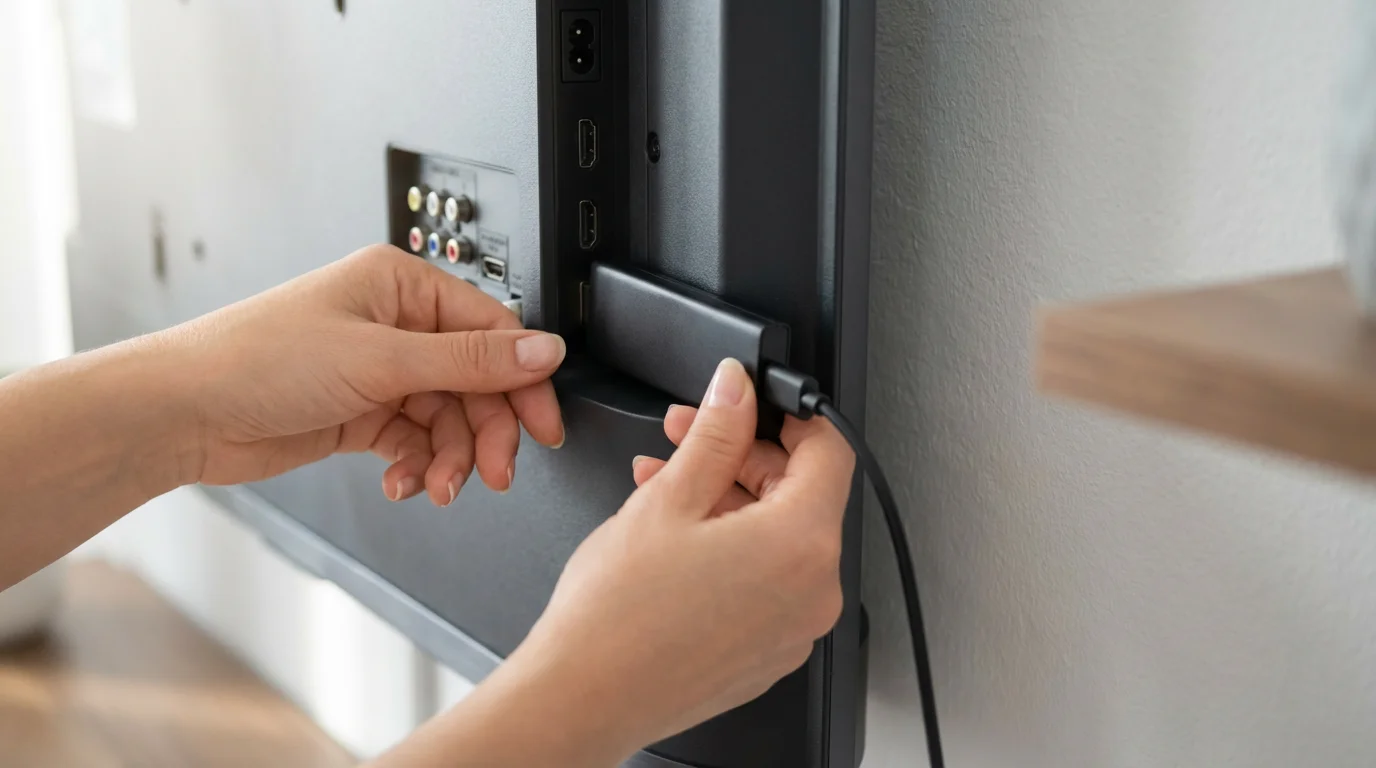
Setup Simplicity and Troubleshooting Tips
Setting up an external streaming device is generally straightforward:
- Plug It In: Connect the device to an HDMI port on your TV and plug it into power.
- Connect to Wi-Fi: Follow the on-screen instructions to connect to your home Wi-Fi network.
- Log In to Services: Download and log in to your preferred streaming apps.
Most devices guide you through this process with clear on-screen prompts. For troubleshooting common issues:
- Buffering or poor quality: Ensure your Wi-Fi signal is strong. Move the device closer to your router, use a Wi-Fi 6 device if your router supports it, or consider a wired Ethernet adapter if available for your device.
- Remote not responding: Replace batteries, or for rechargeable remotes, ensure it is charged. Re-pair the remote if necessary by following device-specific instructions.
- App crashes or sluggish performance: Restart the device (unplug it for 30 seconds, then plug it back in). Clear the app cache if your device’s settings allow it.
- No sound or picture: Check HDMI cable connections. Ensure your TV is on the correct HDMI input. Restart both the TV and the streaming device.

The Bottom Line: Do You Need Both?
The question of “do I need streaming device with smart TV” boils down to prioritizing experience over sheer functionality. While your smart TV provides basic streaming apps TV capabilities, a dedicated external streaming device almost always offers a superior, more reliable, and longer-lasting experience.
If you own a newer, high-end smart TV and only use a couple of major apps, you might be satisfied with its built-in functionality. For anyone else who wants faster performance, a wider app selection, better feature support, and a guarantee of future updates, an external streaming device is a worthwhile investment. It enhances your viewing experience, provides access to cutting-edge technologies, and ultimately saves you frustration in the long run.
Think of it this way: your smart TV provides the basic engine, but a dedicated streaming device upgrades that engine to a high-performance model, ensuring a smoother ride and access to all the latest routes. For most cord-cutters looking to optimize their entertainment and get the best value, adding an external streaming device makes perfect sense.
Frequently Asked Questions
Does a streaming device make my smart TV faster?
Yes, often significantly. Dedicated streaming devices typically feature more powerful processors and more memory than your smart TV’s built-in system. This results in faster app loading times, smoother menu navigation, and less buffering, leading to a much more responsive and enjoyable streaming experience.
Can I use my smart TV remote to control a streaming device?
Most modern smart TVs support HDMI-CEC (Consumer Electronics Control), which allows your TV remote to control basic functions of a connected streaming device, like power, volume, and playback. However, for full functionality, including voice search and specific app controls, you will likely need to use the streaming device’s dedicated remote.
Do I need an internet connection for a streaming device?
Absolutely. Streaming devices, by their very nature, require an active internet connection (usually Wi-Fi) to access online content from services like Netflix, Hulu, or YouTube. Without internet, they cannot stream anything.
Are there any hidden costs with streaming devices?
The primary cost is the device itself. After that, you pay for the streaming service subscriptions you choose (e.g., Netflix, Disney+). Many devices also offer free ad-supported content, but these will show commercials. There are no mandatory monthly fees for the device’s operating system itself.
What’s the difference between “on-demand” and live streaming?
On-demand content lets you watch specific movies or TV shows whenever you want, pausing, rewinding, or fast-forwarding at your leisure. Live streaming, however, broadcasts content in real-time, like traditional television, such as live sports or news. Many services offer both.
Disclaimer: Device prices and features may change. New models are released regularly, so check for the latest versions before purchasing. The “best” device depends on your specific needs, existing ecosystem (Apple, Google, Amazon), and budget.
Leave a Reply