
Travel offers new experiences, but it often brings a frustrating entertainment dilemma: unreliable hotel Wi-Fi, limited TV channels, and a lack of your favorite streaming apps. You pay for streaming services at home, so why should travel cut off access? This guide helps you navigate the options, identify the best portable streaming device for your needs, and ensures your entertainment travels with you.
Why You Need a Portable Streaming Device for Travel
Imagine settling into your hotel room after a long day of travel, only to find the TV offers a handful of cable channels you never watch. Your streaming subscriptions sit idly by, inaccessible. A portable streaming device solves this problem. It allows you to watch video content over the internet, giving you access to your personal library of movies, shows, and live sports from services like Netflix, Hulu, Disney+, and Max, wherever you go. These compact devices are perfect for hotel streaming, RV trips, or even visiting friends and family.
A streaming device, a small box or stick that adds streaming capabilities to any TV with an HDMI port, transforms any display into a personalized entertainment hub. It frees you from the limitations of hotel cable or unreliable smart TV apps, providing consistency and convenience. You maintain control over your viewing experience, turning any television into your home away from home entertainment center.
Understanding Hotel Wi-Fi and Connectivity Challenges
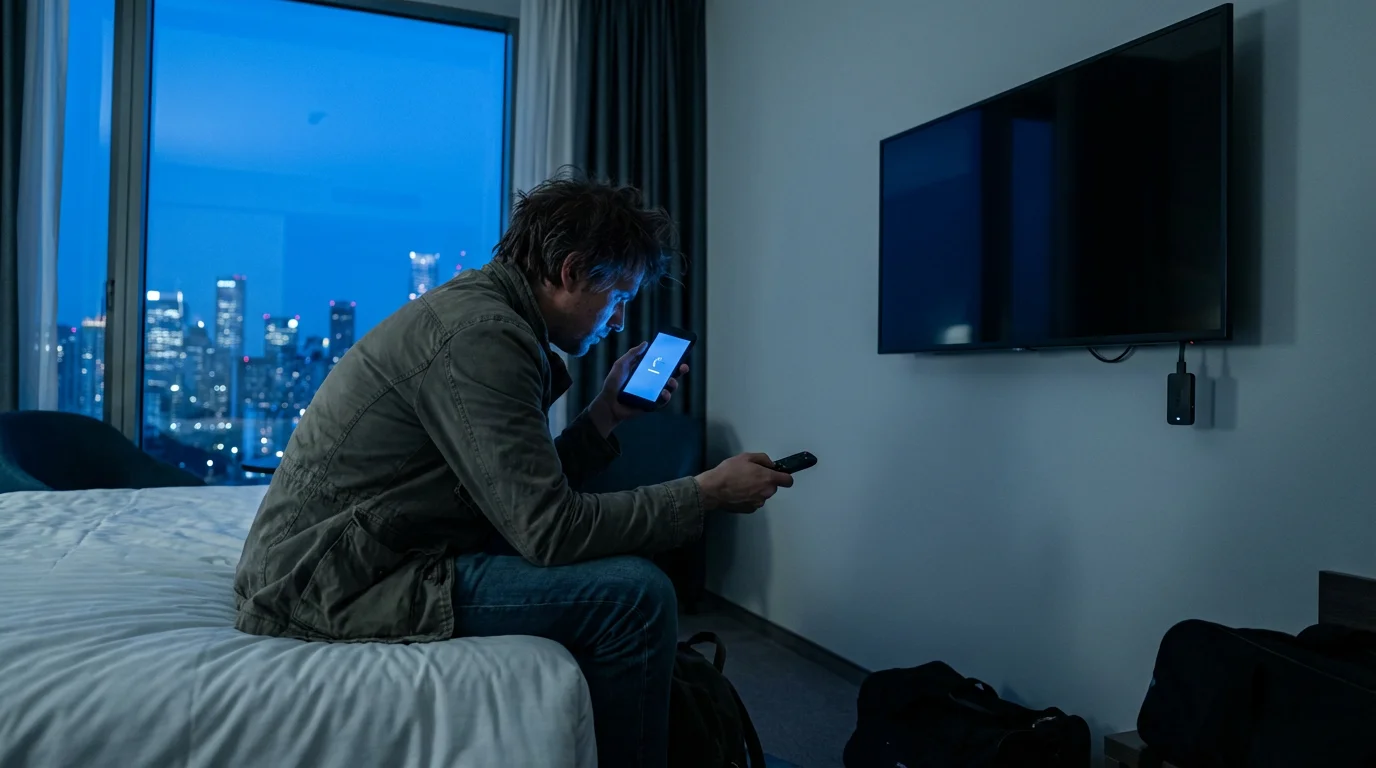
One of the biggest hurdles for travel streaming is connecting to hotel Wi-Fi. Many hotels use “captive portal” networks, which require you to open a web browser, enter your room number, last name, or a passcode before granting internet access. Standard streaming devices do not have a built-in web browser, making direct connection difficult. Some devices, like newer Roku and Fire TV Sticks, offer a “hotel and dorm connect” feature that simplifies this process by allowing you to authenticate via your smartphone or tablet.
Beyond the login process, hotel Wi-Fi often struggles with speed and reliability. High-definition streaming requires a stable connection, typically 5-10 Mbps for HD and 20-25 Mbps for 4K. Hotel networks often share bandwidth across many users, leading to buffering and frustrating interruptions. Consider packing a travel router or using your phone’s mobile hotspot as a backup, though be mindful of data limits.
“Never assume hotel Wi-Fi will be fast enough for seamless 4K streaming. Prepare for potential slowdowns and have a backup plan, like your phone’s hotspot, ready.”
Top Portable Streaming Devices for Your Travels
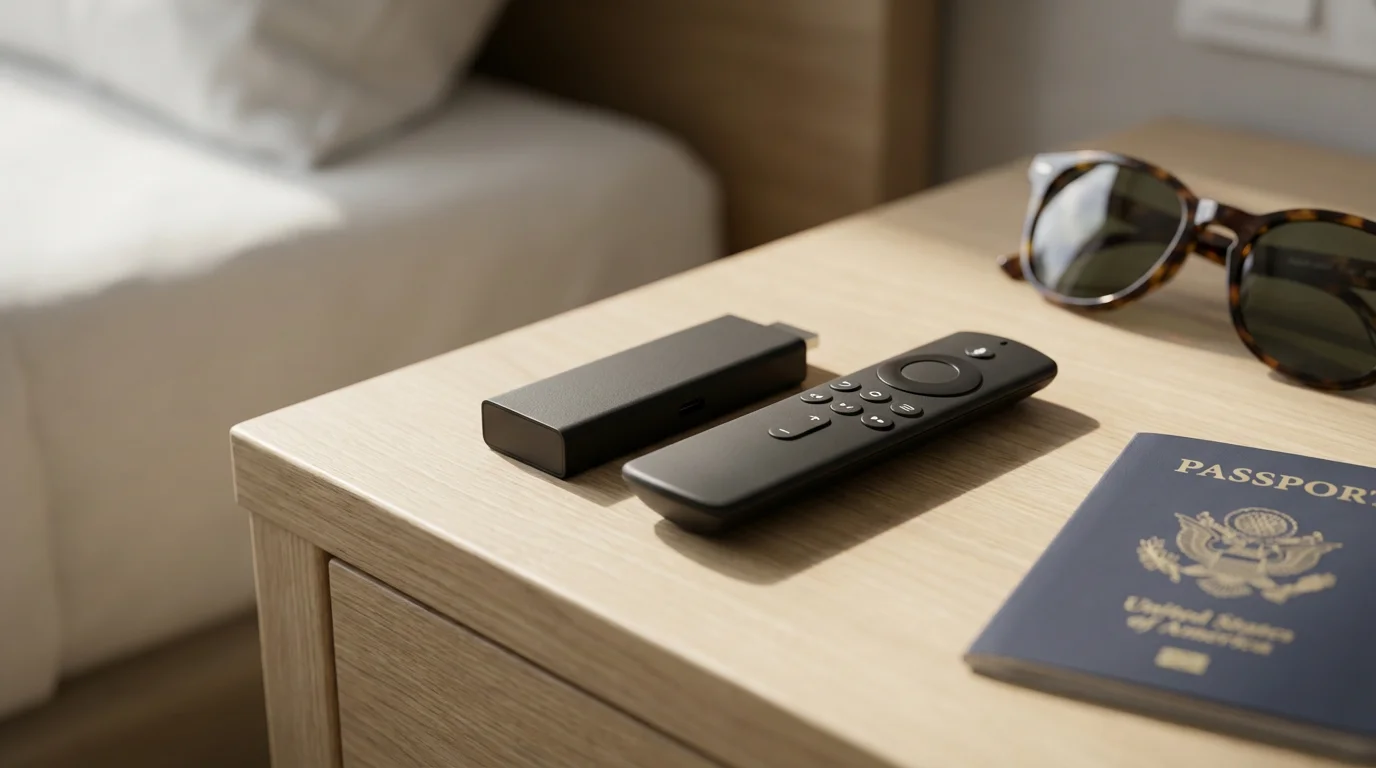
When selecting the best streaming device for travel, portability, ease of setup, and robust Wi-Fi capabilities are paramount. Here, we review the top contenders, highlighting their strengths and weaknesses for life on the road.
Roku Streaming Sticks: Simplicity and Broad Compatibility
Roku devices are renowned for their user-friendly interface and extensive app support. The Roku Streaming Stick 4K and Roku Streaming Stick 4K+ stand out as excellent portable streaming device options. They are compact, resembling a USB stick, and plug directly into your TV’s HDMI port.
- Pros:
- Exceptional Portability: Its stick design fits easily into any bag.
- Intuitive Interface: Roku’s simple menu structure makes finding content straightforward, even for first-time users.
- Broad App Support: Access virtually every major streaming service.
- Hotel and Dorm Connect: Newer models include a feature allowing you to connect to captive portal Wi-Fi networks using your phone.
- Excellent Value: Offers 4K, HDR, HDR10+, and Dolby Vision support at a competitive price point.
- Cons:
- Remote Design: While simple, some find the remote basic compared to others.
- Ad-Supported Interface: The home screen displays some ads.
- Best for: Travelers prioritizing ease of use, broad app compatibility, and reliability without a strong preference for a specific tech ecosystem (Apple, Google, Amazon). The Roku Streaming Stick 4K+ adds a rechargeable voice remote with a headphone jack for private listening, a huge plus for hotel rooms.
Amazon Fire TV Sticks: Power and Alexa Integration
Amazon Fire TV Sticks offer a powerful streaming experience, deeply integrated with the Amazon ecosystem and Alexa voice assistant. The Fire TV Stick 4K Max is a particularly strong choice for travel due to its enhanced performance and Wi-Fi capabilities.
- Pros:
- Compact Design: Similar to Roku, it’s a stick form factor that plugs directly into HDMI.
- Alexa Voice Remote: Easily search for content, control playback, and even check weather or manage smart home devices with voice commands.
- Strong Performance: The Fire TV Stick 4K Max boasts Wi-Fi 6 support for faster, more stable connections, a significant advantage on congested hotel networks.
- Wide App Selection: Supports popular streaming services.
- Hotel and Dorm Connect: Similar to Roku, it offers a browser-based connection method for hotel Wi-Fi.
- Cons:
- Amazon-Centric Interface: The interface heavily promotes Amazon content, which some users might find intrusive.
- Data Collection: Amazon collects user data for personalized recommendations and advertising.
- Best for: Amazon Prime subscribers, users who prefer Alexa for voice control, and those seeking Wi-Fi 6 readiness for potentially better performance on public networks.
Chromecast with Google TV: Smart Casting and Google Ecosystem
Chromecast with Google TV is a compelling option for those embedded in the Google ecosystem. It combines the traditional Chromecast casting functionality with a full user interface and remote control.
- Pros:
- Google TV Interface: Aggregates content from all your streaming services onto one personalized home screen.
- Excellent Casting: Seamlessly cast content from your phone, tablet, or Chrome browser.
- Google Assistant Integration: Use voice commands to search, control smart home devices, and get answers.
- Compact and Lightweight: Easy to pack for travel.
- High-Quality Streaming: Supports 4K, HDR, HDR10+, and Dolby Vision.
- Cons:
- Initial Setup Requires Google Account: Essential for full functionality.
- No Dedicated Hotel Connect Feature: Connecting to captive portal Wi-Fi can be more challenging, often requiring a workaround like setting up a mobile hotspot first.
- Remote Learning Curve: The remote is functional, but some find it less intuitive than Roku’s simplicity.
- Data Collection: Google collects usage data, similar to Amazon.
- Best for: Google Pixel or Android phone users, those who frequently cast content from their devices, and travelers who are comfortable with potential Wi-Fi workarounds for hotel networks.
Apple TV 4K: The Premium, Less Portable Choice
While an excellent streaming device, the Apple TV 4K is generally less ideal for frequent travel due to its larger size and higher price point. However, for dedicated Apple users, it offers unparalleled integration and performance.
- Pros:
- Seamless Apple Ecosystem Integration: Works effortlessly with iPhone, iPad, and Mac devices. Share photos, videos, and use your iPhone as a remote.
- Premium Performance: Blazing-fast processor, excellent picture quality (4K, HDR, Dolby Vision) and Dolby Atmos audio.
- User Privacy: Apple generally has a stronger stance on user privacy compared to Google or Amazon.
- App Store: Access to a wide range of streaming apps, games, and fitness programs.
- Cons:
- Higher Price: Significantly more expensive than stick devices.
- Less Portable: A small box, not a stick, requiring an HDMI cable and a dedicated power brick.
- No Dedicated Hotel Connect Feature: Like Chromecast, connecting to captive portal Wi-Fi can be tricky.
- Siri Remote: The trackpad can be divisive; some love it, others find it finicky.
- Best for: Die-hard Apple users who want the absolute best performance and ecosystem integration, and for whom portability is a secondary concern. It suits longer stays or those who travel less frequently but value a premium experience.
Key Features to Prioritize in a Travel Streaming Device
When selecting your portable streaming device, consider how these features enhance your travel experience.
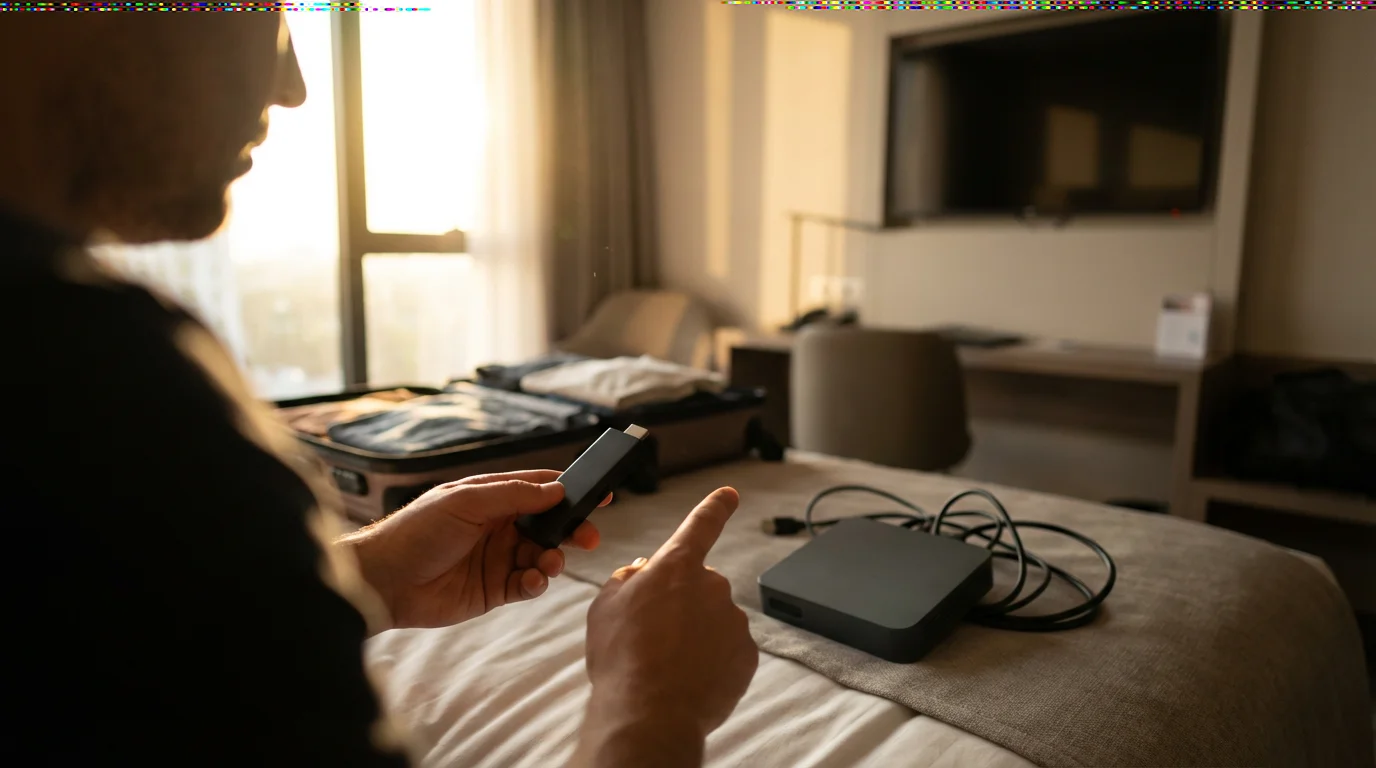
1. Portability: A stick form factor (Roku, Fire TV, Chromecast) is generally superior to a box (Apple TV) because it plugs directly into the TV’s HDMI port, eliminating extra cables and reducing bulk.
2. Wi-Fi Connectivity: Look for devices with strong Wi-Fi antennas and, ideally, Wi-Fi 6 support (like the Fire TV Stick 4K Max). Crucially, ensure the device supports “hotel and dorm connect” features to simplify logging into captive portal networks. Without this feature, connecting to hotel Wi-Fi becomes a frustrating hurdle.
3. Power Source: Most stick devices draw power from a USB port, either on the TV itself or via a small USB power adapter. Ensure you pack the necessary adapter and cable. Some hotel TVs have USB ports, but they may not provide enough power, so a wall adapter is a safer bet.
4. Remote Control: A simple, easy-to-use remote is vital. Voice search capabilities (Alexa, Google Assistant, Siri) are convenient, especially when trying to type on a virtual keyboard. Some remotes, like the Roku Streaming Stick 4K+, offer a headphone jack for private listening, a godsend in shared hotel rooms.
5. App Compatibility: While most major devices support popular services, verify that all your essential streaming apps are available on your chosen platform. This prevents disappointment when you are ready to stream your favorite show.
6. Video and Audio Quality: For modern TVs, prioritize 4K resolution with support for High Dynamic Range (HDR) formats such as HDR10, HDR10+, and Dolby Vision. These technologies offer brighter, more vibrant colors and improved contrast. Dolby Atmos provides immersive, multidimensional audio, enhancing the movie-watching experience, assuming the hotel TV or your sound setup supports it.
Here is a comparison of key features for popular portable streaming devices:
| Feature | Roku Streaming Stick 4K | Amazon Fire TV Stick 4K Max | Chromecast with Google TV (4K) | Apple TV 4K (2nd Gen/3rd Gen) |
|---|---|---|---|---|
| Form Factor | Stick | Stick | Dongle | Box |
| Resolution | 4K | 4K | 4K | 4K |
| HDR Support | HDR10, HDR10+, Dolby Vision | HDR10, HDR10+, Dolby Vision | HDR10, HDR10+, Dolby Vision | HDR10, HDR10+, Dolby Vision |
| Audio Support | Dolby Atmos, DTS Digital Surround | Dolby Atmos | Dolby Atmos | Dolby Atmos |
| Voice Assistant | Roku Voice | Alexa | Google Assistant | Siri |
| Hotel Connect Feature | Yes | Yes | No (workaround needed) | No (workaround needed) |
| Wi-Fi Standard | Wi-Fi 5 (ac) | Wi-Fi 6 | Wi-Fi 5 (ac) | Wi-Fi 6 (2nd Gen), Wi-Fi 6E (3rd Gen) |
| Private Listening | Yes (via Roku mobile app or 4K+ remote) | No (Bluetooth headphones) | No (Bluetooth headphones) | No (Bluetooth headphones) |
Connecting and Troubleshooting Your Device in a Hotel Room
Connecting your portable streaming device in a hotel room can sometimes be a puzzle, but a few simple steps and troubleshooting tips solve most issues.
For a more detailed walkthrough on initial installation, check out our guide on how to set up your first streaming device.
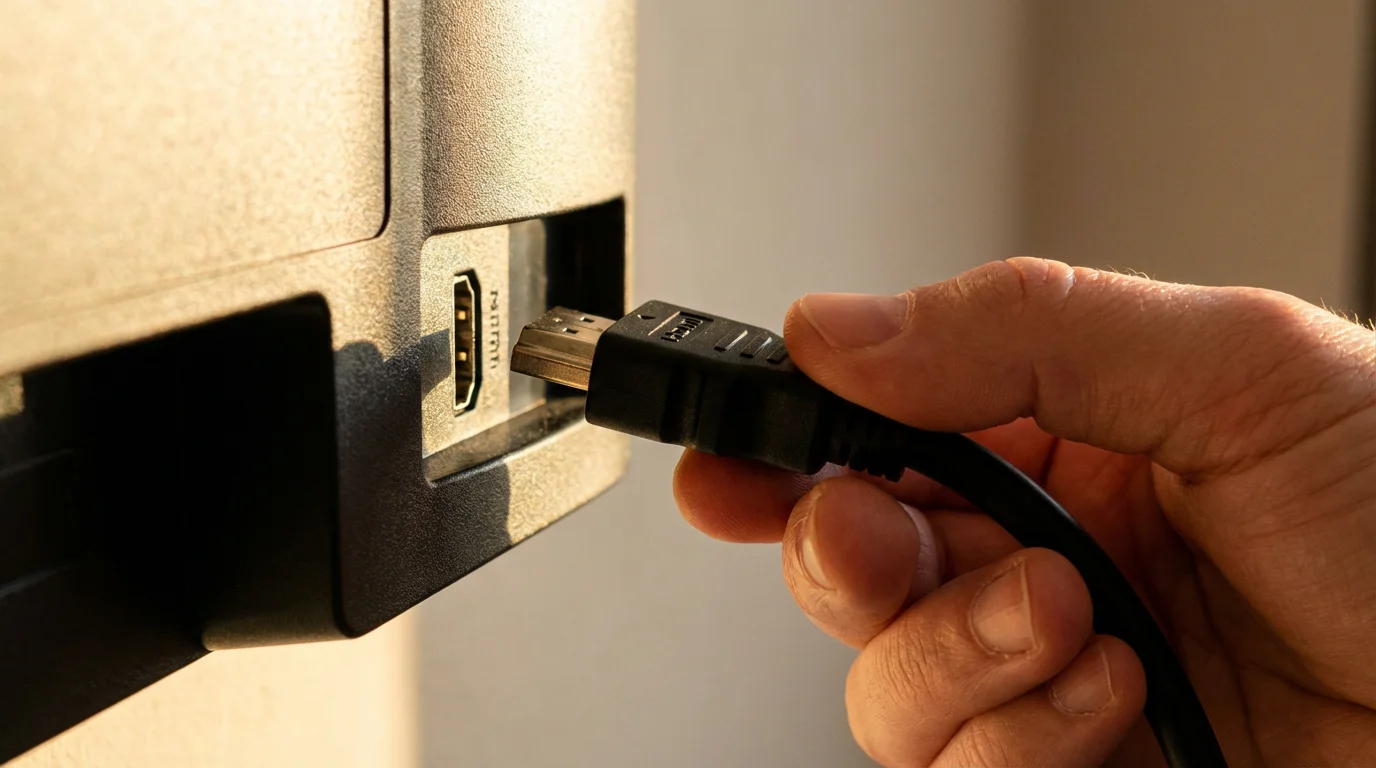
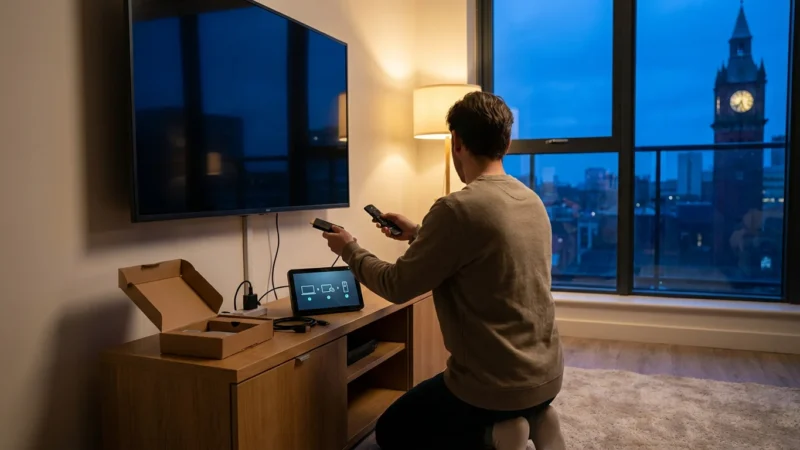
1. Locate HDMI Ports: Most hotel TVs have multiple HDMI ports, often labeled HDMI 1, HDMI 2, etc. These are usually on the side or back of the TV. If the ports are difficult to access, consider carrying a small, flexible HDMI extension cable.
2. Power Your Device: Plug your streaming stick into an available HDMI port. Then, connect the device’s USB power cable to either a USB port on the TV (if available and provides enough power) or to a wall outlet using the provided power adapter. Always use the wall adapter if you experience power issues or intermittent connectivity.
3. Select the Correct Input: Use the TV remote to change the input source (often labeled “Input,” “Source,” or “HDMI”). Cycle through the HDMI inputs until you see your streaming device’s home screen.
4. Connecting to Hotel Wi-Fi:
- For Roku and Fire TV Sticks with “Hotel and Dorm Connect”:
- Go to network settings on your device.
- Select the hotel Wi-Fi network.
- Your device will prompt you to use your smartphone or tablet to complete the connection. Follow the on-screen instructions, which typically involve opening a web browser on your phone, navigating to a specific URL or QR code, and authenticating there.
- For Devices Without a Dedicated Feature (Chromecast, Apple TV):
- Mobile Hotspot Method: Use your smartphone’s mobile hotspot to connect your streaming device to the internet. Once the device is connected to your hotspot, you can often then cast content from your phone to the device, or even use your phone to navigate the device’s interface and attempt to connect to the hotel Wi-Fi if it offers a simple WPA2 password.
- Travel Router Method: A dedicated travel router creates a private Wi-Fi network that your streaming device connects to. You then connect the travel router to the hotel’s captive portal Wi-Fi and authenticate the router once. All devices connected to your travel router automatically gain internet access. This is the most reliable, though it requires an extra piece of equipment.
Common Troubleshooting Tips:
- No Signal: Ensure the device has power, is fully plugged into the HDMI port, and you have selected the correct input on the TV. Try a different HDMI port.
- Buffering or Slow Speeds: Move the device away from other electronics that might cause interference. Try connecting to a 2.4 GHz Wi-Fi band instead of 5 GHz, as 2.4 GHz offers better range, though slower speeds. If possible, restart the hotel router (if you have access) or your streaming device.
- Remote Not Working: Check battery levels. Ensure no obstructions block the line of sight (for IR remotes) or that the remote is paired correctly (for Bluetooth remotes).
Infographic comparing “Portable Streaming Device Readiness for Travel” for Roku Streaming Stick 4K, Amazon Fire TV Stick 4K Max, and Chromecast with Google TV. This infographic uses a 3-column layout. It features icons and short descriptions for each device under the following criteria: Ease of Hotel Wi-Fi Connect (e.g., “Dedicated Feature”), Required Cables (e.g., “HDMI, USB Power”), Wi-Fi Performance (e.g., “Wi-Fi 5/6”), Physical Size (e.g., “Stick/Dongle”), and Ecosystem Bias (e.g., “Neutral/Amazon/Google”). Visual style is clean and uses simple color coding to highlight pros for travel.
Price-to-Value Breakdown for Every Budget
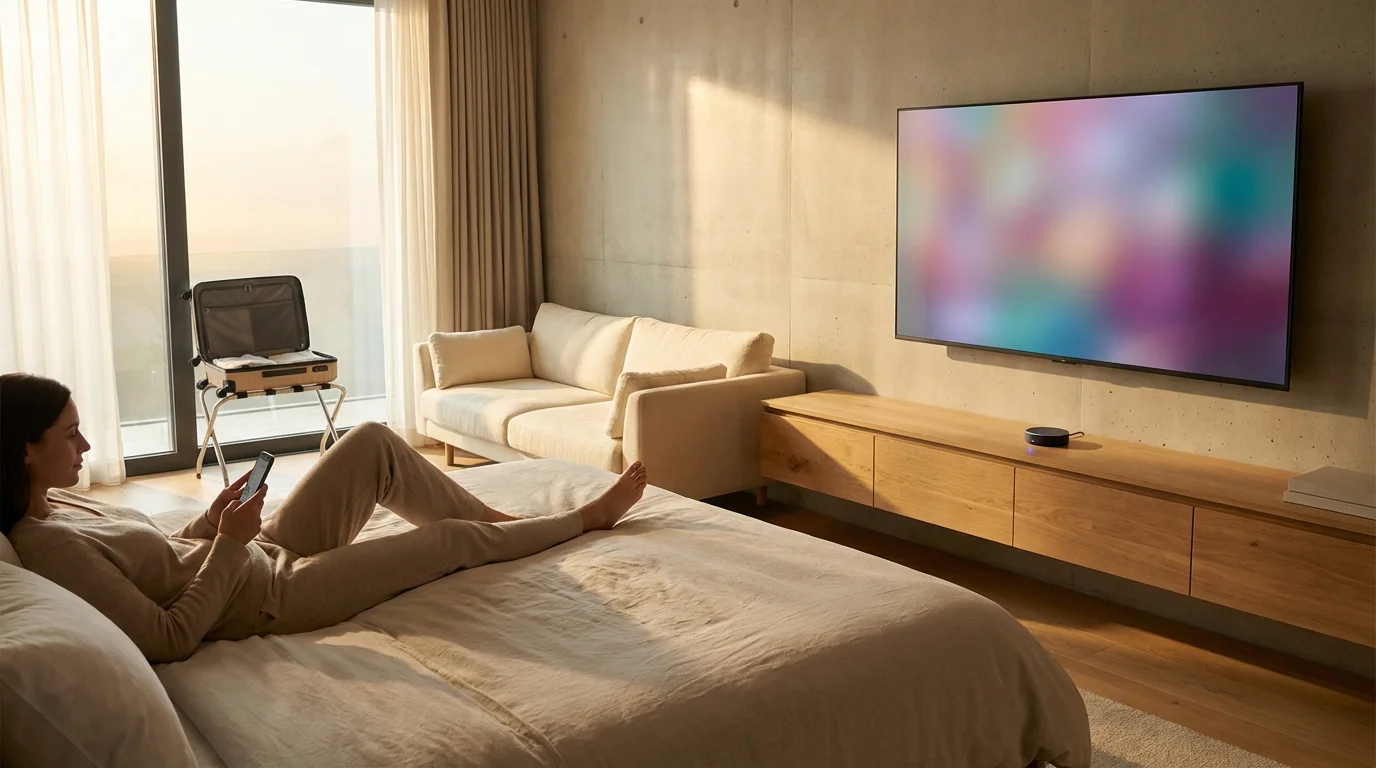
Your budget often dictates your choices, but even at lower price points, excellent portable streaming device options exist.
- Under $30: You might find entry-level Roku Express or older Fire TV Stick Lite models on sale. These typically offer 1080p resolution and basic functionality. They are fine for simple streaming on older hotel TVs, but they lack advanced features like 4K or dedicated hotel Wi-Fi login. Value is decent for basic use, but connectivity challenges may arise.
- $30-$50: This is the sweet spot for travel. The Roku Streaming Stick 4K and Amazon Fire TV Stick 4K Max (often on sale) fall into this category. They offer 4K, HDR, excellent performance, and crucial “hotel connect” features. This tier provides the best value for most travelers, balancing features, portability, and price. According to Wirecutter’s streaming device reviews, these stick-style devices offer the best balance for most users.
- $50-$100: The Chromecast with Google TV (4K) sits in this range, offering a premium Google experience. It provides a great interface and casting, but remember the potential Wi-Fi connection workaround. The Roku Streaming Stick 4K+ with its upgraded remote also fits here. You gain enhanced user experience features for the slightly higher cost.
- $150+: This tier is dominated by the Apple TV 4K. While powerful and feature-rich, its price and form factor make it less ideal for casual travel. It offers superior processing, gaming capabilities, and deep Apple ecosystem integration, but for pure portable streaming, the value proposition diminishes. If you are a dedicated Apple user and can justify the cost, its performance is unmatched.
When to Skip Your Hotel’s Smart TV Apps
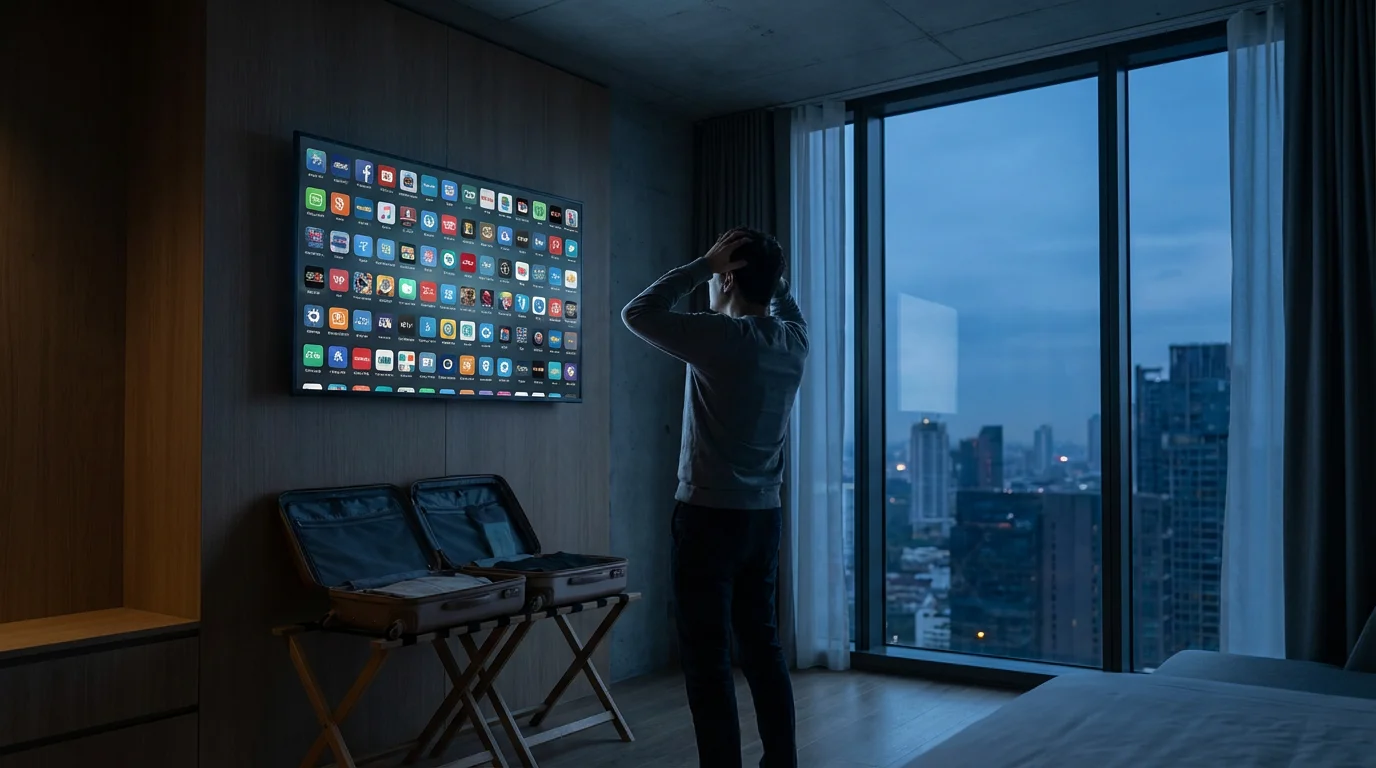
Many modern hotel rooms feature smart TVs, a television with built-in internet connection and apps. You might wonder if you even need a separate portable streaming device. Here is why bringing your own device is almost always better:
- App Selection and Updates: Hotel smart TVs often have a limited selection of apps, and these apps may not receive frequent updates. You might find your preferred service missing or an outdated version that lacks features or performance. Your personal streaming device always carries your full app library, kept up to date.
- Personalization and History: When you use your own device, you log into your accounts, maintain your watch history, and receive personalized recommendations. Hotel smart TVs are generic and often reset between guests, removing any personalization.
- Privacy Concerns: Logging into your personal streaming accounts on a hotel’s smart TV poses a privacy risk. You might forget to log out, leaving your account exposed to the next guest. A dedicated streaming device keeps your login information secure and private within your control.
- Performance and Reliability: Hotel smart TV processors are often slow and their Wi-Fi capabilities can be weak. This leads to frustrating buffering, slow navigation, and app crashes. Your dedicated streaming device, especially newer models, often provides a much smoother, faster experience, as noted by CNET’s evaluations of streaming devices.
- Input Selection and Control: Hotels sometimes lock down TV settings or make it difficult to switch inputs or adjust picture settings. Your own device gives you full control.
Unless you are in a pinch and only need basic YouTube or Netflix access, rely on your portable streaming device for a consistent, secure, and enjoyable entertainment experience while traveling.
Frequently Asked Questions
Can I connect my streaming device to any hotel Wi-Fi?
Most portable streaming devices can connect to standard hotel Wi-Fi networks that use a simple password. However, many hotels use “captive portal” networks that require you to open a web browser on a phone or computer to enter room details or agree to terms. Roku and Fire TV Sticks often have a special “Hotel and Dorm Connect” feature to handle these networks using a smartphone. Devices without this feature, like Chromecast or Apple TV, may require a workaround, such as connecting via a mobile hotspot or a travel router.
Can I use a VPN with a portable streaming device in a hotel?
Using a Virtual Private Network (VPN) with a portable streaming device can help bypass geo-restrictions and enhance privacy. However, most streaming sticks do not have built-in VPN client support. To use a VPN, you typically need to set it up on a travel router that your streaming device connects to, or configure it on your mobile hotspot if your phone supports it. This allows all devices connected to that network to benefit from the VPN. Check your VPN provider’s instructions for router setup.
What if my hotel TV does not have a USB port for power?
Most portable streaming devices draw power via a USB cable. While many hotel TVs offer a USB port, its power output might be insufficient, or the port might be absent. Always pack the original USB wall power adapter that came with your streaming device. This ensures your device receives stable power directly from an electrical outlet, guaranteeing reliable performance.
How much internet speed do I need for streaming in a hotel?
For standard definition (SD) content, you need about 3 Mbps. For high definition (HD, 720p or 1080p), aim for 5-10 Mbps. For 4K Ultra HD streaming, you generally need 20-25 Mbps. Hotel Wi-Fi can be inconsistent, so aim for the highest speed possible. If speeds are low, consider watching in a lower resolution to reduce buffering. Your phone’s mobile hotspot can serve as a backup for more reliable, albeit data-limited, speeds.
Disclaimer: Device prices and features may change. New models are released regularly, so check for the latest versions before purchasing. The “best” device depends on your specific needs, existing ecosystem (Apple, Google, Amazon), and budget.
Leave a Reply