
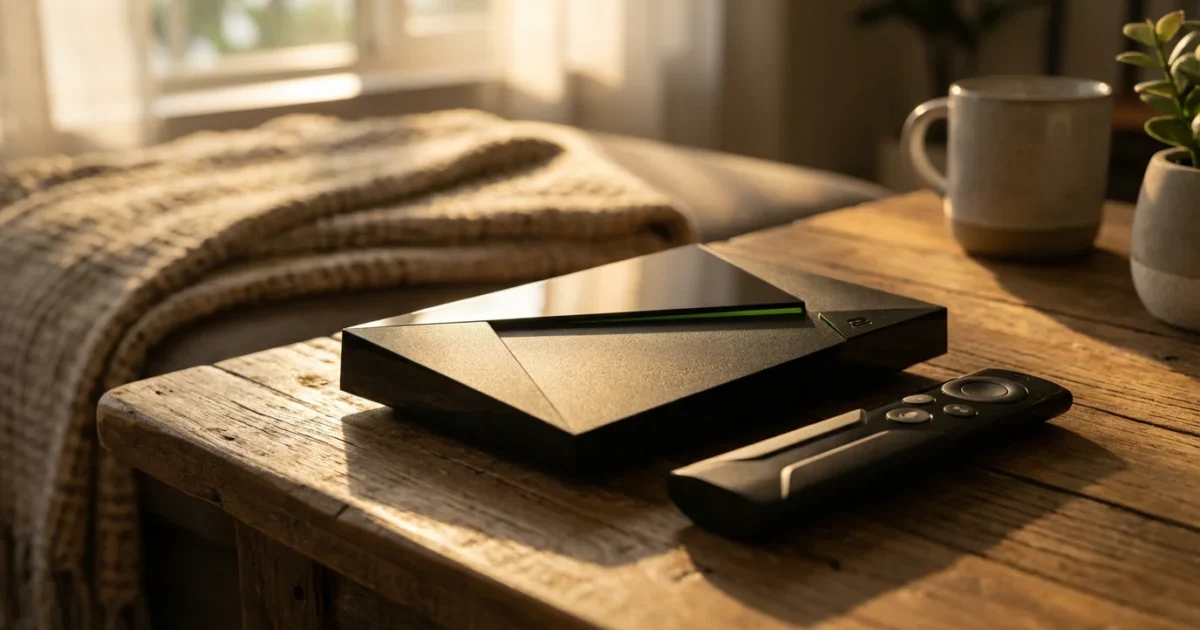
In the crowded world of streaming devices, many options promise to transform your television into an entertainment hub. For viewers looking to cut the cord from traditional cable and satellite television, or optimize an existing streaming setup, choices range from budget-friendly sticks to high-end boxes. The Nvidia Shield TV, a device running the Android TV operating system, often emerges in discussions about premium streaming. It positions itself not just as a way to watch video content over the internet, but as a complete media and gaming powerhouse.
This article dives deep into the Nvidia Shield TV. You will learn what makes it unique, how it stacks up against its competitors like Roku, Amazon Fire TV, Apple TV, and Chromecast, and whether its higher price tag delivers value for your specific needs. We aim to help you make an informed decision, especially if you are seeking a robust Android TV experience.
What is the Nvidia Shield TV?
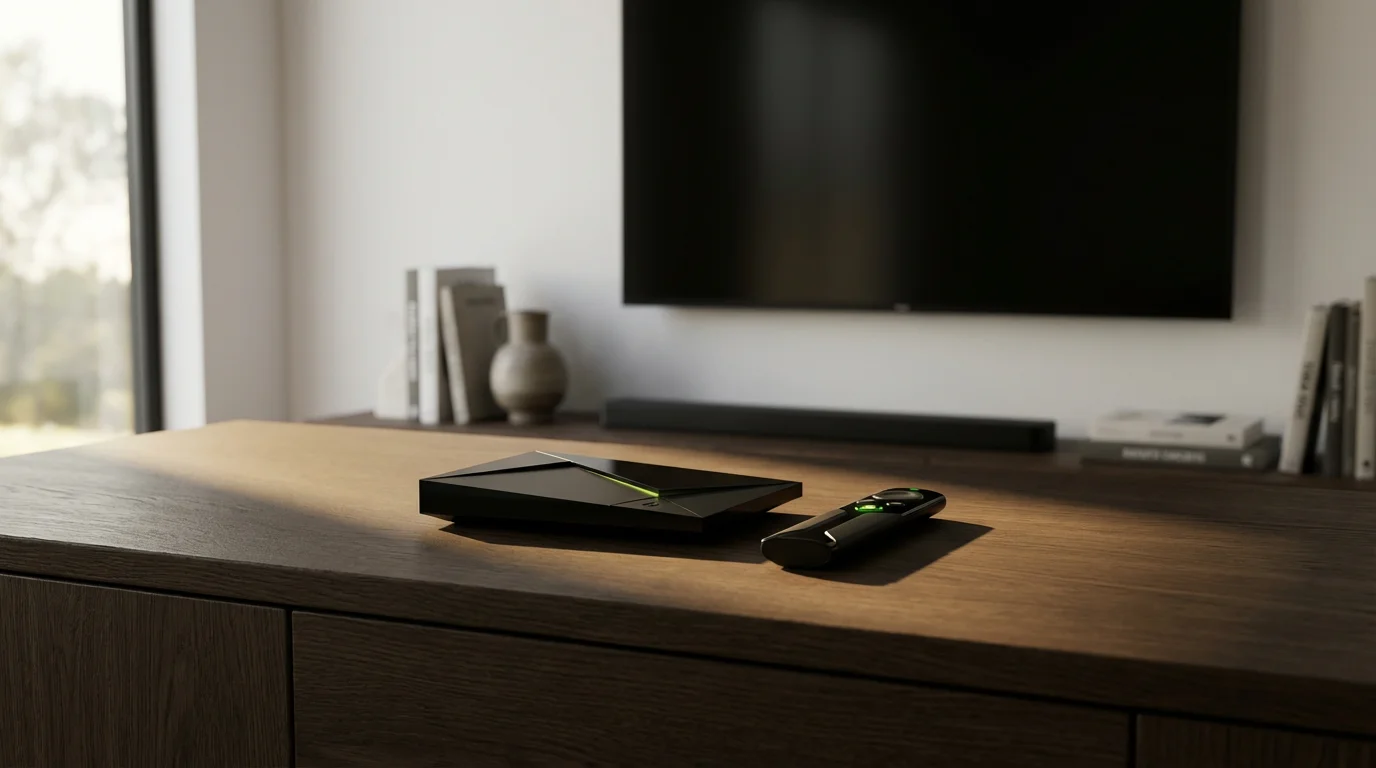
The Nvidia Shield TV stands as Nvidia’s flagship streaming device. It runs Android TV, Google’s operating system designed specifically for televisions. This platform provides access to a vast library of apps through the Google Play Store, including popular streaming services such as Netflix, Hulu, Disney+, Max, and YouTube TV. Android TV also integrates Google Assistant for voice control and offers Chromecast functionality for casting content from your phone or tablet.
Unlike many other Android TV boxes on the market, the Nvidia Shield TV utilizes powerful hardware. It features Nvidia’s Tegra X1+ processor, a chip significantly more robust than those found in typical streaming sticks. This extra processing power drives its premium features, including advanced video upscaling and its unique gaming capabilities.
Key Features and Specifications of the Nvidia Shield TV
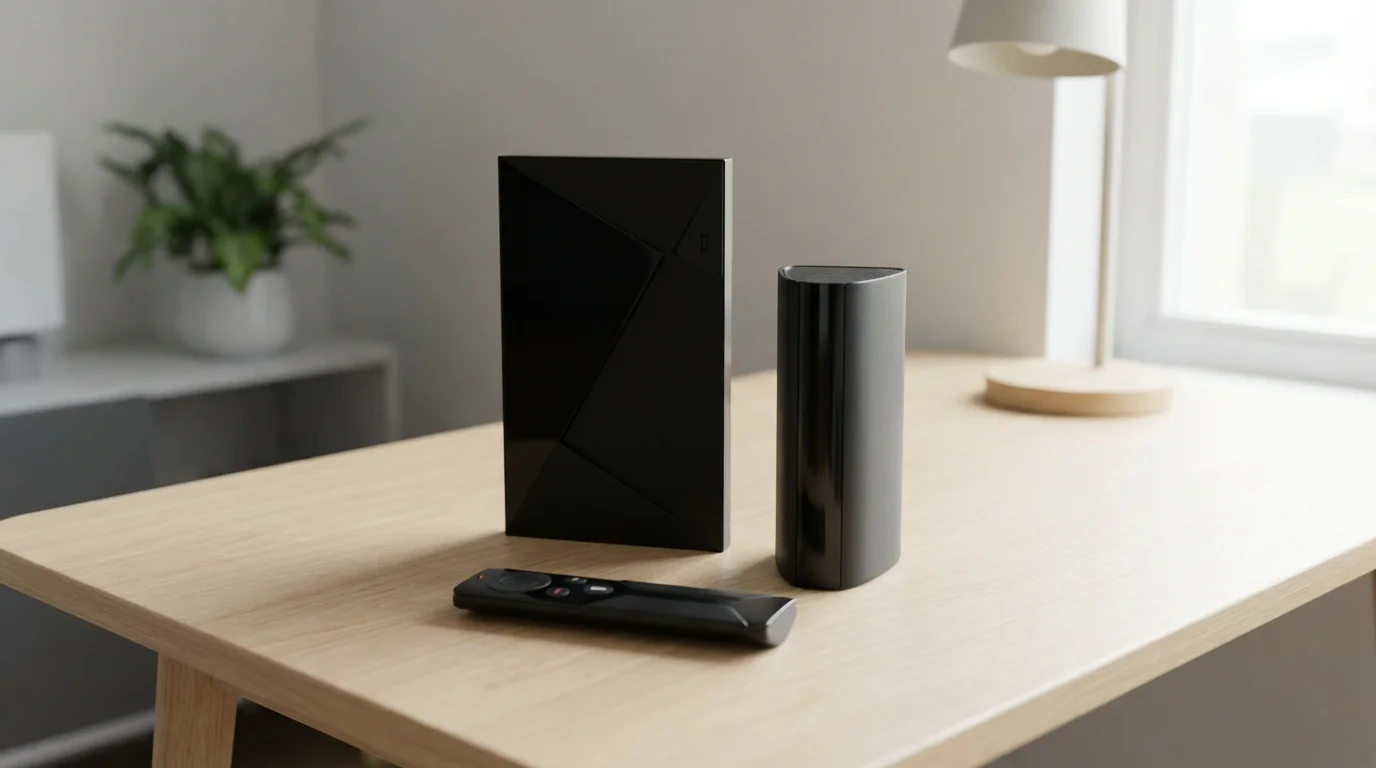
The Nvidia Shield TV models, primarily the Shield TV Pro and the more compact Shield TV “tube” version, share many core specifications while differing in storage and connectivity. Both support a comprehensive suite of modern video and audio technologies:
- 4K UHD Resolution: Both models output stunning 4K Ultra High Definition video, delivering four times the pixels of Full HD 1080p. This provides crisp, detailed images, especially noticeable on larger screens.
- High Dynamic Range (HDR): The Shield TV supports multiple HDR formats, including HDR10 and Dolby Vision. HDR significantly expands the range of colors and contrast, making bright areas brighter and dark areas deeper, resulting in a more lifelike picture. Dolby Vision offers dynamic metadata, optimizing HDR performance scene by scene.
- Dolby Atmos: For audio enthusiasts, the Shield TV supports passthrough for Dolby Atmos. This object-based audio format creates an immersive, three-dimensional sound experience, placing sounds precisely around you, including overhead. It also handles DTS-X for similar immersive audio.
- AI Upscaling: A standout feature, Nvidia’s AI upscaling uses machine learning to enhance lower-resolution content (like 720p or 1080p) to near-4K quality. While not true native 4K, this technology provides a noticeable improvement in clarity and detail for older shows and movies, a feature rarely found on competing devices.
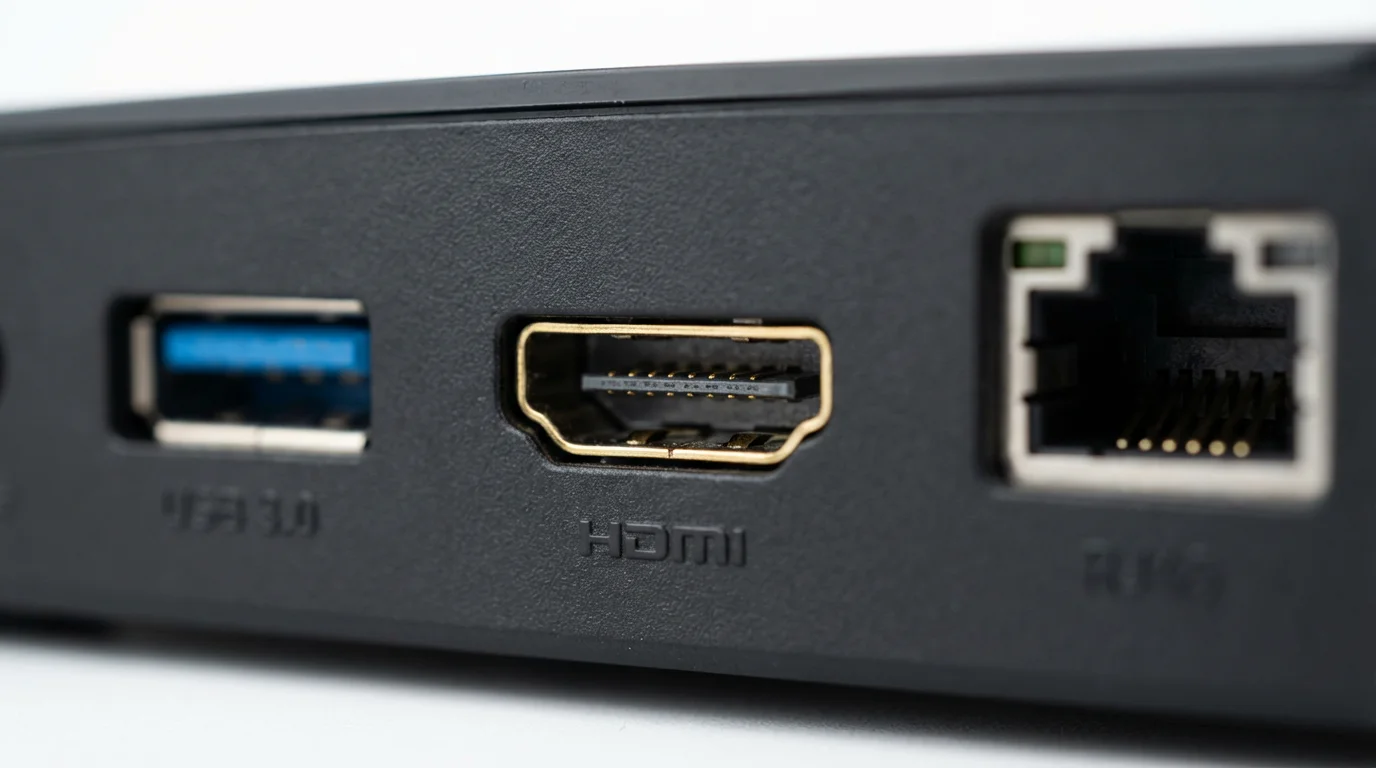
- Connectivity: The Shield TV Pro includes two USB 3.0 ports for connecting external storage or peripherals. Both models feature Gigabit Ethernet for stable wired network connections and support WiFi 5 (802.11ac) for fast wireless streaming. Some newer competitors offer WiFi 6, but WiFi 5 remains perfectly adequate for 4K streaming.
Here is a comparison of the key specifications:
| Feature | Nvidia Shield TV Pro | Nvidia Shield TV (Tube) |
|---|---|---|
| Processor | Nvidia Tegra X1+ | Nvidia Tegra X1+ |
| RAM | 3 GB | 2 GB |
| Internal Storage | 16 GB | 8 GB (expandable via microSD) |
| Video Output | 4K HDR, Dolby Vision | 4K HDR, Dolby Vision |
| Audio Support | Dolby Atmos, DTS-X passthrough | Dolby Atmos, DTS-X passthrough |
| Connectivity | Gigabit Ethernet, WiFi 5, Bluetooth 5.0, 2x USB 3.0 | Gigabit Ethernet, WiFi 5, Bluetooth 5.0 |
| AI Upscaling | Yes | Yes |

Performance Beyond Streaming: Gaming and Media Server Capabilities
While an excellent device for watching movies and TV shows, the Nvidia Shield TV truly distinguishes itself through its capabilities beyond standard streaming. These features explain its premium pricing and appeal to specific user groups.
Gaming Streaming
The Shield TV is the only streaming device to natively support Nvidia’s cloud gaming service, GeForce NOW. This service allows you to stream PC games from the cloud directly to your TV in high quality, provided you have a fast internet connection and a compatible game controller. This effectively turns your living room TV into a powerful gaming machine without needing an expensive gaming PC or console. You can play titles you already own on platforms like Steam and Epic Games Store, expanding your entertainment options significantly.
Local Gaming
Beyond cloud gaming, the Shield TV also supports Android games available on the Google Play Store, many of which are optimized for controller play. Its powerful processor handles these games smoothly, offering a console-like experience for casual and mid-range titles.
Plex Media Server
The Nvidia Shield TV Pro is particularly popular among media enthusiasts for its ability to function as a full-fledged Plex Media Server. Plex allows you to organize your personal collection of movies, TV shows, music, and photos, then stream them to any device in your home or even remotely. The Shield Pro’s robust processor effortlessly transcodes video files on the fly, ensuring smooth playback even on devices that do not natively support your file formats. The USB ports allow you to connect large external hard drives for extensive media libraries. This feature is a game-changer for people with large personal media collections, making it a central hub for all their content.
“For media enthusiasts, the Nvidia Shield TV Pro’s ability to run a full Plex Media Server and transcode content on the fly offers unmatched flexibility. It centralizes your personal entertainment library in a way few other streaming devices can.”
Smart Home Hub
With its integrated Google Assistant, the Shield TV can also act as a basic smart home hub. You can use voice commands through the remote to control compatible smart lights, thermostats, and other devices connected to your Google Home ecosystem.
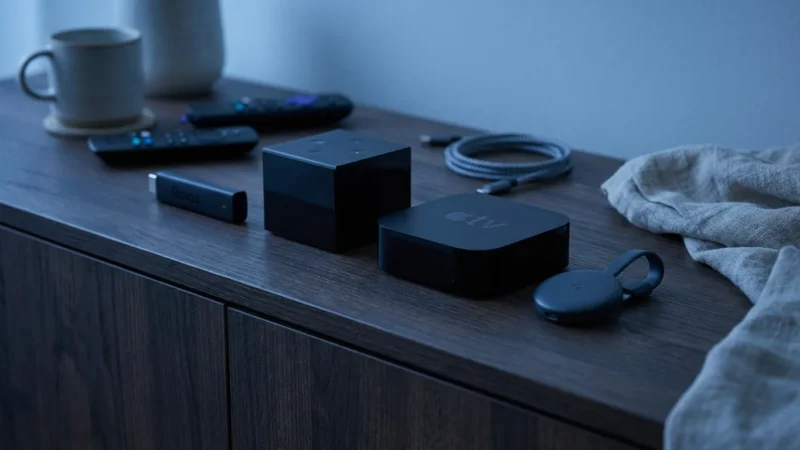
Nvidia Shield TV vs. Premium Competitors: Apple TV 4K and Fire TV Cube
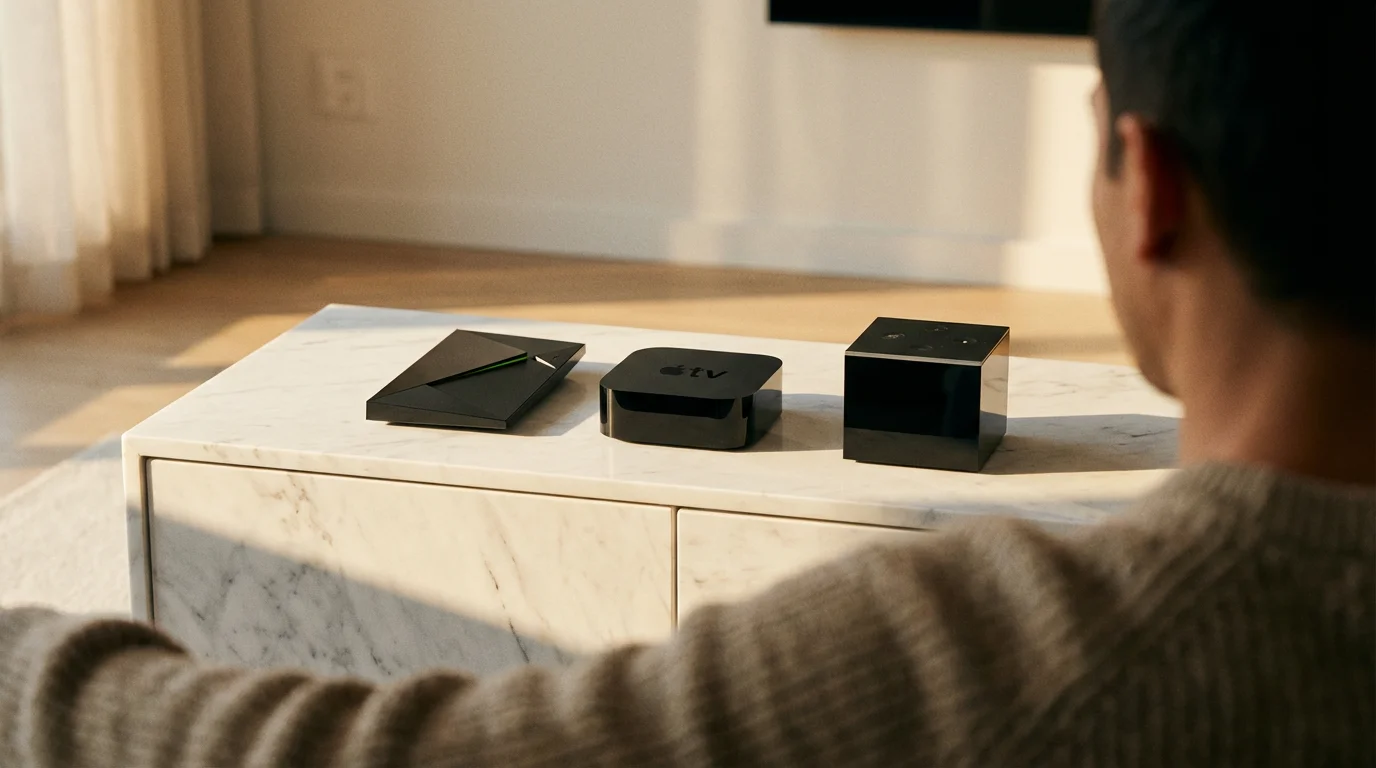
When you look at streaming devices in the $100 to $200+ price range, the Nvidia Shield TV faces stiff competition from other premium offerings. Understanding the differences helps you identify the best fit for your home.
Apple TV 4K
The Apple TV 4K is the go-to device for users deeply embedded in the Apple ecosystem. It offers a sleek user interface, seamless integration with Apple services like Apple Arcade and Apple Fitness+, and excellent performance. Its strong points include:
- Ecosystem Integration: AirPlay functionality, HomeKit support, and easy pairing with AirPods are significant advantages for Apple users.
- Performance: The A15 Bionic chip (in the latest model) provides incredibly fluid navigation and powerful gaming capabilities through Apple Arcade.
- Dolby Vision/Atmos: Full support for high-end video and audio formats.
- Privacy: Apple generally maintains a stronger stance on user privacy compared to Google or Amazon.
However, the Apple TV 4K’s strengths are also its limitations. It costs more than some competitors, and its primary value unlocks when you use other Apple products. It lacks the Plex server capabilities of the Shield TV Pro and does not offer the same level of cloud gaming integration as GeForce NOW.
Amazon Fire TV Cube
The Fire TV Cube acts as both a streaming device and an Alexa smart speaker. It aims to be the central control point for your entertainment and smart home. Its advantages include:
- Hands-Free Alexa: Built-in microphones allow you to control your TV, soundbar, and streaming content with voice commands, even from across the room.
- Performance: A powerful processor ensures smooth navigation and fast app loading.
- Connectivity: Often includes an Ethernet port and HDMI input for connecting other devices.
- Prime Video Integration: Deep integration with Amazon’s own services.
The Fire TV Cube offers a robust streaming experience but leans heavily into the Amazon ecosystem. While it supports some gaming, it does not match the dedicated gaming focus of the Nvidia Shield TV or the Apple TV 4K’s Apple Arcade library. Privacy concerns around continuous listening by Alexa are also a consideration for some users. As CNET reports, Amazon’s devices prioritize integration with its services, which might mean a different user experience than a more open platform like Android TV.
Comparison Table: Premium Streaming Devices
| Feature | Nvidia Shield TV Pro | Apple TV 4K (Latest) | Amazon Fire TV Cube (Latest) |
|---|---|---|---|
| Operating System | Android TV | tvOS | Fire OS (Android Fork) |
| Processor | Tegra X1+ | A15 Bionic | Octa-core 2.0 GHz |
| Max Resolution | 4K HDR, Dolby Vision | 4K HDR, Dolby Vision | 4K HDR, Dolby Vision |
| Audio Support | Dolby Atmos, DTS-X | Dolby Atmos | Dolby Atmos |
| Gaming Focus | GeForce NOW, Android games | Apple Arcade | Casual Android games |
| Smart Home Hub | Google Assistant | HomeKit, Siri | Alexa |
| Plex Server Capable | Yes (Pro model) | No | No |
| Unique Features | AI Upscaling, USB ports, Plex server | AirPlay, Apple ecosystem | Hands-free Alexa, HDMI input |
| Approx. Price Tier | $150+ | $100-150+ | $100-150 |
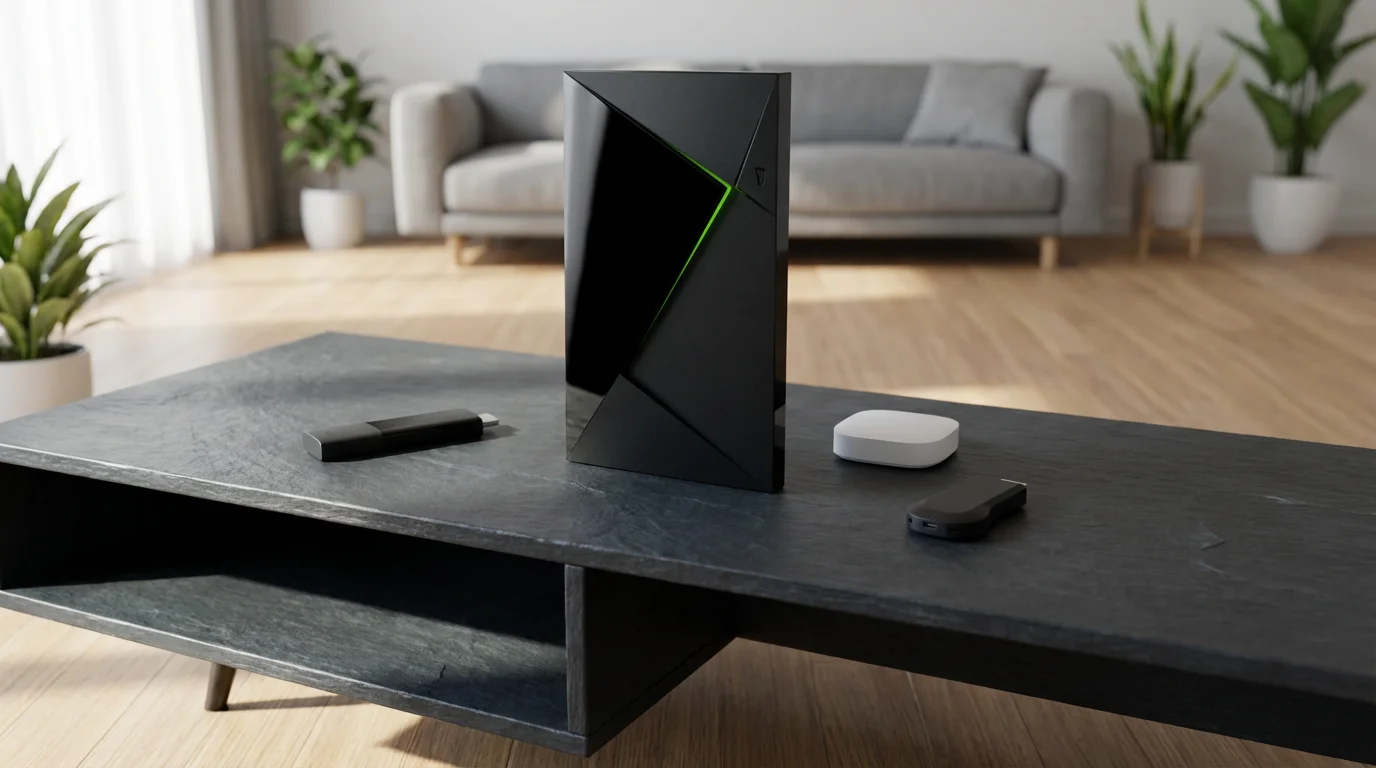
Nvidia Shield TV vs. Budget and Mid-Range Streamers
Most streaming devices fall into the $30 to $100 range. These options offer excellent value for basic streaming needs, making them the choice for many cost-conscious viewers.
Budget Tier ($30-$50)
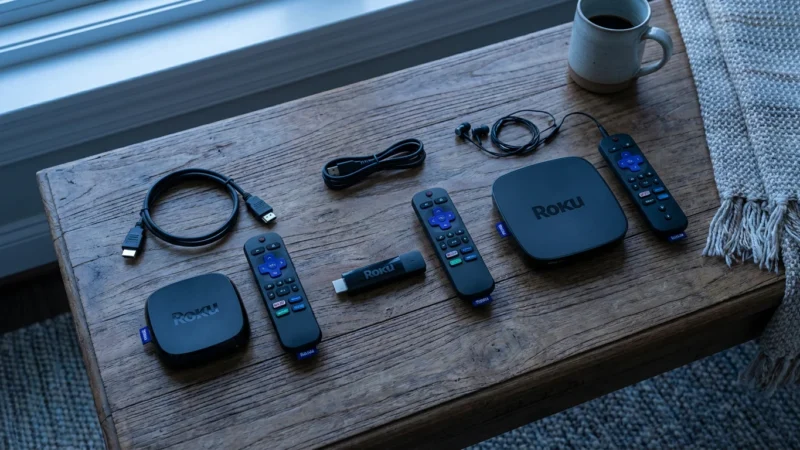
Devices like the Roku Express, Amazon Fire TV Stick Lite, and the basic Google Chromecast (HD) fall into this category. They provide:
- Core Streaming: Access to all major streaming apps.
- Simple Interface: Easy to navigate, even for new users.
- HD/1080p: Primarily for TVs that do not support 4K.
These devices are fantastic for someone who wants to cut the cord without a significant investment or for adding smart TV functionality to an older television. They prioritize simplicity and affordability. They lack advanced features like 4K, HDR, high-end audio passthrough, or powerful processors for gaming and advanced media server functions. You will notice slower app loading times and less fluid navigation compared to premium devices.
Mid-Range Tier ($50-$100)
This tier includes the Roku Streaming Stick 4K, Amazon Fire TV Stick 4K Max, and Chromecast with Google TV (4K). These devices represent the sweet spot for many users, offering:
- 4K HDR Streaming: Full support for 4K, HDR10, and often Dolby Vision.
- Dolby Atmos: Many support Dolby Atmos passthrough.
- Improved Performance: Faster processors than budget sticks, leading to a smoother experience.
- Voice Remotes: Enhanced voice control with Google Assistant or Alexa.
- WiFi 6: Newer models like the Fire TV Stick 4K Max often include WiFi 6 support for potentially faster wireless speeds.
These mid-range devices handle 99% of what most people need from a streaming device. They provide excellent picture and sound quality for streaming services. The Nvidia Shield TV, at its higher price point, does not compete directly with these in terms of pure streaming value. You choose the Shield for its additional capabilities, not just for watching Netflix in 4K. According to Wirecutter’s streaming device reviews, mid-range devices like the Roku Streaming Stick 4K often offer the best balance of features and price for most consumers.
User Experience: Remote Control, Voice Assistants, and Privacy
The day-to-day experience with a streaming device significantly impacts its overall value. This includes the remote, voice control, and how your data is handled.
Remote Control
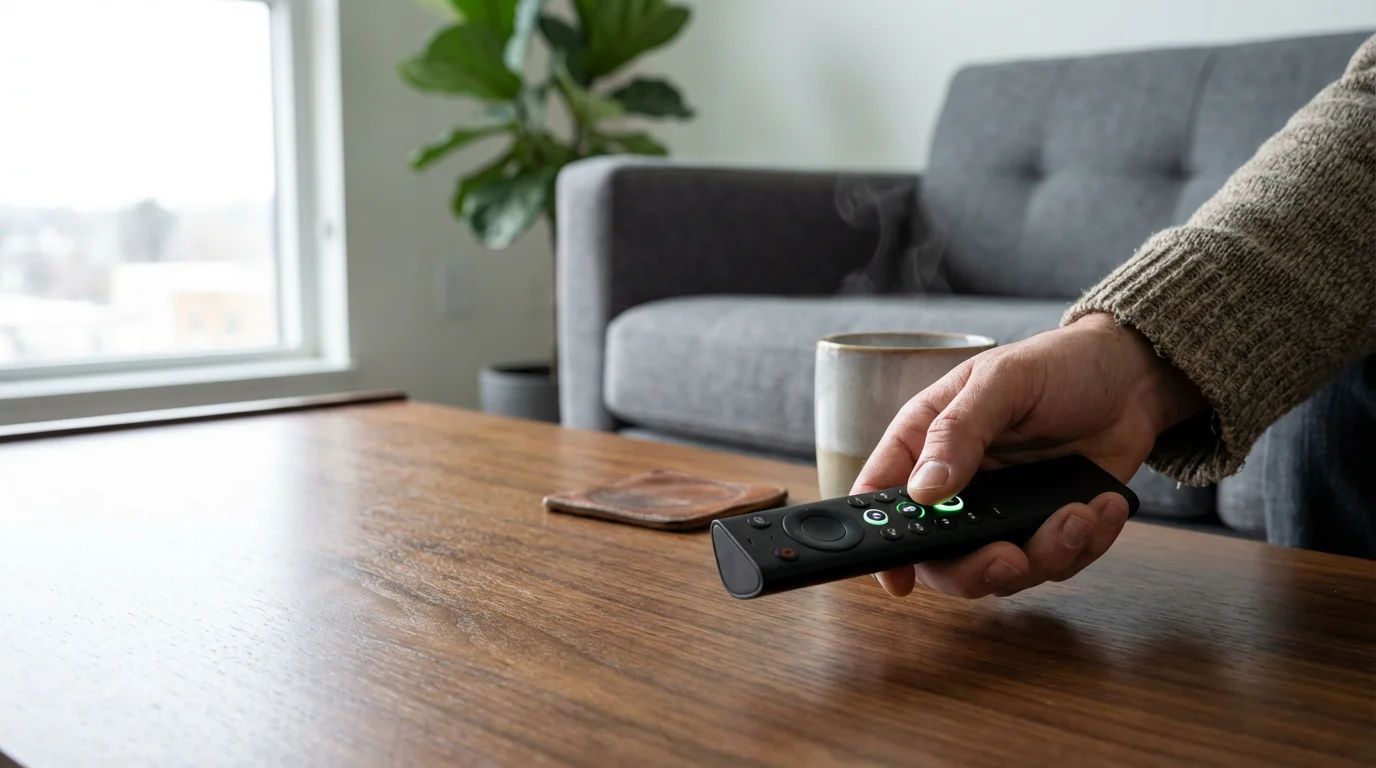
The Nvidia Shield TV remote is ergonomic and intuitive. It features motion-activated backlit buttons, a dedicated Netflix button, and a customizable button you can assign to a favorite app or function. It uses Bluetooth, so you do not need line of sight to the device. While functional, it is not as minimalist as the Apple TV remote nor as feature-rich with TV controls as some Roku remotes.
Voice Assistants
Since the Shield TV runs Android TV, it integrates Google Assistant. You can press the dedicated button on the remote and speak commands to search for content, launch apps, control smart home devices, or get general information. This works effectively, making content discovery faster than typing. For users accustomed to Google’s ecosystem, this is a natural fit.
User Interface
Android TV provides a clean, tile-based interface that prioritizes content. It offers personalized recommendations and easy access to your installed apps. The interface is generally responsive on the Shield TV due to its powerful processor, avoiding the lag sometimes seen on less capable Android TV devices.
Privacy Concerns
Privacy is a growing concern for many users. The Nvidia Shield TV, running Google’s Android TV, means Google collects data on your viewing habits, app usage, and voice commands. This data helps Google personalize recommendations and target advertisements. While Google provides privacy controls, you interact with a data-driven ecosystem. In contrast, Apple TV 4K often appeals to users prioritizing greater privacy, as Apple emphasizes data minimization. Roku also collects user data for advertising purposes, while Amazon’s Fire TV devices tie into their extensive data collection for targeted advertising and product recommendations. Your comfort with data collection should influence your device choice.

When Your Smart TV Is Good Enough (And When It Is Not)
Many modern televisions come with built-in smart TV functionality, complete with pre-installed apps for popular streaming services. For some users, these built-in apps are perfectly adequate. For others, a dedicated streaming device offers significant advantages.
Before upgrading, it’s worth considering the pros and cons of using a smart TV vs a streaming device to see if a dedicated box is necessary for you.
When Smart TV Apps Are Good Enough
Your smart TV’s built-in apps are likely sufficient if you:
- Only use a few popular apps: Netflix, Hulu, Disney+, etc.
- Do not care about advanced features: You are not looking for high-end gaming, a Plex server, or the absolute fastest interface.
- Have a relatively new TV: Newer smart TVs often have decent processors that keep apps running smoothly for a few years.
- Value simplicity: Using just one remote and avoiding another piece of hardware appeals to you.
For casual streaming, particularly on a newer television, you may not need an external device. The convenience of simply turning on your TV and launching an app is undeniable.
When a Dedicated Streaming Device Excels
You should consider a dedicated streaming device, especially a premium one like the Nvidia Shield TV, if you:
- Experience slow or buggy smart TV apps: Many older or budget smart TVs have underpowered processors. Apps lag, crash, or take forever to load. A dedicated device provides a much faster, smoother experience.
- Desire specific features: If you want cloud gaming, a Plex media server, advanced AI upscaling, or comprehensive support for all HDR and audio formats, a smart TV will rarely deliver.
- Prefer a specific ecosystem: If you are an Apple household, the Apple TV 4K offers unparalleled integration. If you want the most open Android TV experience with superior performance, the Shield is your choice.
- Value longevity and updates: Smart TV manufacturers often stop updating their app platforms after a few years. Dedicated streaming devices, particularly from major players like Nvidia, Roku, and Apple, receive updates for much longer, ensuring app compatibility and security.
- Want to consolidate media: The Shield TV Pro’s Plex server capabilities are a prime example of functionality beyond what any smart TV offers.
Ultimately, a dedicated streaming device provides more power, more features, more frequent updates, and often a better user experience than most built-in smart TV platforms. For a cost-conscious viewer, it can be a smarter long-term investment than relying solely on your TV’s diminishing app support. Tom’s Guide often recommends external streaming devices over smart TV apps for their consistent performance and longevity.
Is the Nvidia Shield TV Worth It? Best Use Cases
The question “is Nvidia Shield worth it” largely depends on your specific needs and budget. At its price point, it is not for everyone, but for certain users, it offers unparalleled value.
Who is the Nvidia Shield TV Best For?
- Serious Gamers: If you plan to leverage GeForce NOW for cloud gaming or enjoy playing Android games with a controller, the Shield TV is unmatched in the streaming device category. It is a powerful, compact gaming solution.
- Plex Media Server Enthusiasts: For those with large personal media libraries who want a dedicated, always-on Plex server with excellent transcoding capabilities, the Shield TV Pro is the best consumer-grade solution available.
- Home Theater Buffs: If you own a high-end sound system with Dolby Atmos or DTS-X support and a 4K HDR TV, the Shield ensures you get the purest audio and video passthrough. The AI upscaling also enhances non-4K content, improving your viewing experience across the board.
- Android Power Users: If you prefer the flexibility and customization of Android TV, want access to a broader range of apps (including side-loaded ones), and appreciate robust hardware, the Shield is the premium Android TV experience.
- Anyone Frustrated by Smart TV Lag: If your current smart TV apps are slow and unresponsive, and you want a snappy, fluid interface, the Shield TV provides a significant upgrade in performance.
Who Might Find the Nvidia Shield TV Not Worth It?
- Budget Buyers: If your primary goal is to save money and simply access streaming apps, a Roku Streaming Stick 4K or Chromecast with Google TV offers 90% of the core streaming experience at less than half the price.
- Casual Streamers: If you only watch Netflix and YouTube occasionally, and your smart TV handles these adequately, the advanced features of the Shield TV will be overkill.
- Apple Ecosystem Users: If you are heavily invested in Apple products and services, the Apple TV 4K will offer a more seamless and integrated experience.
- Those Prioritizing Absolute Simplicity: Roku devices, for example, are renowned for their straightforward interfaces. While Android TV is user-friendly, the Shield’s power might suggest more complexity than a purely basic streaming stick.
The Nvidia Shield TV is a niche product, but it dominates that niche. If its unique features align with your specific entertainment needs, especially gaming or media server capabilities, then the Nvidia Shield TV is absolutely worth its premium price. For a robust Android TV streaming experience, including gaming streaming, and as a strong contender for an Nvidia Shield TV review for streaming, it often comes out on top.
Setup and Troubleshooting Common Issues
Setting up your Nvidia Shield TV is straightforward, and understanding common issues can help you quickly resolve them.
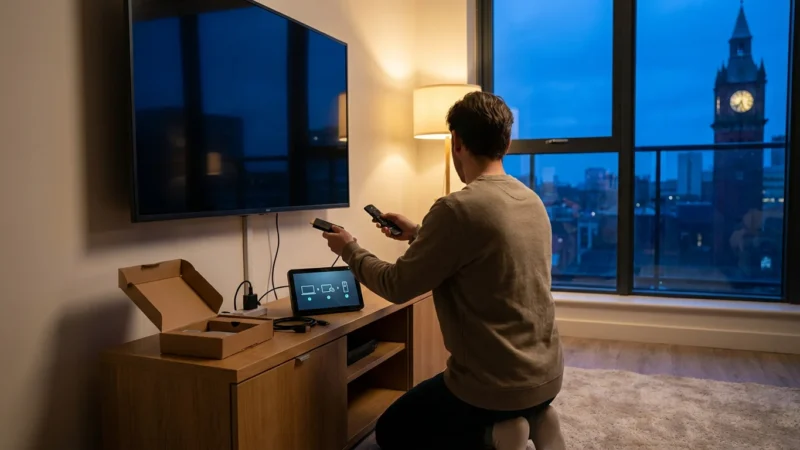
Initial Setup Guide
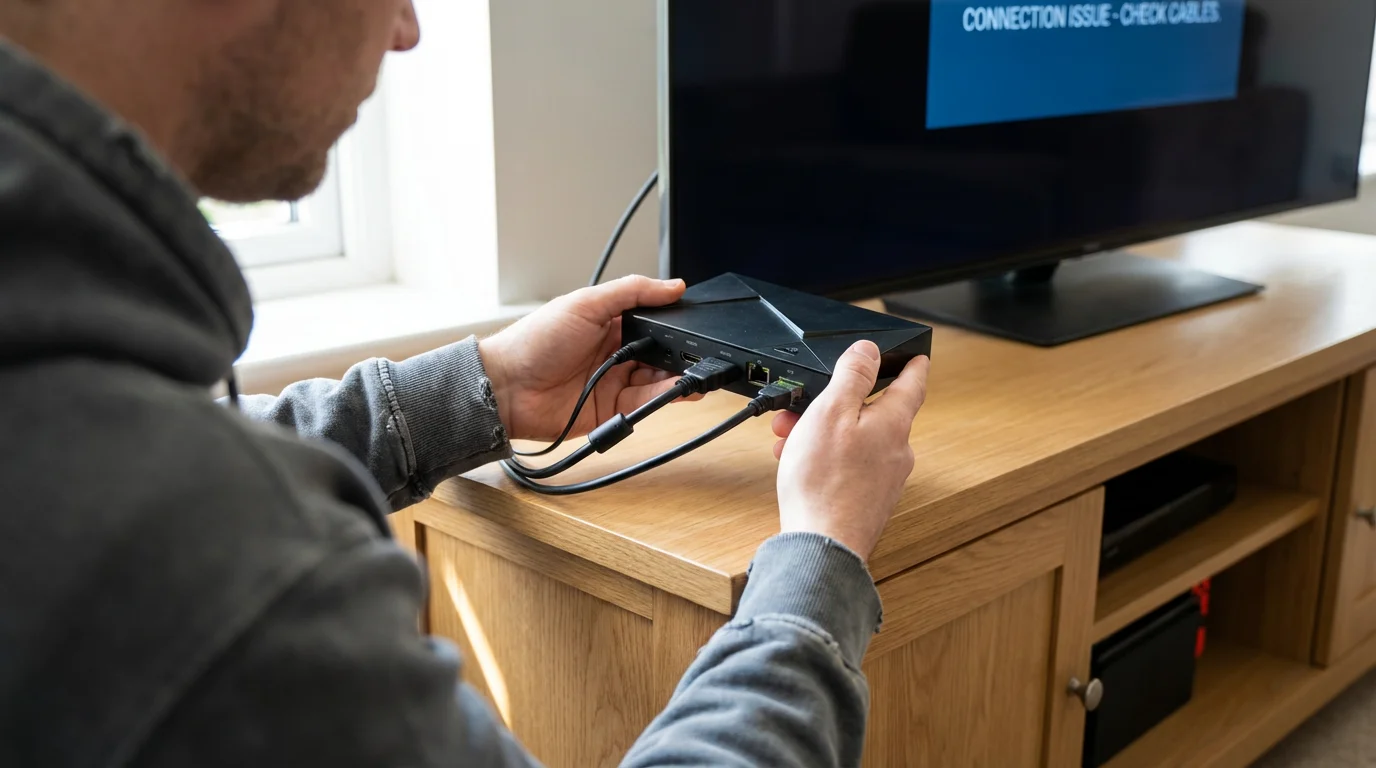
- Connect to TV: Plug the HDMI cable from the Shield TV to an HDMI input on your television.
- Power On: Connect the power adapter to the Shield TV and a wall outlet.
- Pair Remote: Follow the on-screen instructions to pair your Shield remote.
- Network Connection: Connect the Shield TV to your home WiFi network or plug in an Ethernet cable for a wired connection.
- Google Account Login: Log in with your Google account. This syncs your preferences and gives you access to the Google Play Store.
- Install Apps: Download your preferred streaming apps from the Google Play Store.
- Optimize Settings: Adjust display settings (e.g., enable Dolby Vision/HDR if your TV supports it) and audio passthrough in the Shield settings menu. This is where you can also find and enable the AI upscaling feature.
Common Troubleshooting Tips
- “No Signal” on TV: Ensure the HDMI cable is securely plugged into both the Shield TV and the correct HDMI input on your TV. Try a different HDMI port or cable.
- App Crashing or Freezing: Force close the app (Settings > Apps > [App Name] > Force Stop), then clear its cache (Settings > Apps > [App Name] > Clear Cache). If problems persist, try uninstalling and reinstalling the app.
- Slow Performance: Restart the Shield TV (Settings > Device Preferences > Restart). Check your internet speed. If using WiFi, consider moving closer to your router or switching to a wired Ethernet connection for better stability and speed.
- Remote Not Responding: Check the remote’s batteries. If they are good, try re-pairing the remote by holding down the Home and Back buttons simultaneously for a few seconds.
- Audio Issues (No Dolby Atmos/DTS-X): Ensure your receiver or soundbar supports these formats. Go into the Shield’s audio settings and enable passthrough for the desired formats. Check your TV’s audio settings, as some TVs restrict advanced audio passthrough.
Frequently Asked Questions
What is Android TV?
Android TV is Google’s operating system designed for smart TVs and streaming devices. It provides a user-friendly interface to access streaming apps, games, and Google Assistant. It also includes Chromecast built-in, allowing you to cast content from compatible mobile devices.
Can I use a game controller with the Nvidia Shield TV?
Yes, you can use a variety of game controllers with the Nvidia Shield TV. It supports Nvidia’s own Shield Controller, as well as popular Bluetooth controllers like the Xbox Wireless Controller and PlayStation DualShock/DualSense controllers. This enables a robust gaming experience for both cloud gaming and local Android games.
Does the Nvidia Shield TV require a subscription?
The Nvidia Shield TV itself does not require a subscription to operate. You only pay for the device. However, to access premium streaming content, you will need subscriptions to services like Netflix, Hulu, Disney+, or YouTube TV. GeForce NOW, Nvidia’s cloud gaming service, offers a free tier with session limits and paid priority tiers for longer playtimes and better performance.
Is the Nvidia Shield TV suitable for older TVs?
Yes, the Nvidia Shield TV is suitable for older TVs. While it excels with 4K HDR TVs, it is fully backward compatible with HD (1080p) and even older standard definition (720p) televisions. Its powerful processor and AI upscaling can actually improve the picture quality on non-4K displays, making older content look better than on less powerful devices.
Disclaimer: Device prices and features may change. New models are released regularly, so check for the latest versions before purchasing. The “best” device depends on your specific needs, existing ecosystem (Apple, Google, Amazon), and budget.

Leave a Reply