
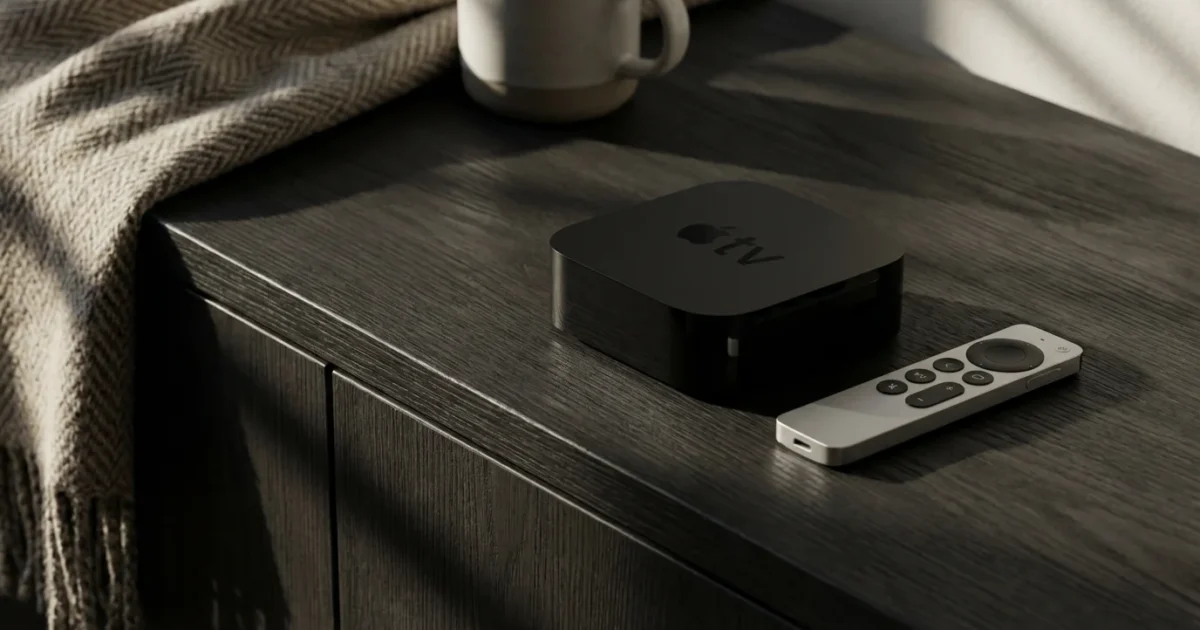
You want to cut the cord from traditional cable television, embracing streaming for your entertainment. Perhaps you already stream, but rising costs and confusing device options leave you overwhelmed. Smart consumers aim to save money without sacrificing quality. This is where a dedicated streaming device comes into play, but the market offers everything from budget-friendly sticks to premium boxes. Among the most expensive options, the Apple TV 4K stands out. Many ask, “is Apple TV 4K worth the price?” This comprehensive Apple TV 4K review 2024 will help you decide if this premium Apple streaming device justifies its cost for your household.
What Makes the Apple TV 4K a Premium Device?
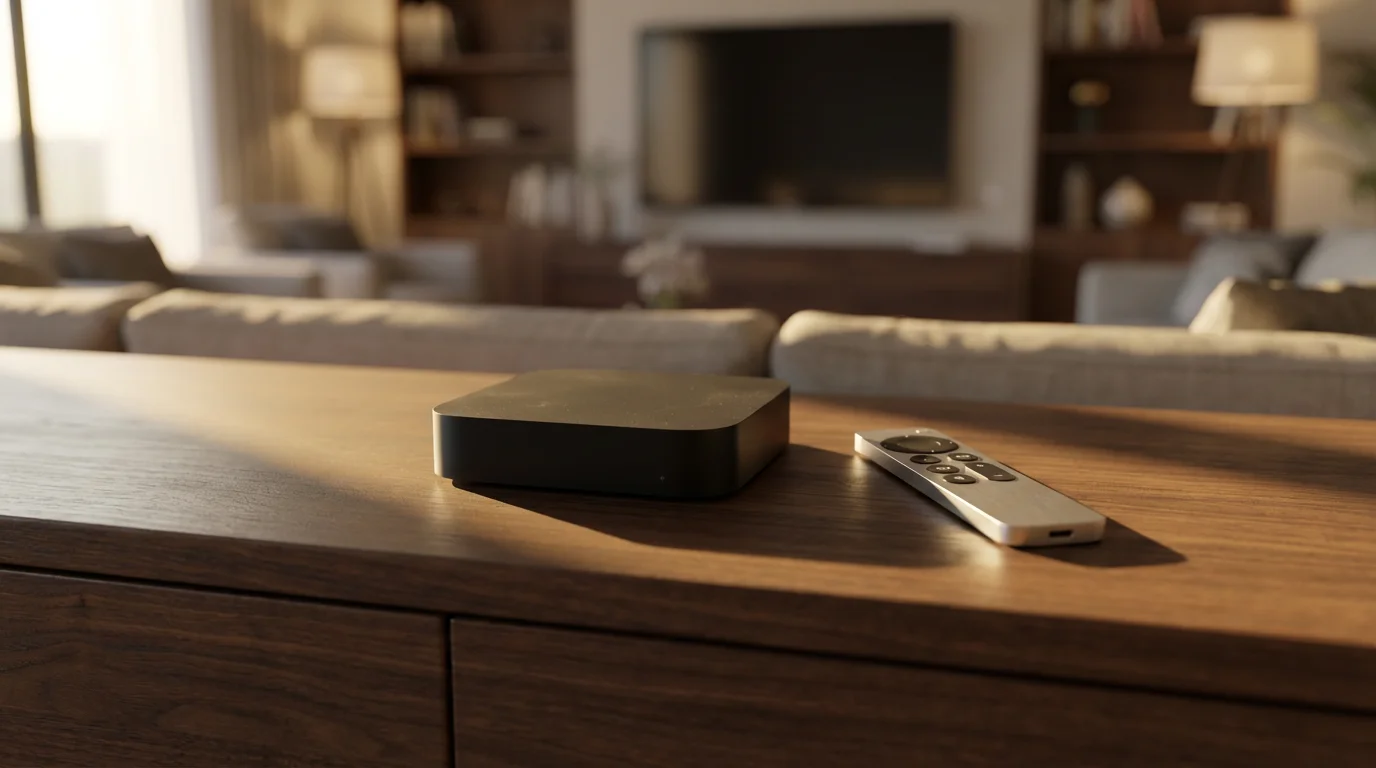
The Apple TV 4K positions itself as a top-tier streaming device, aiming to deliver a superior entertainment experience. Unlike basic streaming sticks, it bundles powerful hardware with advanced software features, creating a cohesive ecosystem. Understanding what makes it “premium” requires looking at its core capabilities and how it handles modern media. “Streaming” refers to watching video content over the internet instead of traditional cable or satellite. “Cord-cutting,” by extension, means canceling those traditional services in favor of streaming options.
Central to its appeal is support for high-quality video and audio formats. The device handles 4K resolution, which offers four times the pixels of standard 1080p high definition, delivering incredibly sharp images on compatible televisions. Beyond resolution, the Apple TV 4K supports High Dynamic Range (HDR), specifically HDR10+ and Dolby Vision. HDR enhances the contrast ratio and color accuracy, making bright areas brighter and dark areas deeper, resulting in a more lifelike picture. Dolby Vision is an advanced form of HDR, providing dynamic metadata that optimizes image quality scene by scene.
Audio quality also receives premium treatment. The Apple TV 4K supports Dolby Atmos, an immersive audio technology that creates a three-dimensional sound experience, allowing sounds to come from all directions, including overhead. This capability significantly elevates movie watching and gaming experiences when paired with a compatible sound system. These features, while increasingly common in mid-range devices, are often executed with Apple’s characteristic optimization and integration.

Apple TV 4K Specifications and Features
The Apple TV 4K’s hardware distinguishes it from many competitors. The current model features Apple’s A15 Bionic chip, the same powerful processor found in some iPhone models. This processor provides significant horsepower, ensuring smooth navigation, rapid app loading, and exceptional gaming performance for titles available through Apple Arcade. Lower-cost streaming devices, such as the Amazon Fire TV Stick 4K Max or Roku Streaming Stick 4K, often use less powerful, custom-designed chips that deliver good performance but cannot match the raw speed of Apple’s silicon.
The device comes in two storage configurations: 64 GB and 128 GB. The 128 GB model offers an Ethernet port for a stable wired internet connection and supports Thread networking, a low-power mesh networking technology for smart home devices. Both versions include Wi-Fi 6 (802.11ax) with 2×2 MIMO, which provides faster and more reliable wireless connectivity, especially in congested network environments. This is a crucial upgrade for streaming high-bandwidth 4K HDR content. Many budget devices still rely on older Wi-Fi 5 (802.11ac) standards.
Connectivity options also reflect its premium status. The Apple TV 4K includes an HDMI 2.1 port, supporting higher bandwidth for future video formats, though most current content does not fully utilize its capabilities. It also features Bluetooth 5.0 for connecting headphones, game controllers, and other accessories. The compact, fanless design ensures silent operation, a small detail that contributes to a premium user experience.
Here is a comparison of key specifications:
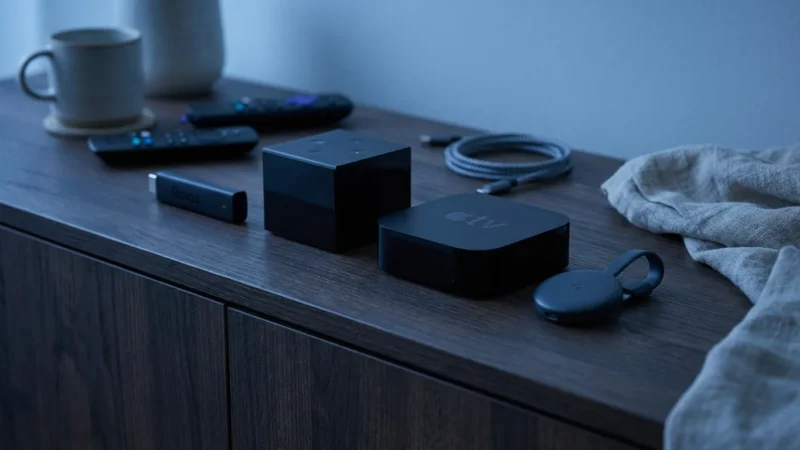
| Feature | Apple TV 4K (3rd Gen, 2022) | Roku Ultra (2022) | Amazon Fire TV Cube (3rd Gen, 2022) |
|---|---|---|---|
| Processor | A15 Bionic | Quad-core ARM Cortex A55 | Octa-core (4x 2.2GHz, 4x 2.0GHz) |
| Max Resolution | 4K @ 60fps | 4K @ 60fps | 4K @ 60fps |
| HDR Support | HDR10+, Dolby Vision | HDR10, HDR10+, HLG, Dolby Vision | HDR10, HDR10+, HLG, Dolby Vision |
| Audio Support | Dolby Atmos, Dolby Digital 7.1 | Dolby Atmos, DTS Digital Surround | Dolby Atmos, Dolby Digital 7.1 |
| WiFi Standard | Wi-Fi 6 (802.11ax) | Wi-Fi 5 (802.11ac) | Wi-Fi 6E (802.11ax) |
| Ethernet | Yes (128GB model only) | Yes | Yes |
| Storage | 64GB or 128GB | N/A (expandable via USB) | 16GB |
| Voice Assistant | Siri | Roku Voice | Alexa |
| Smart Home Hub | Thread (128GB model), HomeKit | No | Zigbee, Thread, Alexa |
| Typical Price Range | $129 – $149 | $99 – $119 | $139 – $149 |

User Experience and Interface
The Apple TV 4K runs on tvOS, a streamlined operating system designed for television. The interface is clean, intuitive, and highly responsive. App icons appear in a grid format, and you can easily rearrange them to personalize your home screen. Apple’s commitment to user experience shines through in the smooth animations and quick transitions. You rarely encounter lag or stuttering, even when jumping between demanding applications or graphically intensive games.
The Siri Remote is a key part of the experience. The current generation remote, redesigned from previous versions, features a touch-enabled clickpad for precise navigation, dedicated power and mute buttons for your TV, and a Siri button for voice commands. Siri, Apple’s voice assistant, allows you to search for content across multiple streaming apps, control playback, check weather, and even manage smart home devices compatible with Apple HomeKit. For example, you can say, “Find action movies with Tom Cruise” or “Play something on Netflix.” This universal search capability makes finding content much easier than navigating individual app interfaces.
The Apple ecosystem integration provides significant advantages. If you own other Apple devices, such as an iPhone, iPad, or MacBook, the Apple TV 4K offers seamless handoffs, AirPlay 2 for casting content, and shared photo libraries. Features like Spatial Audio with AirPods Pro or AirPods Max transform your audio experience, creating a theater-like soundstage directly on your headphones. The Apple TV app aggregates content from various services, making it simpler to discover new shows and movies without opening each individual app.
Apple Arcade provides access to a growing library of ad-free games, many of which play beautifully on the powerful A15 Bionic chip. Apple Fitness+ offers guided workouts that display metrics from your Apple Watch directly on your TV screen. These services, alongside the standard array of streaming apps like Netflix, Disney+, Hulu, HBO Max, YouTube TV, and Sling TV, round out a comprehensive entertainment package. A “streaming device” is a small box or stick, like Roku or Fire TV, that adds streaming capabilities to any television.
Apple TV 4K vs. The Competition: Roku, Fire TV, Chromecast
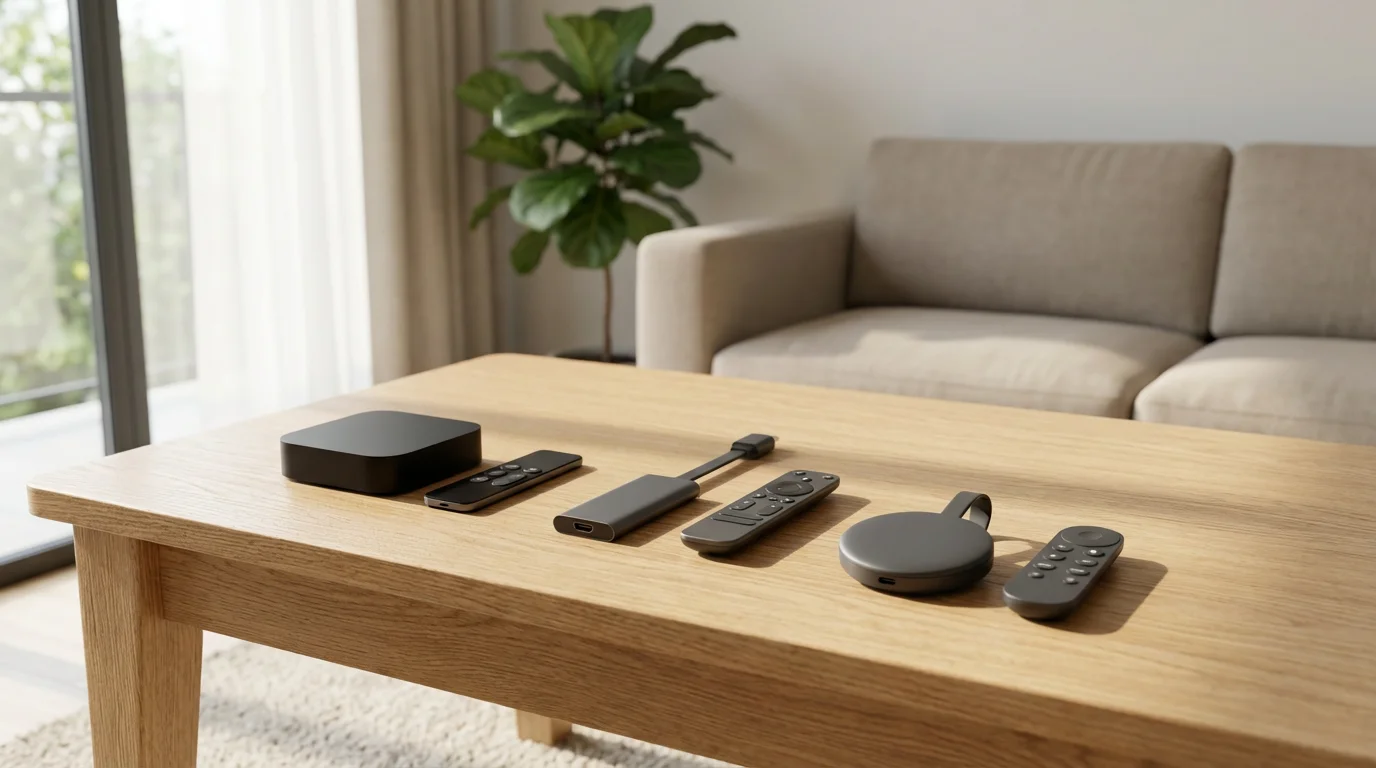
While the Apple TV 4K offers a premium experience, several competitors deliver excellent streaming at various price points. Understanding these alternatives helps you gauge the Apple device’s value.
- Roku: Roku devices, such as the Roku Streaming Stick 4K or Roku Ultra, are known for their simplicity and broad app support. Roku’s operating system is easy to navigate, and its universal search is robust. Roku often prioritizes content discovery, offering a neutral platform without pushing its own ecosystem services heavily. However, Roku’s processors are typically less powerful, and their hardware features, such as Wi-Fi standards or advanced audio processing, may not match the Apple TV 4K. Roku remotes are generally straightforward, though some advanced models include headphone jacks for private listening.
- Amazon Fire TV: Amazon Fire TV devices, including the Fire TV Stick 4K Max and Fire TV Cube, integrate deeply with Amazon’s ecosystem. They offer excellent 4K HDR and Dolby Atmos support, often at more aggressive price points than Apple. Alexa integration is central, providing robust voice control for content, smart home devices, and general queries. The Fire TV interface heavily promotes Amazon content (Prime Video, Freevee) which can be a pro for Amazon Prime subscribers or a con for those who prefer a neutral home screen. The Fire TV Cube, in particular, competes directly with the Apple TV 4K in terms of processing power and smart home capabilities, offering a built-in speaker and far-field Alexa microphones.
- Chromecast with Google TV: The Chromecast with Google TV combines a traditional streaming stick with a full user interface. It focuses on content aggregation, presenting movies and shows from all your subscribed services on one home screen, often based on your viewing habits. It supports 4K HDR and Dolby Vision, and includes Google Assistant for voice control. Chromecast devices are generally more affordable than the Apple TV 4K. While powerful for their price, they typically do not match the raw processing power or the extensive ecosystem integration of Apple.
When you compare these devices, you find Apple often offers a more refined user interface and superior raw performance, but at a higher cost. For a comprehensive overview of top streaming devices, Wirecutter provides in-depth reviews that can help you consider various options.
Consider this infographic comparing key features of these popular 4K streaming devices:
[INFOGRAPHIC: Side-by-side comparison of Apple TV 4K (3rd Gen) vs Amazon Fire TV Stick 4K Max (2nd Gen) vs Roku Streaming Stick 4K vs Chromecast with Google TV 4K. Four columns showing: Device Name, Price Range, Max Resolution, HDR Support (HDR10+/Dolby Vision), Audio (Dolby Atmos), Processor, Wi-Fi Standard, Remote Type, Ecosystem/Voice Assistant, Key Differentiator. Clean design, easy-to-read icons for features.]
Price-to-Value Analysis: Is It Worth the Cost?
The Apple TV 4K resides firmly in the premium price tier, often starting around $129 for the 64GB model and $149 for the 128GB version. This places it significantly above many popular alternatives. Let’s break down its value across different budget tiers:
For a broader market comparison, you can see how this unit stacks up against the best streaming device for every budget in 2024.
- Under $50 Budget: At this price point, you find devices like the Amazon Fire TV Stick 4K, Roku Streaming Stick 4K, or Chromecast with Google TV (HD). These devices offer excellent 4K streaming, HDR support, and responsive performance for basic tasks. They represent fantastic value for most cord-cutters. You will not get the raw processing power of the Apple TV 4K, nor its advanced gaming capabilities or deep Apple ecosystem integration. For the majority of users who simply want to stream Netflix or Hulu, these budget options are more than sufficient.
- $50 – $100 Budget: This tier includes devices like the Fire TV Stick 4K Max, Roku Ultra, and possibly the Chromecast with Google TV (4K). These devices offer enhanced performance, often including Wi-Fi 6 support, better remote features, or additional ports like Ethernet. The Fire TV Stick 4K Max, for instance, provides snappier performance than its non-Max counterpart. The Roku Ultra offers a fast interface and a handy remote finder. These devices close the gap in performance and features with the Apple TV 4K, making them strong contenders if you prioritize value over an absolute premium experience.
- $100 – $150+ Budget: This is where the Apple TV 4K truly competes, alongside the Fire TV Cube (3rd Gen) and NVIDIA Shield TV Pro. The Fire TV Cube offers comparable processing power and smart home integration. The NVIDIA Shield TV Pro is known for its AI upscaling, gaming prowess, and Plex server capabilities, appealing to a niche audience of media enthusiasts. The Apple TV 4K justifies its price here through its A15 Bionic chip, exceptional user experience, unparalleled Apple ecosystem integration, and robust privacy features. If you are deeply invested in Apple’s services, value long-term software support, and want the fastest, smoothest interface available, the premium price becomes a more logical investment.
“When evaluating a streaming device, consider your primary use cases. If you primarily watch Netflix and YouTube, even a $30 device delivers. If you demand gaming, pristine audio, and deep smart home control, a premium device like the Apple TV 4K earns its keep.”

Best Use Cases for Apple TV 4K
The Apple TV 4K truly shines for specific user profiles:
- Apple Households: If you own an iPhone, iPad, Apple Watch, or use Apple Music, iCloud, and Apple Arcade, the Apple TV 4K provides seamless integration. Features like AirPlay 2, shared photo streams, HomeKit control, and quick setup with your iPhone make it an ideal choice.
- Audiophiles and Home Theater Enthusiasts: With support for Dolby Atmos, robust multi-channel audio passthrough, and Spatial Audio with AirPods, the Apple TV 4K delivers a top-tier audio experience. Its consistent performance makes it a reliable component in a high-end home theater setup.
- Gamers (Casual to Mid-Core): While not a dedicated console, the powerful A15 Bionic chip transforms the Apple TV 4K into a capable gaming machine for Apple Arcade titles. You can pair PlayStation, Xbox, or MFi controllers for a console-like experience.
- Privacy-Conscious Users: Apple maintains a stronger stance on user privacy compared to Google or Amazon, which heavily rely on data for advertising and service improvement. If minimizing data collection is a priority for you, the Apple TV 4K offers a more reassuring option.
- Users Who Prioritize Interface and Performance: If you value a fluid, lag-free user interface, quick app loading, and consistent performance above all else, the Apple TV 4K delivers. Its powerful hardware ensures a premium experience that budget devices cannot replicate.
- Users Who Value Longevity and Software Support: Apple is known for providing long-term software updates for its devices. This means your Apple TV 4K will likely receive new features and security patches for years, extending its useful lifespan.
For more insights on selecting the right streaming device for different needs, Tom’s Guide offers recommendations based on various criteria.
When to Choose a Streaming Device Over Smart TV Apps
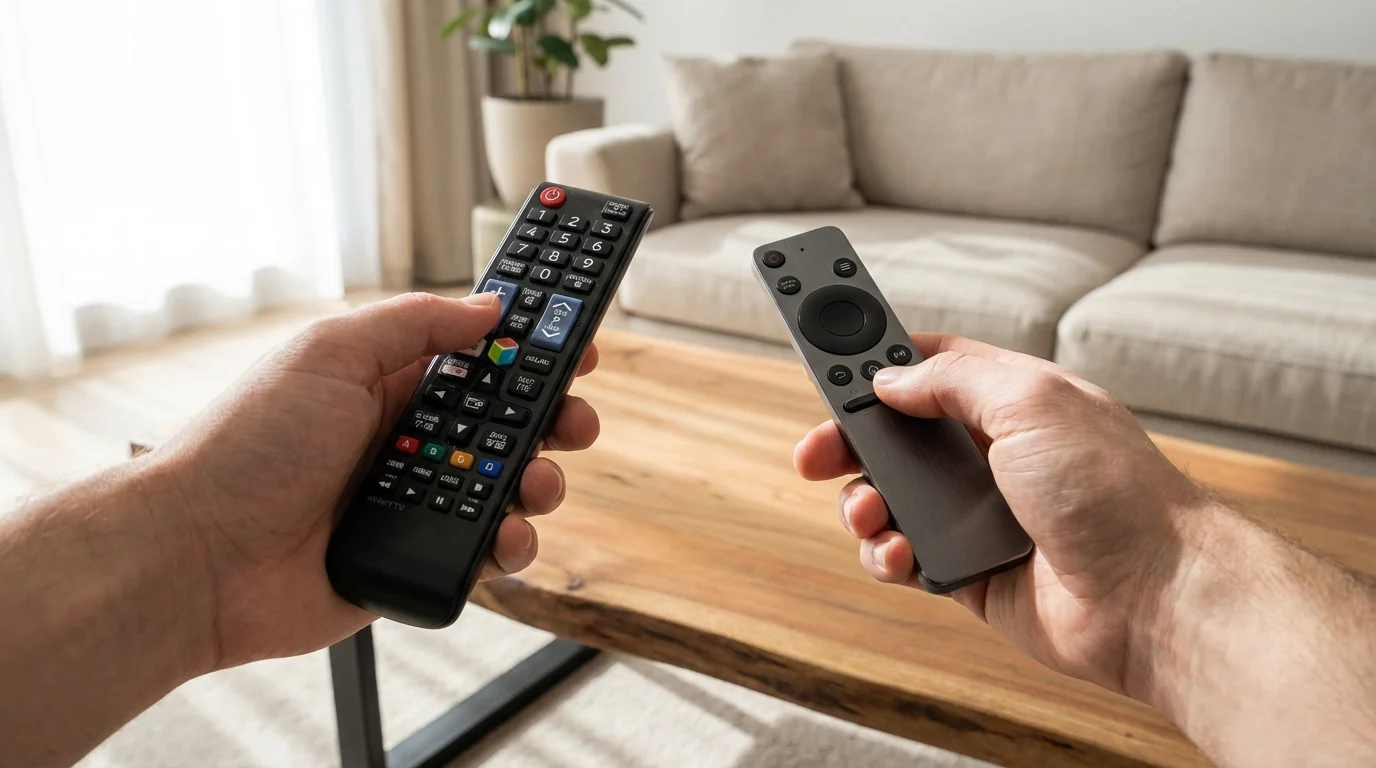
“Smart TV” refers to a television with built-in internet connection and apps, offering a convenient way to stream. Many people rely solely on their smart TV’s built-in apps, which often include Netflix, Hulu, YouTube, and more. For many casual viewers, this is “good enough.” However, dedicated streaming devices like the Apple TV 4K offer significant advantages:
- Performance: Dedicated streaming devices almost always feature more powerful processors than built-in smart TV systems. This means faster app loading, smoother navigation, and less buffering, especially with high-bandwidth 4K HDR content. Smart TV apps can often feel sluggish and clunky.
- Software Updates and Longevity: Smart TV operating systems receive fewer and less frequent updates compared to dedicated streaming devices. Over time, apps on older smart TVs may become unsupported or buggy. A dedicated streaming device, especially one from a major platform like Apple, Roku, or Fire TV, receives consistent software updates, ensuring compatibility and security for years.
- User Interface and Consistency: Each smart TV brand has its own interface, which can vary widely in quality and user-friendliness. A dedicated streaming device provides a consistent, optimized interface across different televisions, making it easier to use if you have multiple TVs or upgrade your TV frequently.
- Features and Ecosystem Integration: Dedicated devices often pack more features, such as advanced audio codecs, Wi-Fi 6/6E, or deep integration with specific ecosystems (like Apple’s with the Apple TV 4K). They also support a broader range of accessories, such as game controllers or Bluetooth headphones.
- Privacy: Many smart TVs collect extensive user data, sometimes more than dedicated streaming devices, often for targeted advertising. A dedicated device from a company with a stronger privacy stance, like Apple, can offer more control over your data.
- Troubleshooting and Reliability: If a smart TV app misbehaves, troubleshooting can be limited. With a separate device, you can easily restart, update, or even replace it without affecting your entire TV setup.
You should consider a dedicated streaming device if you experience slow performance on your smart TV apps, want access to a wider range of apps or features, value consistent software updates, or prioritize a top-tier user experience.
Setting Up and Troubleshooting Your Apple TV 4K
Setting up your Apple TV 4K is straightforward, especially if you own an iPhone or iPad:
If you are new to the world of cord-cutting, our guide on how to set up your first streaming device can help you get connected in minutes.
- Connect Hardware: Plug the Apple TV 4K into an available HDMI port on your television. Connect the power cable. If you have the 128GB model and prefer a wired connection, plug an Ethernet cable from your router into the Apple TV.
- Power On: Turn on your TV and select the correct HDMI input.
- Pair Remote: If the Siri Remote does not automatically pair, hold the Siri Remote within a few inches of your Apple TV. Press and hold the Volume Down button and the Home button for five seconds.
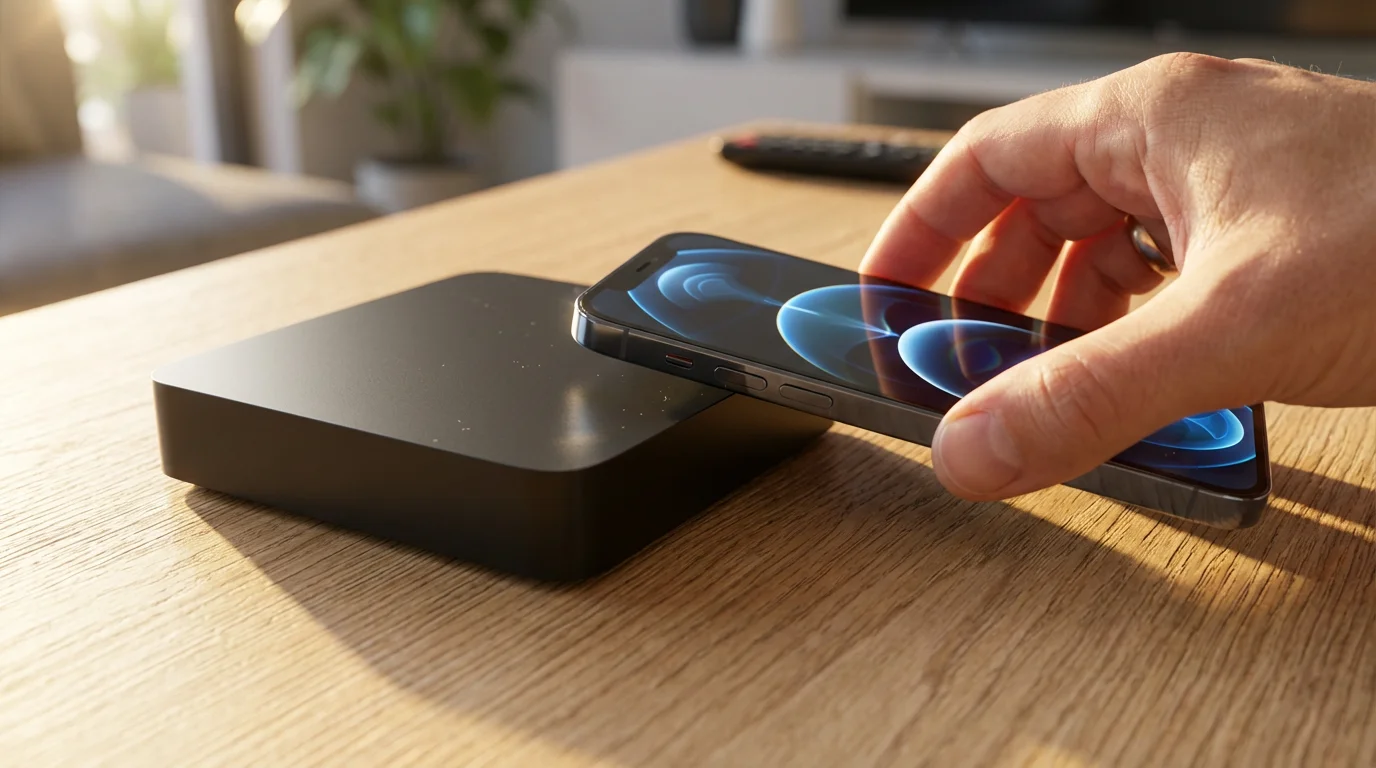
- Quick Setup with iOS Device: Bring your unlocked iPhone or iPad close to your Apple TV. A “Set Up New Apple TV” prompt appears on your iOS device. Follow the on-screen instructions to automatically transfer Wi-Fi settings, Apple ID, and other preferences.
- Manual Setup: If you do not use an iOS device, select your Wi-Fi network and enter the password using the Siri Remote. Sign in with your Apple ID or create a new one.
- Complete Setup: Follow the remaining prompts for Room Calibration, TV Provider login (optional), and installing initial apps.
Common troubleshooting tips:
- No Picture/Sound: Ensure your HDMI cable is securely connected to both the Apple TV and your TV. Try a different HDMI port or cable. Check your TV’s input selection.
- Remote Not Responding: Recharge the Siri Remote using a Lightning cable. If it is still unresponsive, try re-pairing it by holding the TV button and Volume Down button for five seconds.
- Buffering/Slow Performance: Check your internet speed. Ensure your Wi-Fi signal is strong; move the Apple TV closer to your router or consider using an Ethernet connection (if applicable). Restart your Apple TV by going to Settings > System > Restart.
- App Crashing: Force close the app by double-pressing the TV button on the Siri Remote, swiping up on the misbehaving app, and then reopening it. If the issue persists, delete and reinstall the app.
- Color Balance Issues: The Apple TV 4K offers a “Color Balance” feature using your iPhone’s front camera. Go to Settings > Video and Audio > Color Balance to calibrate your TV’s picture to industry-standard specifications.
Frequently Asked Questions
Is the Apple TV 4K good for non-Apple users?
Yes, while it excels for those in the Apple ecosystem, non-Apple users still benefit from its powerful performance, fluid interface, universal search, and support for all major streaming apps. You can use an Apple TV 4K without an iPhone, although the initial setup is quicker with one. You will need an Apple ID to download apps and make purchases.
What’s the difference between the 64GB and 128GB Apple TV 4K models?
The primary differences are storage capacity, the inclusion of an Ethernet port on the 128GB model for a wired internet connection, and Thread networking support on the 128GB model for smart home devices. If you plan to download many games or stream large media files over a wired network, the 128GB model offers more future-proofing.
Can I play games on the Apple TV 4K?
Absolutely. The Apple TV 4K’s powerful A15 Bionic chip makes it a capable gaming platform for titles available through Apple Arcade, Apple’s subscription gaming service. You can pair popular Bluetooth game controllers, such as those for PlayStation or Xbox, to enhance your gaming experience significantly.
Do I need a 4K TV to use the Apple TV 4K?
No, you do not need a 4K TV. The Apple TV 4K is backward compatible and works perfectly fine with 1080p HDTVs. It will scale content down to your TV’s native resolution. However, to experience the full benefit of 4K, HDR, and Dolby Vision, you need a compatible 4K HDR television.
Disclaimer: Device prices and features may change. New models are released regularly, so check for the latest versions before purchasing. The “best” device depends on your specific needs, existing ecosystem (Apple, Google, Amazon), and budget.




Leave a Reply