
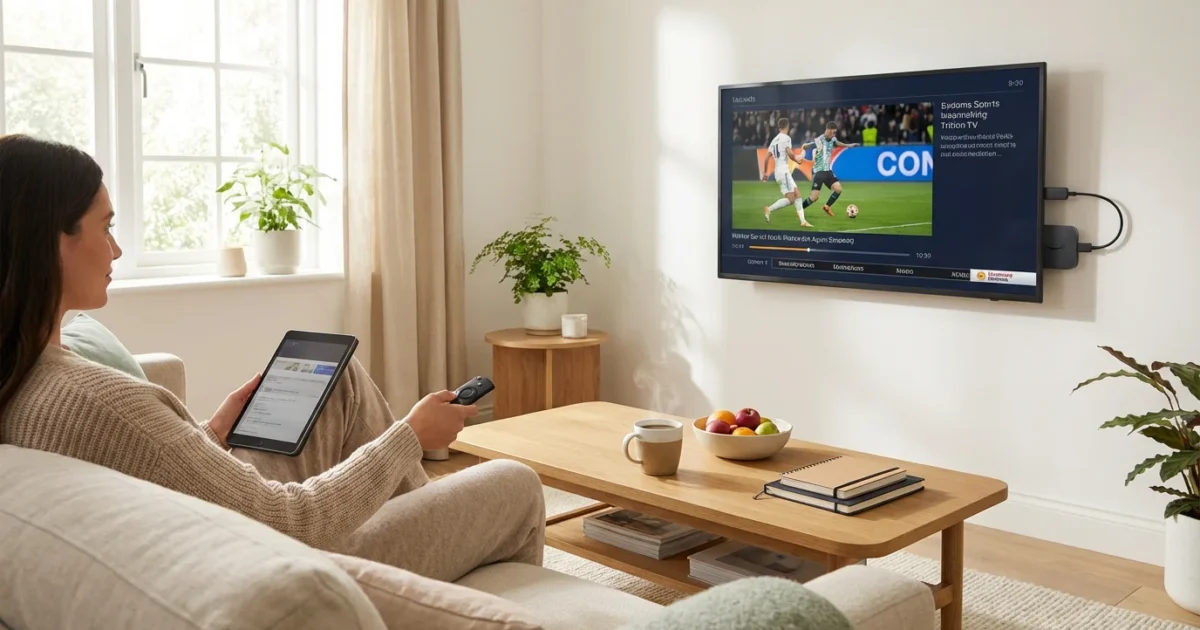
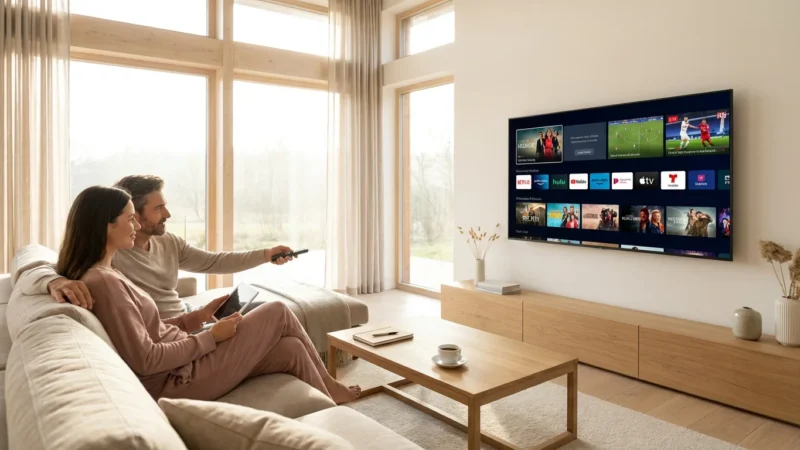
The cost of entertainment continues to climb, and traditional cable TV bills often feel like a budget drain. Many viewers in the USA are looking for ways to reduce expenses without sacrificing their favorite live shows, sports, and news. This drive to save money on entertainment leads many to “cord-cutting,” which means canceling traditional cable or satellite TV in favor of “streaming” services. Streaming involves watching video content over the internet using a “smart TV” or a “streaming device” like a Roku or Fire TV stick.
Finding “cheap live TV” or “affordable live TV” in 2024 requires navigating a complex landscape of services, prices, and features. The “cheapest live TV streaming service” for you depends entirely on what you watch. This guide delivers practical advice to help you uncover the best “budget live TV options 2024” that fit your specific needs and wallet.
Understanding Live TV Streaming: Beyond Basic On-Demand
Many people associate streaming with services like Netflix or Disney+, which offer “on-demand” content. You watch what you want, whenever you want. Live TV streaming, however, recreates the traditional cable experience, giving you access to channels broadcasting programs at scheduled times. You get news, sports, and reality shows as they air. These services typically come with a “DVR” or digital video recorder feature, allowing you to record and watch shows later, much like a traditional cable box. They aim to replace your entire cable package, offering a similar channel experience over the internet.

Key Factors When Choosing a Budget Live TV Service
When searching for “budget streaming,” evaluating services solely on their base price proves insufficient. You must consider several interconnected factors to determine true value and avoid hidden costs:
- Base Price: The monthly subscription fee before any taxes or add-ons. Look for the lowest entry points.
- Channel Lineup: Does the service include your must-have channels? Check for local networks, sports channels, and entertainment options. A low price is not helpful if you miss your favorite shows.
- Local Channel Availability: Essential for news, primetime network shows, and some sports. Availability varies significantly by location.
- DVR Features: Understand cloud storage limits, how long recordings last, and simultaneous recording capabilities. Some services offer robust DVRs, while others charge extra or provide limited functionality.
- Simultaneous Streams: How many devices can watch different content at the same time? This matters for households with multiple viewers.
- Add-on Packages and Premium Channels: Services often offer extra channel bundles (sports, movies, international) or premium networks like HBO and Showtime. These quickly increase your monthly bill.
- Contract Requirements: Most live TV streaming services offer month-to-month subscriptions, providing flexibility. Avoid services that lock you into long-term contracts.

The Most Affordable Live TV Streaming Services Reviewed
Let’s dive into the top contenders for “cheapest live TV” and “budget live TV options 2024,” examining their strengths and weaknesses from a cost-conscious perspective.
Before making a final choice, it can be helpful to see a head-to-head comparison of the top services to understand how they stack up in detail.
Philo: The Entertainment-Focused Budget Champion
If your primary interest is entertainment, lifestyle, and factual programming without sports or local news, Philo offers an incredibly low price point. It stands out as the most budget-friendly option, making it an excellent choice for a secondary service or for viewers with very specific needs.
- Price: Around $28 per month.
- Channel Lineup: Features over 70 channels, including AMC, A&E, Comedy Central, Discovery, Food Network, HGTV, History, MTV, Nickelodeon, TLC, and Paramount Network.
- Pros: Unbeatable price, unlimited DVR that saves recordings for one year, allows three simultaneous streams, and includes a large on-demand library.
- Cons: Lacks any local channels (ABC, CBS, FOX, NBC), no sports networks (ESPN, FS1), and does not offer news channels like CNN or Fox News.
- Best for: Viewers who prioritize entertainment and lifestyle channels, are not sports fans, and can get local news and primetime shows via an antenna.
“Philo is the ultimate budget pick for entertainment lovers, but sports fanatics or those who rely on local news will need to supplement it with an antenna or another service.”
Sling TV: Customizable and Cost-Effective
Sling TV pioneered a more flexible, a la carte approach to live TV streaming. It offers two main base packages, Sling Orange and Sling Blue, or a combined option, allowing you to tailor your channel lineup somewhat. This makes it a strong contender for “cheap live TV” if you pick the right package for your needs.
- Price:
- Sling Orange: Around $40 per month (focus on ESPN, Disney, limited single stream).
- Sling Blue: Around $40 per month (focus on Fox, NBC, NFL Network, allows three simultaneous streams).
- Sling Orange + Blue: Around $55 per month (combines both lineups, offers four simultaneous streams).
- Channel Lineup: Varies significantly by package. Sling Orange includes ESPN, AMC, CNN, Disney Channel. Sling Blue includes Fox, NBC, NFL Network, Discovery, Bravo, TLC. Many other popular channels are available as add-ons.
- Local Channel Availability: Limited. Sling Blue includes local FOX and NBC affiliates in select markets. You typically need an antenna for comprehensive local coverage.
- DVR Features: Includes 50 hours of DVR storage. You can upgrade to 200 hours for an additional $5 per month. Recordings last indefinitely unless you delete them.
- Pros: Highly customizable with various add-on packages, lower entry price than full-bundle competitors, often runs promotions, a good option for specific sports fans (e.g., ESPN via Orange, NFL via Blue).
- Cons: Local channel coverage is sparse, the 50-hour DVR is limiting for heavy recorders, and the simultaneous stream limit for Sling Orange (one stream) is restrictive for families. The “a la carte” nature means costs can add up quickly with many add-ons.
- Best for: Budget-conscious individuals or small households with specific channel needs, especially those primarily interested in either sports (Orange) or news/entertainment (Blue) and willing to use an antenna for locals.
Hulu + Live TV: Value with the Disney Bundle
While not the absolute cheapest upfront, Hulu + Live TV offers substantial value due to its bundled nature. It includes a comprehensive live TV service, access to the extensive Hulu on-demand library, Disney+, and ESPN+. This makes it a strong “affordable live TV” option for families or those seeking a broad range of content beyond just live channels.
- Price: Starts around $77 per month for the “ad-supported” plan (live TV has ads, some Hulu on-demand content has ads). An “ad-free” plan (for Hulu on-demand content) is also available at a higher price.
- Channel Lineup: Offers over 90 channels, including major networks (ABC, CBS, FOX, NBC), ESPN, TNT, TBS, FX, CNN, Disney Channel, Food Network, HGTV, and more.
- Local Channel Availability: Excellent. Provides broad coverage of local ABC, CBS, FOX, and NBC affiliates in most markets.
- DVR Features: Includes unlimited cloud DVR storage, saving recordings for up to nine months. You can fast-forward through commercials on recorded content.
- Simultaneous Streams: Allows two simultaneous streams, with an option to upgrade to unlimited streams at home for an extra fee.
- Pros: Comprehensive channel lineup, strong local channel availability, unlimited cloud DVR, and the included Disney Bundle (Hulu, Disney+, ESPN+) provides exceptional value for families. As Tom’s Guide reports, Hulu + Live TV is a strong contender for overall value due to its bundled content.
- Cons: Higher base price compared to Philo or Sling TV. The base plan’s “ad-supported” nature for on-demand content can be a deterrent for some.
- Best for: Families, Disney fans, sports enthusiasts, and those who want a comprehensive live TV and on-demand solution without managing multiple subscriptions.
YouTube TV: Premium Features at a Competitive Price
YouTube TV sits at a slightly higher price point than Sling or Philo but justifies it with a premium feature set and a broad channel lineup. It often gets recommended as the closest replacement to a traditional cable package due to its comprehensive offerings, making it an excellent “budget streaming” choice for those prioritizing an all-in-one solution.
- Price: Around $73 per month.
- Channel Lineup: Over 100 channels, including all major local networks, a wide array of sports channels (ESPN, FS1, NFL Network, NBA TV, MLB Network), news (CNN, Fox News, MSNBC), and entertainment (TNT, TBS, FX, AMC, Discovery).
- Local Channel Availability: Excellent, similar to Hulu + Live TV, covering most major markets for ABC, CBS, FOX, and NBC.
- DVR Features: Unlimited cloud DVR storage, saving recordings for up to nine months. You can skip ads on recorded content.
- Simultaneous Streams: Allows three simultaneous streams.
- Pros: Extensive channel lineup, best-in-class unlimited DVR, robust local channel coverage, includes popular sports and news channels, user-friendly interface. PCMag recognizes YouTube TV as a top choice for its comprehensive features and reliability.
- Cons: Higher price point than some direct competitors, and recent price increases can be a concern for very strict budgeters.
- Best for: Households seeking a comprehensive cable replacement with excellent sports coverage, unlimited DVR, and strong local channel availability, willing to pay a bit more for premium features.

Channel Lineup Comparison: Get the Networks You Love
Understanding which channels each service carries is crucial. A “cheap live TV” service is only valuable if it has the channels you actually watch. This table compares the availability of some popular networks across our top budget-focused services:
| Channel Category | Network | Philo | Sling Orange | Sling Blue | Hulu + Live TV | YouTube TV |
|---|---|---|---|---|---|---|
| Local Broadcast | ABC | No | No | Limited | Yes | Yes |
| CBS | No | No | No | Yes | Yes | |
| FOX | No | No | Limited | Yes | Yes | |
| NBC | No | No | Limited | Yes | Yes | |
| Sports | ESPN | No | Yes | No | Yes | Yes |
| FS1 | No | No | Yes | Yes | Yes | |
| NFL Network | No | No | Yes | No | Yes | |
| News | CNN | No | Yes | Yes | Yes | Yes |
| Fox News | No | No | Yes | Yes | Yes | |
| MSNBC | No | No | Yes | Yes | Yes | |
| Entertainment | AMC | Yes | Yes | Yes | Yes | Yes |
| Discovery | Yes | No | Yes | Yes | Yes | |
| HGTV | Yes | No | Yes | Yes | Yes | |
| TNT | No | Yes | No | Yes | Yes | |
| FX | No | No | No | Yes | Yes |
(Note: “Limited” for Sling TV means availability depends on your geographic market. “No” indicates the channel is not in the base package, though some might be available as paid add-ons.)

Local Channels and Regional Sports Networks: Navigating Availability
Local channels (ABC, CBS, FOX, NBC, PBS, The CW) are critical for breaking news, primetime shows, and many live sports events. Their availability on streaming services often depends on your exact geographic location. Services like Philo do not offer any local channels, assuming you will get them elsewhere.
How to Check Local Channel Availability: Before subscribing to any service, visit its website and use the “check availability” tool. You typically enter your ZIP code, and the service shows you which local networks it carries in your area. Do this for every service you consider during its free trial period to confirm you receive the channels important to you.
Regional Sports Networks (RSNs): Watching local professional sports teams often requires access to RSNs like Bally Sports, NBC Sports RSNs, or Spectrum SportsNet. These channels are complex. They are often expensive for streaming providers to carry, and their availability varies even more significantly by location and streaming service. DirecTV Stream is known for having the broadest RSN coverage, but it comes at a significantly higher price. If RSNs are a must-have, carefully research which service carries your specific RSN in your area. Be aware of “blackout” rules, which prevent you from watching games broadcast in your local market if you are trying to stream out-of-market packages.
Budget Tip: The Antenna Advantage: To keep your “budget streaming” truly budget-friendly, consider a one-time purchase of a digital antenna. This allows you to receive local channels (ABC, CBS, FOX, NBC, PBS, The CW) for free over the air, in high definition. This strategy perfectly complements services like Philo or Sling TV by filling their local channel gaps, saving you money on higher-tier streaming packages that include locals.

DVR Features and Simultaneous Streams: Your Recording and Viewing Options
When you cut the cord, you want to maintain the convenience of recording shows. DVR capabilities vary widely, influencing which “cheapest live TV streaming service” suits you. Simultaneous streams also matter for multi-person households.
DVR Feature Comparison
- Philo: Offers unlimited cloud DVR storage. Recordings save for one year, providing ample time to catch up.
- Sling TV: Includes 50 hours of cloud DVR. You can upgrade to 200 hours for an additional $5 per month, which offers more flexibility. Recordings last indefinitely unless deleted.
- Hulu + Live TV: Provides unlimited cloud DVR storage. Recordings save for nine months, and you can fast-forward through ads on recorded content.
- YouTube TV: Features unlimited cloud DVR storage, a standout feature. Recordings save for nine months, and you can fast-forward through ads.
For heavy recorders or those who dislike commercials, Hulu + Live TV and YouTube TV offer the most generous DVR experiences. Philo’s unlimited DVR is also excellent, but remember its limited channel lineup. Sling TV’s base DVR is functional but may require an upgrade for more extensive use.
Simultaneous Streams for Family Viewing
If you live alone, simultaneous streams are not a concern. For families or roommates, this feature is critical.
- Philo: Allows three simultaneous streams.
- Sling Orange: Limited to one simultaneous stream, which is a major drawback for families.
- Sling Blue: Allows three simultaneous streams.
- Sling Orange + Blue: Offers four simultaneous streams.
- Hulu + Live TV: Allows two simultaneous streams. An unlimited screens add-on is available for an extra monthly fee, allowing unlimited streams at home and three on the go.
- YouTube TV: Allows three simultaneous streams.
For families, Sling Orange’s single stream can be a deal-breaker. Hulu + Live TV and YouTube TV offer solid options, with Hulu’s add-on providing extreme flexibility if needed. Philo and Sling Blue also offer good simultaneous stream counts for their price points.

Sports Streaming on a Budget: How to Catch the Action
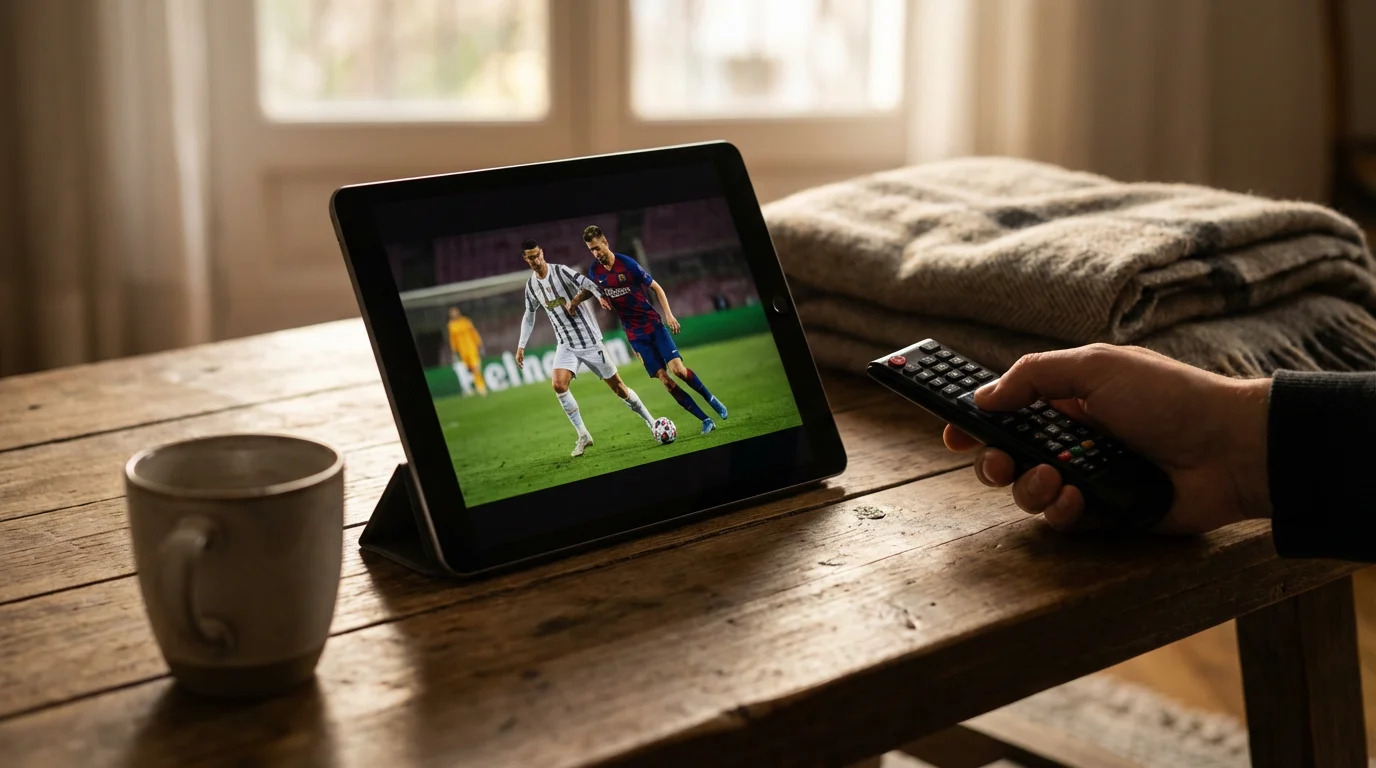
Watching live sports without cable often feels like the biggest challenge for cord-cutters. “Budget streaming” for sports is possible, but it requires strategic planning.
Many major sports leagues, including NFL, NBA, MLB, NHL, and college sports, distribute games across a variety of networks:
- Broadcast Networks: ABC, CBS, FOX, NBC carry many major games, especially NFL, college football, and some NBA/NHL playoffs. An antenna offers these for free.
- National Cable Sports Channels: ESPN, ESPN2, FS1, FS2, TNT, TBS, NFL Network, NBA TV, MLB Network, NHL Network are crucial.
- Regional Sports Networks (RSNs): As mentioned, these carry local team games. They are generally expensive.
Strategies for “Budget Live TV” Sports Streaming:
- Antenna + Sling TV (Orange or Blue): This combination offers a potent “budget live TV” solution for many sports fans. An antenna gets you local NFL, college, and other broadcast games. Sling Orange provides ESPN for a wide array of sports, while Sling Blue provides FS1, NFL Network, and local FOX/NBC (in select markets).
- Hulu + Live TV or YouTube TV: If your budget allows for a slightly higher monthly fee, these services offer the most comprehensive sports coverage within a single package. They include most national sports channels and excellent local channel availability, simplifying your sports viewing. This is often the “cheapest live TV streaming service” when you factor in how many sports channels you receive.
- Niche Sports Packages: Consider specific league passes (like NBA League Pass or MLB.tv) only if you are primarily interested in out-of-market games and are willing to pay extra. Remember blackout restrictions apply. For soccer, dedicated services like Paramount+ (for UEFA Champions League) or Peacock (for Premier League) are more cost-effective than full live TV packages if that is your primary focus.
Be aware that no single “budget streaming” service delivers every single game from every sport. You often make trade-offs between cost and comprehensive coverage. For deep dives into sports streaming, Cord Cutters News offers frequent updates on how to watch specific leagues.

Making Sense of the Real Cost: Base Price Versus Total Value
When evaluating “the cheapest ways to stream live TV,” avoid fixating solely on the lowest monthly number. The true cost includes any add-ons you deem essential. For example, Philo’s $28 per month is incredibly cheap, but if you absolutely need ESPN and your local CBS affiliate, you will pay much more to piece those together from other services or an antenna. That combination might end up costing more than a single Hulu + Live TV subscription.
Consider these scenarios:
- Scenario 1: Pure Entertainment Lover (No Sports/News): Philo ($28) is your clear winner.
- Scenario 2: ESPN Sports Fan with Locals from Antenna: Sling Orange ($40) + Digital Antenna ($50 one-time purchase) = $40/month.
- Scenario 3: Family Needing Comprehensive Cable Replacement (Sports, Locals, On-Demand): Hulu + Live TV ($77) provides the Disney Bundle, unlimited DVR, and wide channel selection. While not the cheapest, it offers high value.
Always utilize the free trials offered by these services. They allow you to test the interface, check local channel availability, and verify the channel lineup without commitment. This hands-on experience proves invaluable in finding the “cheapest live TV streaming service” that genuinely meets your family’s needs.
Frequently Asked Questions
What is cord-cutting?
Cord-cutting means canceling traditional cable or satellite television subscriptions. People do this to save money and gain more flexible access to entertainment through internet-based streaming services.
Do I need a special TV to stream live TV?
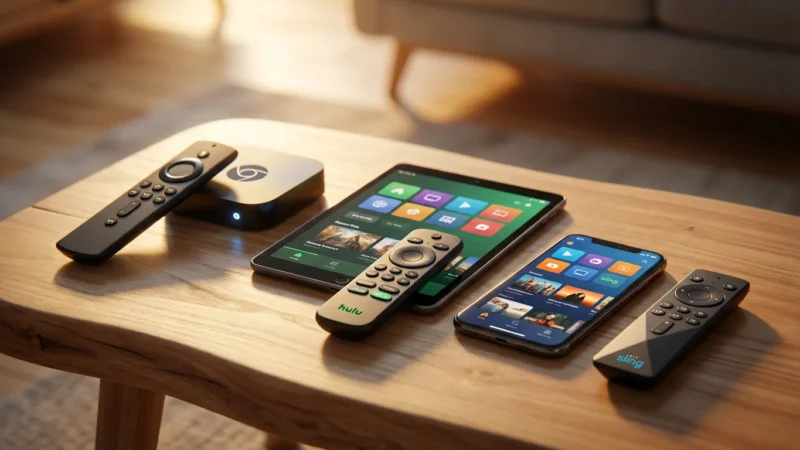
No, you do not need a special TV. While a “smart TV” has built-in streaming apps, you can use a “streaming device,” like a Roku, Amazon Fire TV stick, or Apple TV, to add streaming capabilities to any television with an HDMI port. This makes most TVs compatible with live TV streaming.
Can I watch local channels if I only subscribe to a budget streaming service?
Many budget streaming services, such as Philo, do not include local channels like ABC, CBS, FOX, or NBC. Services like Sling TV offer limited local channel access in select markets. To ensure you receive your local channels, you can often use a digital antenna for free over-the-air broadcasts. More comprehensive and slightly more expensive services like Hulu + Live TV and YouTube TV typically offer excellent local channel coverage in most areas.
What is the difference between “ad-supported” and “ad-free” streaming?
“Ad-supported” streaming plans are typically cheaper or free because they include commercials during content playback. “Ad-free” plans cost more but remove commercials from on-demand content. For live TV, you will generally experience commercials regardless of your plan, as those are part of the live broadcast.
How do I know if a streaming service has my favorite sports channel?
Check the service’s official website for its full channel lineup, specifically looking for channels like ESPN, FS1, TNT, or specific Regional Sports Networks (RSNs). Some services allow you to enter your ZIP code to verify local and regional channel availability. Always do this before subscribing, especially during a free trial period.
Disclaimer: Live TV streaming prices and channel lineups change frequently. Local channel availability varies by location. Always use the free trial to verify your local channels are included before committing. Sports blackout rules may affect some live events.



Leave a Reply