
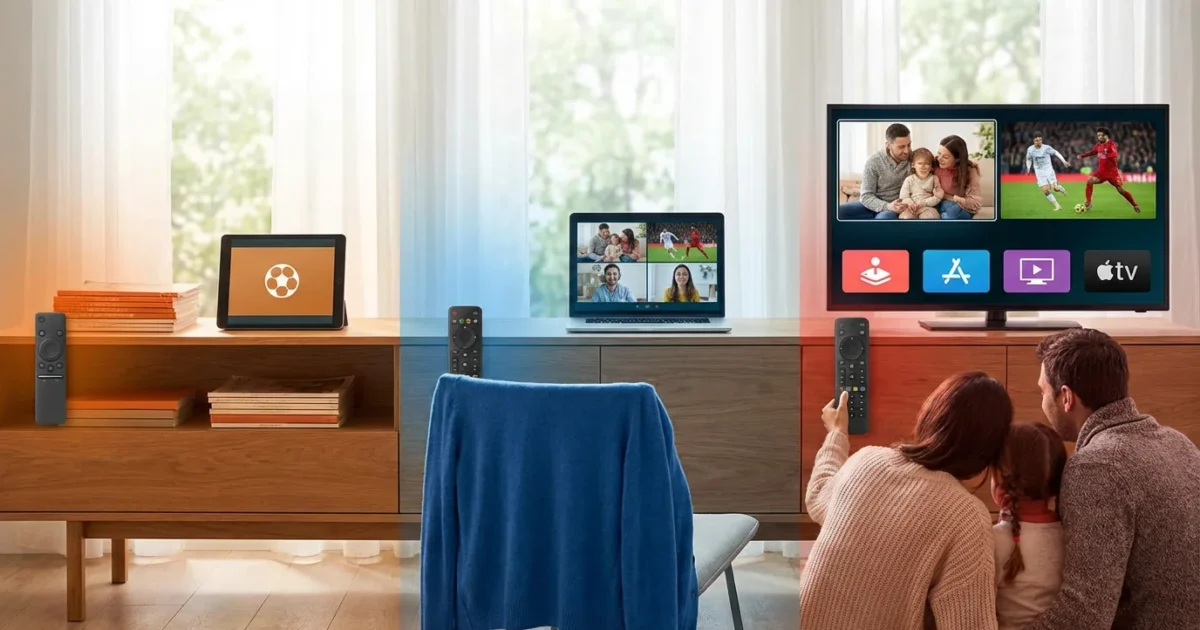
Choosing a live television streaming service can feel overwhelming. Many viewers want to save money on entertainment, cut the cord from cable, or optimize their streaming setup. However, the sheer number of options and rising costs often cause frustration. Sling TV stands out as one of the most budget-friendly choices for cord-cutting, which means canceling traditional cable or satellite TV in favor of watching video content over the internet using streaming services. Yet, even with Sling TV, you face a critical decision: Sling Orange, Sling Blue, or the combined Sling Orange + Blue. Each package offers different channels, stream limits, and a distinct focus, making the “best” choice highly dependent on your specific needs.
Understanding Sling TV: The Basics of Cord-Cutting
Sling TV emerged as one of the first live TV streaming services designed to replicate the cable experience without the long-term contracts or high costs. It delivers live television channels over your internet connection to devices such as a smart TV, which is a television with built-in internet access and apps, or a streaming device like a Roku, Fire TV Stick, or Apple TV. Unlike traditional cable, Sling TV offers month-to-month subscriptions, providing flexibility to cancel or change your plan at any time.
The service distinguishes itself with two primary base packages, Orange and Blue, which you can subscribe to individually or combine. This unique structure allows for a degree of customization that other, often more expensive, services do not offer. You get to choose your core channel lineup based on your viewing priorities, whether that prioritizes sports, news, or entertainment.

Sling Orange vs Blue: Core Differences at a Glance
The fundamental difference between Sling Orange and Sling Blue boils down to two key areas: channel lineups and simultaneous streams. You cannot simply view them as two tiers of the same service; they are distinct offerings with different licensing agreements for content.
- Sling Orange: Focuses on ESPN, Disney Channel, and Freeform. This package allows only one simultaneous stream, meaning only one person can watch Sling TV on one device at any given time. This makes it ideal for single viewers or households where only one person needs to watch Sling TV at once.
- Sling Blue: Offers channels like Fox, NBC (in select markets), NFL Network, and a broader array of entertainment and news channels. This package supports three simultaneous streams, which makes it a better fit for families or households with multiple viewers who want to watch different programs concurrently.
The price for each standalone package is identical, currently around $40 per month. This identical pricing often creates confusion, as viewers might assume they are simply different versions of the same product. However, understanding their unique content and stream limits is crucial for making the right decision.

Sling Orange: Best for ESPN and Disney Channel Fans
Sling Orange caters specifically to viewers who prioritize ESPN sports content and Disney’s family-friendly channels. For approximately $40 per month, you gain access to a valuable selection of networks that are often missing from other budget streaming options. This package includes ESPN, ESPN2, and ESPN3, providing a solid foundation for watching a wide range of live sports, including college football, basketball, and various professional leagues. If you follow college sports intently, especially those broadcast on the ESPN family of networks, Sling Orange becomes a compelling choice.
Beyond sports, Sling Orange delivers significant value for families, particularly those with younger children or teenagers. It includes Disney Channel, Disney Junior, and Freeform, offering a steady stream of kids’ programming, movies, and popular teen dramas. Other notable channels in the Sling Orange lineup include AMC, CNN, HGTV, Food Network, TBS, TNT, and A&E.
The primary limitation of Sling Orange is its single-stream policy. You can only watch Sling Orange content on one device at a time, regardless of where you are. If someone in your household is watching an ESPN game, no one else can stream another Sling Orange channel simultaneously. This makes it less suitable for larger families with diverse viewing habits, where multiple people might want to watch different shows at the same time.
“The choice between Sling Orange and Blue often comes down to your priorities: do you need ESPN and its related sports, or do you need the flexibility of multiple streams and local news?” — Cord Cutters News

Sling Blue: Ideal for Local Channels and News Enthusiasts
Sling Blue, also priced at approximately $40 per month, takes a different approach, focusing on a broader range of news, entertainment, and a selection of local channels. This package is particularly appealing to those who want access to major broadcast networks for news and primetime shows, along with channels like NFL Network for football coverage. It includes Fox and NBC in select local markets, offering a valuable gateway to your local news, network primetime programming, and some regional sports broadcasts, although dedicated Regional Sports Networks (RSNs) are generally not included.
The channel lineup for Sling Blue is robust, featuring popular networks such as Discovery Channel, FX, FXX, truTV, SYFY, TLC, Bravo, E!, and MSNBC, in addition to many of the general entertainment channels also found in Sling Orange (like AMC, CNN, HGTV, Food Network, TBS, TNT). This makes it a strong contender for viewers interested in reality TV, dramas, movies, and comprehensive news coverage.
A significant advantage of Sling Blue is its support for three simultaneous streams. This means up to three different people can watch distinct Sling Blue channels on separate devices at the same time. This multi-stream capability is a game-changer for families, roommates, or anyone in a household with varied viewing preferences, allowing everyone to enjoy their preferred content without interruption. This aligns with advice from CNET’s live TV streaming guide, which emphasizes considering simultaneous streams for household harmony.

Sling Orange + Blue: The Comprehensive Choice
For viewers who want the best of both worlds, Sling offers the combined Sling Orange + Blue package. This option merges the channel lineups of both individual packages, providing a more extensive selection of networks and addressing the limitations of each standalone plan. Priced at approximately $55 per month, it offers a discount compared to subscribing to both Orange and Blue separately (which would cost around $80 per month).
With Sling Orange + Blue, you gain access to all the channels from both packages, including ESPN, Disney Channel, Fox, NBC (in select markets), NFL Network, AMC, CNN, HGTV, Discovery, FX, and many more. This combined lineup delivers a robust entertainment package suitable for almost any household, catering to sports enthusiasts, news junkies, and general entertainment viewers alike.
Crucially, the combined package also offers enhanced simultaneous streaming capabilities. While Orange channels remain limited to a single stream, Blue channels can be streamed on three devices concurrently. When combined, this means you can effectively watch up to four unique streams at once: one Orange channel and three Blue channels. This makes Sling Orange + Blue an excellent choice for larger families or households with diverse viewing habits, ensuring everyone can watch what they want, when they want.
This combined package represents Sling TV’s most complete offering. It costs less than many competitor live TV streaming services that offer similar channel breadth, positioning it as a strong value proposition for comprehensive cord-cutting.

Channel Lineup Comparison: What You Get with Each Sling TV Package
Understanding the channel differences is paramount. Here is a comparison of some key channels across the Sling Orange, Sling Blue, and Sling Orange + Blue packages. Note that this list is not exhaustive and channel lineups can change over time.
| Channel Category | Sling Orange | Sling Blue | Sling Orange + Blue |
|---|---|---|---|
| Sports | ESPN, ESPN2, ESPN3, Freeform | NFL Network, FS1, FS2, NBCSN (local via NBC), ACCN (via Sports Extra) | ESPN, ESPN2, ESPN3, NFL Network, FS1, FS2, Freeform, NBCSN (local via NBC), ACCN (via Sports Extra) |
| Local & News | CNN, Bloomberg Television | CNN, Bloomberg Television, Fox (select markets), NBC (select markets), MSNBC, Fox News, HLN | CNN, Bloomberg Television, Fox (select markets), NBC (select markets), MSNBC, Fox News, HLN |
| General Entertainment | AMC, TBS, TNT, HGTV, Food Network, Comedy Central, Lifetime, Travel Channel, AXS TV, Vice | AMC, TBS, TNT, HGTV, Food Network, Comedy Central, Lifetime, Travel Channel, Bravo, E!, FX, FXX, SYFY, truTV, USA, BET, Paramount Network, TLC, Discovery | AMC, TBS, TNT, HGTV, Food Network, Comedy Central, Lifetime, Travel Channel, AXS TV, Vice, Bravo, E!, FX, FXX, SYFY, truTV, USA, BET, Paramount Network, TLC, Discovery |
| Kids & Family | Disney Channel, Disney Junior, Freeform | Nick Jr., Cartoon Network | Disney Channel, Disney Junior, Freeform, Nick Jr., Cartoon Network |
| Movies | AMC, FXM (via Hollywood Extra) | AMC, FXM (via Hollywood Extra) | AMC, FXM (via Hollywood Extra) |
| Documentaries | History, Vice | Discovery, History, Nat Geo (via Lifestyle Extra) | Discovery, History, Vice, Nat Geo (via Lifestyle Extra) |

Sports Streaming: Navigating NFL, NBA, MLB, and More on Sling TV
For sports fans, Sling TV offers a budget-friendly way to catch many live events, but it requires careful consideration of which package to choose. The core distinction lies in the ESPN networks.
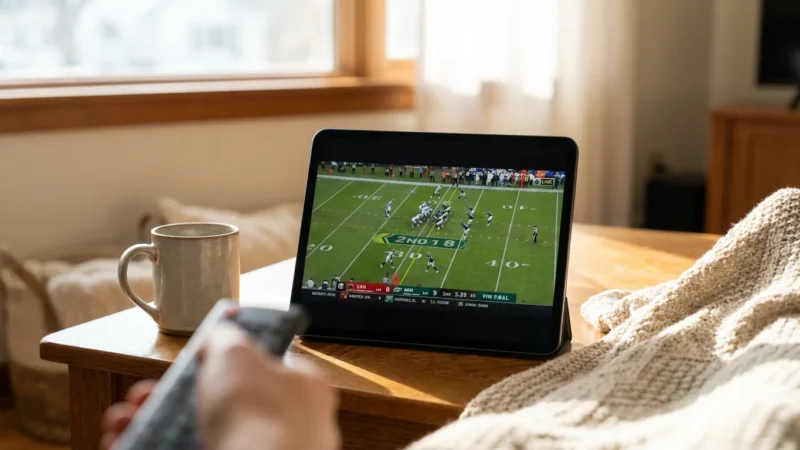
- Sling Orange: Your gateway to ESPN, ESPN2, and ESPN3. This package is indispensable for college sports fans, as ESPN carries a vast majority of major college football and basketball games. It also features a significant portion of NBA and MLB regular season games, along with various other professional sports. If your primary sports interest revolves around ESPN content, Orange is the essential choice.
- Sling Blue: This package brings in NFL Network, crucial for dedicated football fans, providing extensive coverage of the league, including Thursday Night Football (in some cases) and detailed analysis. It also includes FS1 and FS2, offering additional national sports programming, including some MLB, soccer, and college sports. For local NFL and college games broadcast on Fox and NBC, Sling Blue provides these in select markets.
- Sling Orange + Blue: Combines all the sports benefits of both packages, offering the most comprehensive sports lineup within Sling TV. You get ESPN, NFL Network, FS1, FS2, and local Fox and NBC feeds where available.
However, a significant consideration for all Sling TV packages is the general lack of Regional Sports Networks (RSNs). RSNs, like Bally Sports or MSG Network, carry local team broadcasts for MLB, NBA, and NHL. Sling TV typically does not include these channels. This means if you are a die-hard fan who needs to watch every game of your local MLB or NBA team, you might need to look at services like DirecTV Stream or explore individual team passes, which can be an additional cost. Sports blackouts, where certain games are unavailable due to local broadcasting rights, can still apply even on national channels.

Local Channel Availability: How to Check Before Subscribing
Access to local channels is a common concern for cord-cutters. Sling TV provides local Fox and NBC affiliates with its Sling Blue package in select markets across the USA. This means not everyone gets these channels automatically. Sling Orange does not include any local ABC, CBS, Fox, or NBC affiliates directly.
To determine if you will receive local Fox and NBC channels with Sling Blue, you must use Sling TV’s availability tool on their website. You simply enter your zip code, and the tool indicates which local channels, if any, are included in your area. This step is critical before you subscribe, as local news, primetime shows, and some sports events rely on these networks.
If your desired local channels (especially ABC, CBS, or if Fox/NBC are not offered by Sling in your area) are not available through Sling TV, you have alternatives:
- Over-the-Air (OTA) Antenna: A digital antenna provides free access to local broadcast channels like ABC, CBS, Fox, NBC, and The CW in most areas. This is a one-time purchase with no monthly fees.
- AirTV Device: Sling TV sells AirTV devices that integrate your antenna’s local channels directly into the Sling TV interface. This creates a seamless experience, allowing you to browse and watch both your Sling TV and antenna channels from a single app.
Remember that even if Sling Blue offers Fox and NBC, local channels often come with commercials, as they are ad-supported broadcasts, meaning they show advertisements to generate revenue.

DVR Features and Simultaneous Streams: Recording and Sharing Your Entertainment
When you cut the cord, features like Digital Video Recorders (DVRs) and simultaneous streams become crucial for managing your entertainment, especially in a household with multiple viewers. A DVR lets you record and watch shows later, giving you control over your viewing schedule.
On-demand content, on the other hand, allows you to watch whatever you want, whenever you want, often from a library of previously aired shows and movies.
DVR Features:
- Included DVR: Every Sling TV package, whether Orange, Blue, or Orange + Blue, includes 50 hours of Cloud DVR storage at no extra cost. This allows you to record your favorite shows, movies, and live sports events directly to the cloud, accessible from any device where you watch Sling TV. Recordings typically last indefinitely, or until you delete them, though older content may cycle out if space is limited and new recordings need storage.
- DVR Plus Upgrade: For an additional $5 per month, you can upgrade to DVR Plus, which expands your cloud storage to 200 hours. This is a valuable upgrade for heavy recorders or households with many members recording different programs. Sling’s DVR also generally allows you to fast-forward through commercials on recorded content, a significant perk for many viewers.
- Simultaneous Recordings: Sling TV allows you to record multiple shows at once, assuming you have available DVR storage. The number of simultaneous recordings does not impact your live streaming limit.
Simultaneous Streams:
The number of devices that can stream content concurrently is a major differentiator between Sling’s packages:
- Sling Orange: Permits only one simultaneous stream. If you are watching ESPN on your smart TV, no one else can watch any other Sling Orange channel on their tablet or phone. This package is best suited for individuals or households where only one person watches Sling TV at a time.
- Sling Blue: Allows three simultaneous streams. This means three different people can watch three different Sling Blue channels on three different devices at the same time. This multi-stream capability makes Sling Blue significantly more family-friendly.
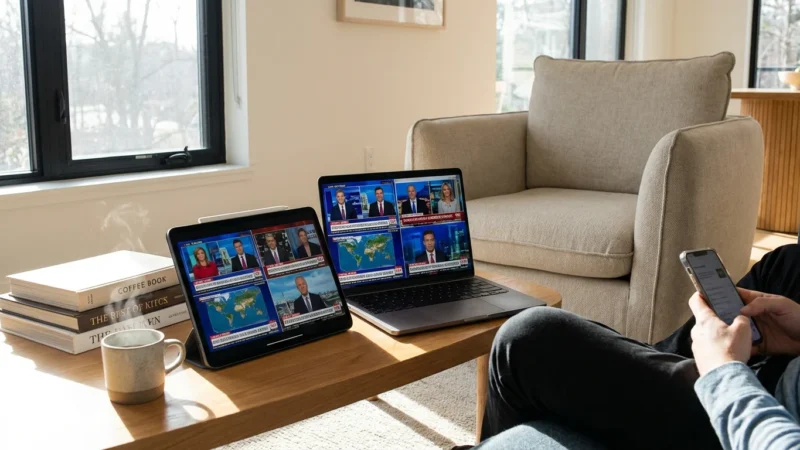
- Sling Orange + Blue: Provides the most flexibility. You get one stream for any Orange channel and three streams for any Blue channel. In practice, this means you can have a total of four unique streams running simultaneously, as long as only one of them is an Orange-specific channel. For example, one person watches ESPN (Orange), while three others watch Discovery, FX, and CNN (all Blue channels) at the same time.
Consider your household’s viewing habits carefully. If multiple people often want to watch different things simultaneously, Sling Blue or the combined Sling Orange + Blue becomes a necessity.

Add-ons and Extras: Customizing Your Sling TV Experience
Sling TV offers extensive customization through various add-on packages and premium channels, allowing you to tailor your subscription precisely to your interests. This flexibility helps you avoid paying for channels you do not watch, a common frustration with traditional cable.
Category-Specific Add-ons (typically $5-$10/month each):
- Sports Extra: Essential for many sports fans. This add-on varies based on your base package.
- With Orange: Adds SEC Network, ACC Network, Pac-12 Network, ESPNews, ESPNU, NBA TV, NHL Network, and more.
- With Blue: Adds NBA TV, NHL Network, Golf Channel, MLBN, and more.
- With Orange + Blue: Combines all the above.
- News Extra: Offers additional news channels like BBC World News, NewsNation, CNBC, Fox Business, and more.
- Kids Extra: Includes channels such as Disney XD, Nicktoons, Boomerang, and TeenNick.
- Lifestyle Extra: Adds channels like VH1, Cooking Channel, FYI, LMN, and Oxygen.
- Hollywood Extra: Provides MGM HD, FXM, SundanceTV, and other movie-focused channels.
- Comedy Extra: Includes MTV, truTV (if not in base), GSN, and more.
Premium Channels (variable pricing, typically $5-$15/month each):
You can also subscribe to popular premium channels directly through Sling TV, integrating them into your single streaming interface:
- HBO Max
- Showtime
- Starz
- Epix (now MGM+)
- Discovery+
- and various other movie packages.
These add-ons significantly expand your channel lineup but also increase your monthly cost. Before subscribing, analyze which add-ons genuinely enhance your viewing experience versus just adding to your bill. The beauty of Sling TV’s month-to-month contracts is that you can add or remove these extras whenever your interests change.

Cost Analysis: Base Prices, Add-ons, and Long-Term Value
Sling TV’s main appeal lies in its affordability compared to most other live TV streaming services. Understanding its pricing structure, including base packages and potential add-ons, is key to maximizing your savings.
- Sling Orange: Approximately $40 per month.
- Sling Blue: Approximately $40 per month.
- Sling Orange + Blue: Approximately $55 per month. This option provides a $25 discount compared to subscribing to Orange and Blue separately, making it the most cost-effective way to get the combined channel lineup.
When considering your total cost, factor in any desired add-ons. For example:
- A sports fan opting for Sling Orange + Sports Extra (Orange version) might pay around $40 + $11 = $51 per month.
- A family needing local news and extra entertainment with Sling Blue + Kids Extra + News Extra might pay around $40 + $6 + $6 = $52 per month.
- A comprehensive user with Sling Orange + Blue and both versions of Sports Extra could pay around $55 + $15 = $70 per month.
Even with several add-ons, Sling TV often remains more affordable than full-fledged cable packages or more expensive live TV streaming alternatives like YouTube TV or Hulu + Live TV, which typically start around $70-$75 per month. According to Consumer Reports’ streaming guide, careful selection of a budget streaming service like Sling TV can lead to substantial annual savings. The month-to-month nature of Sling TV contracts means you are never locked into a long-term commitment, providing financial flexibility. You can adjust your plan or cancel at any time without penalty, which is a stark contrast to traditional cable agreements.

Making Your Decision: Which Sling TV Package is Best for You?
Choosing the right Sling TV package involves evaluating your household’s unique viewing priorities. There is no single “best” option, as individual needs vary significantly. Consider these scenarios:
- Sling Orange: Best for ESPN Sports Fans and Disney Content:
- Choose this if ESPN, ESPN2, and ESPN3 are crucial for your sports viewing, especially college sports.
- Ideal for smaller households or individuals who rarely need to stream on more than one device simultaneously.
- A great option for families focused on Disney Channel and Freeform programming.
- This is your most budget-friendly path to live ESPN.
- Sling Blue: Best for Local Channels, News, and Multiple Viewers:
- Select this if you prioritize Fox and NBC for local news, primetime shows, and some regional sports (where available).
- Essential if you are a fan of the NFL Network or channels like Discovery and FX.
- Perfect for families or households needing three simultaneous streams to accommodate different viewing preferences.
- A solid choice if you primarily watch news and general entertainment, and ESPN is not a top priority.
- Sling Orange + Blue: Best for Comprehensive Coverage and Diverse Households:
- Opt for this if your household has varied interests, needing both ESPN for sports and Fox/NBC for news and primetime.
- Provides the largest channel lineup available through Sling TV.
- Offers the greatest streaming flexibility with a combined four simultaneous streams.
- It presents the best value for money if you were considering both Orange and Blue individually.
Before committing to any package, always take advantage of Sling TV’s free trial. This allows you to test the service, verify local channel availability in your area, and ensure that your must-have channels are included. Experience the interface and DVR features firsthand to confirm Sling TV meets your entertainment needs and budget.
Frequently Asked Questions
Can I get ABC, CBS, or The CW with Sling TV?
Sling TV primarily offers Fox and NBC in select markets with the Sling Blue package. It does not natively include ABC or CBS. To watch these channels, you typically need a digital antenna or an AirTV device to integrate over-the-air broadcasts into your Sling TV experience.
Does Sling TV have hidden fees or contracts?
No, Sling TV operates on a month-to-month basis. You pay upfront for the month and can cancel or change your plan at any time without penalties or long-term contracts. The listed base prices and add-on costs are transparent, though taxes may apply depending on your location.
Can I stream Sling TV outside my home?
Yes, you can stream Sling TV on compatible devices from anywhere in the United States where you have an internet connection. The simultaneous stream limits still apply regardless of your location. International streaming is generally not supported due to licensing restrictions.
What devices are compatible with Sling TV?
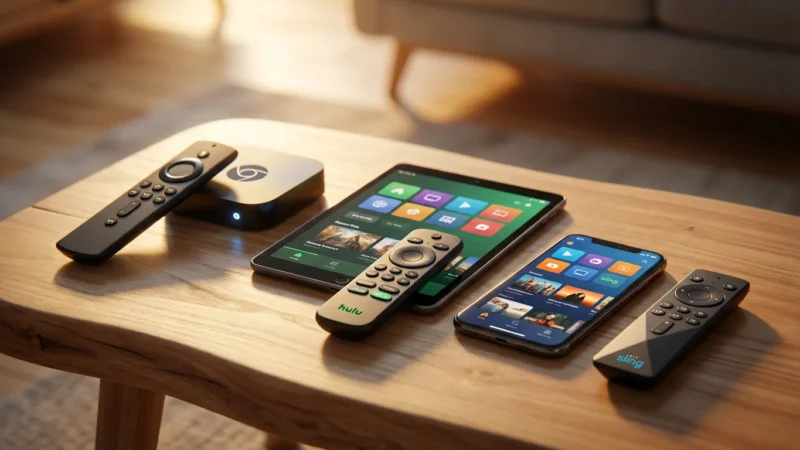
Sling TV supports a wide range of popular streaming devices, including Amazon Fire TV, Apple TV, Roku, Google Chromecast, Android TV, Xbox consoles, smart TVs from Samsung and LG, and web browsers on computers. You can easily find the Sling TV app on most modern streaming platforms.
Can I record live sports and skip commercials with Sling TV’s DVR?
Yes, Sling TV’s Cloud DVR feature allows you to record live sports. For recorded content, you can typically fast-forward through commercials, providing a more streamlined viewing experience. The 50 hours of free DVR storage, upgradable to 200 hours, ensures you can catch games at your convenience.
Disclaimer: Live TV streaming prices and channel lineups change frequently. Local channel availability varies by location. Always use the free trial to verify your local channels are included before committing. Sports blackout rules may affect some live events.




Leave a Reply