
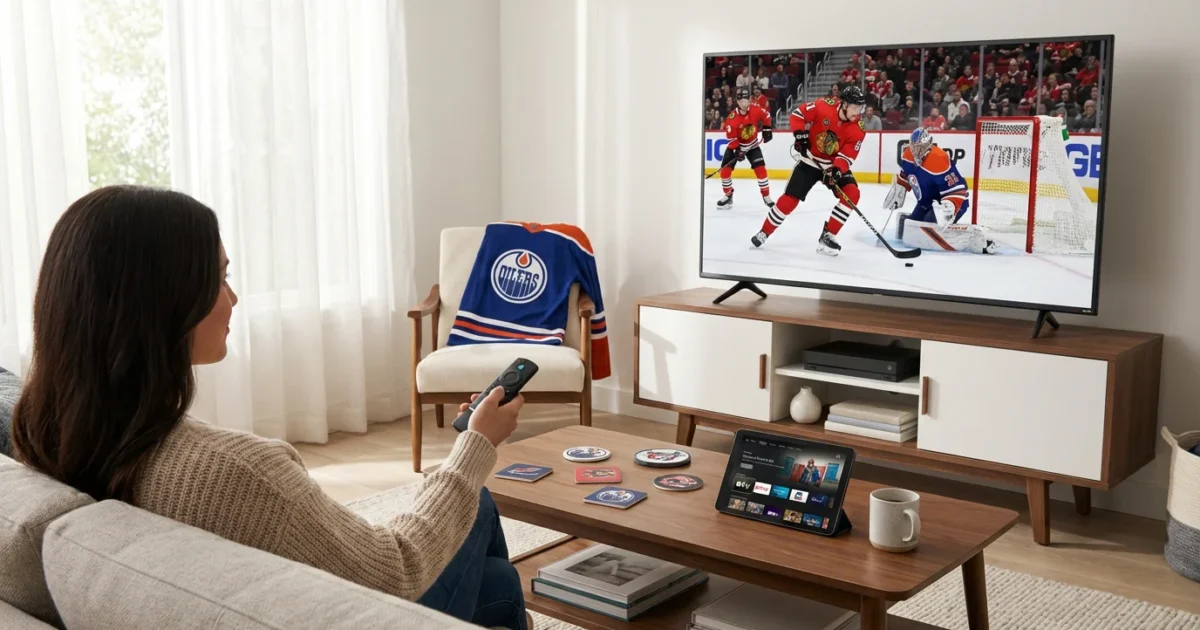
Watching NHL hockey no longer means paying for an expensive cable TV subscription. With the rise of streaming services, you have more control over your entertainment choices, allowing you to save money and customize your viewing experience. This guide helps you navigate the options, ensuring you catch every slap shot and power play without the commitment and cost of traditional cable.
Many viewers find themselves overwhelmed by the sheer number of choices available or frustrated by rising costs. This guide delivers practical, actionable insights, focusing on the services and strategies that give you the best value for your NHL streaming needs. You can absolutely enjoy comprehensive NHL coverage, from national broadcasts to out-of-market games and even local team matchups, by strategically combining live TV streaming services with dedicated sports platforms.

Understanding NHL Streaming Essentials
To effectively cut the cord and stream NHL games, you first need to understand where the games broadcast. NHL coverage splits across several types of networks, affecting which streaming services you need.
National Broadcasts: The majority of nationally televised NHL games air on ESPN, TNT, and ABC. ESPN and TNT carry regular season games, playoff series, and Stanley Cup Final coverage. ABC typically broadcasts select regular season games and Stanley Cup Final matchups.
Out-of-Market Games: If you want to watch teams that are not your local team, you need access to “out-of-market” games. These are games not broadcast on your local RSN. ESPN+ serves as the primary hub for these games.
Regional Sports Networks (RSNs): Your local team’s games usually air on a Regional Sports Network. Examples include Bally Sports channels, MSG Network, NBC Sports RSNs, and NESN. These channels are geographically restricted, meaning you only receive them if you live within the team’s broadcast territory. Local blackouts prevent you from watching games involving your local team on ESPN+ if a local RSN carries that game.
Streaming devices, such as Roku, Amazon Fire TV, Apple TV, or Google Chromecast, connect to your TV and allow you to access various streaming apps. If you own a smart TV, it likely has these apps built-in, eliminating the need for an external device. Regardless of your setup, a stable internet connection is crucial for smooth streaming, which means watching video content over the internet instead of through traditional cable or satellite. Cord-cutting refers to the act of canceling traditional cable or satellite TV in favor of streaming services.

ESPN+ Hockey: The Hub for Out-of-Market Games
For any serious NHL fan, ESPN+ is an essential part of your streaming strategy. This standalone streaming service offers thousands of live out-of-market games throughout the regular season. This means if you are a Boston Bruins fan living in Texas, you can watch most Bruins games on ESPN+.
ESPN+ also broadcasts some exclusive NHL games that are not available on traditional ESPN channels, along with a library of on-demand content, replays, and original programming. A subscription typically costs around $10.99 per month or $109.99 annually. You can also bundle it with Disney+ and Hulu for a slightly higher combined price, offering significant entertainment value.
However, ESPN+ does not replace a live TV streaming service entirely. It does not carry the nationally televised games on ESPN, TNT, or ABC. Furthermore, it enforces blackout rules. If an NHL game broadcasts on your local Regional Sports Network or on a national channel in your area, you cannot watch it live on ESPN+. You can usually watch these blacked-out games on demand after 24-48 hours, but not live.
“ESPN+ is a must-have for NHL fans who follow an out-of-market team, offering extensive coverage you won’t find elsewhere. However, remember its limitations; it doesn’t solve the puzzle of national broadcasts or local team games subject to blackouts.”

Live TV Streaming Services for National NHL Games
To watch national NHL broadcasts on ESPN, TNT, and ABC, you need a live TV streaming service. These services mimic traditional cable by offering live channels over the internet. Here is a breakdown of the top contenders:
- YouTube TV: A comprehensive option with over 100 channels, including ESPN, TNT, and ABC. It features unlimited cloud DVR storage, which is a significant advantage for recording games. YouTube TV generally costs around $72.99 per month.
- Hulu + Live TV: Offers a strong channel lineup, including ESPN, TNT, and ABC, plus access to Hulu’s extensive on-demand library, Disney+, and ESPN+. This bundle makes it a compelling choice for overall entertainment, starting at about $76.99 per month. Its DVR features 50 hours of cloud storage included, with upgrade options.
- Sling TV: The most budget-friendly option, but it requires careful selection. The Sling Orange package (around $40 per month) includes ESPN, while Sling Blue (around $40 per month) includes TNT. To get both, you need the Sling Orange & Blue package, which costs about $55 per month. Sling TV offers 50 hours of cloud DVR storage. Sling TV does not typically carry ABC live in most markets, but you can use an antenna for local ABC access.
- DirecTV Stream: Offers packages ranging from the “Entertainment” plan (around $79.99 per month) to higher tiers. ESPN and TNT are available in most base packages. DirecTV Stream is particularly strong for RSN coverage, making it a crucial option for local team fans, though at a higher price point. It includes unlimited cloud DVR storage.
- fuboTV: While fuboTV excels at many sports, its primary focus on international soccer often means it does not carry TNT, which is a major drawback for NHL fans. It does include ESPN and ABC in its base package (around $79.99 per month). Always double-check their specific channel lineup for your area. Their DVR offers 1,000 hours of cloud storage.
To help you visualize the core channel availability for NHL, consider this INFOGRAPHIC:
INFOGRAPHIC: Key NHL Channels Across Live TV Streaming Services
NHL Streaming Channel Availability
This infographic would visually compare the presence of ESPN, TNT, and ABC (primary national NHL channels) across YouTube TV, Hulu + Live TV, Sling TV, DirecTV Stream, and fuboTV. It would use checkmarks for included channels and clear labels for ‘Limited’ or ‘Not Included’, highlighting base package inclusions. For instance, YouTube TV, Hulu + Live TV, and DirecTV Stream would show checkmarks for all three, while Sling TV would show checkmarks for ESPN (Orange) and TNT (Blue), and fuboTV would show checkmarks for ESPN and ABC but a clear ‘X’ for TNT.

Navigating Regional Sports Networks (RSNs) for Local Team Coverage
Watching your local NHL team without cable presents the most significant challenge due to Regional Sports Networks (RSNs) and blackout restrictions. RSNs like Bally Sports, MSG Network, and NBC Sports RSNs hold the exclusive local broadcast rights for most NHL teams. The availability of these RSNs varies wildly by streaming service and your specific geographical location.
For example, if you live in the New York area, you might need MSG Network to watch the Rangers, Islanders, or Devils. If you’re in Boston, NESN carries Bruins games. Not all live TV streaming services carry every RSN, and even those that do only offer them in specific regions.
How to Check RSN Availability:
Before subscribing to any service, always use its local channel checker tool. These tools typically ask for your ZIP code and then display exactly which local broadcast channels (ABC, CBS, NBC, Fox) and RSNs you receive. This step is critical because no two locations are identical, and channel lineups can differ even within the same state.
- YouTube TV: Visit their website and enter your ZIP code.
- Hulu + Live TV: Go to their live TV section and use the ZIP code lookup.
- Sling TV: Their website provides a clear channel lineup by address.
- DirecTV Stream: They have one of the most robust RSN offerings. Check their “Channels” page and enter your ZIP code for a precise list.
- fuboTV: Also offers a ZIP code checker to see local and regional sports availability.
DirecTV Stream often stands out for RSN coverage. It frequently carries more RSNs than its competitors, making it a top choice for fans who prioritize watching their local team’s games without blackouts. However, this comprehensive RSN access typically comes with a higher price tag. According to PCMag’s review of live TV streaming services, DirecTV Stream consistently offers the widest array of RSNs, which can be a decisive factor for many sports fans.
If your local RSN is not available on any streaming service, you might need to explore alternative options like an HDTV antenna for local broadcast channels (which sometimes carry specific games) or consider a sports-specific streaming pass if available directly from the RSN or league (though these are rare for in-market NHL games due to exclusive RSN contracts).
Comparing NHL Streaming Service Features and Costs
Choosing the best service involves weighing channel lineups, essential features like DVR, and the total cost. Here is a direct comparison of the major live TV streaming services relevant for NHL fans:
| Service | Base Price (approx.) | Key NHL Channels (Base) | RSN Availability (Varies) | DVR Features | Simultaneous Streams | Contract |
|---|---|---|---|---|---|---|
| YouTube TV | $72.99/month | ESPN, TNT, ABC | Good, check ZIP code | Unlimited cloud DVR (9 months) | 3 included | Month-to-month |
| Hulu + Live TV | $76.99/month | ESPN, TNT, ABC | Good, check ZIP code | Unlimited cloud DVR (9 months) | 2 included | Month-to-month |
| Sling TV (Orange & Blue) | $55/month | ESPN, TNT (ABC limited) | Limited RSNs, check ZIP code | 50 hours cloud DVR | 3 (Blue), 1 (Orange) | Month-to-month |
| DirecTV Stream (Choice) | $108.99/month | ESPN, TNT, ABC | Excellent RSN coverage | Unlimited cloud DVR (9 months) | Unlimited (home network) | Month-to-month |
| fuboTV (Pro) | $79.99/month | ESPN, ABC (No TNT) | Good, check ZIP code | 1000 hours cloud DVR | 10 included | Month-to-month |
Add-on Packages and Premium Channels:
While the base packages cover most NHL needs, you might consider add-ons. For instance, some services offer sports extra packages that include niche sports channels, though these rarely add specific NHL game coverage not already in a base plan. Premium channels like HBO, Showtime, or Starz are separate subscriptions and do not typically enhance NHL viewing.
Total Cost Considerations:
The “best” service for you depends on your priorities. If you only care about national games and out-of-market matchups, a combination of Sling Orange & Blue ($55) and ESPN+ ($10.99) costs around $65.99 per month. If RSNs are critical, DirecTV Stream’s Choice package ($108.99) combined with ESPN+ ($10.99) pushes the total to about $119.98 per month, a significantly higher cost but potentially the only way to get full local and national coverage.
Remember that all these services typically offer free trials. Utilize these trials to verify channel availability in your area, test the user interface, and ensure a smooth viewing experience on your devices before committing to a monthly subscription. This helps you make an informed decision and avoid unexpected costs or missing games.
DVR Features: Don’t Miss a Puck Drop
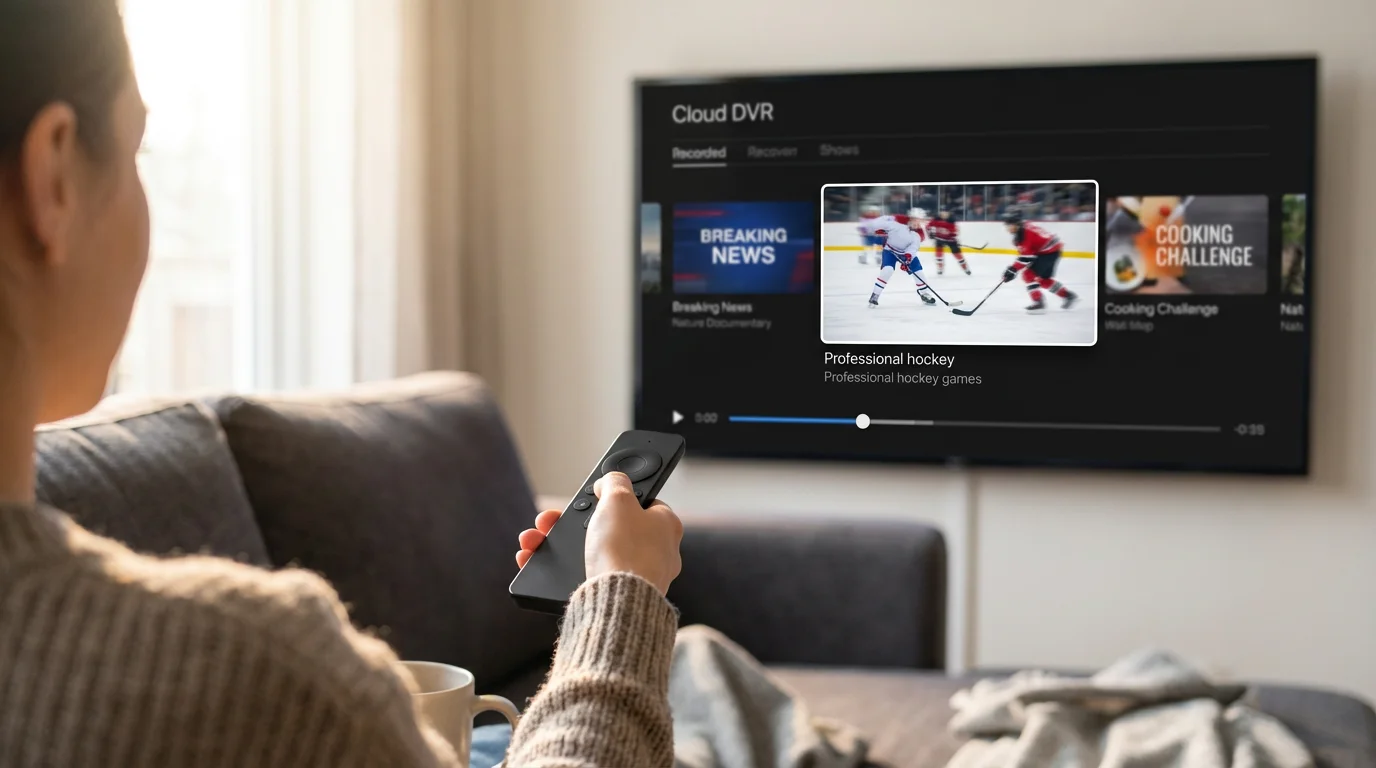
A Digital Video Recorder (DVR) is a crucial feature for many streamers, especially for sports fans who might miss live games. Most live TV streaming services offer cloud DVR, allowing you to record live broadcasts and watch them later from any device.
Here is how the major services compare on their DVR capabilities:
- YouTube TV: Offers the most generous DVR. You receive unlimited cloud DVR storage, and recordings remain available for nine months. This means you can record every single NHL game and keep it for nearly a year without worrying about space. You can also skip ads on recordings.
- Hulu + Live TV: Includes unlimited cloud DVR storage, similar to YouTube TV, with recordings available for nine months. This feature allows you to record as many games as you want and watch them at your convenience, with ad-skipping capabilities.
- DirecTV Stream: Also provides unlimited cloud DVR storage for up to nine months. This competitive offering ensures you do not miss any games and can rewatch them during the season or playoffs.
- fuboTV: Comes with a respectable 1,000 hours of cloud DVR storage. While not unlimited, 1,000 hours is ample space for recording many NHL games, especially if you manage your recordings periodically. Recordings last indefinitely unless deleted.
- Sling TV: Offers 50 hours of cloud DVR storage with its base plans. You can upgrade to 200 hours for an additional monthly fee. For casual viewers, 50 hours might suffice, but hardcore fans or those recording multiple shows will likely find this restrictive without an upgrade. Recordings typically remain for a certain period, often 30-90 days, or until space is needed for new recordings.
For NHL fans, unlimited DVR is a significant perk. It removes the stress of managing storage space or deciding which games to record. If you frequently miss live games or enjoy rewatching crucial matchups, prioritize services with robust DVR offerings like YouTube TV, Hulu + Live TV, or DirecTV Stream. The ability to skip commercials on recorded content further enhances the viewing experience.
Best Ways to Stream Hockey: Recommendations for Every Fan
The “best” way to stream NHL hockey without cable depends entirely on your specific needs, your favorite team’s location, and your budget. Here are tailored recommendations:
Fans of other major leagues can also check out our guide on how to watch NBA basketball without cable for similar cord-cutting strategies.
Best for Die-Hard Local Fans (with RSNs):
- DirecTV Stream (Choice package or higher) + ESPN+
- Why it works: DirecTV Stream generally offers the broadest access to Regional Sports Networks (RSNs), making it the best option for watching your local team’s games without blackouts. The Choice package includes ESPN and TNT for national games. Adding ESPN+ covers the vast majority of out-of-market games. This combination offers the most comprehensive NHL coverage, but it is also the most expensive.
Best for Out-of-Market Fans (following a team far away):
- Sling TV (Orange & Blue) + ESPN+
- Why it works: Sling TV’s Orange & Blue package delivers ESPN and TNT, covering national broadcasts at a lower price point than most competitors. ESPN+ then provides extensive coverage of your out-of-market team’s games. You save money by not paying for expensive RSNs you do not need. For local ABC games, you might need an inexpensive HDTV antenna.
Best for Balanced Coverage (National, some local, good value):
- YouTube TV or Hulu + Live TV (+ ESPN+ if you need out-of-market)
- Why it works: Both YouTube TV and Hulu + Live TV offer excellent channel lineups, including ESPN, TNT, and ABC. They provide strong DVR features and a generally good user experience. They also carry many RSNs, though specific availability varies by ZIP code, so always check. If you also follow an out-of-market team, adding ESPN+ complements these services well. According to CNET’s comprehensive guide to live TV streaming services, both YouTube TV and Hulu + Live TV consistently rank as top choices for their broad channel selection and user-friendly interfaces, making them reliable choices for a balanced hockey fan.
Best Budget Option:
- Sling TV (Orange & Blue) + ESPN+ + an HDTV Antenna
- Why it works: This combination delivers ESPN and TNT via Sling, ESPN+ for out-of-market games, and an antenna picks up local ABC (and sometimes Fox/NBC) games for free. It is the lowest cost option to get nearly full NHL coverage, provided your local RSN is not critical or you live in an area with good over-the-air reception for local channels. This setup requires managing three different apps, but the savings are significant.
As Cord Cutters News frequently highlights, the most cost-effective solutions often involve combining services strategically. Do not hesitate to use free trials to test each service’s performance and ensure it meets your specific NHL viewing needs.
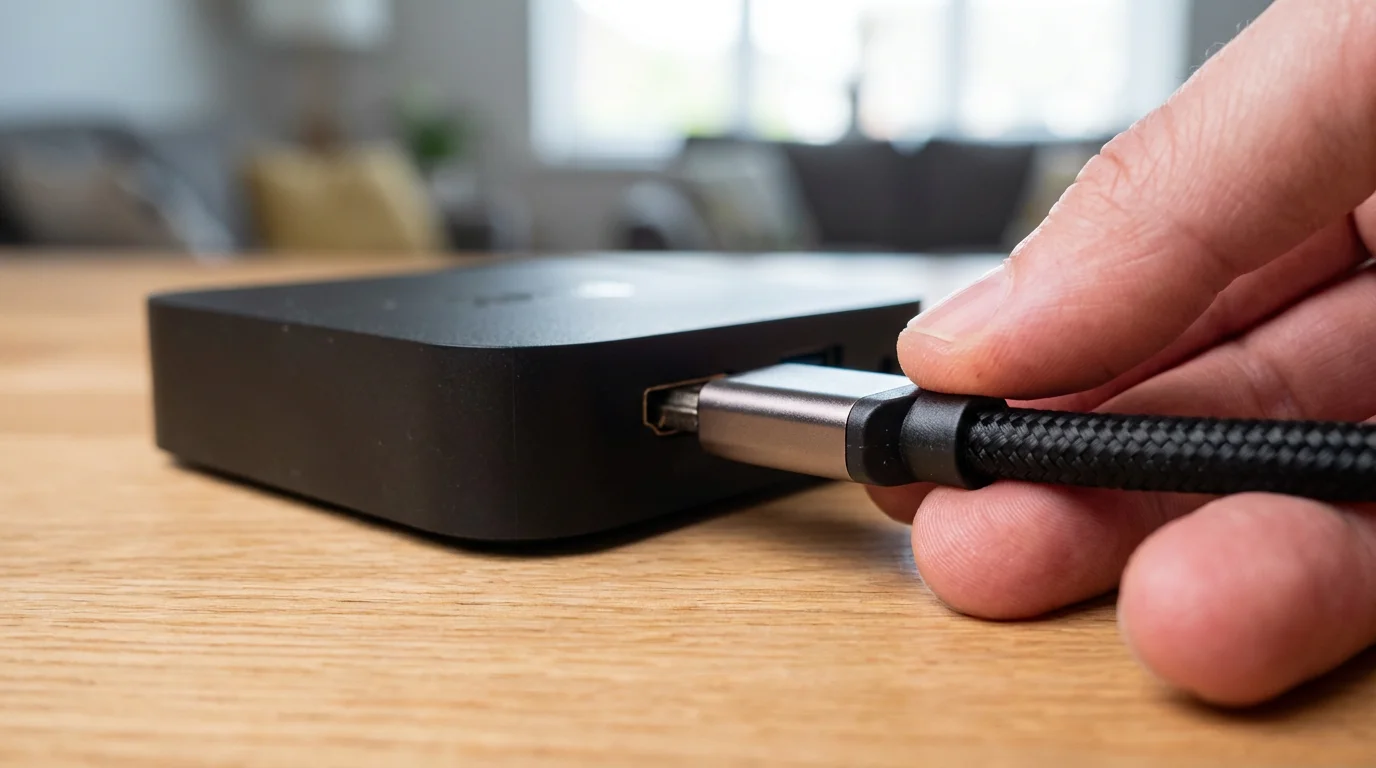
Setting Up Your NHL Streaming Hub
Once you choose your streaming services, you need a way to watch them on your television. Here is a quick guide to setting up your NHL streaming hub:
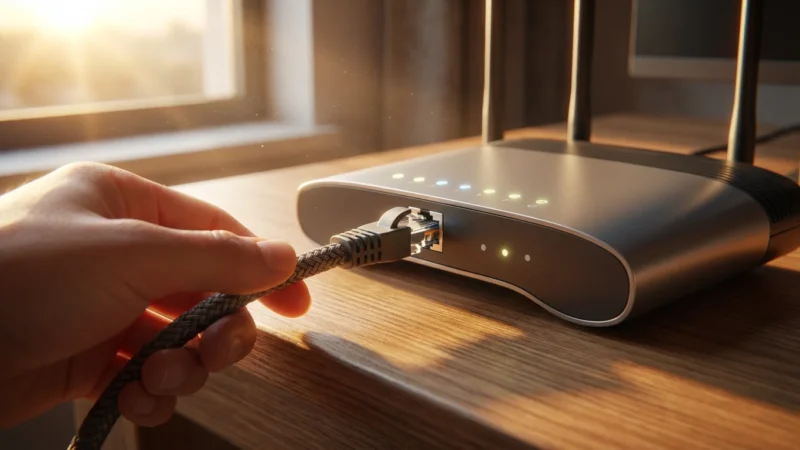
- Internet Speed: Ensure your internet connection is robust enough. For reliable HD streaming, a minimum speed of 25-50 Mbps is generally recommended for a single user, and more for multiple simultaneous streams or 4K content. You can usually check your internet speed through your internet provider’s website or a quick online search.
- Choose a Streaming Device:
- Smart TV: If your television has “smart” capabilities, it likely has built-in apps for most major streaming services. Simply download the app, log in, and start watching.
- Streaming Stick/Box: For older TVs or if you prefer a dedicated interface, popular streaming devices include Roku (e.g., Roku Streaming Stick, Roku Express), Amazon Fire TV (e.g., Fire TV Stick, Fire TV Cube), Apple TV, and Google Chromecast. These devices plug into an HDMI port on your TV and connect to your Wi-Fi network.
- Gaming Consoles: PlayStation and Xbox consoles also support many streaming apps.
- Download Apps: Install the apps for your chosen streaming services (e.g., YouTube TV, Hulu, ESPN+) onto your device or smart TV.
- Log In and Stream: Enter your account credentials, and you are ready to stream live NHL games, on-demand content, and DVR recordings.
Frequently Asked Questions
Can I watch every NHL game with just ESPN+?
No, you cannot watch every NHL game with just ESPN+. ESPN+ primarily offers out-of-market games. It does not include games broadcast nationally on ESPN, TNT, or ABC, nor does it carry local games subject to regional blackouts on your local RSN. You need a live TV streaming service to complement ESPN+ for comprehensive coverage.
What is the cheapest way to watch NHL games without cable?
The cheapest comprehensive way to watch most NHL games involves combining Sling TV’s Orange & Blue package (for ESPN and TNT) with ESPN+ (for out-of-market games) and an HDTV antenna (for local ABC games). This combination can cost around $65-70 per month, depending on Sling’s pricing and any extra DVR needed. However, this setup typically lacks most Regional Sports Networks for local team coverage.
How do I check which Regional Sports Networks (RSNs) are available in my area?
You must use the specific streaming service’s website or app and enter your ZIP code into their channel finder tool. Each service offers a tool that shows you precisely which local and regional channels, including RSNs, are available in your exact location. This step is crucial before subscribing, as RSN availability varies significantly.
Can I watch NHL games on demand if I miss them live?
Yes, most live TV streaming services offer on-demand access to recently aired games, usually within 24-48 hours. ESPN+ also provides replays of its live games shortly after they conclude. Additionally, if you have a DVR with your live TV streaming service, you can record games and watch them at your convenience, often with the ability to skip commercials.
Are NHL games subject to blackouts when streaming?
Yes, NHL games are subject to blackouts when streaming, just like with traditional cable. Blackouts occur for two primary reasons: local market protection (your local RSN has exclusive rights to your team’s games, so ESPN+ blacks them out), and national exclusive broadcast windows (if a game is on ESPN or TNT nationally, it is blacked out on ESPN+). These rules aim to drive viewers to the primary rights holder in their specific region.
Disclaimer: Live TV streaming prices and channel lineups change frequently. Local channel availability varies by location. Always use the free trial to verify your local channels are included before committing. Sports blackout rules may affect some live events.




Leave a Reply