
Disclaimer: Cable and streaming prices vary by location and change frequently. The cost comparisons in this article are estimates based on typical pricing. Your actual savings will depend on your current cable package, internet costs, and which streaming services you choose.
Are you tired of skyrocketing cable bills, paying for channels you never watch, and feeling locked into rigid contracts? You are not alone. Millions of households are making the “cord-cutting” transition, canceling traditional cable or satellite TV in favor of “streaming” services. Streaming involves watching video content over the internet. This guide provides a clear, step-by-step path to help you confidently cut the cord, save money, and build a personalized entertainment setup that works for you.
Understanding Cord-Cutting and Its Benefits
Cord-cutting means canceling your traditional cable or satellite TV subscription and switching to internet-based streaming services. This shift offers significant advantages. You gain flexibility, paying only for the content you want to watch. You control your budget, often realizing substantial savings compared to bundled cable packages. Furthermore, you access a vast library of “on-demand” content, allowing you to watch whatever you want, whenever you want, without being tied to a broadcast schedule. The rising cost of cable, coupled with the proliferation of high-quality streaming options, makes 2024 an excellent time to make the switch.

Step 1: Assess Your Current TV Habits and Cable Bill
Before you cancel anything, you need a clear picture of what you currently watch and what you pay. This evaluation forms the foundation of your personalized streaming plan.
Analyze Your Watchlist
Grab your last few cable bills and think about your viewing patterns. What channels do you actually watch regularly? Do you tune in for specific shows, live sports, local news, or movies? Do you use your cable provider’s DVR service, a digital video recorder that lets you record and watch shows later? List your must-have content. Be honest about channels you rarely or never watch, even if they are part of a package.
- Live Sports: Identify specific teams, leagues, or sports networks. Sports are often a key concern for cord-cutters.
- Local Channels: Do you watch local news or network shows (ABC, CBS, FOX, NBC) that air on local affiliates?
- Specific Shows/Movies: Which series or film genres are essential for your household?
- Premium Channels: Do you pay for HBO, Showtime, or Starz?
Review Your Cable Bill
Your cable bill is likely a complex document. Pull out the actual cost for TV services, separating it from internet or phone bundles. Look for hidden fees, equipment rental charges, and regional sports fees. Many people discover they pay over $100 per month just for television. This number will be your benchmark for potential savings.
“Understanding exactly what you pay for and what you actually use is the first, most critical step in successful cord-cutting. You cannot save money effectively if you do not know your starting point.”
Step 2: Optimize Your Internet Connection for Streaming
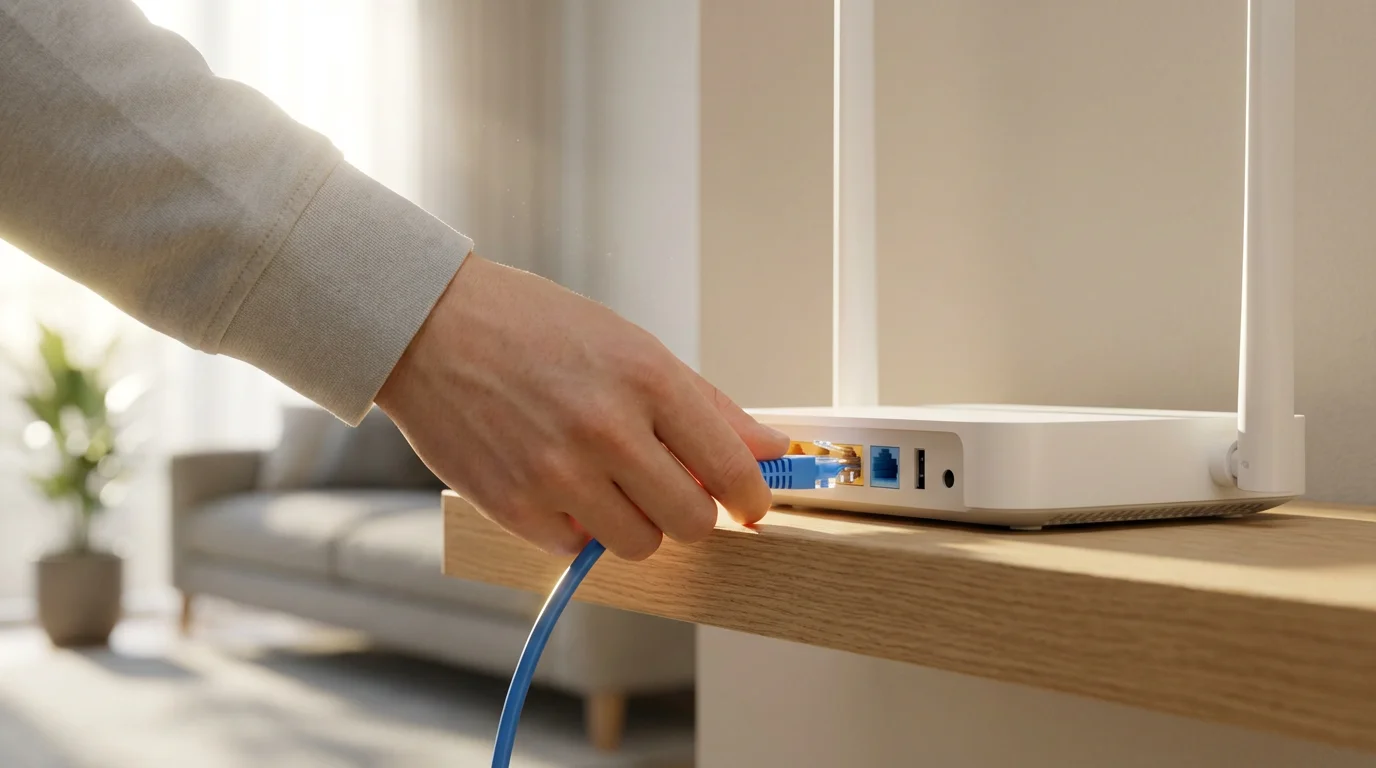
Your internet connection is the backbone of your streaming experience. Unlike cable TV, streaming relies entirely on a stable, fast internet connection. If your internet is unreliable or too slow, your streaming quality suffers.
Once your connection is stable, you can often save even more money by learning how to negotiate a lower internet bill with your current provider.
Recommended Internet Speeds
The speed you need depends on how many devices stream simultaneously and the quality of video you prefer. Internet speeds are measured in megabits per second (Mbps).
- Standard Definition (SD): 3-5 Mbps per stream.
- High Definition (HD): 5-8 Mbps per stream.
- 4K Ultra HD (UHD): 20-25 Mbps per stream.
For a typical household with multiple users and devices, consider these minimums:
- Single User, occasional streaming: 25-50 Mbps
- Small Family, multiple HD streams: 50-100 Mbps
- Large Family, 4K streaming, heavy usage: 100-200+ Mbps
According to CNET, a good rule of thumb is to aim for at least 50-100 Mbps download speeds for a smooth experience across multiple devices.
Check Your Current Speed and Data Caps
You can test your internet speed using free online tools by searching “internet speed test.” Also, check with your internet service provider (ISP) for any data caps. Most internet plans today offer unlimited data, but some older plans or budget options might have limits. Exceeding a data cap can lead to extra charges or throttled speeds, negatively impacting your streaming.
Step 3: Choose Your Essential Streaming Equipment
To access streaming content, you need a way to connect your TV to the internet and receive streaming services. You also might want an antenna for local channels.
Streaming Devices
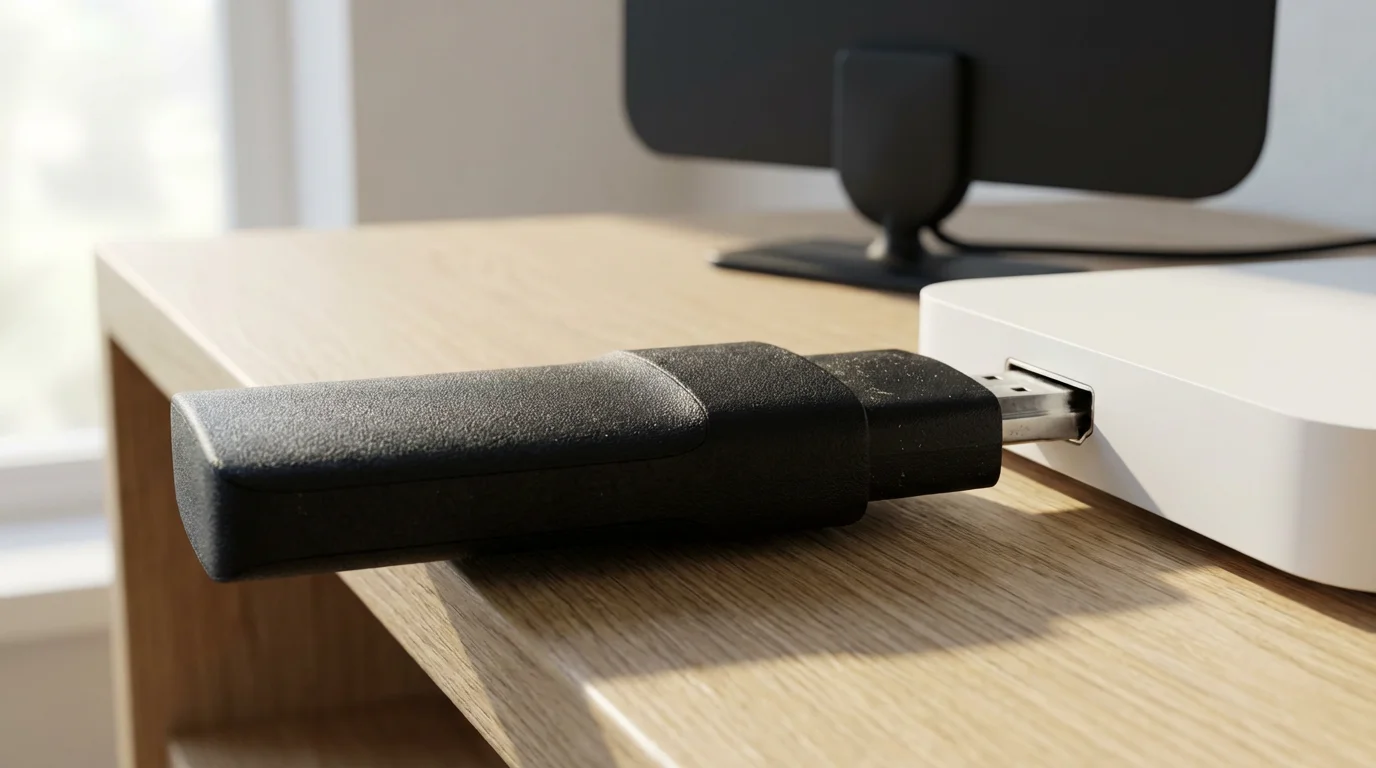
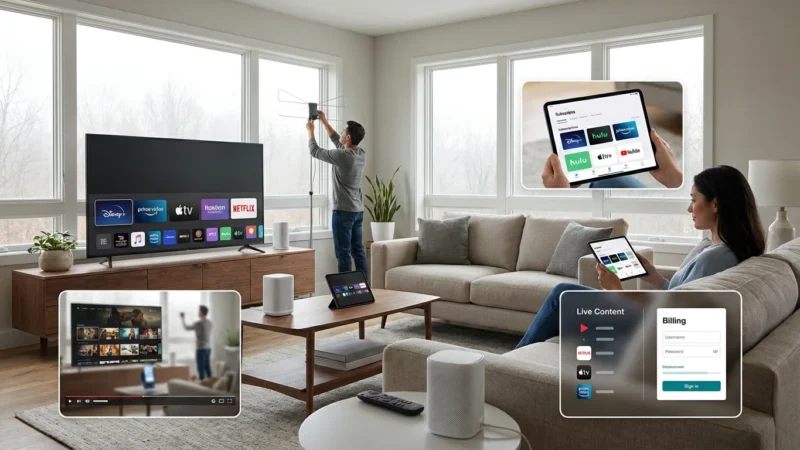
A “streaming device” is a small box or stick, like a Roku, Amazon Fire TV, Apple TV, or Google Chromecast, that plugs into your TV’s HDMI port. These devices provide an easy-to-use interface to access various streaming apps. Many modern televisions are “smart TVs,” meaning they have built-in internet connections and apps, often negating the need for an external streaming device. However, dedicated streaming devices often offer faster performance, more app options, and longer support than built-in smart TV platforms.
- Roku: Known for simplicity, a wide range of apps, and unbiased search results. Prices range from $30-$100.
- Amazon Fire TV: Integrates well with Amazon’s ecosystem, Alexa voice control, and Fire TV Cube offers hands-free control. Prices range from $30-$150.
- Apple TV: Premium device, best for Apple ecosystem users, offers excellent performance and gaming. Prices start around $150.
- Google Chromecast with Google TV: Offers a user-friendly interface, integrates with Google services, and includes a remote. Prices around $50.
You can purchase these devices at electronics retailers or online. Consider buying refurbished models to save money.
Antenna for Local Channels
Many local channels (ABC, CBS, FOX, NBC, PBS, CW) broadcast over the air for free. A one-time purchase of an over-the-air (OTA) antenna can capture these signals. Antennas range from small indoor models to larger outdoor ones, depending on your distance from broadcast towers and local terrain.
- Indoor Antennas: Flat, amplified antennas usually cost $20-$60. Best for urban areas close to broadcast towers.
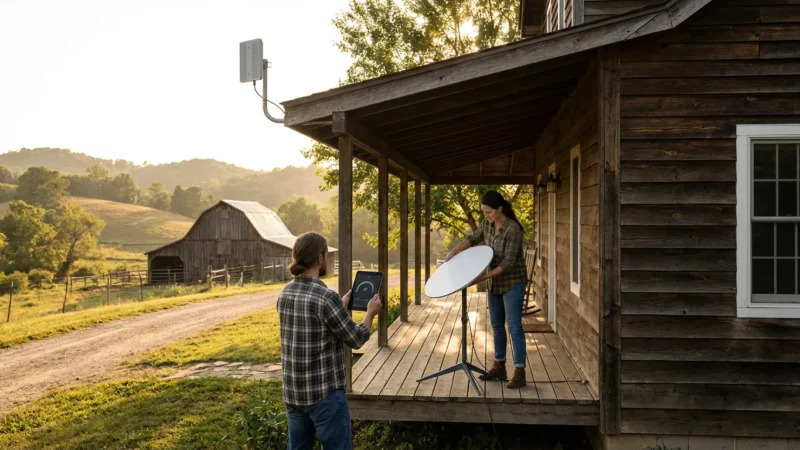
- Outdoor/Attic Antennas: More powerful, range from $60-$150. Essential for suburban or rural areas.
You can check the FCC’s DTV Reception Maps on their website to see which channels are available in your area and what type of antenna you might need. The FCC Consumer Guide provides resources for understanding antenna needs.
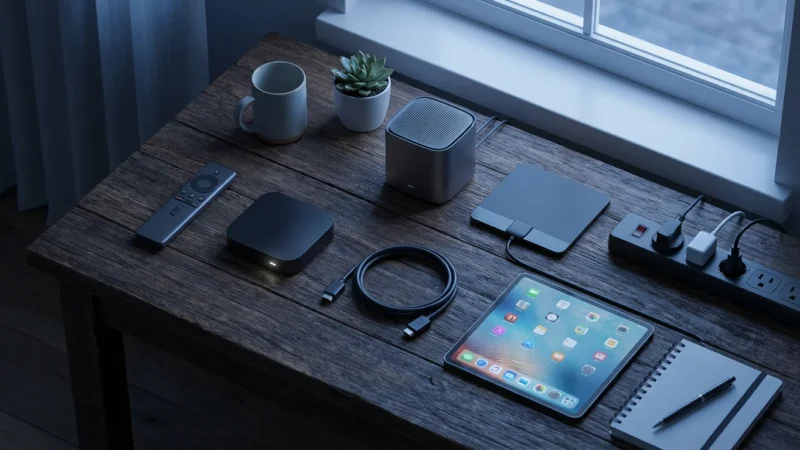
INFOGRAPHIC: Cord-Cutting Equipment Checklist
A visual representation of necessary equipment, with approximate costs and key features:
Essential Cord-Cutting Gear
- Reliable Internet Service: (Your existing ISP, upgrade if needed) 50-100+ Mbps recommended.
- Streaming Device: (e.g., Roku Express 4K+, Amazon Fire Stick 4K, Google Chromecast with Google TV) Average Cost: $40-$80. Provides access to streaming apps.
- Over-the-Air Antenna: (e.g., Mohu Leaf, Winegard Flatwave) Average Cost: $30-$100. For free local channels (ABC, CBS, FOX, NBC).
- Smart TV (Optional): (If your current TV isn’t “smart” or its OS is slow) If purchasing, consider brands with good app support.
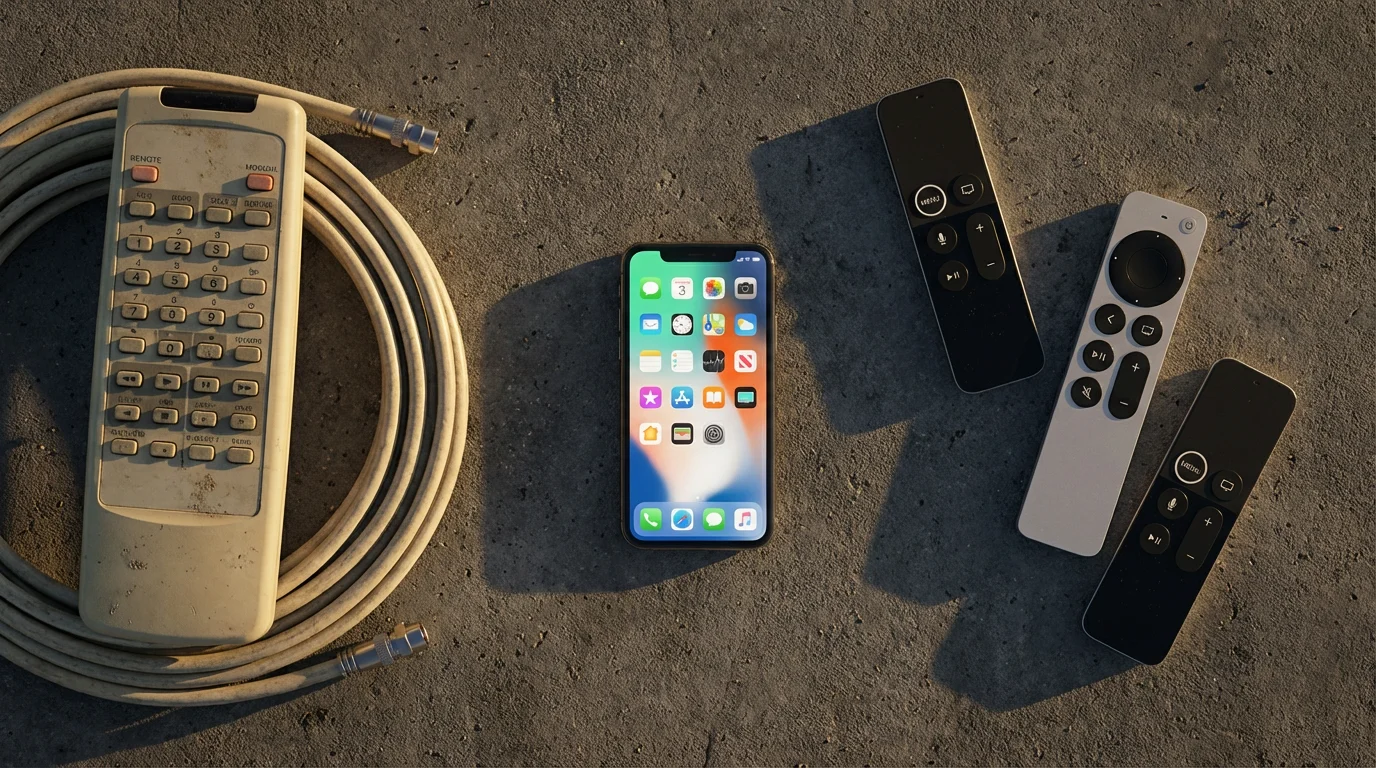
(Diagram showing a TV connected to a streaming device, an antenna, and an internet router.)
Step 4: Replace Your Favorite Cable Channels with Streaming Alternatives
Now that you know what you watch and have your equipment ready, find the streaming services that replicate your cable experience without the high cost. This usually involves a combination of Live TV streaming services and on-demand subscriptions.
Live TV Streaming Services
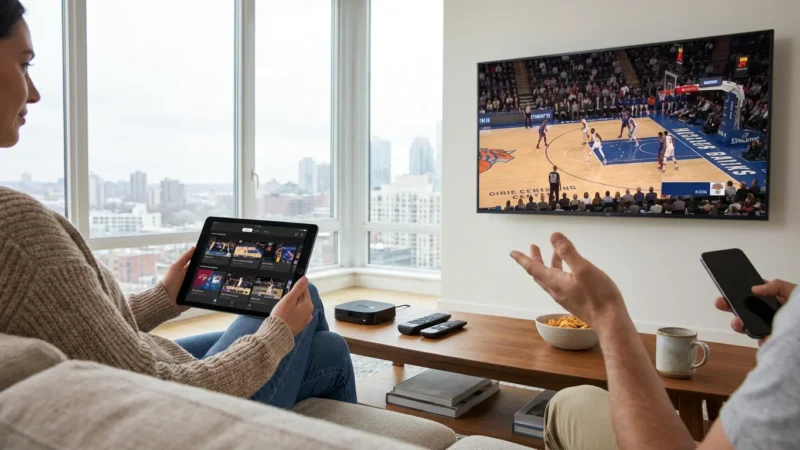
These services offer bundles of live channels, much like cable, but delivered over the internet. They often include cloud “DVR” functionality and multiple simultaneous streams. They cost more than on-demand services but are significantly cheaper than most cable packages. They are ideal if you watch live sports, news, or primetime network shows.
| Service | Approx. Monthly Cost (Base Plan) | Key Channels & Features | Pros | Cons |
|---|---|---|---|---|
| YouTube TV | $73 | ABC, CBS, FOX, NBC, ESPN, TNT, CNN, FS1, unlimited cloud DVR. | Comprehensive channel lineup, excellent DVR, user-friendly interface. | Higher price point compared to budget options, recent price increases. |
| Hulu + Live TV | $77 (includes Disney+, ESPN+) | ABC, CBS, FOX, NBC, ESPN, TNT, FX, Disney+, ESPN+, Hulu on-demand. | Strong bundle value, extensive on-demand library included. | Interface can be cluttered, fewer customization options. |
| Sling TV | $40-$55 (Orange, Blue, or Combo) | Orange: ESPN, Disney, CNN. Blue: FOX/NBC (select markets), NFL Network, FX. | Budget-friendly, customizable with add-ons, good for sports fans. | Split channel packages require a choice or combo, limited local channels. |
| FuboTV | $80 | Strong sports focus (ESPN, FS1, NFL Network, beIN Sports), many local channels. | Extensive sports coverage, 4K streaming available, large cloud DVR. | Fewer entertainment-focused channels (no TBS, TNT), higher cost. |
Remember that prices for these services often have “ad-supported” or “ad-free” tiers. Ad-supported plans are cheaper but include commercials, while ad-free plans cost more but remove ads from on-demand content (live TV still has commercials).
On-Demand Streaming Services
These services offer vast libraries of movies and TV shows to watch anytime, anywhere. They are typically much cheaper than live TV options.
- Netflix: Starting at $6.99 (ad-supported) to $22.99 (premium ad-free). Huge library of original content, movies, and TV shows.
- Max: Starting at $9.99 (ad-supported) to $20.99 (ad-free with 4K). Home to HBO, Warner Bros. films, DC content, Discovery shows.
- Disney+: Starting at $7.99 (ad-supported) to $13.99 (ad-free). Disney, Pixar, Marvel, Star Wars, National Geographic.
- Amazon Prime Video: Included with Prime membership ($14.99/month or $139/year). Original series, movies, and shows.
- Peacock: Free tier, Premium at $5.99 (ad-supported) to $11.99 (ad-free). NBCUniversal content, live sports, movies.
Free Streaming Options
Do not overlook the many excellent free streaming services. These are typically ad-supported but offer a surprising amount of content.
- Pluto TV: Hundreds of live channels and thousands of on-demand movies and TV shows.
- Tubi: A large library of movies and TV series across various genres.
- Freevee (Amazon): Movies, TV shows, and Amazon Originals.
- The Roku Channel: Free live channels and on-demand content.

Step 5: Calculate Your Potential Savings
This is where the financial benefits of cord-cutting become clear. Compare your current cable bill directly to your proposed streaming setup.
Step-by-Step Cost Comparison
- Start with your current internet bill: This cost typically remains, as you need internet for streaming. Let’s assume $70/month.
- Add your desired streaming services:
- Live TV (e.g., YouTube TV): $73/month
- On-Demand (e.g., Netflix ad-supported): $7/month
- On-Demand (e.g., Max ad-supported): $10/month
- Total Streaming Services: $73 + $7 + $10 = $90/month
- Calculate your new total monthly entertainment cost: Internet + Streaming Services = $70 + $90 = $160/month.
- Compare to your old cable bill: If your cable bill (TV + internet) was, for example, $200/month, your savings are $200 – $160 = $40/month. This equates to $480 per year.
Remember to factor in the one-time cost of equipment (streaming device, antenna). Many cord-cutters recoup these costs within a few months. For a deeper dive into cost analysis, Cord Cutters News frequently publishes detailed cost breakdowns of various streaming bundles.
Step 6: Cancel Cable the Right Way
Canceling your cable service can sometimes feel like a negotiation, but armed with knowledge, you can navigate it smoothly.
Check for Early Termination Fees (ETFs)
Review your cable contract carefully for early termination fees. If you are still under contract, canceling early might incur a significant fee. Weigh this fee against your potential monthly savings. Sometimes, paying the ETF is still cheaper in the long run.
Gather Your Equipment
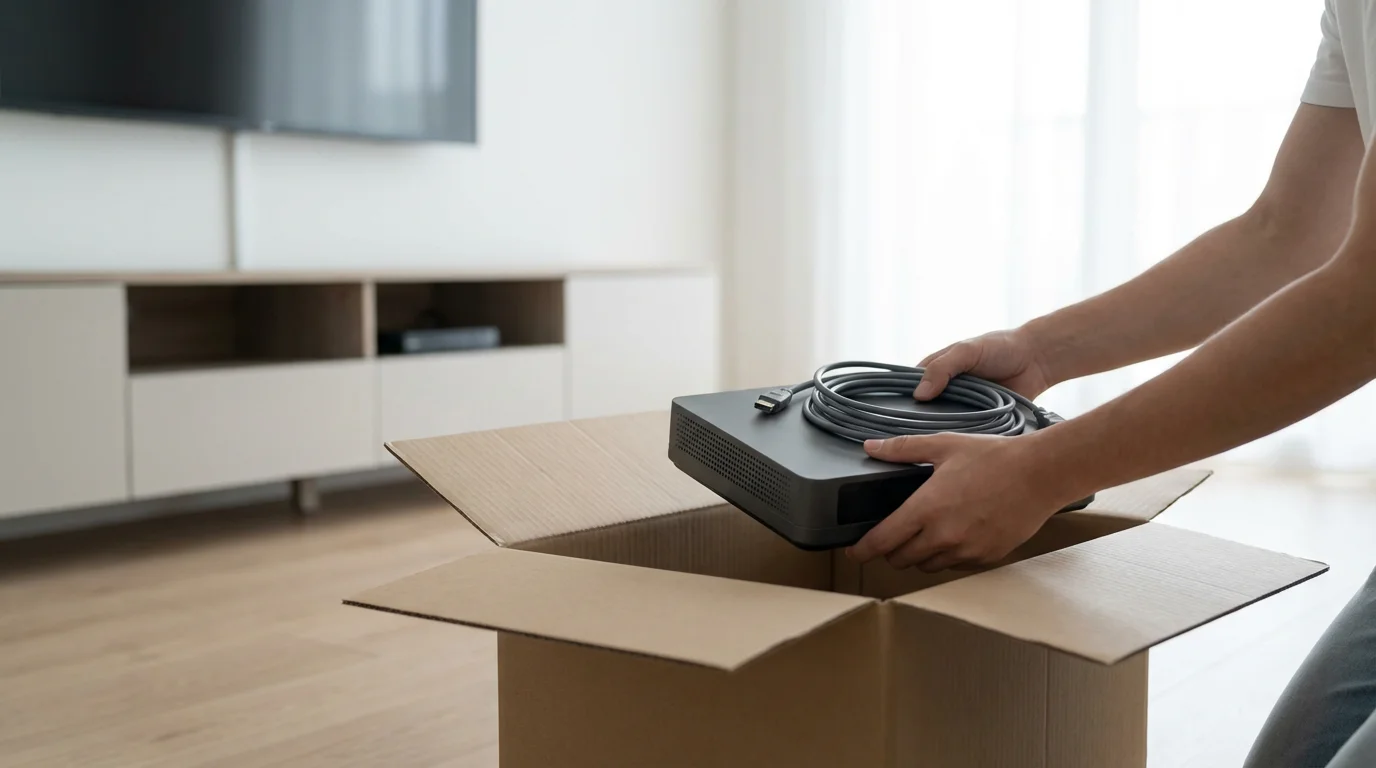
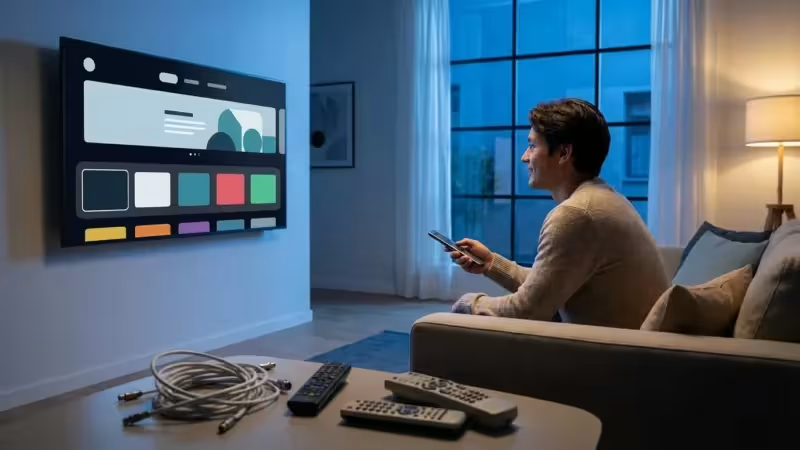
Your cable provider likely supplied you with a cable box, modem, and possibly a remote. Gather all equipment you rented from them. Do not forget power cords and accessories. Make a list of everything you are returning.
Contact Your Provider
Call your cable provider’s customer service or retention department. State clearly that you wish to cancel your television service. Be prepared for retention specialists to offer you discounts or new bundles to keep you as a customer. Politely decline if these offers do not align with your goal of cutting the cord. Confirm your exact cancellation date and any final charges.
Return Equipment and Get Proof
Return all rented equipment to your cable provider’s designated drop-off location. Crucially, obtain and keep a receipt or confirmation that you returned the equipment. This proves you are no longer responsible for it and helps avoid future charges for unreturned items.
Final Bill Review
Review your final bill carefully. Ensure all TV services are removed, and you are not charged for equipment you returned. If you see any discrepancies, contact customer service immediately with your documentation.
Common Cord-Cutting Mistakes to Avoid
Cutting the cord is empowering, but a few pitfalls can hinder your experience or negate your savings. Avoid these common errors:
- Underestimating Internet Needs: Do not assume your old internet speed is sufficient. Slow internet leads to buffering and frustration. Upgrade if necessary.
- Paying for Too Many Services: The “streaming creep” phenomenon occurs when you subscribe to too many services, eventually rivaling your old cable bill. Evaluate your subscriptions regularly and cancel those you do not use.
- Not Researching Local Channels: Before canceling, check what local channels are available via an antenna in your area. Use online tools to verify signal strength and channel availability.
- Ignoring Free Streaming Options: Many high-quality movies and shows are available for free on ad-supported platforms. Integrate these into your viewing habits to save money.
- Impulsive Cancellation: Do not cancel cable before you have your internet optimized, equipment set up, and a clear plan for your new streaming services. A phased approach ensures a smooth transition.
- Forgetting About Early Termination Fees: Always check your contract. An ETF can temporarily offset your savings.
Frequently Asked Questions
Can I really save money by cutting the cord?
Yes, most households save money by cutting the cord. While internet costs remain, you gain control over your TV content spending. Typical cable bills often exceed $100-$150 per month, while a robust streaming setup with live TV and a few on-demand services can often be achieved for $50-$80, plus your internet bill. Your savings depend on your original cable package and your chosen streaming bundle.
Do I need a Smart TV to stream?
No, you do not need a smart TV. Any television with an HDMI port can become a smart TV with the addition of an inexpensive streaming device. These devices plug into an HDMI port and connect to your home Wi-Fi, providing access to all major streaming apps. While smart TVs offer convenience, a dedicated streaming device often provides better performance and a more consistent user experience.
Will I miss my favorite live sports or local news?
You can still access live sports and local news. Many live TV streaming services carry major sports channels (ESPN, Fox Sports, NBC Sports) and local network affiliates. Additionally, a simple over-the-air antenna provides free access to local news and network programming (ABC, CBS, FOX, NBC) in HD quality, without a monthly fee. You might find you have more options for sports than you think.
What about recording shows, like with a DVR?
Most live TV streaming services include cloud DVR functionality. This allows you to record live shows and store them in the cloud, accessible from any device. Unlike traditional DVRs, cloud DVRs typically offer unlimited storage and do not require physical equipment. On-demand services also provide vast libraries, reducing the need to record in many cases.


Leave a Reply