
Disclaimer: Cable and streaming prices vary by location and change frequently. The cost comparisons in this article are estimates based on typical pricing. Your actual savings will depend on your current cable package, internet costs, and which streaming services you choose.
If you are new to this process, our complete cord-cutting guide for beginners offers a step-by-step walkthrough for making the switch.
Are you tired of rising cable bills but still want to keep up with essential news from channels like CNN, Fox News, and MSNBC? Many viewers find themselves frustrated by escalating costs, yet they rely on these networks for daily information. This guide delivers practical steps and actionable insights to help you make a smooth transition to streaming news, saving money in the process. You have excellent options to continue watching your favorite cable news without paying for an expensive traditional cable subscription.
Understanding Cable News Streaming Options
Canceling traditional cable or satellite TV in favor of internet-based services is called cord-cutting. This means you watch video content over the internet instead of through a physical cable connection. For news junkies, the primary concern is often how to replace their daily dose of live broadcasts from networks like CNN, Fox News, and MSNBC. The good news is that these channels are widely available through various streaming platforms. You do not have to sacrifice your preferred news sources to save money.
The landscape for watching news without cable has evolved significantly. You now have several categories of services that offer streaming cable news channels:
- Live TV Streaming Services: These services closely mimic a traditional cable package, offering dozens or even hundreds of live channels, including the major news networks. They often include cloud-based DVR, a digital video recorder that lets you record and watch shows later, and on-demand content, meaning you watch whatever you want, whenever you want.
- Individual News Apps: Some news networks offer their own apps, though often these require authentication with a live TV streaming service. Some also offer premium, subscription-based versions with exclusive content.
- Free Streaming Services: While they might not offer the exact live feeds of CNN, Fox News, or MSNBC, many free, ad-supported services (meaning they show commercials) provide access to clips, replays, and even live streams from other news organizations.
Your choice depends on your budget, how many channels you need, and your preferred viewing habits. You can tailor your setup to ensure you get the news you want without paying for dozens of channels you never watch.
Live TV Streaming Services: Your Hub for Cable News
Live TV streaming services are the most direct replacement for your traditional cable news viewing experience. They offer live feeds of CNN, Fox News, and MSNBC, along with many other popular entertainment and sports channels. These services typically include cloud DVR functionality, allowing you to record live broadcasts and watch them at your convenience. You can access these services through a streaming device, a small box or stick like a Roku or Fire TV that adds streaming capabilities to any TV, or directly through a smart TV, a television with built-in internet connection and apps.
When evaluating these options, consider the channel lineup, monthly cost, included features like DVR storage and simultaneous streams, and user interface. Here is a comparison of popular live TV streaming services that carry the major cable news channels:
| Service | Base Price (Estimate) | CNN | Fox News | MSNBC | DVR | Simultaneous Streams |
|---|---|---|---|---|---|---|
| Sling TV (Orange & Blue) | $60/month | ✓ (Orange) | ✓ (Blue) | ✓ (Blue) | 50-200 hrs | 1-4 |
| YouTube TV | $73/month | ✓ | ✓ | ✓ | Unlimited | 3 |
| Hulu + Live TV | $77/month | ✓ | ✓ | ✓ | Unlimited | 2 |
| FuboTV | $75/month | ✓ | ✓ | ✓ | 1000 hrs | 10 |
| DirecTV Stream (Choice Plan) | $109/month | ✓ | ✓ | ✓ | Unlimited | 3+ |
Sling TV
- Pros: This is often the most affordable option if you only need certain news channels. Sling TV offers “Sling Orange” (CNN) and “Sling Blue” (Fox News, MSNBC) packages, which you can combine.
- Cons: Channel lineups can be fragmented across packages. The base plan provides limited DVR storage.
- Insight: If you only follow news from one side of the political spectrum, Sling TV often offers the best value by allowing you to choose a smaller bundle. For instance, if you primarily watch CNN, the Sling Orange package includes it at a lower price point than comprehensive bundles.
YouTube TV
- Pros: You get a comprehensive channel lineup including all three major news channels. Unlimited cloud DVR storage is a significant benefit for recording shows and news broadcasts. The user interface is excellent.
- Cons: The monthly cost is higher than Sling TV.
- Insight: YouTube TV often receives high praise for its user experience and robust feature set. Many users find its unlimited DVR particularly appealing, allowing them to record every news program without worrying about storage limits. According to Cord Cutters News, YouTube TV consistently ranks as a top choice for a balanced channel lineup and strong performance.
Hulu + Live TV
- Pros: This service includes the extensive Hulu on-demand library, Disney+, and ESPN+ in addition to live TV. You also get unlimited cloud DVR.
- Cons: The monthly cost is higher.
- Insight: This bundle offers great value if you want a complete entertainment package alongside your news. You get a vast library of movies and TV shows with Hulu’s standard streaming service, plus sports and family content, making it a powerful entertainment solution.
FuboTV
- Pros: FuboTV has a strong emphasis on sports, but also carries major news channels. It offers a high number of simultaneous streams.
- Cons: Historically, there was less emphasis on entertainment channels, though this is improving.
- Insight: If sports are a significant part of your viewing habits in addition to news, FuboTV is a strong contender. Its generous allowance for simultaneous streams also makes it a good option for larger households.
DirecTV Stream
- Pros: This offers the closest experience to traditional cable, with robust channel lineups and unlimited cloud DVR.
- Cons: The price point is significantly higher, especially for comprehensive packages.
- Insight: DirecTV Stream appeals to those who want to cut the cord but are hesitant to fully depart from the traditional cable interface and channel package structure. It offers a premium experience, but at a premium price.
Individual News Apps and Premium Offerings
Beyond the comprehensive live TV streaming services, the major news networks themselves offer various ways to access their content. These options can supplement your live TV subscription or, in some cases, provide limited access without one.
CNN: CNN Max and CNN Go
- CNN Max: This is a dedicated streaming hub for CNN content available within the Max (formerly HBO Max) platform. It offers live CNN feeds (sometimes multiple, like CNN International), on-demand library content, and exclusive streaming-only programs. Accessing CNN Max requires a subscription to Max.
- CNN Go: The CNN Go app allows you to watch the live CNN channel and on-demand content. However, it requires you to authenticate with a cable TV provider or a live TV streaming service (like YouTube TV, Hulu + Live TV, Sling TV) that includes CNN in its lineup. This is an example of “TV Everywhere” functionality.
- Insight: If you subscribe to Max for entertainment, adding CNN Max offers a convenient way to get live news and an extensive on-demand library in one app. You get a deeper dive into CNN’s reporting and original series without needing a separate news subscription.
Fox News: Fox Nation and Fox News App
- Fox Nation: This is a standalone subscription service separate from the main Fox News Channel. Fox Nation costs around $5.99 per month and offers exclusive documentaries, original series, live shows from Fox News personalities, and historical programming. It does not provide a live stream of the main Fox News Channel.
- Fox News App: Similar to CNN Go, the Fox News app allows you to watch the live Fox News Channel and access on-demand clips and full episodes. You need to authenticate using credentials from a cable provider or a live TV streaming service that carries Fox News.
- Insight: Fox Nation caters to dedicated Fox News viewers who want supplementary content beyond the linear channel. It is an excellent choice if you enjoy in-depth features and specific programming from Fox News personalities. For live linear Fox News, a live TV streaming service remains essential.
MSNBC: Peacock and MSNBC App
- Peacock Premium: NBCUniversal’s streaming service, Peacock, offers a vast amount of NBC content. A Peacock Premium subscription provides access to a live feed of MSNBC on certain tiers and often includes on-demand access to full episodes of MSNBC shows after they air. While it does not offer a constant live feed of MSNBC like a cable channel, it often includes a “live news” hub and full episodes available soon after broadcast.
- MSNBC App: The MSNBC app provides live streaming of the MSNBC channel and on-demand content. Like CNN Go and Fox News App, it requires authentication through a traditional cable or live TV streaming service provider.
- Insight: If you are interested in MSNBC’s primetime lineup but do not need to watch every hour live, a Peacock Premium subscription can be a cost-effective way to get much of their content. You also gain access to a wide array of other NBCUniversal shows, movies, and sports.
Free and Low-Cost News Alternatives Beyond Cable Channels
While the focus is often on replacing the “big three” cable news networks, a wealth of other quality news content is available through free or very affordable streaming options. These alternatives can supplement your viewing or even serve as primary news sources if you are on a tight budget.
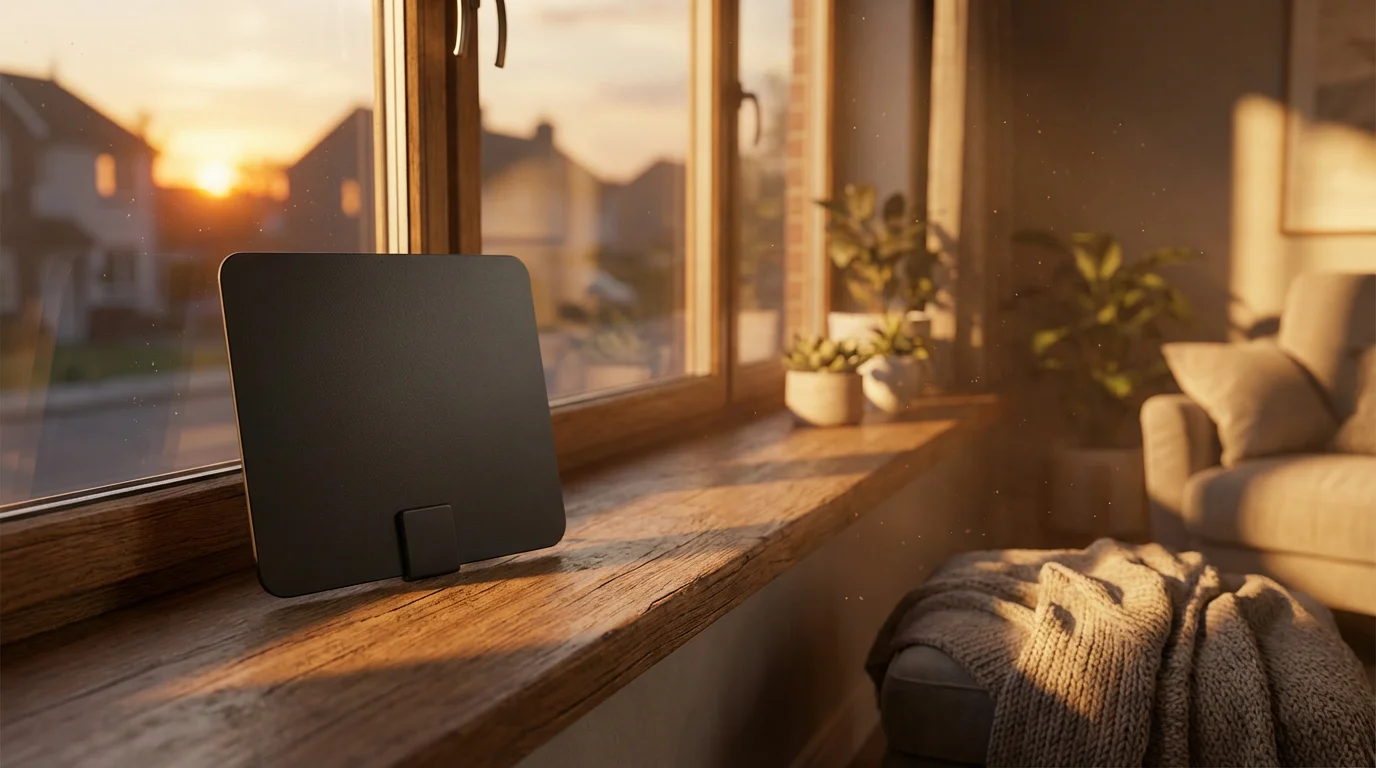
- Local News with an Antenna: For local news, weather, and emergency broadcasts, a one-time purchase of an over-the-air (OTA) antenna is invaluable. You can pick up major network affiliates (ABC, CBS, NBC, Fox, PBS, CW) completely free, often in high definition. The FCC Consumer Guide provides comprehensive information on choosing and setting up an antenna.
- Pluto TV: A free, ad-supported streaming service offering hundreds of live channels and thousands of on-demand movies and TV shows. Pluto TV features dedicated news channels from CBS News, NBC News NOW, Fox Local, Bloomberg, Newsy, and more. It offers a diverse range of perspectives without a subscription fee.
- Tubi: Another free, ad-supported service with a strong lineup of movies and TV shows. Tubi also includes live news channels from Fox-owned stations, Newsy, and others.
- Roku Channel: Available on Roku devices (and now other platforms), the Roku Channel provides a rotating selection of free movies and TV, plus live news channels including ABC News Live, NBC News NOW, and Newsy.
- PBS NewsHour: The PBS app and website offer free live streams of the acclaimed PBS NewsHour and a vast archive of their reports. This provides in-depth, commercial-free journalism.
- News Apps: Many local news stations and national outlets like the Associated Press, Reuters, and BBC News offer their own apps with free access to articles, clips, and sometimes live streams, especially for breaking news.
Combining a live TV streaming service for your core cable news channels with a free option for supplemental or local news creates a comprehensive and cost-effective news package. You gain significant control over your news consumption and your budget.
Essential Equipment for Streaming News
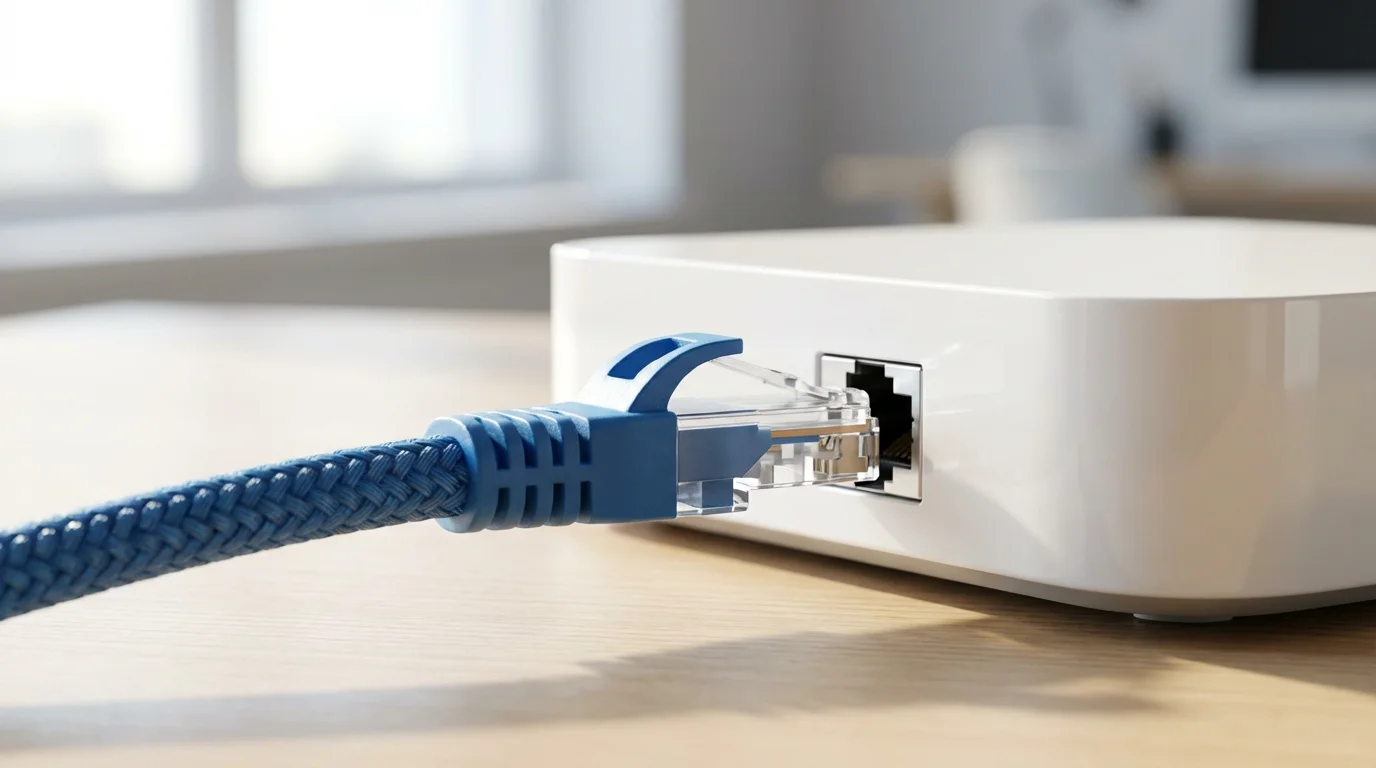
Transitioning from cable to streaming requires a few key pieces of equipment. You probably own some of these already, which reduces your upfront costs. You need reliable internet, a device to watch content on your TV, and possibly an antenna for local channels.
To ensure you have everything needed for a seamless experience, review our complete checklist of cord-cutting equipment.
1. Reliable High-Speed Internet Connection
A stable internet connection is the backbone of your streaming experience. Without it, you will encounter buffering, poor video quality, and frustration. Streaming live HD video, especially news, consumes significant bandwidth.
- Recommended Speed: For a single user streaming HD video, a minimum of 25 Mbps (megabits per second) is generally sufficient.
- Household Recommendation: For households with multiple people streaming simultaneously, or if you also work from home, aim for at least 100 Mbps. If you stream in 4K, 200 Mbps or higher is advisable.
- Data Caps: Check if your internet service provider (ISP) imposes data caps. Heavy streaming, especially with cloud DVRs, can quickly consume hundreds of gigabytes per month. Exceeding caps can lead to extra charges.
“Your internet speed is the foundation of your streaming experience. Skimping here often leads to frustrating buffering, negating any savings you made by cutting the cord.” — Streaming Guide Expert
2. Streaming Device
Most modern TVs are smart TVs, meaning they have built-in internet connections and apps. However, a dedicated streaming device often provides a smoother user experience, faster performance, and access to more apps than your TV’s native smart platform. Approximate costs for these devices range from $30-$200.
- Roku (Roku Express, Streaming Stick, Ultra): This offers a user-friendly interface, wide app selection, and various price points.
- Amazon Fire TV (Stick Lite, Stick 4K, Cube): It integrates well with the Amazon ecosystem, offers voice control with Alexa, and is affordable.
- Apple TV (HD, 4K): This is a premium device, offering excellent performance and seamless integration with Apple devices, but at a higher price point.
- Google Chromecast with Google TV: It integrates Google services, is good for content discovery, and comes with a remote.
- Gaming Consoles (PlayStation, Xbox): These double as streaming devices, offering access to many streaming apps.
Choosing a streaming device depends on your budget, preferred ecosystem (Apple, Amazon, Google), and desired features. For a balanced view of options, you might consult resources like Wirecutter’s streaming device recommendations.
3. Over-the-Air (OTA) Antenna (Optional, but Recommended)
An antenna is a one-time purchase, typically ranging from $20-$100, and allows you to receive free local channels like ABC, CBS, NBC, Fox, and PBS. This is crucial for local news, sports, and prime-time network shows. Antennas come in indoor (flat or rabbit ears) and outdoor (rooftop or attic) versions. Use the FCC’s DTV Reception Maps to see what channels are available in your area and what type of antenna you might need.

Calculating Your Savings: Cable Bill vs. Streaming News
The primary motivation for cord-cutting is often financial savings. You gain significant control over your entertainment budget by eliminating expensive bundles and only paying for what you watch. Let’s break down a realistic cost comparison.
For a deeper dive into the numbers, see our detailed real cost analysis on cord-cutting savings.
Typical Cable Bill Scenario:
Imagine a typical cable bill in the USA:
- Base TV Package: $80/month (for a package including CNN, Fox News, MSNBC)
- Broadcast TV Fee: $20/month
- Regional Sports Fee: $15/month
- HD Technology Fee: $10/month
- DVR Rental: $15/month
- Modem/Router Rental: $15/month (assuming you rent from the cable company)
- Taxes and Other Fees: $10/month
- Total Cable TV Component (excluding internet): ~$165/month
- Internet Service: $70/month (for 100-200 Mbps)
- Grand Total Cable Bill: ~$235/month
Keep in mind that internet service is a necessity whether you have cable or stream, so you should isolate the TV-specific costs for comparison.
Streaming Alternative Scenario:
Let’s consider a scenario where you want CNN, Fox News, and MSNBC, plus some additional entertainment and free local news.
- Live TV Streaming Service (e.g., YouTube TV): $73/month
- Netflix Standard (Ad-Free): $15.49/month (optional, but many cord-cutters subscribe to a premium VOD service)
- Free Antenna: One-time purchase of $50 (amortized over a year: ~$4/month)
- Streaming Device: One-time purchase of $50 (e.g., Roku Express, amortized over two years: ~$2/month)
- Own Modem/Router: One-time purchase of $100 (amortized over three years: ~$3/month) – Eliminates rental fee
- Internet Service: $70/month (same as cable, but often you can negotiate better standalone internet deals)
- Total Streaming Component (excluding internet, including device amortization): ~$94.49/month
- Grand Total Streaming Setup: ~$164.49/month
Potential Savings:
In this example, your monthly grand total drops from $235 to $164.49. That is a potential monthly saving of over $70, or over $840 per year. These figures are estimates, but they illustrate the significant financial benefit of cutting the cord. You get to keep your essential news channels and often gain access to a wider variety of entertainment for less money. You have the flexibility to adjust your subscriptions, adding or removing services based on your viewing habits or seasonal interests.

Step-by-Step: Cutting the Cord for Cable News
Making the switch to streaming news is a straightforward process when you follow a structured approach. You do not need to do it all at once; plan your transition over a few weeks to ensure everything works smoothly.
Step 1: Assess Your Current News Needs
Before you cancel anything, identify your absolute must-have news channels. Do you watch all three (CNN, Fox News, MSNBC) equally, or do you primarily focus on one? Do you also need local news? Make a list of your essential news sources.
Step 2: Evaluate Your Internet Speed and Data Usage
Contact your internet service provider (ISP) to confirm your current download speed. If it is below 50 Mbps for multiple users, consider upgrading. Inquire about data caps. Many ISPs offer standalone internet packages that are more competitive once you drop TV bundles.
Step 3: Choose Your Streaming News Solution
Based on your essential news channels and budget, select a live TV streaming service. Refer to the comparison table earlier in this guide. Sign up for a free trial (most services offer 5-7 days) to test the service, interface, and channel availability.
Step 4: Acquire and Set Up Equipment
If you do not have a smart TV or a preferred streaming device, purchase one and set it up. Connect it to your TV and Wi-Fi network, then download the apps for your chosen streaming services. If you opt for an antenna, install it and perform a channel scan on your TV.
Step 5: Test Your New Setup Thoroughly
For a week or two, run your new streaming setup alongside your existing cable service. Ensure you can easily find your news channels, that streaming is smooth, and that you understand how to use the DVR if applicable. This parallel period helps prevent a gap in service.
Step 6: Cancel Your Cable Service
Once you are confident in your streaming setup, contact your cable provider to cancel your TV service. Be prepared for retention specialists to offer you deals to stay. Be firm but polite. Before calling, review your contract for any early termination fees (ETFs). If you are still under contract, weigh the ETF against your long-term savings.
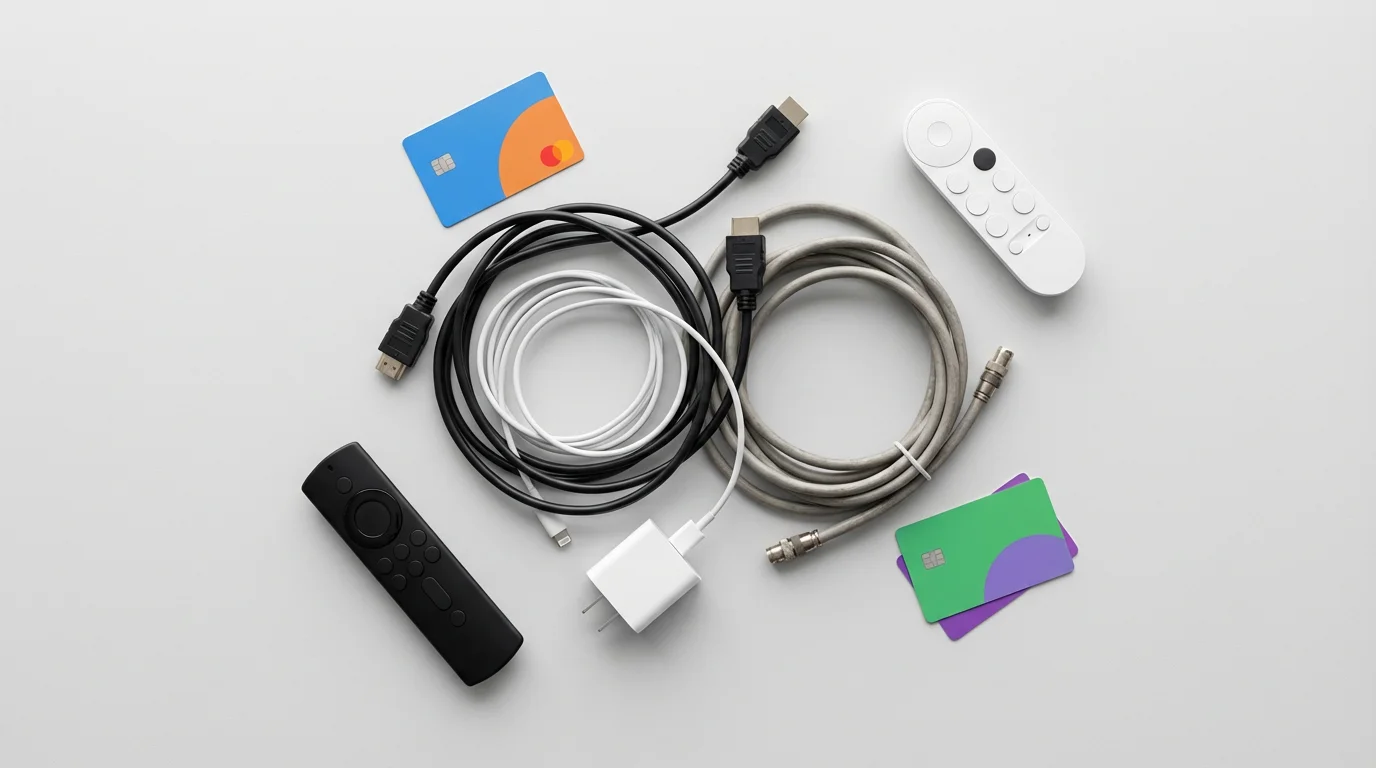
- Return Equipment: After canceling, your provider will give you instructions for returning their equipment (cable boxes, modems if rented, remote controls). Return everything promptly and get a receipt or tracking number as proof of return. Failure to return equipment can result in significant fees.
Step 7: Optimize and Enjoy Your Savings
Periodically review your streaming subscriptions. Are you still watching all the services you pay for? Rotate services if specific shows or events interest you. The flexibility of streaming allows you to tailor your content and control your monthly expenses.
Common Mistakes to Avoid When Streaming News
While cord-cutting offers significant benefits, avoiding certain pitfalls ensures a smooth transition and maximizes your savings.
- Underestimating Internet Needs: This is arguably the biggest mistake. If your internet speed is insufficient or your Wi-Fi signal is weak, you will experience constant buffering, pixelated images, and frustration. Confirm your speed and consider a mesh Wi-Fi system if you have a large home or dead zones.
- Not Checking Channel Availability: Do not assume every streaming service carries every channel. Always verify that your must-have news channels (CNN, Fox News, MSNBC) are included in the base package of the service you choose before subscribing. Utilize free trials for this purpose.
- Forgetting About Local News: Cable often bundles local channels. Without cable, you need an antenna for free, reliable local news, weather, and emergency broadcasts. Do not overlook this crucial source of information.
- Paying for Redundant Services: You do not need multiple live TV streaming services simultaneously. If you sign up for Hulu + Live TV, you do not also need YouTube TV. Avoid subscribing to individual news apps if the content is already included in your live TV streaming service.
- Ignoring Early Termination Fees (ETFs): Review your current cable contract for any penalties for canceling early. Sometimes, it makes sense to wait until your contract expires, or the savings from cutting the cord quickly outweigh the ETF.
- Failing to Return Cable Equipment: This is a common and costly mistake. Cable companies will charge you significant fees for unreturned set-top boxes, modems, and remotes. Get a receipt when you return equipment and keep it for your records.
- Sticking with Your Cable Company’s Internet Price: When you cancel TV service, your internet-only bill might increase slightly because you lose bundling discounts. However, this is also an opportunity to shop around for standalone internet plans from other providers or negotiate a better rate with your current ISP. Competition for internet-only customers is often fierce.
By being mindful of these common missteps, you ensure your cord-cutting journey is efficient, cost-effective, and enjoyable. You save money and gain more control over your news consumption.
Frequently Asked Questions
What is the cheapest way to get CNN, Fox News, and MSNBC live without cable?
Sling TV, particularly by combining its Orange and Blue packages, often presents the most affordable option if you need all three major cable news channels. Sling Orange includes CNN, and Sling Blue includes Fox News and MSNBC. When bundled, it costs less than comprehensive services like YouTube TV or Hulu + Live TV. Individual channels are typically not available as standalone subscriptions for live linear feeds.
Do I need a special smart TV to stream cable news?
You do not need a special smart TV. While a smart TV has built-in apps, any television with an HDMI port can become a streaming TV by simply plugging in an affordable streaming device such as a Roku Stick, Amazon Fire TV Stick, or Google Chromecast. These devices provide access to all the necessary streaming apps.
How much internet speed do I need to reliably stream live news?
For a single user streaming live news in high definition, a minimum of 25 Mbps (megabits per second) is recommended. For households with multiple users or if you plan to stream in 4K, you should aim for at least 100 Mbps to ensure a smooth, buffer-free experience. Always check your internet service provider’s speed offerings and consider upgrading if needed.
Can I record news programs without a cable box?
Yes, most live TV streaming services include a cloud-based DVR (digital video recorder) feature. This allows you to record live news programs and watch them later, similar to a traditional cable DVR. Services like YouTube TV offer unlimited cloud DVR storage, while others like Sling TV provide a generous amount, usually ranging from 50 to 200 hours, often with upgrade options.
What if I only want to watch a specific news channel, like just Fox News?
While you cannot typically subscribe to a single live linear cable news channel as a standalone service, choosing a service like Sling TV allows you to select a smaller package that includes your desired channel. For example, Sling Blue includes Fox News and MSNBC for a lower price than a full bundle. Some news apps offer on-demand content, but usually not a live 24/7 feed without authenticating through a live TV streaming provider.

Leave a Reply