
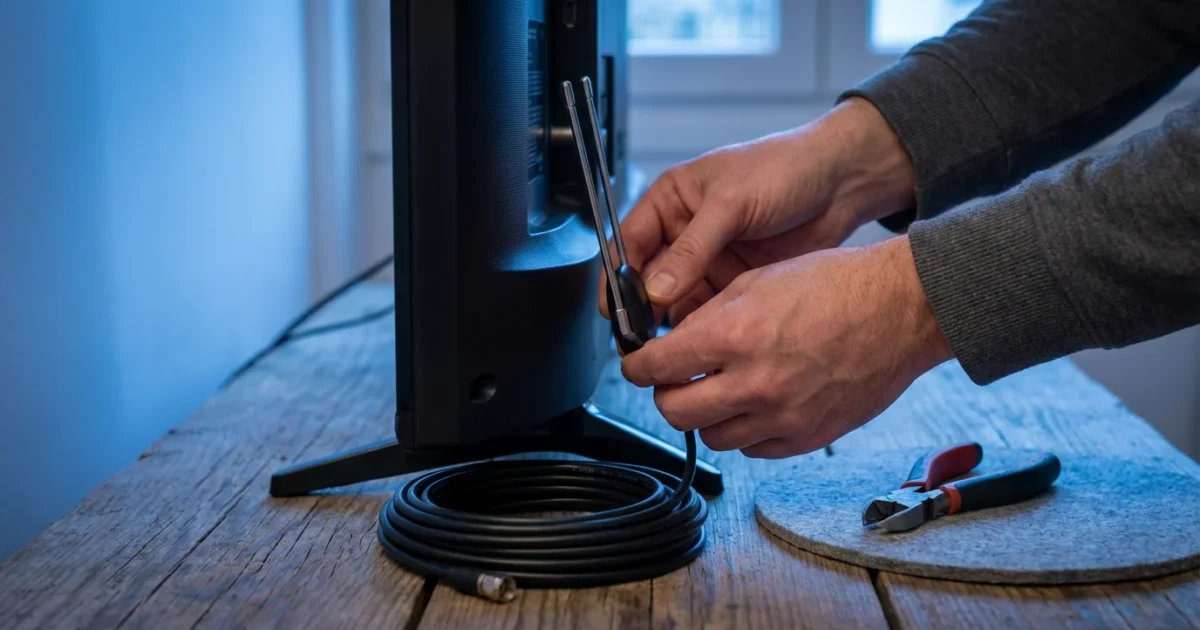
Cutting the cord, or canceling your traditional cable or satellite TV service in favor of streaming, offers significant potential for savings and customized entertainment. Many people hesitate, however, worried about losing access to their favorite local channels. You rely on these channels for local news cord cutting, weather updates, community events, and even prime-time network shows and live sports. The good news is that keeping your local channels after ditching cable is not only possible, it is often free or very affordable.
Understanding Your Options for Local TV Without Cable
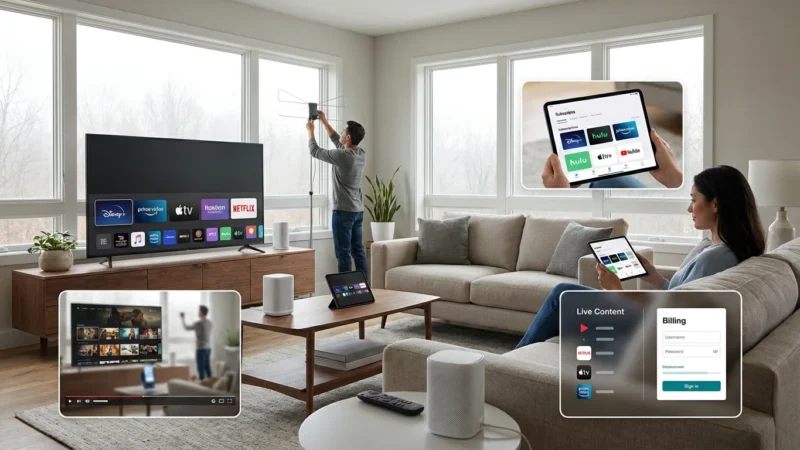
When you cut the cord, you gain control over your entertainment budget and choices. Losing local channels, however, feels like a step backward for many households. Fortunately, you have several reliable ways to watch local TV without cable, ensuring you stay connected to your community and favorite network programming. Your main options include using an over-the-air (OTA) antenna for free broadcast television or subscribing to a live TV streaming service that includes local channel feeds.
The “best” solution depends on your location, budget, and specific viewing habits. For instance, if you primarily want your major network affiliates, an antenna often provides the most cost-effective solution. If you need a wider range of cable channels alongside your locals, a live TV streaming service offers a more comprehensive package.
The Over-the-Air (OTA) Antenna: Your Free Local TV Solution
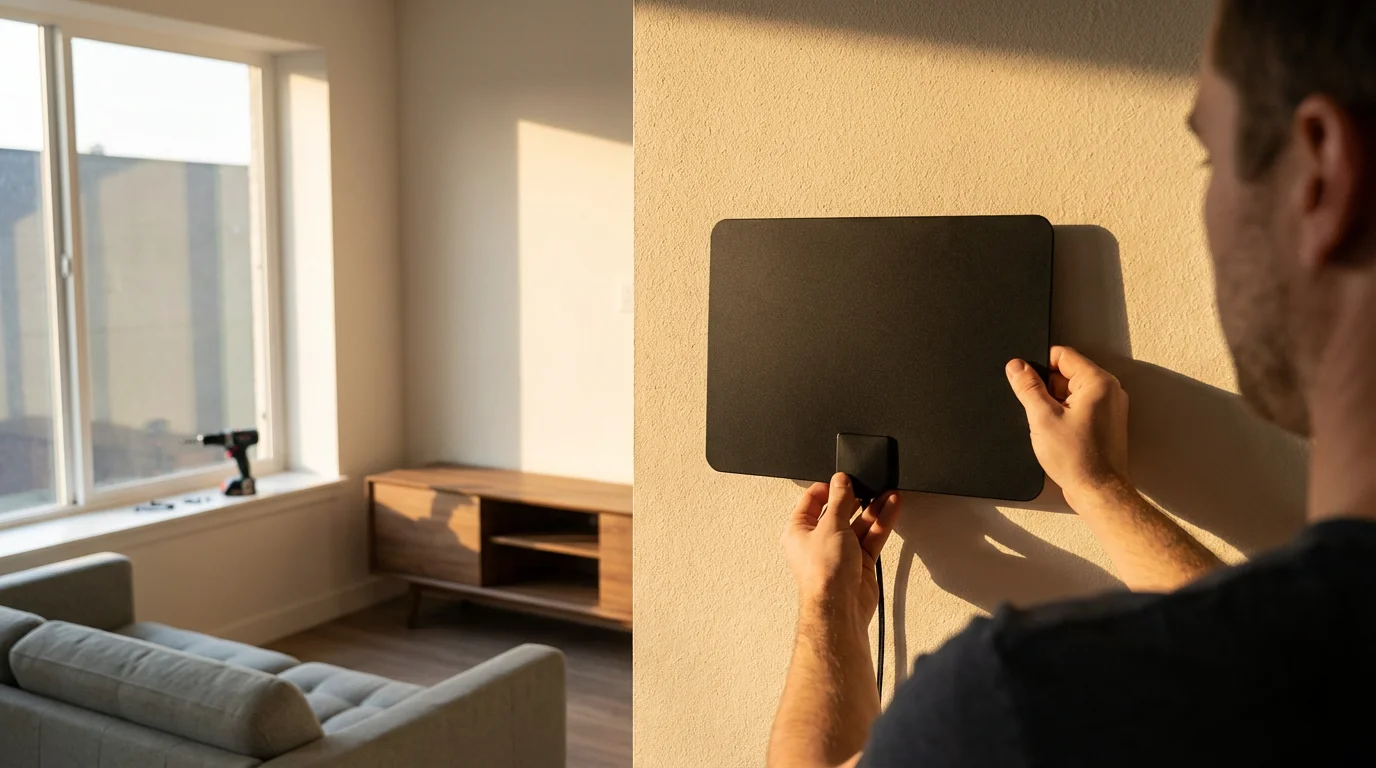
An over-the-air (OTA) antenna is a fantastic, one-time investment that brings free, high-definition local channels directly to your TV. These are the same channels you previously received through cable, including ABC, CBS, NBC, FOX, PBS, and The CW, among others. Digital broadcasts deliver excellent picture quality, often superior to what you received on cable or satellite, especially for major networks. This is a primary method for how to get local channels without cable.
How Antennas Work and What You Need
Antennas capture broadcast signals from local TV stations. Your TV’s built-in tuner then decodes these signals, allowing you to watch. Nearly all modern televisions, referred to as smart TVs (televisions with built-in internet connection and apps), include an ATSC tuner necessary for digital antenna TV. If you have an older TV, you might need a separate digital converter box, which costs around $30-50, to connect your antenna.
Types of Antennas
Antennas come in various types, each suited for different signal reception conditions:
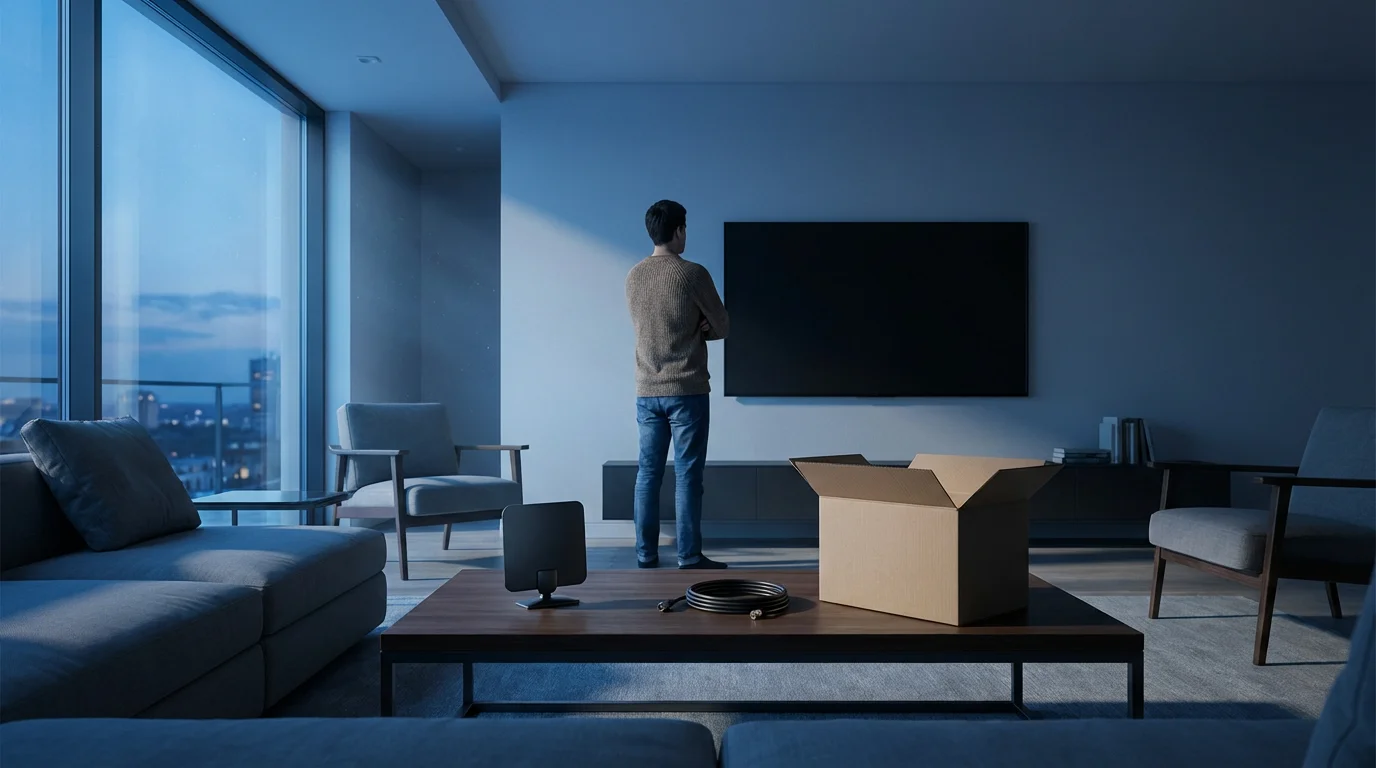
- Indoor Antennas: These are flat, rectangular “leaf” antennas or traditional rabbit ears. They work best if you live close to broadcast towers, typically within 20-30 miles, and have minimal obstructions. They are easy to install, often just plugging into your TV’s “Antenna In” or “RF In” port.
- Attic Antennas: A good compromise for moderate distances (30-60 miles) or if outdoor installation is not an option. Placing an antenna in your attic offers protection from weather and some elevation. Installation requires running a coaxial cable from the attic to your TV.
- Outdoor Antennas: For long distances (60+ miles), challenging terrain, or weak signals, an outdoor antenna mounted on your roof or mast provides the best reception. These require more effort to install, but they significantly improve signal quality and channel availability.
Antenna Placement Tips for Optimal Reception
Proper antenna placement dramatically affects the number and quality of local channels you receive. Here are key considerations:
- Locate Broadcast Towers: Use online tools like AntennaWeb.org or the FCC’s DTV Reception Maps to find the direction and distance to your local broadcast towers. This helps you point your antenna correctly.
- Go High: The higher your antenna, the better its chance of picking up signals, especially for outdoor models.
- Aim Correctly: Point your antenna directly towards the broadcast towers. Slight adjustments can make a big difference.
- Minimize Obstructions: Walls, trees, buildings, and even certain types of insulation can block signals. Try to place indoor antennas near a window facing the towers.
- Rescan Channels: After moving your antenna, always perform a channel scan on your TV to detect new signals.
For many Americans, an antenna provides a reliable and completely free way to access essential local programming. According to Consumer Reports, a good antenna can deliver crisp, high-definition versions of major network programming without any monthly fees.
DIAGRAM: Antenna Setup Flowchart
“Flowchart diagram: ‘Choosing and Installing Your OTA Antenna’
Start: ‘Do you live within 30 miles of major city/broadcast towers?’
– Yes -> ‘Try Indoor Antenna (Leaf/Rabbit Ears) near window.’ -> ‘Scan for Channels. Satisfied?’
– Yes -> ‘Enjoy Free TV!’
– No -> ‘Try Antenna Relocation/Repositioning.’ -> ‘Scan for Channels. Satisfied?’
– Yes -> ‘Enjoy Free TV!’
– No -> ‘Consider Amplified Indoor Antenna or Attic Antenna.’
– No -> ‘Is outdoor mounting feasible?’
– Yes -> ‘Install Outdoor Antenna (Roof/Mast).’ -> ‘Scan for Channels. Satisfied?’
– Yes -> ‘Enjoy Free TV!’
– No -> ‘Consult Professional Installer for Signal Boosters/Directional Antennas.’
– No -> ‘Install Attic Antenna.’ -> ‘Scan for Channels. Satisfied?’
– Yes -> ‘Enjoy Free TV!’
– No -> ‘Consult Professional Installer for Signal Boosters/Directional Antennas.’
”
Live TV Streaming Services: A Cable-Like Experience
If an antenna does not provide enough channels for you, or if you prefer a traditional channel guide experience with a wider selection of cable channels alongside your locals, live TV streaming services are an excellent alternative. These services deliver live television over the internet, behaving much like a cable package, but usually at a lower cost and without contracts. This is how many people find local channels streaming.
If you are looking for a variety of entertainment beyond local news, you can learn how to create the perfect streaming bundle to maximize your selection while keeping costs low.
Popular Live TV Streaming Services with Local Channels
Several services offer bundles that include local network affiliates, though availability varies by zip code. Always check a service’s website to confirm local channel availability in your area before subscribing.
- YouTube TV: Offers a robust channel lineup, including most major local networks, sports channels, and an unlimited cloud DVR (digital video recorder) to record and watch shows later. Pricing is generally competitive for its extensive offering.
- Hulu + Live TV: Combines Hulu’s extensive on-demand (watch whatever you want, whenever you want) library with live TV. It includes many local channels and offers a good balance of entertainment and live programming. Most plans now include Disney+ and ESPN+ as well.
- Sling TV: A more budget-friendly option, Sling TV offers smaller channel packages (Sling Orange and Sling Blue) that you can combine. Sling Blue typically includes FOX and NBC local affiliates in select markets, while Sling Orange focuses on ESPN and Disney channels. You might need an antenna for ABC and CBS, or combine Sling with another service.
- DirecTV Stream: Often considered a premium live TV streaming service, DirecTV Stream includes a wide array of channels, including a strong selection of local network affiliates in many areas. It is generally pricier but appeals to those who want a package most similar to traditional cable, especially for regional sports networks.
Live TV Streaming Service Comparison
Here is a simplified comparison of popular live TV streaming services, reflecting typical base package offerings and approximate costs:
| Service | Base Price (Monthly) | Local Channels (Availability) | Cloud DVR | Concurrent Streams |
|---|---|---|---|---|
| YouTube TV | $72.99+ | Most major networks (widespread) | Unlimited | 3 |
| Hulu + Live TV | $76.99+ | Most major networks (widespread) | Unlimited | 2 (add-on for more) |
| Sling TV (Blue) | $40+ | FOX & NBC (select markets) | 50 hours (upgradeable) | 3 |
| DirecTV Stream (Entertainment) | $79.99+ | Most major networks (good) | Unlimited (9 months) | 20 (in home) |
Note: Prices are subject to change and may vary by promotional offers or additional add-ons. “Ad-supported” means free or cheaper plans that show commercials, while “ad-free” plans cost more but don’t show commercials.
“When choosing a live TV streaming service, prioritize the channels you actually watch, especially local news and sports. Don’t pay for hundreds of channels you never tune into; that defeats the purpose of cutting the cord.”
Internet Speed: The Foundation of Your Streaming Setup
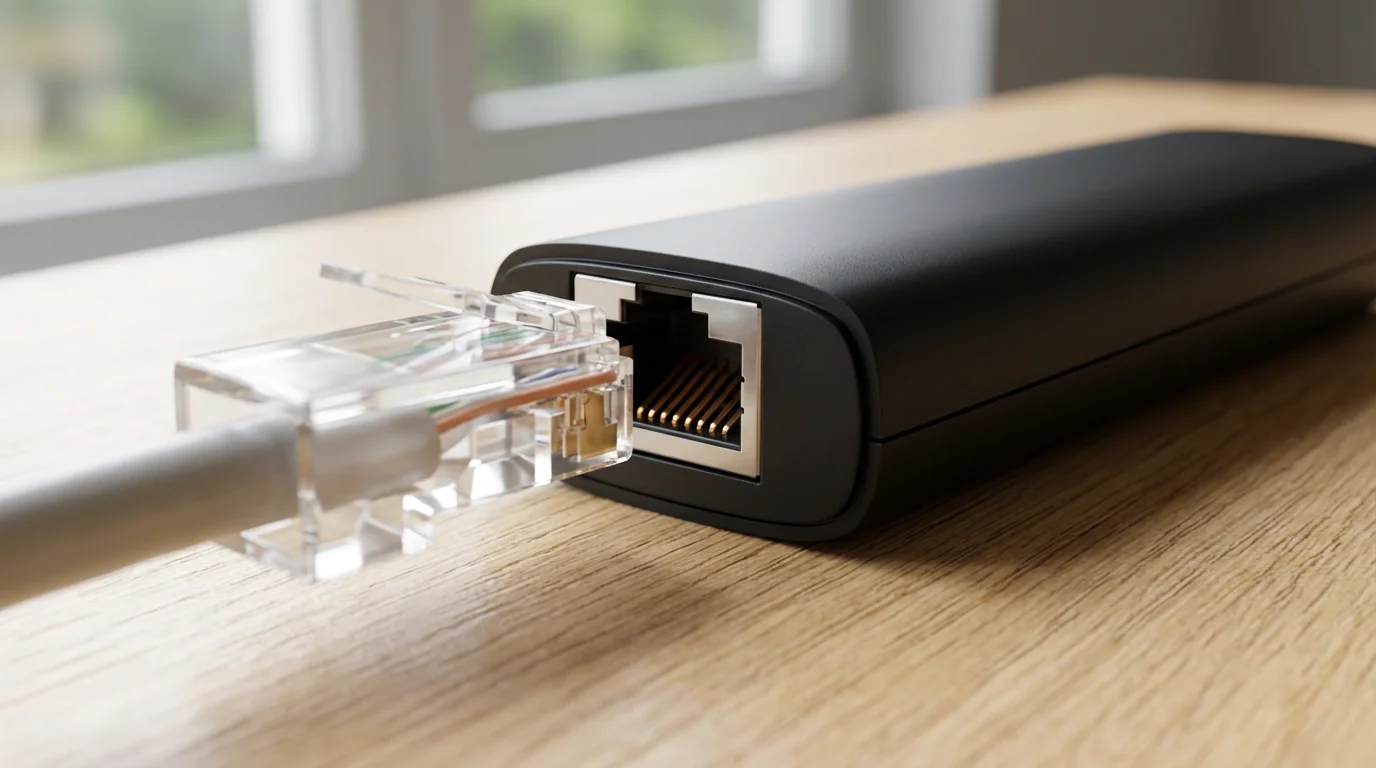
Reliable internet is the backbone of any successful cord-cutting strategy, especially when using streaming devices (small boxes or sticks like Roku or Fire TV that add streaming to any TV) or smart TVs. Watching video content over the internet requires sufficient bandwidth to prevent buffering and ensure high-quality picture. You might have excellent coverage for local channels streaming, but poor internet ruins the experience.
For those living outside of major metropolitan areas, our guide to rural cord cutting provides specialized advice for managing streaming with slower internet speeds.
Recommended Internet Speeds
The Federal Communications Commission (FCC) provides guidelines for internet speed. For streaming, consider these recommendations:
- Standard Definition (SD): 3-5 Mbps per stream
- High Definition (HD): 5-8 Mbps per stream
- 4K Ultra HD: 20-25 Mbps per stream
These are per-stream requirements. If multiple people in your household stream simultaneously on different devices, or if you also engage in online gaming or video conferencing, you need a higher overall speed. For a household with 2-3 simultaneous HD streams, aim for at least 50-100 Mbps download speed. If you regularly stream in 4K or have a larger family, 200+ Mbps becomes more advisable. According to the FCC’s consumer guide, understanding your household’s internet usage patterns is key to choosing the right plan.
Equipment Checklist for Internet and Streaming
- Reliable Internet Service Provider (ISP): Research local providers for speed, reliability, and customer service.
- High-Speed Modem and Router: Ensure your equipment can handle the speeds your ISP provides. Upgrading old equipment often significantly improves performance.
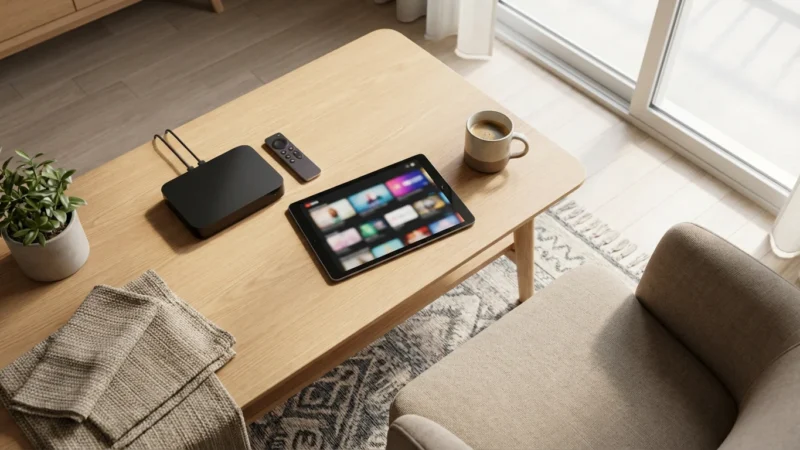
- Streaming Devices: Roku, Amazon Fire TV Stick, Apple TV, Google Chromecast. Choose one that fits your budget and ecosystem. Many smart TVs have these capabilities built in.
- HDMI Cables: For connecting streaming devices to your TV.
- Ethernet Cable (Optional, but Recommended): For connecting your primary streaming device directly to your router, providing the most stable connection and reducing Wi-Fi interference.
Comparing Costs: Cable vs. Streaming for Local Channels
The primary motivation for cord-cutting is often financial savings. Understanding the total costs involved with cable versus streaming combinations helps you make an informed decision. Let’s look at realistic cost comparisons.
Typical Cable Bill Breakdown
A standard cable TV bill in the USA often includes:
- Base Package: $50 – $100+ (for basic to mid-tier channels)
- Broadcast TV Fee: $15 – $25 (for local channels, often hidden)
- Regional Sports Fee: $10 – $20 (if applicable)
- Equipment Rental: $10 – $20 per box (per month)
- Taxes and Other Fees: $5 – $15
- Required Internet Service: $60 – $80+
Total Typical Cable Bill: $150 – $260+ per month. This does not account for premium channels or additional DVR services.
Streaming Bundle Combinations and Their Costs
Here are common streaming combinations that include local channels:
- Antenna + On-Demand Streaming:
- OTA Antenna (one-time cost): $30 – $150
- Netflix (Standard): $15.49/month
- Hulu (Ad-supported): $7.99/month
- Required Internet Service: $60 – $80/month
- Monthly Total: $83.48 – $103.48 (plus one-time antenna cost)
This option saves you a significant amount while giving you free local TV.
- Live TV Streaming Service + Internet:
- YouTube TV: $72.99/month
- Required Internet Service: $60 – $80/month
- Monthly Total: $132.99 – $152.99
This option provides a more comprehensive cable-like experience with live local channels, but costs more than just an antenna and on-demand.
- Antenna + Live TV Streaming + On-Demand (Hybrid Approach):
- OTA Antenna (one-time cost): $30 – $150
- Sling TV Blue (local FOX/NBC in select areas, plus other cable channels): $40/month
- Netflix (Standard): $15.49/month
- Required Internet Service: $60 – $80/month
- Monthly Total: $115.49 – $135.49 (plus one-time antenna cost)
This approach optimizes for specific channels and budgets, leveraging the free antenna for some locals while using a cheaper live TV service for others.
As you can see, even with a robust streaming setup, your monthly expenses can be significantly lower than a traditional cable bill. Savings of $50-$100 or more per month are very common.
Common Cord-Cutting Mistakes to Avoid
Cutting the cord involves more than just canceling your cable subscription. Avoiding common pitfalls ensures a smooth transition and maximizes your savings.
Not Researching Local Channel Availability
This is perhaps the biggest mistake. Do not assume your favorite local channels are available via antenna or a specific streaming service. Always verify. For antennas, use AntennaWeb.org. For live TV streaming services, visit their websites and enter your zip code to see the precise local channels offered in your area. This step prevents disappointment.
Ignoring Internet Speed and Data Caps
Streaming consumes data. If your internet plan has a low data cap, you could incur expensive overage charges. Confirm your internet speed can handle multiple simultaneous streams, especially in HD or 4K. Ensure your data plan is unlimited or has a sufficiently high cap for your usage. CNET provides excellent guidance on optimizing your home network for streaming, emphasizing that a robust internet connection is key for a seamless experience, as reported by CNET.
Forgetting About Early Termination Fees (ETFs)
Many cable contracts include early termination fees if you cancel before your contract expires. Review your contract carefully. Sometimes, waiting a few months until your contract ends saves you hundreds of dollars in fees. Calculate whether paying the ETF is less expensive than continuing your cable service for the remaining months.
Not Returning Equipment
Cable companies often charge hefty fees for unreturned equipment like modems, routers, and set-top boxes. Keep track of all rented equipment. When you cancel, request a receipt for all returned items and even take photos of the equipment and the return process for your records. This prevents disputed charges later.
Canceling Services Too Quickly
Do not cancel your cable service until your new streaming setup is fully operational and you are comfortable with it. Run your antenna and streaming services in parallel with your cable for a week or two. This allows you to troubleshoot any issues and confirm you have everything you need before making the final cut.
Your Step-by-Step Cord-Cutting Checklist and Timeline
Making the switch from cable to streaming can feel daunting, but a structured approach simplifies the process. Here is a timeline and checklist to guide you.
Phase 1: Research and Planning (2-4 Weeks Before Canceling)
- Review Your Current Cable Bill: Understand what you pay for, including hidden fees, broadcast fees, and equipment rentals. Identify which channels you watch most.
- Assess Your Internet: Check your current internet speed and data caps. Upgrade if necessary to meet streaming demands.
- Determine Local Channel Access:
- Use AntennaWeb.org or similar tools to see what local channels are available via OTA antenna at your address.
- Check websites of live TV streaming services (e.g., YouTube TV, Hulu + Live TV) for local channel availability in your zip code.
- Explore Streaming Services: Research which on-demand and live TV streaming services carry your must-have channels. Take advantage of free trials (usually 5-7 days) to test user interfaces and channel lineups.
- Evaluate Equipment Needs: Decide if you need an OTA antenna, streaming devices (like a Roku or Fire TV Stick), or new Wi-Fi equipment. Research costs and purchase necessary items.
- Calculate Potential Savings: Create a budget comparing your current cable bill with your proposed streaming setup (internet + streaming subscriptions + one-time equipment costs).
Phase 2: Setup and Testing (1 Week Before Canceling)
- Install Antenna: Set up your OTA antenna, scan for channels on your TV, and optimize its placement for the best reception.
- Set Up Streaming Devices: Connect your streaming devices to your TVs. Download and log into all your chosen streaming apps.
- Run a Parallel Test: For at least a week, use your new streaming setup as your primary entertainment source while your cable is still active. This helps you identify any missing content or technical issues.
- Cancel Unnecessary Subscriptions: If you signed up for any free trials, cancel the ones you do not plan to keep before they auto-renew.
Phase 3: The Final Cut (Cancellation Day)
- Contact Your Cable Provider: Call your cable company to cancel your service. Be prepared for retention offers, and politely decline if you are committed to cord-cutting. Confirm your service end date.
- Inquire About Early Termination Fees (ETFs): Ask if any ETFs apply and how to pay them if they do.
- Arrange Equipment Return: Get clear instructions on how and where to return all rented equipment. Document the return process (receipts, photos) thoroughly.
- Confirm Billing: Verify that your final bill accurately reflects your cancellation and equipment returns.
Frequently Asked Questions
Can I record local channels without cable?
Yes, you can record local channels without cable. If you use an over-the-air (OTA) antenna, you can purchase a dedicated OTA DVR like a Tablo or a TiVo. These devices connect to your antenna and allow you to record live broadcasts, often with features like commercial skipping and program guides. Many live TV streaming services, such as YouTube TV and Hulu + Live TV, also include cloud DVR functionality as part of their subscription, letting you record and store content online.
What internet speed do I need for streaming local channels?
For reliable streaming of local channels in high definition, aim for an internet download speed of at least 15-25 Mbps per stream. If multiple people in your household plan to stream simultaneously, or if you also use the internet for gaming or video calls, you will need a higher overall speed, such as 50-100 Mbps or more. Check with your internet service provider to ensure your plan meets these requirements and consider upgrading if your current speed is too low.
Is an antenna always free to use after purchase?
Yes, once you purchase an over-the-air (OTA) antenna, it provides free access to broadcast local channels indefinitely. There are no monthly fees, subscriptions, or ongoing costs associated with using an antenna to receive major network affiliates like ABC, CBS, NBC, and FOX. Your only expenses are the initial purchase cost of the antenna and any associated installation materials or an optional OTA DVR.
Do all live TV streaming services include local channels?
No, not all live TV streaming services include local channels, and availability can vary significantly. Services like YouTube TV, Hulu + Live TV, and DirecTV Stream generally offer strong local channel coverage in most major markets. However, budget-focused services like Sling TV might only offer local FOX and NBC affiliates in select areas, or none at all, requiring you to use an antenna for other local networks. Always enter your zip code on the streaming service’s website to confirm exact local channel availability before subscribing.
Disclaimer: Cable and streaming prices vary by location and change frequently. The cost comparisons in this article are estimates based on typical pricing. Your actual savings will depend on your current cable package, internet costs, and which streaming services you choose.
Leave a Reply