
Convincing your family to cut the cord can feel like a daunting task. You see the rising cable bills and the freedom of choice that streaming offers, but other family members might worry about losing their favorite shows, dealing with new technology, or simply fear change. This guide equips you with the practical, actionable insights you need to build a compelling case, address common concerns, and navigate a smooth transition to a more affordable, flexible entertainment experience.
Disclaimer: Cable and streaming prices vary by location and change frequently. The cost comparisons in this article are estimates based on typical pricing. Your actual savings will depend on your current cable package, internet costs, and which streaming services you choose.
Understanding Your Family’s Hesitation
You recognize the clear benefits of cord cutting, the process of canceling traditional cable or satellite TV in favor of streaming services. Streaming means watching video content over the internet instead of cable or satellite. However, your family members might hold legitimate concerns. Addressing these head-on, with empathy and concrete solutions, is your first step. Common worries include:
If you are helping older relatives navigate this transition, our cord cutting for seniors guide offers simplified tips for managing new technology.
- Fear of missing out on favorite shows or channels: This is often the biggest hurdle. A family member might believe their specific sports team, local news, or reality TV show is only available through cable.
- Complexity of new technology: Some family members might feel overwhelmed by the idea of learning a new system, juggling multiple apps, or troubleshooting technical issues. They are comfortable with the familiar cable box.
- Perceived loss of convenience: Cable offers a simple channel guide and one remote. Streaming can seem like a fragmented experience.
- Concern about hidden costs: While you see savings, they might worry about internet speed upgrades, buying new equipment, or the cumulative cost of multiple streaming subscriptions.
- Reluctance to change established routines: Humans are creatures of habit. The idea of changing how they watch TV can be unsettling.
Begin your discussion by listening to these concerns without judgment. Validate their feelings. Then, present your plan for how to overcome each challenge, focusing on solutions that benefit everyone.

Building the Financial Case for Cord Cutting
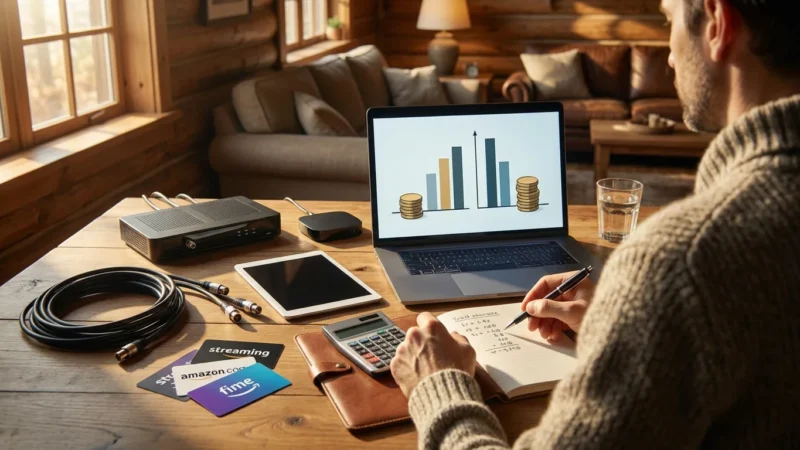
Money talks, and often, it speaks loudly. Presenting a clear comparison of your current cable bill versus potential streaming costs can be highly persuasive. Many households pay over $100 per month for cable TV alone, often coupled with internet service. According to Cord Cutters News, the average cable bill continues to rise, making the financial incentive for cutting the cord stronger than ever.
Your Current Cable Bill Breakdown
Pull out your latest cable bill. Itemize the costs. You will likely find charges for:
- Base TV package
- Premium channels (HBO, Showtime, etc.)
- Equipment rental fees (cable box, DVR)
- Regional sports fees
- Broadcast TV surcharges
- Taxes and other hidden fees
Do not forget to include your internet service cost, as this is a necessary component for streaming. Cable companies often bundle TV and internet, making it seem cheaper. However, you pay for internet whether you have cable TV or not, so separate those costs mentally.
Estimating Streaming Costs
Now, build a hypothetical streaming package that meets your family’s needs. This requires knowing what shows and channels are essential. Here is a typical breakdown of potential streaming expenses:
- Internet Service: You already pay for this. For streaming, you need sufficient internet speed. Most households require at least 25-50 Mbps download speed for smooth high-definition (HD) streaming, especially with multiple devices. For 4K streaming or more users, consider 100 Mbps or higher. Check with your internet service provider (ISP) for plans and pricing.
- Live TV Streaming Service (Optional): Services like Sling TV, Hulu + Live TV, YouTube TV, or DirecTV Stream offer bundles of channels similar to cable. They include live sports, news, and entertainment. Prices typically range from $40 to $80 per month, significantly less than most cable packages. They often include a cloud DVR, a digital video recorder, letting you record and watch shows later.
- On-Demand Streaming Services: These are services like Netflix, Disney+, Max (formerly HBO Max), Amazon Prime Video, and Apple TV+, providing libraries of content to watch whenever you want. These are on-demand services. A typical household might subscribe to 2-4 of these, costing $10-$20 each per month.
- Free Streaming Services: Do not overlook ad-supported (free or cheaper plans that show commercials) options like Pluto TV, Tubi, Freevee, and Peacock (with a free tier). These offer thousands of hours of content at no direct cost.
Cost Comparison Table (Estimated Monthly Costs)
This table illustrates a potential savings scenario. Your numbers will vary based on your specific subscriptions.
| Category | Typical Cable Bill | Typical Streaming Setup | Notes |
|---|---|---|---|
| Base TV Package | $70 – $120 | N/A | Eliminated with cord cutting. |
| Premium Channels | $15 – $30 | Included in Max, Starz, etc. | Access directly via streaming apps ($10-$16 per service). |
| Equipment Rental (DVR/Box) | $10 – $25 | N/A | Replaced by streaming devices or smart TV apps. |
| Regional Sports/Broadcast Fees | $15 – $25 | Included in Live TV service | Covered by services like YouTube TV, Hulu + Live TV. |
| Internet Service | $60 – $80 | $60 – $80 | Essential for both. Cost remains. |
| Subtotal (TV Related) | $110 – $200 | $30 – $100 (excluding internet) | Significant potential savings here. |
| Total Estimated Monthly Cost (TV + Internet) | $170 – $280 | $90 – $180 | Savings of $80-$100+ per month are common. |
Presenting this table clearly shows the financial advantage. Emphasize that you maintain your internet service, and the “TV” portion of your bill shrinks significantly.
“The biggest argument for cord cutting remains financial. When you break down your cable bill, you often discover you are paying for channels you never watch, and those costs quickly add up.” — Consumer Reports’ Streaming Guide

Replacing Favorite Channels and Shows
This section is crucial for overcoming the fear of missing out. You must demonstrate that your family’s beloved content is available elsewhere, often for less money or even free.
Strategy: Audit and Replace
- List Essential Channels: Have each family member list their top 5-10 must-have channels or specific shows. Combine these lists.
- Research Streaming Alternatives: For each item on the list, research where it streams.
- Local Channels (ABC, CBS, NBC, Fox, PBS): A simple over-the-air antenna is often the most cost-effective way to get these channels in crystal-clear HD, with no monthly fee. For many, a basic antenna costs a one-time fee of $20-$60. Live TV streaming services like YouTube TV or Hulu + Live TV also include local channels in most areas.
- Cable News (CNN, Fox News, MSNBC): These are available on most live TV streaming services.
- Sports (ESPN, Fox Sports, regional sports networks): Live TV streaming services offer comprehensive sports coverage. Services like Sling TV have sports-focused packages.
- Premium Movies & Series (HBO, Showtime, Starz): You can subscribe to these services directly as standalone apps (Max, Paramount+ with Showtime, Starz app).
- Specific Shows: Use tools like Reelgood or JustWatch to find where specific shows are streaming. Often, popular shows are on Netflix, Hulu, Max, or Peacock.
Examples of Channel Replacements
- ESPN & Sports: YouTube TV, Hulu + Live TV, Sling TV (Sling Orange package).
- CNN, Fox News, MSNBC: YouTube TV, Hulu + Live TV, DirecTV Stream.
- HGTV, Food Network, TLC: Included in most live TV streaming services (e.g., Sling TV, Philo, Hulu + Live TV). You can also often watch recent episodes on discovery+ or through the individual network apps using a live TV streaming login.
- Nickelodeon, Disney Channel: Often available on live TV streaming services. Disney+ offers a vast library of Disney, Pixar, Marvel, Star Wars, and National Geographic content.
- Movie Channels (HBO, Showtime): Max and Paramount+ with Showtime subscriptions.
Show your family that for almost every cable channel, a direct streaming or live TV streaming alternative exists. You might even find content on ad-supported services, which are free.
Essential Equipment for a Smooth Transition
Cutting the cord requires a few pieces of equipment, but these are generally one-time purchases that pay for themselves quickly. The good news: you probably own some already.
1. Reliable Internet Service
This is the foundation of your streaming setup. As mentioned, most households need at least 25-50 Mbps for HD streaming. If multiple family members stream simultaneously, or you stream in 4K, 100+ Mbps is recommended. Confirm your current speed with your ISP. If you need an upgrade, factor that into your initial cost comparison.
2. Streaming Devices
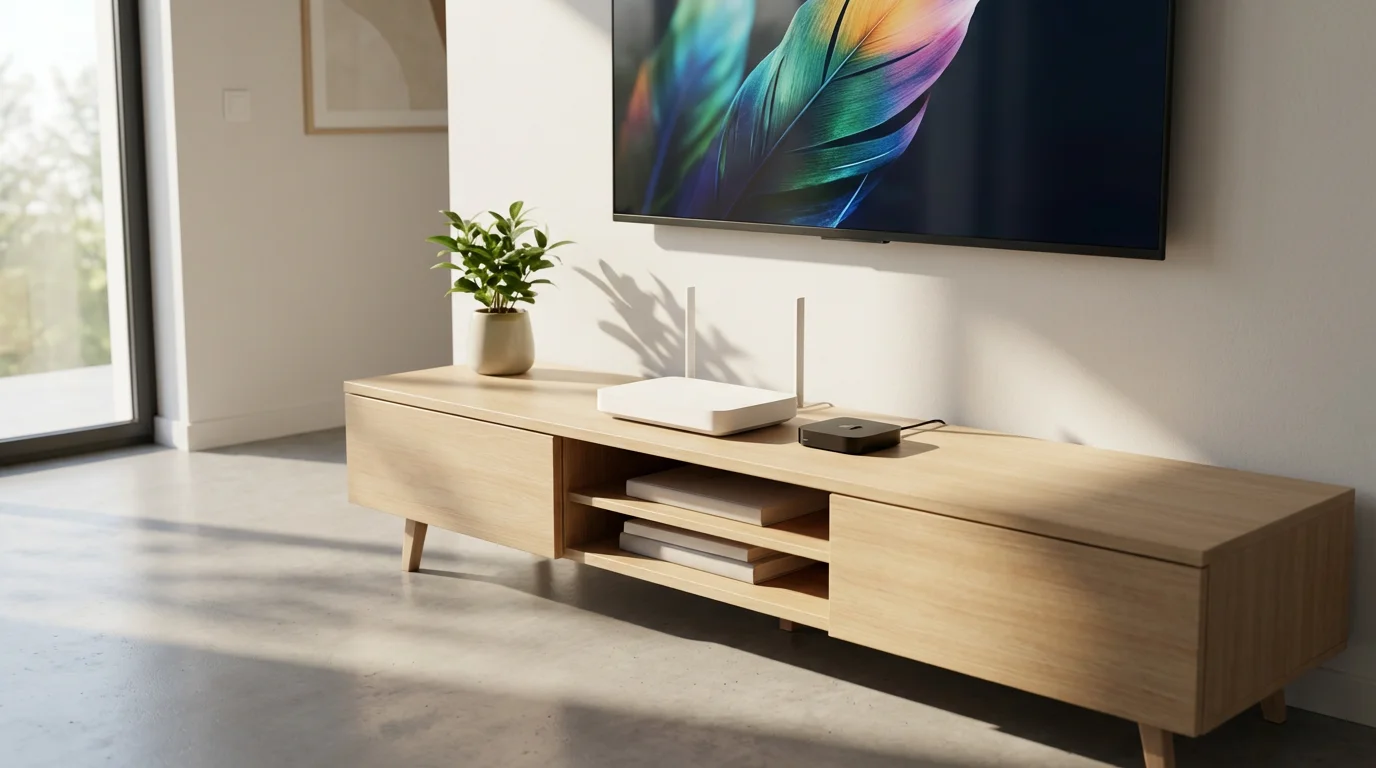
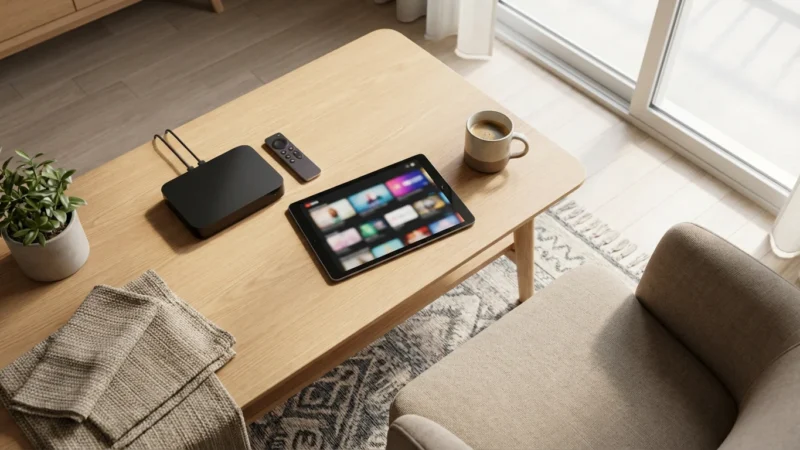
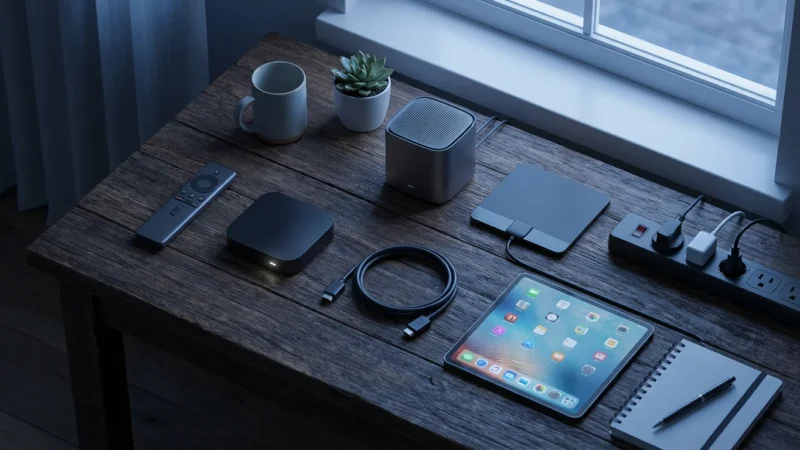
A smart TV, a television with built-in internet connection and apps, might suffice for some, but a dedicated streaming device (a small box or stick, like Roku or Fire TV, that adds streaming to any TV) often provides a better, faster, and more unified experience. These devices organize all your streaming apps in one place and typically come with user-friendly remotes.
- Roku (Roku Express, Roku Streaming Stick 4K, Roku Ultra): Known for simplicity and a vast selection of apps. Excellent for beginners. ($30-$100)
- Amazon Fire TV Stick (Lite, 4K Max): Integrates well with Amazon’s ecosystem and Alexa voice control. ($30-$60)
- Apple TV (HD, 4K): Best for Apple users, offers a premium experience and integrates with Apple services. ($150-$200)
- Google Chromecast with Google TV: Offers an intuitive interface and Google Assistant integration. ($50-$70)
You might need one device per TV you plan to use for streaming. If you have an older TV, these devices easily plug into an HDMI port, transforming it into a smart TV.
3. Over-the-Air (OTA) Antenna
For free local channels (ABC, CBS, NBC, Fox, PBS, etc.), an antenna is a game-changer. There are two main types:
- Indoor Antennas: Often flat, rectangular, or rabbit ears. They work best if you live close to broadcast towers. ($20-$40)
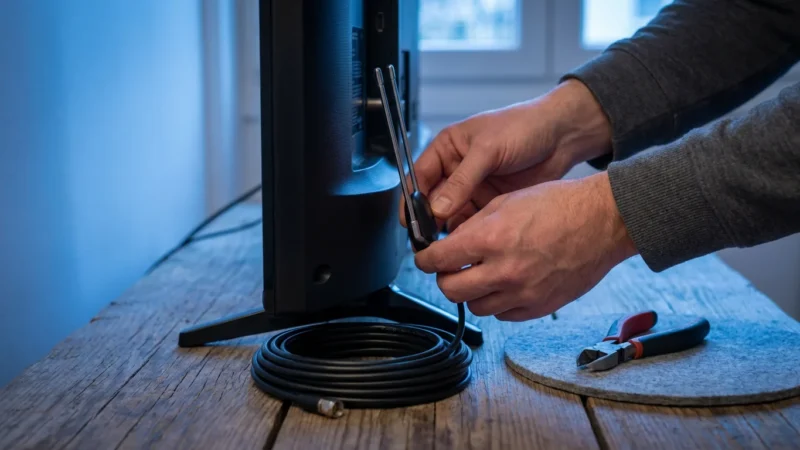
- Outdoor/Attic Antennas: More powerful, ideal for rural areas or if you are farther from towers. Requires installation, but provides access to more channels and better reception. ($50-$150, plus potential installation cost)
Use the FCC DTV Reception Maps tool to check which channels are available in your area and what type of antenna you might need. Testing an inexpensive indoor antenna is a great starting point.
Equipment Checklist and Estimated Costs:
- Internet Service: Existing cost (or upgrade fee)
- Streaming Devices: $30-$100 per TV (e.g., 2 Roku Sticks = $100)
- Antenna (optional): $20-$150 (one-time purchase)
- Total Initial Equipment Cost: $50-$250 (one-time)
Highlight that these are one-time costs, unlike ongoing equipment rental fees from cable companies.
Preparing Your Family for the Switch
A gradual transition helps ease fears and builds confidence. Do not just cut the cord cold turkey. Involve your family in the preparation.
1. Start with a Trial Period
Many streaming services offer free trials (7-30 days). Sign up for a few live TV streaming services (e.g., YouTube TV, Hulu + Live TV) and specific on-demand services that cover your family’s favorite content. During this trial, keep your cable service active. This allows everyone to experiment with the new setup and see how easily they can find their shows. This significantly reduces the perceived risk. As Wirecutter often recommends, test services before committing.
2. Create a Centralized Hub
Show your family how user-friendly streaming devices are. Most streaming devices allow you to customize the home screen, putting favorite apps front and center. Show them how to use the search function to find shows across multiple apps.
3. Practice Makes Perfect
Encourage family members to practice using the new remotes and interfaces during the trial. Make it a game or a fun activity. Offer to sit with them and guide them through finding their favorite shows. Patience and support are key.
4. Emphasize Flexibility and Control
Cable locks you into bundles. Streaming offers flexibility. You can subscribe to Max for a few months to binge a specific series, then cancel and subscribe to Paramount+ for another. This is the power of on-demand content and monthly subscriptions. You pay only for what you want, when you want it.
Discuss the benefits of ad-free streaming plans versus ad-supported options. While ad-supported plans save money, some family members might prefer to pay a bit more for an ad-free experience. Balance the cost savings with viewing preferences.
The Step-by-Step Cord Cutting Process
Once your family feels comfortable with the trial and you have a clear plan, you are ready to make the switch. Follow these steps carefully to avoid issues.
Phase 1: Preparation
- Confirm Internet Speed: Ensure your internet service meets your streaming needs. Upgrade if necessary.
- Purchase Equipment: Buy your streaming devices and antenna. Set them up and ensure everything works before canceling cable.
- Subscribe to Services: Sign up for your chosen streaming services. Many offer introductory pricing for new customers.
- Test Everything: Spend a week using only your streaming setup. Make sure all family members can find their shows and understand how to use the new system. This also ensures your internet can handle the load.
Phase 2: Cancellation
- Check Your Contract: Review your cable contract for early termination fees (ETFs). If you are under contract, calculate whether the ETF outweighs the savings you will realize by cutting the cord. Sometimes, it makes sense to wait until your contract expires.
- Call Your Cable Provider: Do not use online chats or emails. Call their customer retention department directly. Be firm but polite. State clearly that you want to cancel your TV service, but keep your internet.
- Be Prepared for Offers: The retention department will likely try to win you back with special offers or lower prices. If their offer meets or beats your streaming plan, consider it. However, remember the goal is flexibility and control. If you decide to proceed, politely decline their offers.
- Get Confirmation: Obtain a confirmation number or an email confirming your TV service cancellation. Note the date and time of your call and the name of the representative.
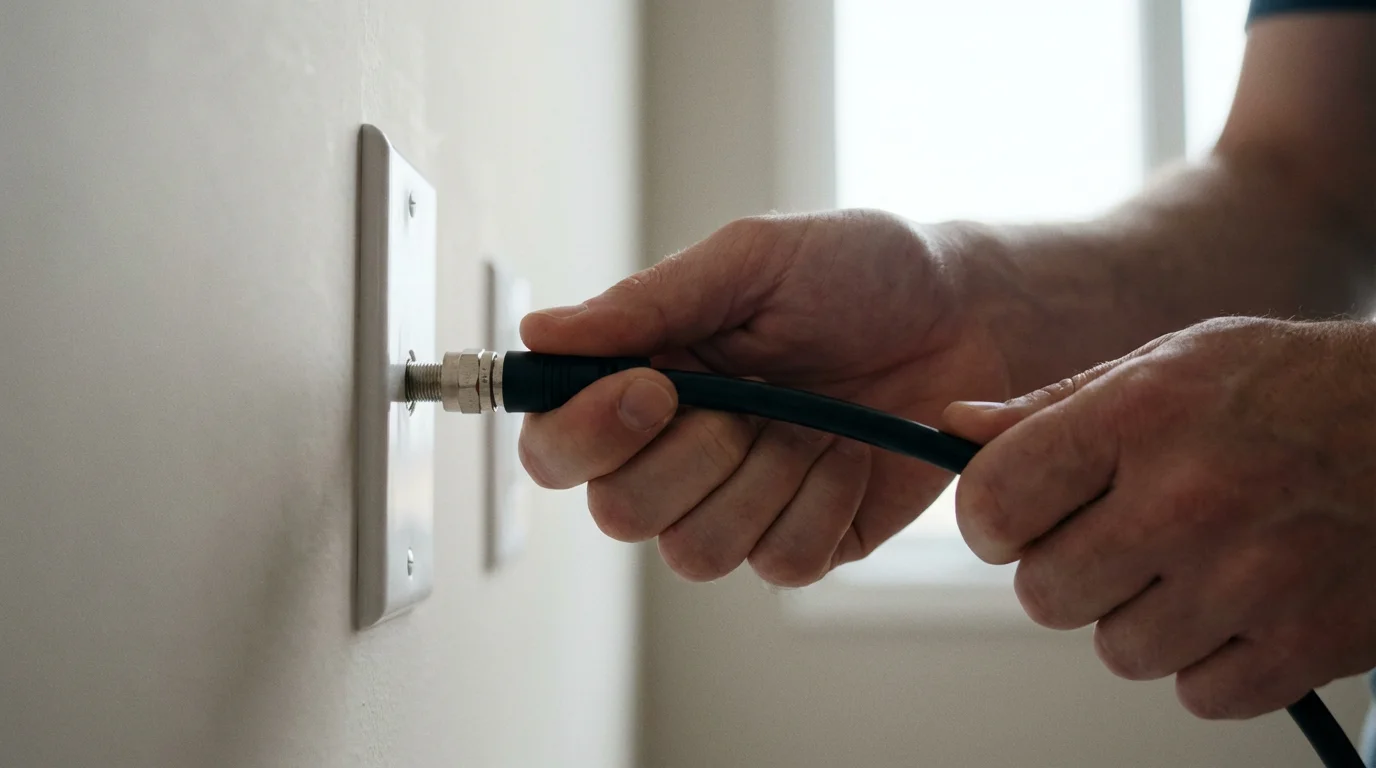
- Return Equipment: Your cable company will instruct you on how to return their equipment (cable boxes, modems, remotes, wires). Follow their instructions precisely. Get a receipt for every piece of equipment returned. This prevents you from being charged for unreturned items.
Phase 3: Enjoy Your New Setup
You have successfully cut the cord. Enjoy the savings and the freedom. Regularly review your streaming subscriptions to ensure you are only paying for services you actively use. You can easily pause or cancel most streaming services monthly.
Common Pitfalls to Avoid
While cord cutting offers significant advantages, awareness of potential missteps ensures a smoother transition.
- Underestimating Internet Needs: Do not assume your old internet speed will suffice. Lagging video or buffering frustrates everyone and can quickly derail your cord-cutting efforts. Test your speeds and upgrade if necessary. A household with multiple streamers needs more bandwidth.
- Forgetting About Early Termination Fees: As discussed, cable providers often have contracts. Canceling before your contract ends can result in an early termination fee. This fee can sometimes negate initial savings. Always check your contract details before initiating cancellation.
- Ignoring Local Channels: Many people miss their local news, sports, and prime-time network shows when they cut cable. A good antenna solves this issue, providing those channels free and often in better quality than cable.
- Over-Subscribing to Streaming Services: The “streaming paradox” happens when you replace a high cable bill with too many individual streaming subscriptions, leading to a bill that rivals your old cable cost. Audit your subscriptions regularly. Remember that you can rotate services: subscribe to one for a month, binge content, then cancel and switch to another.
- Not Involving the Family: Attempting to force the change without addressing your family’s concerns or involving them in the decision-making process is a recipe for disaster. Open communication and a gradual transition are key to success.
- Not Returning Equipment Promptly: Cable companies charge hefty fees for unreturned equipment. Always get a receipt for your returned equipment, proving you handed it back. This protects you from erroneous charges. CNET often covers stories of consumers facing this specific issue.
Frequently Asked Questions
What is “streaming” and “cord cutting”?
“Streaming” refers to watching video content over the internet instead of through traditional cable or satellite TV. “Cord cutting” is the act of canceling your traditional cable or satellite TV subscription and switching entirely to streaming services for your entertainment.
Do I need a “smart TV” to cut the cord?
No, you do not. While a smart TV, a television with built-in internet connection and apps, can access streaming services directly, you can easily turn any modern TV into a smart TV with a streaming device. A streaming device is a small box or stick, like a Roku or Fire TV, that plugs into your TV’s HDMI port and provides access to all your favorite streaming apps.
How much internet speed do I need for streaming?
For smooth high-definition (HD) streaming, especially with multiple users, aim for at least 25-50 Mbps download speed. If you plan to stream in 4K resolution or have many devices actively streaming simultaneously, 100 Mbps or more is highly recommended. Consult your internet service provider to confirm your current speed and upgrade if necessary.
Will I lose access to local channels like ABC, CBS, NBC, and Fox?
Not at all. You have two main options for local channels. First, an inexpensive over-the-air (OTA) antenna can pull in these channels for free in crisp HD, with no monthly fees. Second, many live TV streaming services, such as YouTube TV or Hulu + Live TV, include local channels in their packages, depending on your geographic location.
What if my family members worry about learning new technology?
Address this concern by emphasizing simplicity and offering hands-on support. Start with a trial period using streaming services while cable is still active. Demonstrate how user-friendly streaming devices like Roku or Fire TV Sticks are, often having simpler interfaces than cable boxes. Sit with them, guide them through finding their favorite shows, and reassure them that you are there to help with any questions.



Leave a Reply