
Disclaimer: Cable and streaming prices vary by location and change frequently. The cost comparisons in this article are estimates based on typical pricing. Your actual savings will depend on your current cable package, internet costs, and which streaming services you choose.
If you are new to the world of streaming, start with our complete cord-cutting guide for beginners to understand the basics.
As a devoted sports fan, you likely dread the monthly cable bill. Skyrocketing costs, unnecessary channels, and complex contracts often leave you feeling frustrated. The good news is you can keep watching every thrilling game without paying for an expensive cable subscription. This comprehensive guide shows you exactly how to cut the cord, transition to streaming, and still catch all the action, from the gridiron to the court, the diamond to the ice, and beyond.
The Real Cost of Cable TV Versus Streaming
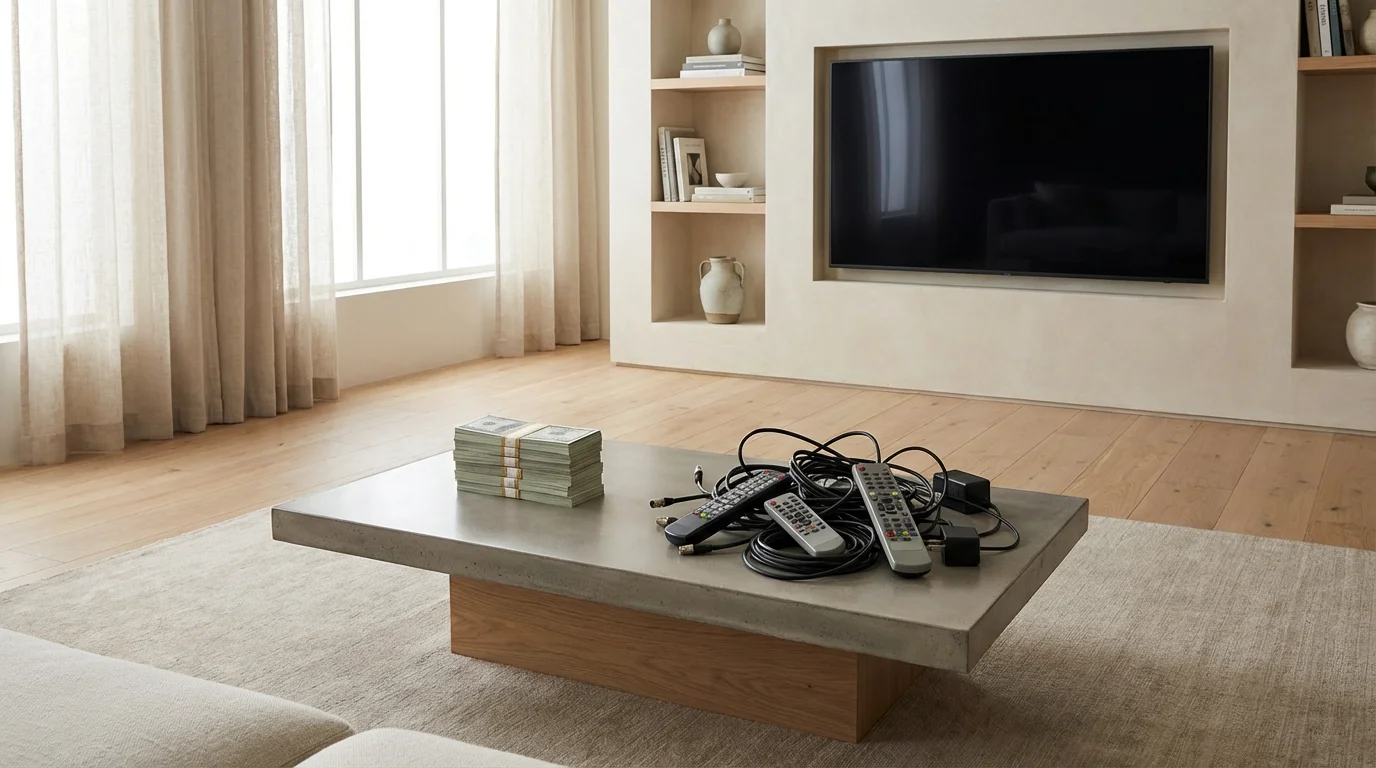
Many sports fans worry cutting the cord means missing games. This is a common misconception. In reality, you can replicate or even enhance your sports viewing experience while saving significant money. A typical cable bill in the USA, especially one with a robust sports package, often exceeds $150 per month. This cost includes dozens or hundreds of channels you never watch, along with hidden fees for equipment rentals, regional sports networks, and broadcasting.
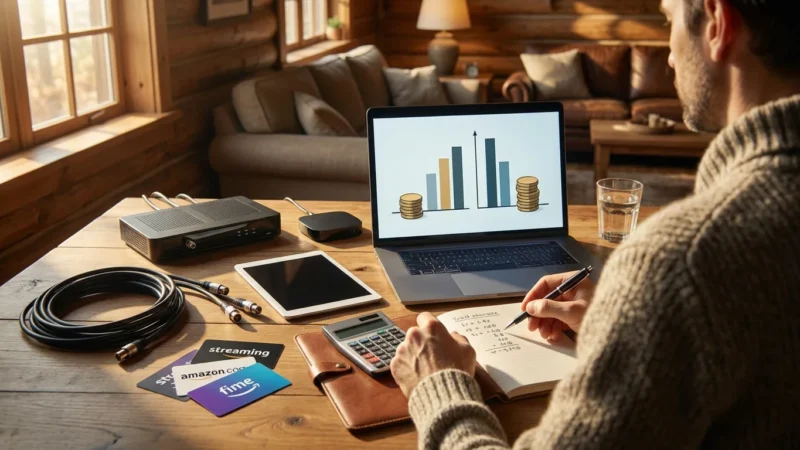
By comparison, a well-planned streaming setup can provide access to all your favorite live sports for a fraction of that cost. You gain control over your channel lineup, paying only for the services you genuinely use. For instance, combining a strong internet connection with a live TV streaming service and a few targeted league subscriptions typically results in monthly savings of $50 to $100 or more. You choose what you want to watch and when.
Consider this example comparison:
| Expense Category | Typical Cable TV (Sports Package) | Typical Streaming Setup for Sports Fans |
|---|---|---|
| Base TV Package | $80-$120/month | $0 (Free Over-the-Air channels) |
| Sports Add-On/Regional Sports Fees | $20-$40/month | Included in Live TV service, or separate league pass |
| Cable Box Rental/HD Fee | $15-$25/month | $0 (Use your own streaming device) |
| Internet Service | $60-$80/month | $60-$80/month (often required for both) |
| Live TV Streaming Service (e.g., YouTube TV) | $0 | $73/month |
| League Pass (e.g., NBA League Pass) | $0 (sometimes requires additional fee through cable) | $20-$30/month (seasonal, average) |
| Estimated Total Monthly Cost | $175-$265 | $153-$183 |
This table illustrates a potential saving of $20 to $100+ per month, translating to hundreds or thousands of dollars saved annually. Your internet service cost remains relatively constant, but you eliminate costly cable TV packages and equipment rental fees.
Understanding Your Sports Viewing Needs
Before you cancel your cable service, evaluate your specific sports viewing habits. This crucial step ensures you select the right streaming solutions. Ask yourself these questions:
- Which Sports and Leagues Do You Follow Most Closely? Are you primarily an NFL fan, or do you follow the NBA, MLB, NHL, college football and basketball, soccer, or other niche sports? Different services specialize in different content.
- Do You Need Local Games, National Broadcasts, or Out-of-Market Games? Local games often air on major broadcast networks (ABC, CBS, FOX, NBC) which you can access with an antenna. National games appear on ESPN, FS1, TNT, or similar channels, requiring a live TV streaming service. Out-of-market games often require specific league subscriptions.
- How Important Are Regional Sports Networks (RSNs)? Many MLB, NBA, and NHL games air on RSNs like Bally Sports, MSG, or MASN. These are often the trickiest channels to replace and can impact your choice of live TV streaming service.
- Do You Watch Live or Prefer Highlights/On-Demand? While this guide focuses on live sports, if you primarily watch highlights or replays, your needs become simpler and cheaper. “On-demand” means you watch content whenever you want, not at a scheduled broadcast time.
Pinpointing your must-have channels helps you build an effective and cost-efficient streaming lineup. Do not pay for channels you do not watch.
Essential Equipment for Streaming Live Sports
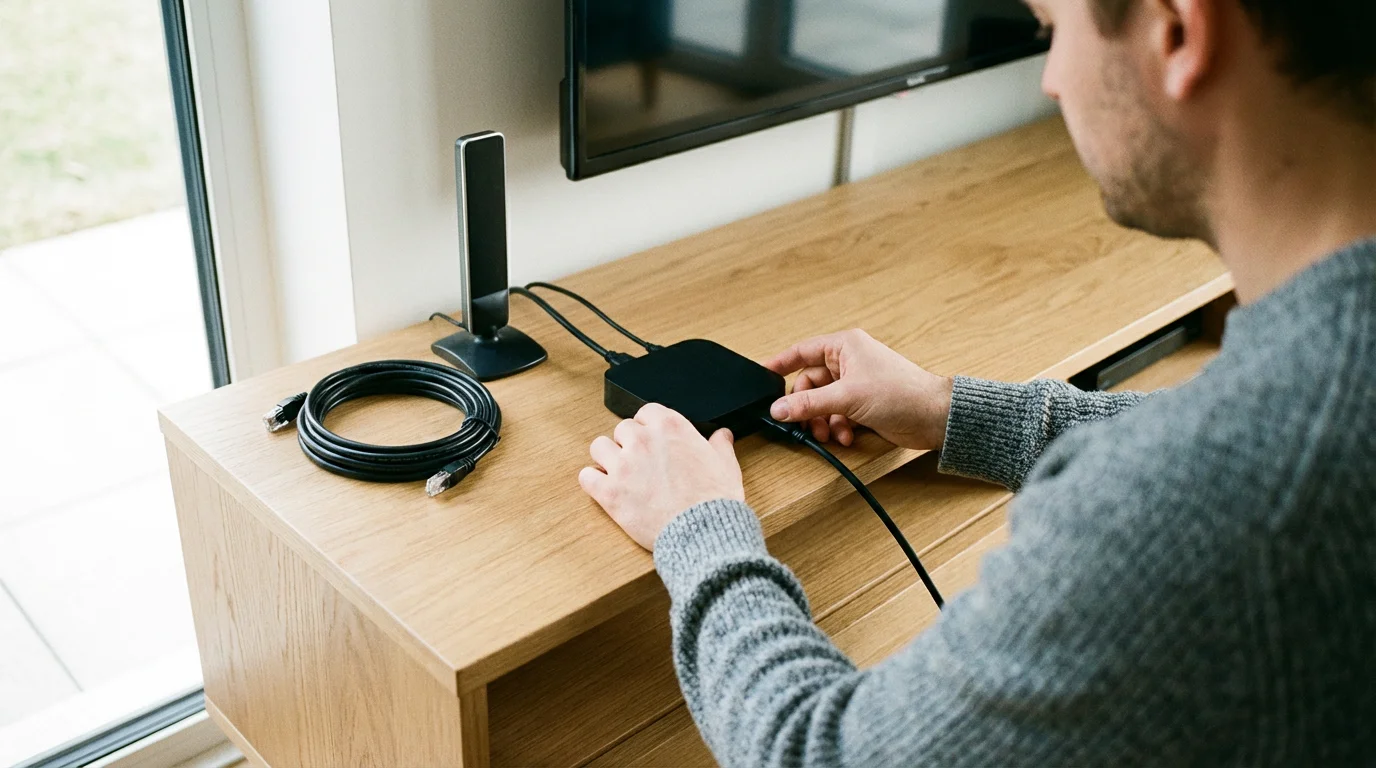
Successful cord-cutting for sports requires a few key pieces of equipment. You probably own some of this already. You will need a reliable internet connection, a way to get local channels, and a device to access streaming services.
Because a fast connection is vital for live video, you might want to learn how to negotiate a lower internet bill to maximize your monthly savings.
1. High-Speed Internet Connection
Streaming means watching video content over the internet instead of traditional cable or satellite. A robust internet connection forms the backbone of your streaming experience. For smooth, high-definition sports streaming, a minimum speed of 25 Mbps is sufficient for one or two users watching HD content. If you have multiple people streaming simultaneously, watch in 4K, or have many smart home devices, aim for 100 Mbps or higher. According to Consumer Reports, faster speeds prevent buffering and ensure a crisp picture.
- Cost: $60-$100 per month (often already part of your budget).
- Action: Contact your internet service provider (ISP) to verify your current speed and upgrade if necessary.
2. Streaming Device or Smart TV
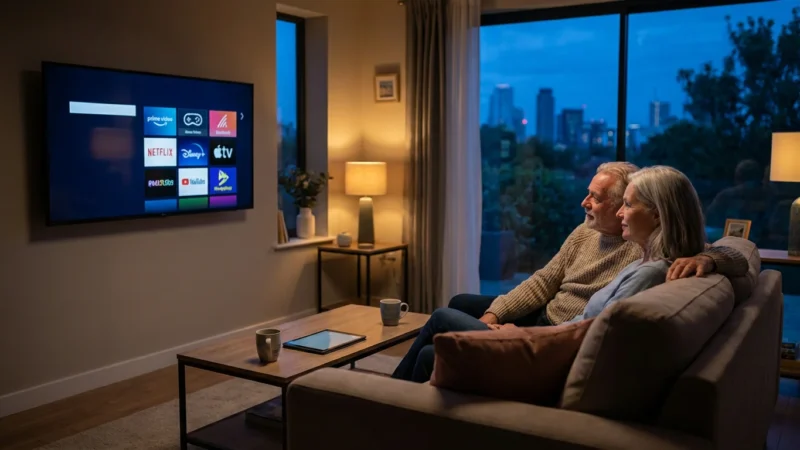
To watch streaming services on your television, you need a streaming device, which is a small box or stick (like Roku, Amazon Fire TV Stick, Apple TV, or Google Chromecast) that adds streaming capabilities to any TV. Many modern televisions are “smart TVs,” meaning they have a built-in internet connection and apps, eliminating the need for a separate device. If you own an older TV, a streaming device is essential.
- Roku (Roku Express, Streaming Stick, Ultra): User-friendly interface, wide app selection. Prices range from $30-$100.
- Amazon Fire TV (Stick Lite, Stick 4K, Cube): Integrates well with Amazon services, offers voice control with Alexa. Prices range from $30-$120.
- Apple TV (HD, 4K): Premium experience, integrates with Apple ecosystem, great for gaming. Prices range from $150-$200.
- Google Chromecast with Google TV: Content-focused interface, good voice search. Prices range from $50-$70.
- Cost: $30-$200 (one-time purchase).
- Action: Choose a device that fits your budget and ecosystem preferences. If you have a smart TV, you might not need an additional device.
3. Over-the-Air (OTA) Antenna for Local Channels
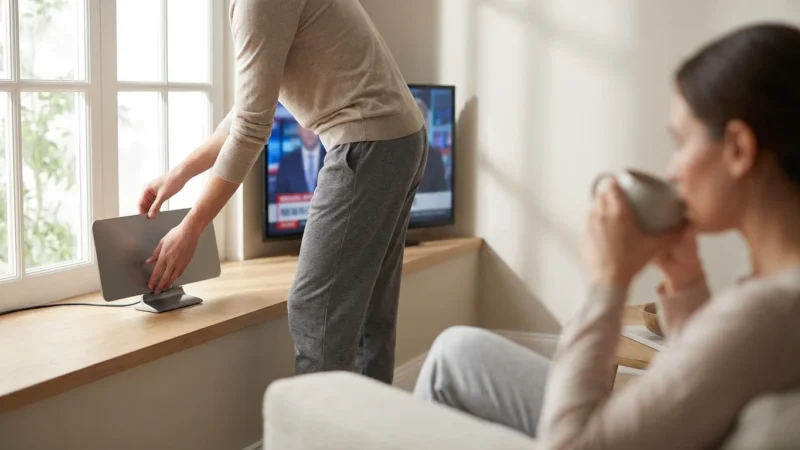
Many major sporting events, including NFL games, NCAA football and basketball, and some MLB and NBA playoffs, broadcast on local networks like ABC, CBS, FOX, and NBC. A simple, one-time purchase of an OTA antenna gives you free, high-definition access to these channels. This is a core component of “cord-cutting,” which is canceling traditional cable or satellite TV in favor of streaming services and other alternatives.
- Indoor Antennas: Often flat, rectangular, and stick to a window or wall. Best for urban areas close to broadcast towers. Prices: $20-$60.
- Outdoor/Attic Antennas: More powerful, ideal for suburban or rural areas. Requires professional installation or DIY effort. Prices: $50-$150.
- Action: Use a tool like FCC’s DTV Reception Maps to check which channels are available in your area and determine the best antenna type and placement.
“The most cost-effective way to get your local sports broadcasts is almost always a good OTA antenna. You buy it once, and the games are free forever.” — Cord Cutting Expert
INFOGRAPHIC: Your Cord-Cutting Sports Fan Equipment Checklist
[Image description: A visual infographic titled “Your Cord-Cutting Sports Fan Equipment Checklist” with three main sections. Section 1: “Internet Connection,” showing a Wi-Fi symbol and a recommended speed of “100+ Mbps” for optimal streaming. Section 2: “Streaming Devices,” depicting icons for Roku, Fire TV, Apple TV, and Chromecast, with a note “Choose one based on budget and features.” Section 3: “Antenna for Local Channels,” showing an indoor antenna and an outdoor antenna, with text “Essential for ABC, CBS, FOX, NBC sports.” Each section includes approximate one-time costs or monthly costs.]
Replacing Your Cable Sports Channels with Streaming Services
The core of watching sports without cable involves identifying which streaming services carry the channels you need. You will likely combine a live TV streaming service with some individual league passes or additional services.
Broadcast Networks (ABC, CBS, FOX, NBC)
As mentioned, an OTA antenna is your best bet for these. However, most live TV streaming services also include your local ABC, CBS, FOX, and NBC affiliates, making it easier if you prefer an all-digital solution.
Key Cable Sports Networks
These channels are the bread and butter of national sports coverage. You typically find them within a live TV streaming service bundle.
- ESPN, ESPN2, ESPNU, ACC Network, SEC Network: Essential for many college sports, NFL Monday Night Football, NBA, and more. Widely available on most live TV streaming services. ESPN+ (a separate subscription) offers additional live games and exclusive content, but does not replace the main ESPN channels.
- FOX Sports 1 (FS1), FOX Sports 2 (FS2), Big Ten Network (BTN): Crucial for MLB, NASCAR, some college sports, and UFC. Found on most live TV streaming services.
- TNT, TBS: Key for NBA, March Madness, and some MLB playoff games. Also available on most live TV streaming services.
- NFL Network, NFL RedZone: Dedicated NFL coverage. NFL Network is in many live TV bundles. RedZone often requires an add-on or a separate subscription like NFL+.
- MLB Network, NBA TV, NHL Network: Niche league channels offering games, analysis, and documentaries. Often available in base or sports add-on packages of live TV streaming services.
- Regional Sports Networks (RSNs): These carry local team broadcasts for MLB, NBA, and NHL. Examples include Bally Sports, MSG, YES Network, MASN. Availability varies significantly by live TV streaming service and your geographic location. This is often the trickiest part for dedicated local team fans. For example, Cord Cutters News provides detailed guides on RSN availability.
Popular Live TV Streaming Services for Sports Fans
These services offer a bundle of live channels, much like cable, but delivered over the internet. They are the closest streaming equivalent to a traditional cable subscription.
YouTube TV
- Channels: Excellent selection including ABC, CBS, FOX, NBC, ESPN, FS1, TNT, TBS, NFL Network, MLB Network, NBA TV, SEC Network, ACC Network, Big Ten Network. Strong RSN coverage in many areas.
- Features: Unlimited cloud DVR (digital video recorder, lets you record and watch shows later) storage for 9 months, up to 3 simultaneous streams, good user interface.
- Price: Around $73/month.
- Pros for Sports Fans: Comprehensive channel lineup, includes many RSNs, excellent DVR.
- Cons for Sports Fans: Price has increased over time, still might lack specific niche RSNs.
Hulu + Live TV
- Channels: Similar to YouTube TV, including broadcast networks, ESPN, FS1, TNT, TBS, NFL Network. Some RSNs available. Includes Disney+ and ESPN+ in the bundle.
- Features: 50-200 hours of cloud DVR included (upgradeable), 2 simultaneous streams (upgradeable). Access to Hulu’s extensive on-demand library (ad-supported plans by default, ad-free upgrade available). “Ad-supported” means free or cheaper plans that show commercials, while “ad-free” plans cost more but don’t show commercials.
- Price: Starts around $70/month.
- Pros for Sports Fans: Good channel lineup, includes ESPN+ for additional content, strong entertainment bundle.
- Cons for Sports Fans: Limited DVR storage on base plan, RSN coverage can vary.
FuboTV
- Channels: Strong focus on sports, including many broadcast networks, FS1, Big Ten Network, NFL Network, and an impressive array of international soccer channels. Includes many RSNs. Notably lacks TNT and TBS in its base package, meaning no NBA playoff games or March Madness without a supplement.
- Features: 1000 hours of cloud DVR, 10 simultaneous streams at home.
- Price: Starts around $75/month.
- Pros for Sports Fans: Best for soccer fans, excellent RSN coverage, high number of streams.
- Cons for Sports Fans: Missing TNT/TBS (major for NBA/NCAA hoops), generally more expensive.
Sling TV
- Channels: Offers two base packages, Orange (ESPN focus) and Blue (FOX/NFL Network focus), or combine for a discount. Lacks some broadcast networks in many markets but can integrate an antenna.
- Features: 50 hours of cloud DVR, 1-3 simultaneous streams depending on package.
- Price: Starts around $40/month (Orange or Blue), $55/month (Orange & Blue). Sports add-ons cost extra.
- Pros for Sports Fans: Most affordable option if you only need specific sports channels.
- Cons for Sports Fans: Can get complex to get all channels, often requires an antenna for local sports.
DirecTV Stream
- Channels: The “Choice” package and above offer excellent RSN coverage, often surpassing competitors. Includes all major sports channels like ESPN, FS1, TNT, TBS, etc.
- Features: Unlimited cloud DVR, 20 simultaneous streams at home.
- Price: Starts around $75/month for basic “Entertainment” package, but “Choice” (with RSNs) starts around $100/month.
- Pros for Sports Fans: Unrivaled RSN coverage, high number of simultaneous streams.
- Cons for Sports Fans: Most expensive option on this list.

League-Specific Subscriptions for Ultimate Fandom
For die-hard fans who want every out-of-market game or exclusive content, league passes are invaluable. Remember that blackout rules typically apply, meaning you cannot watch your local team’s games with these services unless you use a VPN (Virtual Private Network), which some services prohibit.
- NFL+: Offers live local and primetime NFL games on mobile devices, game replays, and NFL RedZone access with a premium subscription. Starts around $7/month.
- NBA League Pass: Watch all out-of-market NBA games live or on-demand. Price varies seasonally, typically $150-$250 per season.
- MLB.TV: Stream all out-of-market MLB games live or on-demand. Price varies seasonally, typically $130-$150 per season.
- NHL.TV / ESPN+: NHL.TV is no longer a standalone service; out-of-market NHL games are now primarily on ESPN+. ESPN+ also offers a wealth of other live sports and exclusive content. Around $11/month or $110/year.
- Peacock Premium: Streams exclusive Premier League (soccer) matches and some Sunday Night Football games. Around $6/month.
- Paramount+: Offers live CBS sports content, including NFL on CBS, SEC football, and UEFA Champions League soccer. Starts around $6/month.
- Apple TV+ MLS Season Pass: Exclusively streams every Major League Soccer match without blackouts. Around $15/month or $99/season.

Step-by-Step Guide to Cutting the Cord and Staying Connected
Making the switch to streaming requires a bit of planning, but following these steps ensures a smooth transition.
Step 1: Assess Your Current Sports Viewing Habits and Costs
List every sports channel you regularly watch, noting specific teams or leagues. Get out your most recent cable bill and identify your total monthly cost, including all fees and taxes. This baseline helps you compare potential savings.
Step 2: Evaluate Your Internet Speed and Needs
Use an online speed test (simply search “internet speed test”) to determine your current download speed. If it is below 50 Mbps, especially with multiple users or devices, consider upgrading. Many ISPs offer internet-only plans that can be more affordable than bundles.
Step 3: Choose Your Streaming Lineup and Equipment
Based on your identified sports needs, select a combination of a live TV streaming service, any necessary league passes, and decide on your streaming device(s) and antenna. Remember to prioritize your must-have channels. This is where you finalize your equipment list and estimate your new monthly entertainment budget.
Step 4: Test Your New Setup Before Canceling Cable
Subscribe to free trials for your chosen live TV streaming services. Most offer 7-day or 14-day trials. Purchase and set up your streaming devices and antenna. Spend a week or two using your new streaming setup exclusively. Make sure you can find all the games and content you need, that the picture quality is good, and that you understand how to navigate the new interfaces. This “dry run” prevents any gaps in coverage.
Step 5: Cancel Your Cable Service
Once confident in your streaming setup, contact your cable provider to cancel. Be prepared for retention specialists to offer discounts or incentives. Stick to your decision. Ask about:
- Early Termination Fees (ETFs): Review your contract to see if you face any fees for canceling early. Factor this into your initial savings calculation.
- Equipment Return: Inquire about how and where to return cable boxes, modems (if rented), and other equipment. Get a receipt or tracking number for everything you return. Failure to return equipment can result in significant charges.
- Final Bill: Understand when your service will officially end and when you will receive your final bill.
The FCC Consumer Guide offers resources on your rights as a consumer when dealing with service providers.
Step 6: Set Up Your New System Permanently
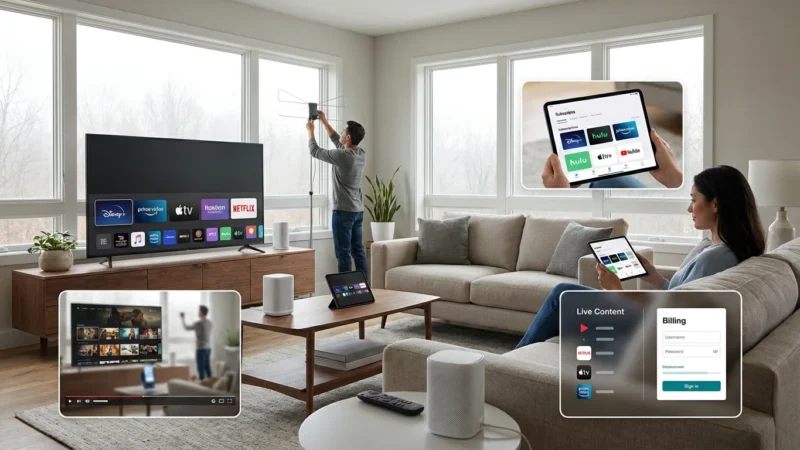
Connect all your streaming devices, install your chosen apps, and log in to your subscriptions. Fine-tune your antenna placement for optimal reception of local sports broadcasts. Enjoy your newfound freedom and savings!
Common Mistakes Sports Fans Make When Cutting the Cord
Avoiding these pitfalls ensures a smoother transition and prevents frustration:
- Underestimating Internet Speed: Thinking your basic internet plan will suffice for multiple HD or 4K streams often leads to buffering and a poor viewing experience. Invest in adequate speed.
- Not Checking Regional Sports Network (RSN) Availability: RSNs are often the hardest channels to replace. Do not assume your chosen live TV streaming service carries your specific RSN. Always verify based on your zip code before subscribing.
- Canceling Cable Before Testing Streaming: This is the biggest mistake. Always run free trials and ensure your setup works perfectly for your sports needs before you completely disconnect from cable.
- Forgetting About Equipment Returns: Cable companies charge hefty fees for unreturned equipment. Document everything you return with receipts or tracking numbers.
- Ignoring the OTA Antenna Option: Many major national sporting events air on local broadcast channels (ABC, CBS, FOX, NBC) which an antenna provides for free. This can save you money on live TV streaming services if those are your primary sports sources.
- Only Considering the Price of Streaming Services: Remember your total cost includes your internet bill, any streaming devices, and potentially an antenna. Compare the full “streaming stack” cost against your current cable bill for accurate savings calculations.
Frequently Asked Questions
Can I watch every single game of my favorite team without cable?
Yes, you can typically watch almost every game. For local team games, you will need either an OTA antenna (for broadcast network games) or a live TV streaming service that carries your specific Regional Sports Network (RSN). For out-of-market games, a league-specific subscription (like NBA League Pass or MLB.TV) is usually necessary. You might combine these options to cover all games.
What is the “best” streaming service for sports fans?
The “best” service depends on your specific needs. YouTube TV and DirecTV Stream generally offer the most comprehensive channel lineups, including many RSNs, but they are also more expensive. FuboTV is excellent for international soccer and offers good RSN coverage but lacks TNT/TBS. Sling TV is the most budget-friendly but may require an antenna for local channels. Evaluate which channels you need most.
Will I experience buffering or lower quality video when streaming sports?
Buffering or low-quality video usually indicates an insufficient internet connection or an outdated streaming device. Ensure your internet speed meets recommendations (at least 50-100 Mbps for multiple users/4K) and your streaming device is modern enough to handle HD or 4K content. A wired Ethernet connection can also provide a more stable stream than Wi-Fi.
How do blackouts work for league passes like MLB.TV or NBA League Pass?
Blackout rules prevent you from watching games in your local market on league-specific passes. For example, if you live in New York, MLB.TV will blackout Yankees and Mets games. These games are instead available on your local RSN or broadcast channels. The purpose is to protect local broadcast rights. You will need a live TV streaming service or an antenna to watch your local team’s games.
Is it really cheaper to stream sports than to have cable?
For most sports fans, yes, it is cheaper. While you will still pay for internet, eliminating cable TV package fees, equipment rentals, and hidden surcharges usually results in significant savings. By carefully selecting only the streaming services and league passes you need, you avoid paying for hundreds of channels you never watch, leading to a leaner, more cost-effective entertainment budget.

Leave a Reply