
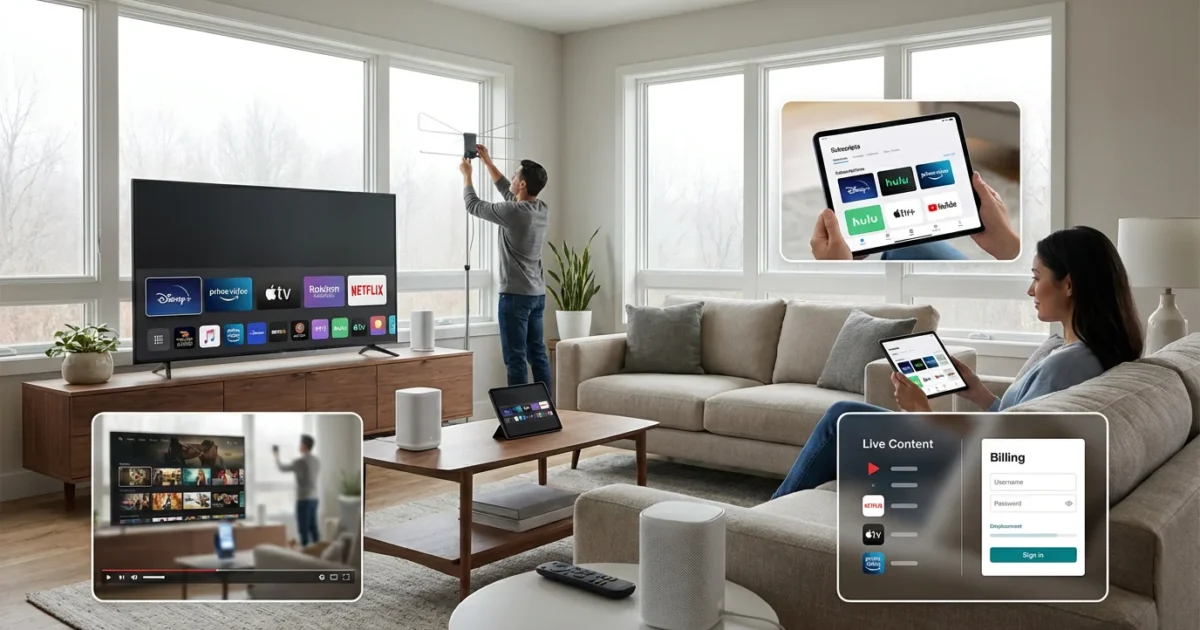
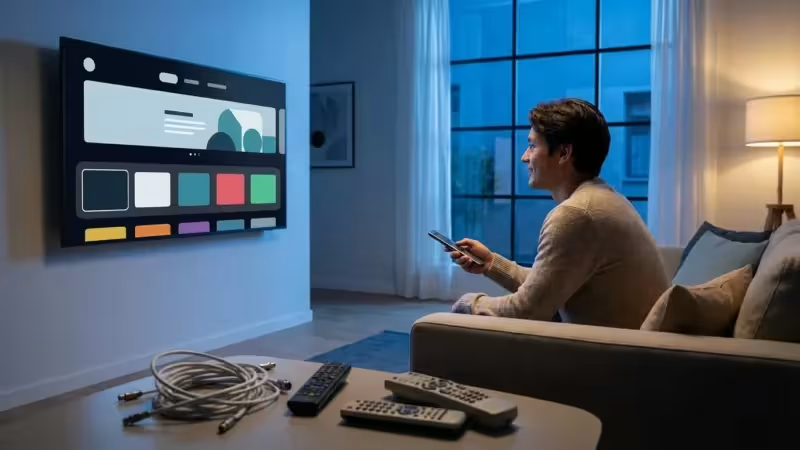
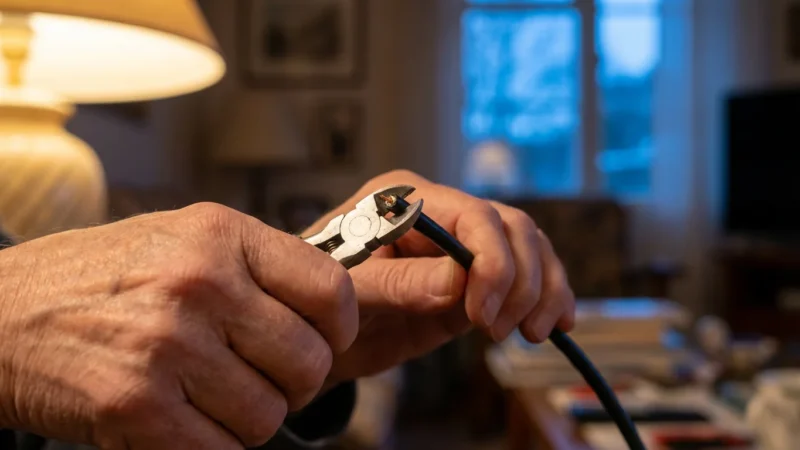
Making the switch from traditional cable or satellite TV to streaming, often called cord-cutting, promises significant savings and more flexible entertainment choices. You gain access to a vast library of content, watching video content over the internet instead of through a cable or satellite provider, on your own terms. However, many people stumble during this transition, turning potential savings into frustration.
Successfully cutting the cord requires thoughtful planning. You need to understand your current viewing habits, evaluate your internet setup, and choose the right mix of services and equipment. Rushing into the process without a clear strategy often leads to unforeseen costs, missing favorite shows, or a degraded viewing experience. By recognizing common pitfalls, you can avoid these issues and enjoy a smooth, cost-effective transition to streaming.
Understanding Cord-Cutting: Why the Switch?
Cord-cutting means canceling your traditional cable or satellite television service in favor of watching all your content through internet-based streaming services. This shift allows you to choose exactly which channels and shows you pay for, often at a lower monthly cost than a bundled cable package. For many, the primary motivation is financial savings. The average cable bill in the USA typically ranges from $80 to $150 per month, sometimes even higher. Streaming offers the potential to significantly reduce that expense, giving you more control over your entertainment budget.
The appeal extends beyond just cost. Streaming provides unmatched flexibility. You can watch content on-demand, meaning you choose what you want to watch and when you want to watch it, rather than adhering to a linear broadcast schedule. This freedom, combined with the ability to access content on multiple devices, from your phone to your television, makes streaming a compelling alternative for modern viewers.
Mistake 1: Underestimating Your Internet Needs
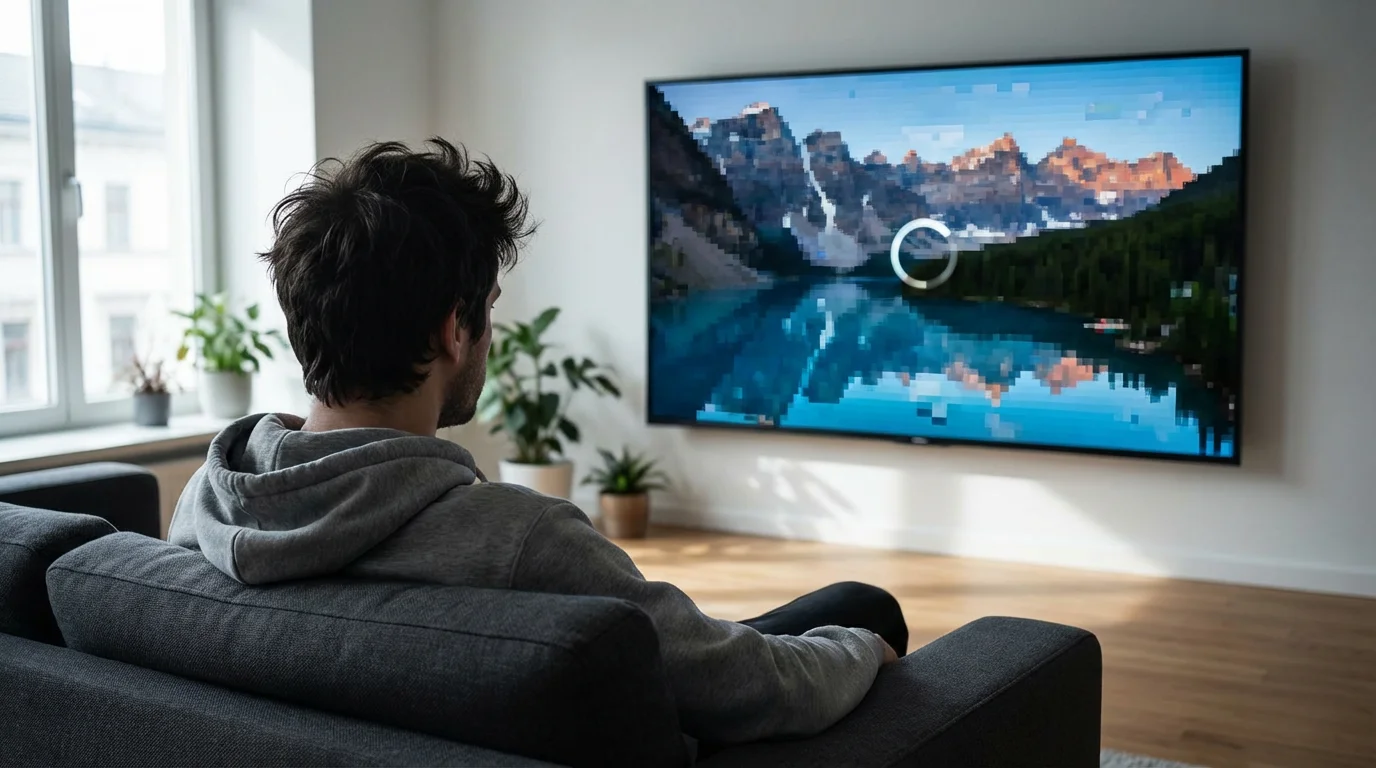
One of the most common cord cutting mistakes people make is assuming their current internet plan can handle the demands of full-time streaming. Unlike cable TV, which has dedicated bandwidth, streaming relies entirely on your home internet connection. Insufficient speed or restrictive data caps lead to constant buffering, poor video quality, and frustrating interruptions.
Once you have determined your bandwidth needs, you should also look into how to negotiate a lower internet bill to maximize your monthly savings.
The Problem: Laggy Streams and Data Overages
Imagine settling in to watch your favorite show, only for the picture to pixelate or freeze every few minutes. This usually indicates your internet speed is too slow for the resolution you are trying to stream. Standard Definition (SD) content requires about 3-5 Mbps, High Definition (HD) needs 5-8 Mbps, and Ultra High Definition (4K) demands 20-25 Mbps or more per stream. If multiple people in your household stream simultaneously on various devices, these requirements multiply rapidly. A family of four, each streaming HD content on their own device, needs a minimum of 20-32 Mbps dedicated to streaming, not accounting for other online activities like gaming or web browsing.
Many internet service providers also impose data caps, limiting how much data you can use each month. Streaming video consumes a lot of data. A single hour of HD streaming can use 3 GB, while 4K streaming can use up to 7 GB per hour. If you exceed your cap, you face expensive overage fees or throttled speeds, defeating the purpose of saving money by cutting the cord.
The Fix: Evaluate and Upgrade Your Internet Plan
Before you cancel cable, assess your current internet plan. Check your internet provider’s stated speed and any data caps. Use an online speed test tool to measure your actual download and upload speeds. Compare this to the recommended speeds for your household’s expected streaming usage. As a general guideline, for a household with multiple streamers and devices, aim for a plan offering at least 100-200 Mbps download speed. This provides a comfortable buffer for various activities.
You also need to understand your data usage. Some internet providers offer unlimited data plans, which are ideal for heavy streamers. If unlimited is not an option or is too expensive, calculate your potential data consumption. Most providers allow you to monitor your monthly usage. Monitor this closely for a month or two before your cord-cutting date to get a realistic picture. If you anticipate exceeding a data cap, upgrading to a higher tier or finding a provider with more generous limits becomes a critical step.
“Your internet connection is the backbone of your streaming experience. Invest in a reliable, fast plan with ample data, or you will quickly regret cutting the cord.”
Mistake 2: Canceling Cable Without a Clear Streaming Strategy
Another prevalent among cord cutting mistakes is impulsively canceling cable without a well-thought-out plan. Many people believe they can simply subscribe to one or two streaming services and replicate their cable experience. This often leads to “streamer’s remorse,” where you miss favorite channels, feel overwhelmed by choices, or end up spending as much, if not more, than your old cable bill due to multiple subscriptions.
The Problem: The “Streaming Sprawl” and Missing Content
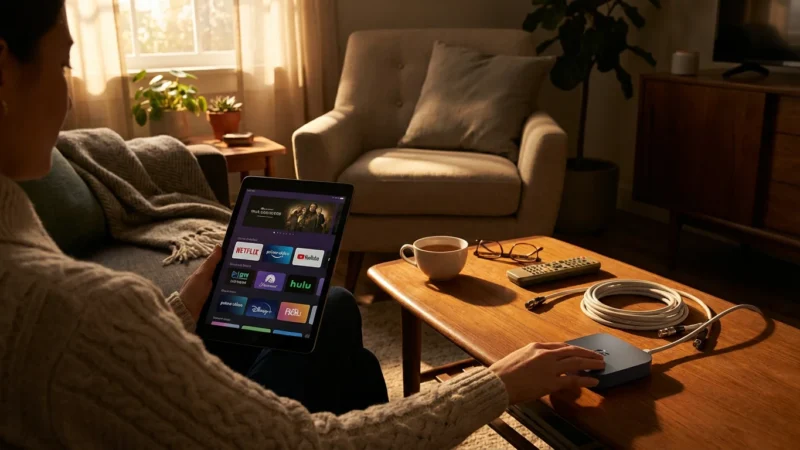
The streaming landscape is vast and fragmented. Services like Netflix, Max, Disney+, Hulu, and Paramount+ each offer exclusive movies and TV shows. Live TV streaming services like YouTube TV, Sling TV, and Hulu + Live TV mimic traditional cable bundles but vary widely in channel lineups and features. Without a plan, you might subscribe to too many services trying to catch everything, leading to “streaming sprawl.” This can quickly erase any savings you hoped to achieve. For instance, subscribing to Netflix ($15.49/month for standard ad-free), Hulu ($17.99/month ad-free), Max ($15.99/month ad-free), and Disney+ ($13.99/month ad-free) already totals over $65 per month, and that does not include any live TV or sports.
Furthermore, you might discover your favorite local news channel or a niche interest channel is unavailable on your chosen services. This often happens because people do not take the time to audit their viewing habits thoroughly before making the switch.
The Fix: Audit Your Viewing Habits and Build a Custom Bundle
Before you touch that cancellation button, conduct a thorough content audit. For a month, track every show, movie, and channel you watch. Note which family members watch what. This data helps you determine your “must-have” content.
Next, research how to replace those channels and shows with streaming alternatives.
- On-Demand Entertainment: For movies and series, services like Netflix, Hulu, Max, and Prime Video offer extensive libraries. Many offer ad-supported tiers, which are cheaper but include commercials, and ad-free tiers for a premium.
- Live TV: If you need live news, sports, or specific network channels, consider Live TV streaming services. These include YouTube TV (around $73/month), Hulu + Live TV (around $77/month), Sling TV (starts around $40/month), and FuboTV (starts around $80/month). Each has different channel lineups, so compare them against your must-have list.
- Specific Sports: Sports fans often face unique challenges. Regional Sports Networks (RSNs) are expensive and not always available on all services. You might need a specialized sports package or a live TV service that carries your local RSN.
Create a spreadsheet comparing your current cable bill to potential streaming combinations. Here is an example comparison:
| Category | Cable Bill (Estimate) | Streaming Bundle (Estimate) | Savings/Difference |
|---|---|---|---|
| Monthly Base Cost (TV) | $100.00 – $150.00 | Netflix (Standard Ad-Free): $15.49 Hulu (Ad-Free): $17.99 Max (Ad-Free): $15.99 Disney+ (Ad-Free): $13.99 Total On-Demand: $63.46 |
|
| Live TV/Sports (if needed) | Included in bundle | YouTube TV: $72.99 OR Sling TV (Blue/Orange): $55.00 |
|
| Total Monthly Entertainment | $100.00 – $150.00 | Option 1 (On-Demand only): ~$63.46 Option 2 (On-Demand + YouTube TV): ~$136.45 Option 3 (On-Demand + Sling TV): ~$118.46 |
Option 1: ~$36.54 – $86.54 savings Option 2: ~$13.55 over to $13.55 savings Option 3: ~$31.54 over to $31.54 savings |
| Note on Internet Cost | Often bundled, might increase separately | Dedicated internet plan (e.g., $60-$80/month) |
This table shows that while an on-demand only approach offers significant savings, a comprehensive streaming bundle with live TV can approach or even exceed a cable bill if not chosen carefully. The goal is to find the combination that gives you the content you need without unnecessary overlap.
Mistake 3: Neglecting Essential Streaming Equipment
Another common misstep among common cord cutting mistakes to avoid is overlooking the hardware requirements for streaming. Many assume their existing TV is sufficient, only to find they lack the necessary components for a seamless experience. This leads to awkward setups, limited functionality, or needing to purchase equipment last minute.
The Problem: Incompatible TVs or Poor Performance
If you own an older television, it likely lacks the built-in internet connectivity and apps of a modern smart TV. Without a smart TV, you need a dedicated streaming device to access services. Trying to rely on a smart TV that is many years old can also cause problems; older models often have slow processors, outdated software, or lack support for newer apps, leading to frustrating performance issues.
Even with a compatible TV or device, a weak Wi-Fi signal in your viewing area causes stuttering video. You might also forget about recording capabilities, missing the convenience of a DVR (digital video recorder) that cable provided.
The Fix: Invest in the Right Devices and Setup Your Home Network
The right equipment ensures a smooth, high-quality streaming experience. Here is what you might need:
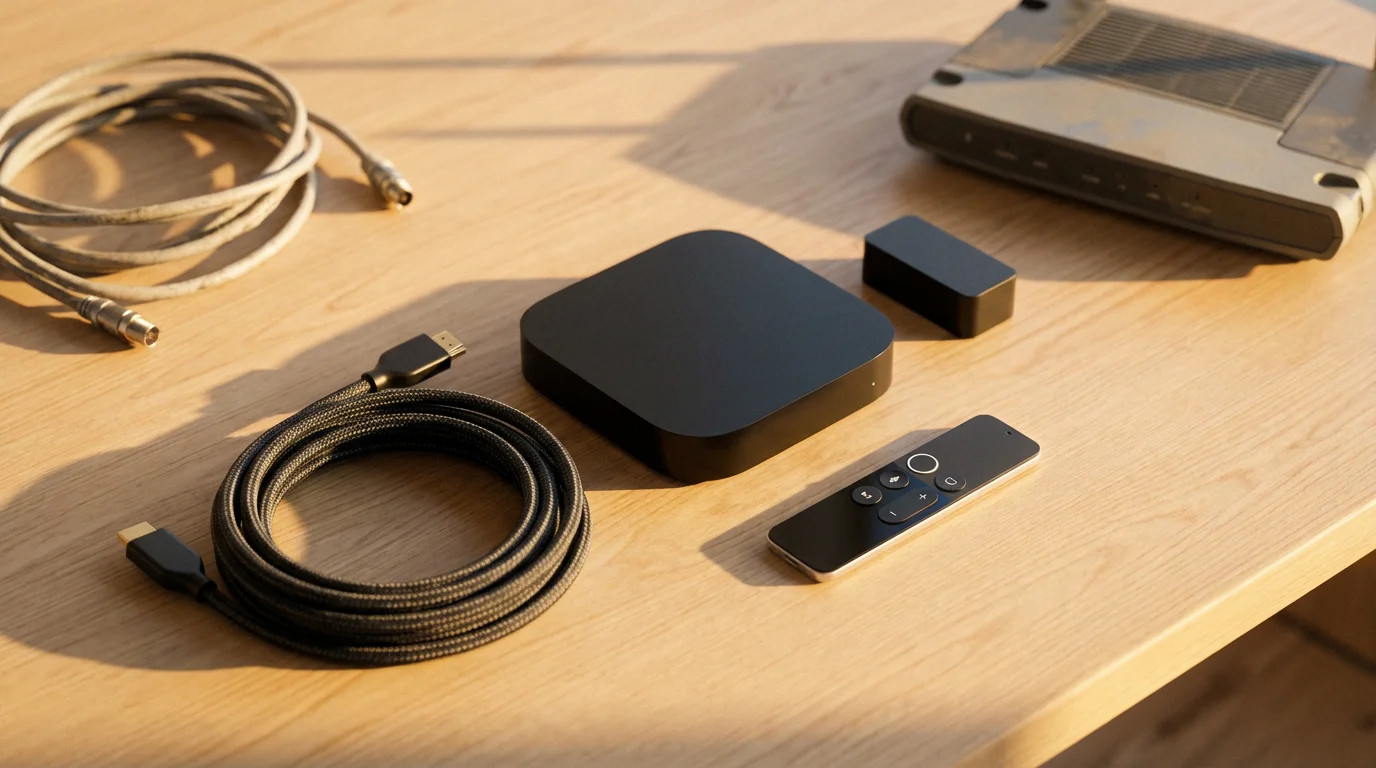
- Streaming Device: If your TV is not a smart TV or its smart features are slow, you will need a dedicated streaming device. Popular options include Roku devices (Express, Streaming Stick 4K, Ultra), Amazon Fire TV sticks (Lite, Stick 4K Max), Apple TV 4K, and Google Chromecast with Google TV. These devices plug into your TV’s HDMI port and provide access to all major streaming apps. Costs range from $30 for a basic stick to $200 for a premium box.
- Smart TV: If you are in the market for a new television, consider a smart TV with a robust operating system (like Roku TV, Fire TV Edition, Google TV). These integrate streaming directly into the TV, simplifying your setup. Ensure it supports the resolution you desire (HD, 4K) and has a responsive interface.
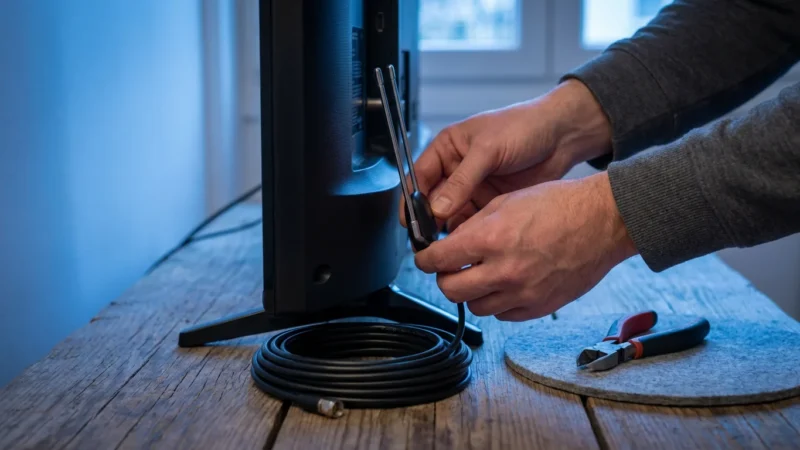
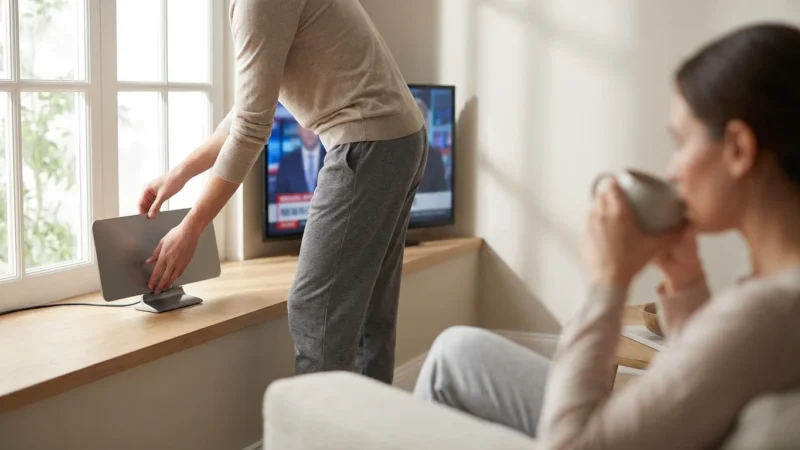
- Over-the-Air (OTA) Antenna: For free local channels (ABC, CBS, FOX, NBC, PBS), an antenna is a one-time purchase. Depending on your location and distance from broadcast towers, you might need an indoor antenna (around $20-40) or a more powerful outdoor antenna (around $50-100+). We will discuss antennas more in Mistake 4.
- Enhanced Wi-Fi: Consider upgrading your home router, especially if it is old or struggles to cover your home. Mesh Wi-Fi systems are excellent for larger homes or those with dead spots. For critical streaming devices, a wired Ethernet connection provides the most stable performance.
Here is an infographic placeholder to help you visualize your setup needs:
INFOGRAPHIC: “Essential Cord-Cutting Equipment Checklist”
– **Header:** Your Path to Seamless Streaming
– **Section 1: Internet & Wi-Fi**
– Icon: Router symbol
– Text: Fast, reliable internet (100-200 Mbps recommended for families). Consider upgrading your router or using a mesh system.
– **Section 2: Streaming Device (Choose One)**
– Icon: Roku stick
– Text: Roku (Express, Streaming Stick 4K) – Easy to use, wide app support.
– Icon: Fire TV stick
– Text: Amazon Fire TV (Stick, 4K Max) – Integrates with Alexa, great for Prime users.
– Icon: Apple TV box
– Text: Apple TV 4K – Premium experience, best for Apple ecosystem users.
– Icon: Chromecast
– Text: Google Chromecast with Google TV – Google ecosystem, voice control.
– **Section 3: For Local Channels**
– Icon: Antenna
– Text: Over-the-Air (OTA) Antenna – Free access to local broadcast networks. Indoor or outdoor based on location.
– **Section 4: Optional Enhancements**
– Icon: Ethernet cable
– Text: Ethernet Connection – For stable performance on main streaming devices.
– Icon: Smart TV
– Text: New Smart TV – Built-in streaming capabilities, but ensure quality.
– **Footer:** Match your equipment to your viewing habits and home setup for the best experience.
According to Wirecutter, selecting the right streaming device often comes down to balancing features, ease of use, and budget, with several top picks offering excellent performance for most users.
Mistake 4: Forgetting About Local Channels and Live Sports
Many people focus solely on on-demand content when planning their cord-cutting strategy, overlooking the importance of local news, primetime network shows, and live sports. Discovering you cannot watch your local team or the evening news after you cancel cable is a frustrating streaming problem that causes many to reconsider their decision.
The Problem: Missing Key Live Content
Cable bundles traditionally include all your major local broadcast channels (ABC, CBS, FOX, NBC, PBS, The CW) and often a wide array of sports networks. When you cut the cord, these do not automatically transfer to your new streaming setup. On-demand services like Netflix offer no live content at all. Even some live TV streaming services might not carry every local affiliate in your area, or they might exclude specific regional sports networks (RSNs) that carry your local baseball, basketball, or hockey teams.
The cost of replacing comprehensive live sports coverage can be substantial, sometimes making it difficult to save money if sports are a high priority. This is a crucial element of cord cutting what not to do: do not assume live content is easily replaced.
The Fix: Over-the-Air Antenna and Strategic Live TV Streaming
You have two primary solutions for replacing live content:
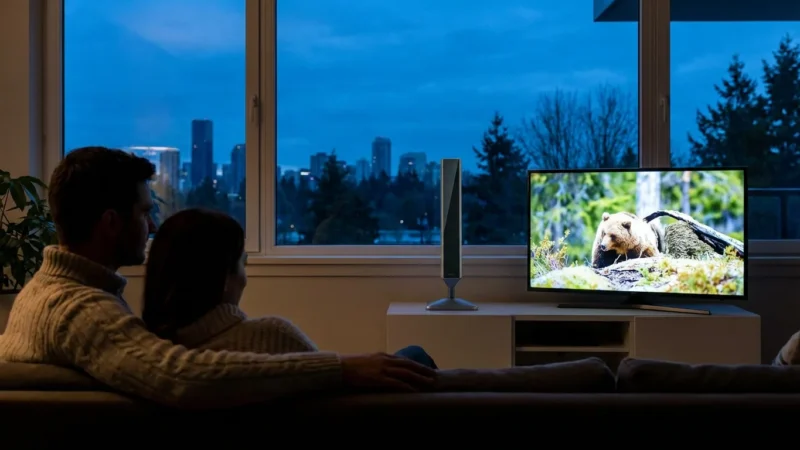
- Over-the-Air (OTA) Antenna: This is often the most cost-effective solution for local channels. A digital antenna, placed correctly, can pick up free, uncompressed high-definition broadcasts from major networks in your area. The picture quality is often superior to what you get through cable. You buy the antenna once, and local TV is free forever. Use online tools, such as the FCC’s DTV Reception Maps, to determine which channels are available at your address and what type of antenna you might need (indoor, outdoor, amplified).
- Live TV Streaming Services: For comprehensive channel lineups that include national cable networks, live sports channels, and potentially more local affiliates than an antenna can provide, a live TV streaming service is your best bet.
- YouTube TV: Offers a broad selection of channels, good sports coverage, and unlimited cloud DVR storage.
- Hulu + Live TV: Combines a live TV lineup with the Hulu on-demand library.
- Sling TV: A more budget-friendly option with customizable channel packages, but often with fewer channels than its pricier competitors. It is excellent if you only need specific cable channels.
- FuboTV: Strong emphasis on sports, with many regional and international sports channels.
Compare the channel lineups of these services carefully against your list of must-have live content. Keep in mind that these services usually cost $40-$80+ per month, significantly impacting your potential savings.
For sports fans, consider specific league passes (like NBA League Pass or MLB.TV) if you primarily follow out-of-market teams. However, these often black out local games, so combine them with an antenna or live TV service for full coverage. The FCC Consumer Guide offers helpful resources on digital TV and antenna reception.
Mistake 5: Ignoring Cable Cancellation Logistics
The final, yet critical, of the cord cutting mistakes involves overlooking the administrative details of canceling your cable service. Many people assume canceling is as simple as a phone call, but failing to address contracts, equipment returns, and final billing can lead to unexpected fees and ongoing charges.
The Problem: Hidden Fees and Lingering Bills
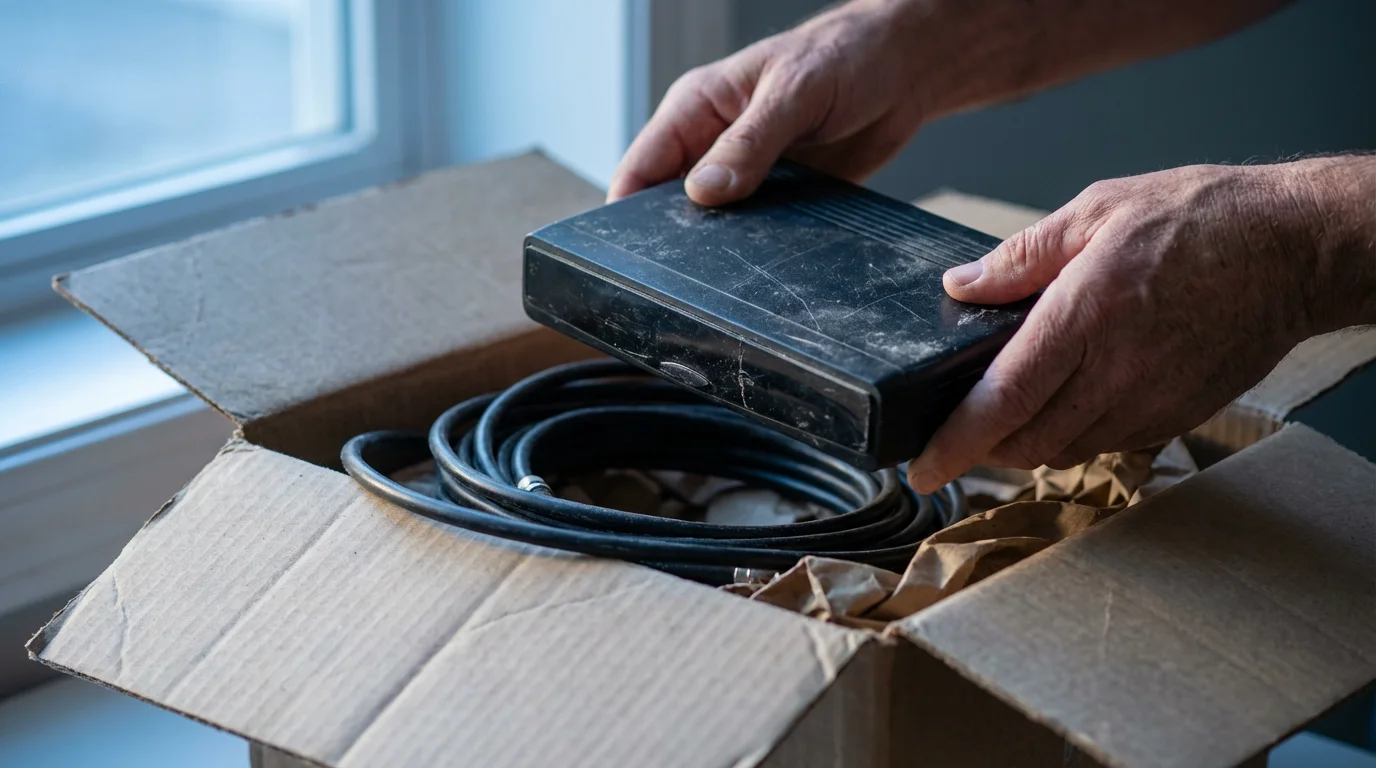
Cable companies often use contracts with early termination fees (ETFs) to deter customers from leaving. If you are still under contract, canceling prematurely might trigger a penalty fee ranging from $50 to $200 or more. You also remain responsible for returning all rented equipment, such as cable boxes, modems, and remote controls. Failing to return equipment by the deadline, or returning it damaged, results in hefty charges, sometimes for the full retail price of the device, which can be hundreds of dollars.
Furthermore, billing cycles can be tricky. Cable companies typically bill in advance. If you cancel mid-cycle, you might be due a prorated refund, but some companies have policies against prorating the final month. Ensure you understand their billing practices to avoid being charged for services you no longer use.
The Fix: Review Your Contract and Follow a Strict Cancellation Protocol
Take these steps to ensure a smooth, cost-free cancellation:
- Review Your Contract: Find your original cable service agreement. Look for details regarding contract length, early termination fees, and equipment return policies. Understand your financial obligations before initiating cancellation.
- Prepare for the Call: Gather all account information. Be firm but polite. Cable companies often have retention departments that will offer incentives to keep you. Be ready to decline these offers if you are committed to cutting the cord.
- Request Confirmation: When you cancel, ask for a confirmation number and the exact date your service ends. Note the name of the representative you speak with.
- Return Equipment Promptly:
- Collect all rented equipment: cable boxes, remotes, power cords, modems, routers, and any other devices.
- Return equipment to your provider’s designated drop-off location (e.g., a local store or authorized shipping center).
- Crucially, get a receipt with an itemized list of every piece of equipment you returned and its serial number. This receipt is your proof of return and protects you from erroneous charges.
- Monitor Your Final Bill: Check your last bill carefully to ensure all charges are accurate, including any prorated refunds or applied ETFs. If you see incorrect charges, dispute them immediately with your documentation.
This organized approach saves you money and eliminates headaches during the final stage of your cord-cutting journey. According to Consumer Reports, consumers often save the most money by being persistent and documenting every step of their cancellation process.

Your Cord-Cutting Action Plan: A Step-by-Step Guide
You now understand the cord cutting tips to avoid common mistakes. Implement this comprehensive action plan for a successful transition:
- Assess Your Internet:
- Verify your current internet speed and data caps.
- Upgrade your plan if necessary to ensure at least 100 Mbps for a multi-user household and sufficient data.
- Audit Your Viewing Habits:
- Track all shows, movies, and live channels you and your family watch for one month.
- Prioritize your “must-have” content.
- Choose Your Streaming Services:
- Research on-demand services (Netflix, Hulu, Max) based on your content audit.
- If you need live TV or sports, compare Live TV streaming services (YouTube TV, Sling TV, FuboTV) for channel lineups and costs.
- Consider an OTA antenna for free local channels.
- Acquire Necessary Equipment:
- Purchase a streaming device (Roku, Fire TV, Apple TV) if your TV is not smart or is outdated.
- Buy an OTA antenna if you plan to watch local broadcast channels.
- Ensure your home Wi-Fi network is robust enough for multiple streams.
- Cancel Your Cable Service:
- Review your cable contract for early termination fees.
- Contact your cable provider, obtain a cancellation confirmation number, and document the interaction.
- Return all rented equipment and obtain an itemized receipt.
- Monitor your final bill for accuracy.
- Trial and Optimize:
- Many streaming services offer free trials. Use these to test services before committing.
- Do not be afraid to switch services quarterly to follow specific shows or sports seasons. This flexibility is a major benefit of streaming.
By following these steps, you empower yourself to make informed decisions, minimize costs, and fully enjoy the freedom and flexibility that cord-cutting offers. You are now prepared to navigate the streaming world confidently, avoiding the common pitfalls that trip up many first-time cord-cutters.
Frequently Asked Questions
Can I really save money by cutting the cord?
Yes, most people save money, but it depends on your choices. If your current cable bill is $100-$150, and you choose a few on-demand streaming services costing $30-$60 per month, you will see significant savings. However, if you subscribe to multiple premium on-demand services plus a full-featured live TV streaming service, your costs can approach or even exceed your old cable bill. The key is to be strategic and only pay for what you truly watch.
Do I need a smart TV to stream?
No, you do not need a smart TV. Any TV with an HDMI port can become a “smart TV” by plugging in an external streaming device like a Roku stick, Amazon Fire TV, or Google Chromecast. These devices are generally affordable, ranging from $30-$100, and provide access to all major streaming apps, often with a better user experience than older built-in smart TV interfaces.
What internet speed do I need for streaming?
For a single person streaming in HD, 5-8 Mbps is usually sufficient. However, for households with multiple people streaming simultaneously, especially in 4K, you need much more bandwidth. We recommend a minimum of 100 Mbps download speed for families with multiple devices and users. This provides enough headroom for smooth streaming, gaming, and other online activities without buffering issues.
Will I lose access to local news and sports if I cut the cord?
Not necessarily. For local news and major network shows, a one-time purchase of an Over-the-Air (OTA) antenna provides free access to local broadcast channels (ABC, CBS, FOX, NBC, PBS) in high definition. For live sports, you might use a live TV streaming service like YouTube TV or FuboTV, or specific sports league passes. Carefully research which services carry the specific teams and channels you follow before canceling cable.
How do I make sure I do not get charged extra fees when canceling cable?
To avoid extra fees, first, review your cable contract for any early termination fees (ETFs) and understand your service end date. Second, return all rented equipment, such as cable boxes and modems, to your provider promptly. Crucially, always get an itemized receipt proving you returned every piece of equipment. Finally, carefully review your final bill for accuracy and dispute any incorrect charges immediately with your documentation.
Disclaimer: Cable and streaming prices vary by location and change frequently. The cost comparisons in this article are estimates based on typical pricing. Your actual savings will depend on your current cable package, internet costs, and which streaming services you choose.
Leave a Reply